
Speechify is a text-to-speech reader. Give it a PDF, a web page, a document or a photo of a printed page and it reads the text aloud in a natural-sounding voice, highlighting each word as it goes, at whatever speed you can follow. For students with a long reading list, and especially for those who read more comfortably by ear, that is a genuinely useful tool.
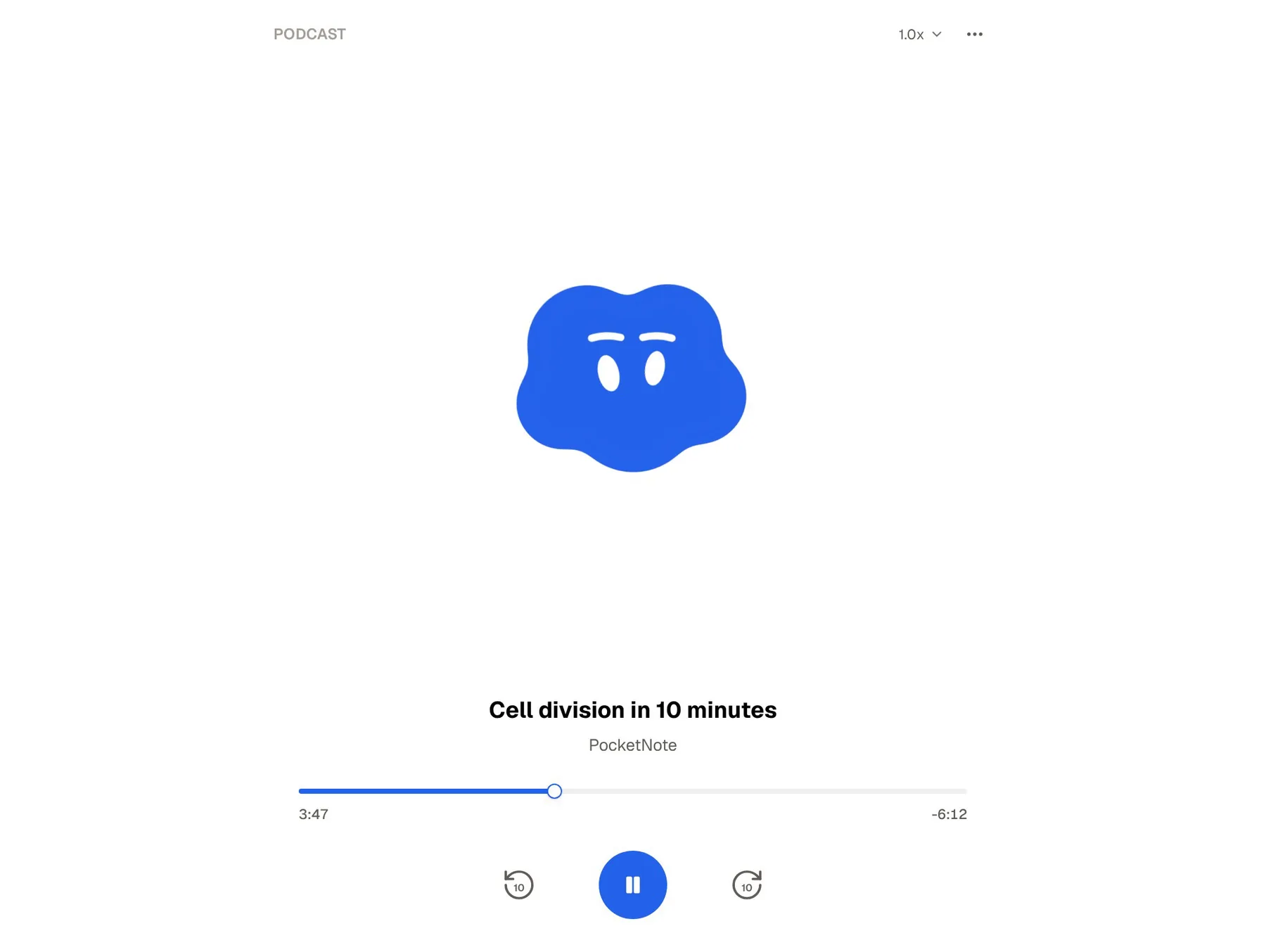
PocketNote also produces audio, but of a different kind. Its audio review is a podcast-style episode about your material, with captions that follow the voices, made alongside flashcards, quizzes and mind maps from the same sources. It talks through the material rather than reading every word.
Those two kinds of listening are easy to confuse, so this page puts them side by side. It covers what Speechify does, including its newer AI summaries, podcasts and quizzes, how that compares with studying in PocketNote, Speechify's prices as listed in November 2026, and where it is clearly the better choice.
At a glance
PocketNote vs Speechify
| Feature | PocketNote | Speechify |
|---|---|---|
| Core job | Turning material into study tools | Reading text aloud |
| Listening to a document | Podcast-style review about it | Word-for-word read-aloud with highlighting |
| Voices | Podcast voices; captions follow along | 1,000+ voices on Premium |
| Languages | Study material in 50+ languages | 60+ languages on Premium |
| Summaries | Notes and summaries from your sources | AI Summaries on Premium |
| Quizzes | Yes, every answer explained | AI Quiz, 5 to 20 questions |
| Flashcards with spaced repetition | Yes: Again / Hard / Good / Easy | Not advertised |
| Chat about your material | Poki, with citations to the source | AI chat and voice assistant |
| Lectures and meetings | Record a lecture: transcript, summary, notes | AI meeting note taker |
| Cloud drives | Google Drive, OneDrive, Dropbox | Google Drive, Dropbox, OneDrive on Premium |
| Apps | Web, iPhone, iPad | Web, iOS, Android, Mac, Windows, Chrome, Edge |
| Price | Free to start; see pocketnote.app | Free plan; Premium $139 a year |
Checked against each product's own website, November 2026. Plans and features change; confirm current details there.
What Speechify is for
Speechify's core product is reading aloud. It takes PDFs, documents, web pages and, with Scan & Listen, photos of printed pages, and turns the text into speech while highlighting the words on screen. Its site describes more than 1,000 natural-sounding voices in more than 60 languages, and you set the speed to match how fast you can follow.
That covers a real need. Text-to-speech is a long-standing support for students with dyslexia and other reading difficulties, and it helps anyone who concentrates better listening than reading, or who wants to get through a chapter on the bus. Hearing and seeing the words together can make a dense page easier to stay with.
Speechify is also everywhere you read. There are apps for iOS and Android, Mac and Windows, a web app, and extensions for Chrome and Edge that read web pages where you find them. Premium adds integrations with Google Drive, Dropbox and Microsoft OneDrive, so your course folders are a tap away.
Speechify's newer AI features
Speechify has added a layer of AI on top of the reader. Its pricing page lists AI Summaries and Chats, AI Podcasts and a Voice AI Assistant among the Premium features. You can ask questions by voice about what you are reading, have a page summarised, or generate a podcast from a document.
It also has AI Quiz. Speechify announced it in January 2025: from the AI icon in the toolbar you choose the whole document or specific pages, pick 5, 10, 15 or 20 questions, and it generates a quiz on the web app or the iOS app. Its homepage also mentions an AI meeting note taker that pulls key points and action items from calls.
These additions move Speechify closer to a study tool, and they are worth knowing about if you already pay for it. Its centre of gravity is still the reader, though. The quiz and summaries work on the document you are listening to, and the product does not advertise flashcards or spaced repetition.
Read-aloud and audio review are different jobs
A read-aloud is faithful. You hear every word in the order the author wrote it, nothing added or dropped, which is what you want for a set text, a legal case, a primary source or any reading where the exact wording matters. If your goal is to get through the assigned pages, Speechify is the right kind of audio.
PocketNote's audio review is a podcast-style episode about your material. It talks through the main ideas rather than reciting the text, with captions that follow the voices so you can read along. It is meant for review, not for replacing the reading: the second or third pass, the night before a test, the walk to an exam.
So the two are not rivals for the same half hour. A sensible order is to listen to the reading in full, then review the main ideas, then test yourself. Speechify covers the first step well; PocketNote covers the second and third.
The closest overlap is Speechify's own AI Podcasts, which generate an episode from a document or a short description. PocketNote's audio review differs in where it lives: it is made from the sources in your library, sits in the same place as the flashcards and quiz for that material, and counts toward your progress in the study plan. Rough rules of thumb:
- Use a read-aloud for set texts, primary sources, case law, poetry and anything you might quote.
- Use an audio review for a topic you have already read, a recap of a lecture, or the night before a quiz.
- Use neither on its own for exam preparation: follow the listening with flashcards or a quiz.
What happens after you have listened
Listening feels productive, but most of what you hear once fades unless you come back to it and try to recall it. Retrieval practice and spacing, testing yourself and repeating that over days, are among the better-supported ideas in learning research. That is the part PocketNote is built around.
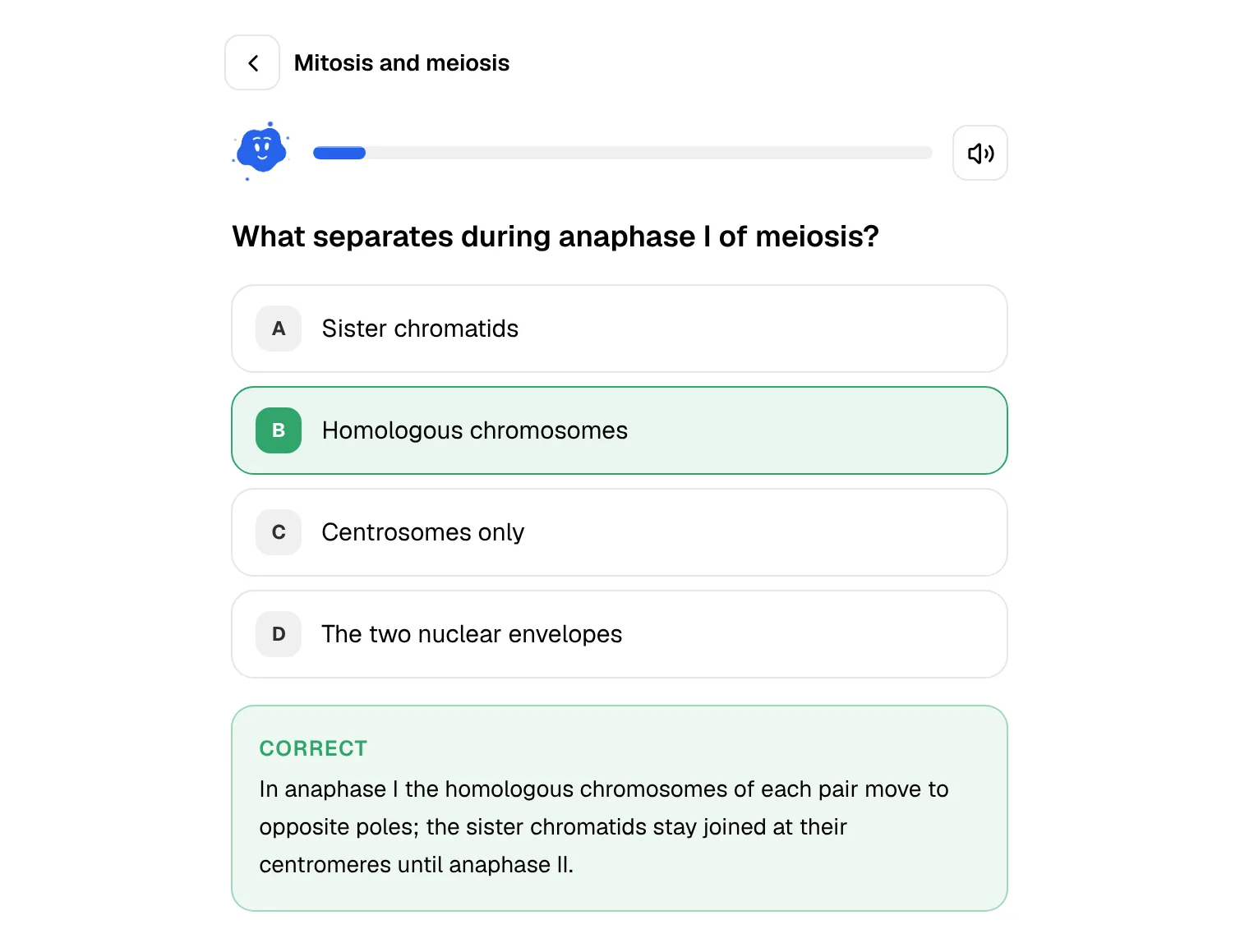
From the same PDF you listened to, PocketNote generates flashcards. You rate each one Again, Hard, Good or Easy, and the card comes back when you are about to forget it. Quizzes explain the right answer and why each wrong option is wrong, and Prof. Poki runs an oral exam that keeps asking until you can explain the idea yourself.
A study plan ties it together. Enter the exam date and PocketNote spreads the material across the days you have, reminds you, and tracks memory, applied and mastery scores, with progress for each tool. Speechify's AI Quiz is a useful check on a single document; PocketNote's tools are a system for a whole course.
Listening still has a place inside PocketNote. On paid plans, live voice lets you ask Poki a question out loud and hear the answer, and Prof. Poki's oral exam can be taken by voice, so revision can stay hands-free on a walk or in the kitchen, just as listening in Speechify can.
Asking questions about what you read
Both apps let you ask about your material. Speechify's AI chat and voice assistant work on what you are reading, which is handy when a paragraph does not make sense and you want it explained without leaving the page.
Poki, PocketNote's AI, answers across everything in your library: the PDF, the lecture recording, the slides and your own notes. Each answer carries citations to the source, so you can open the passage it relied on. On a PDF it can look at the page as you see it, including your highlights and handwriting, and highlight, underline or circle passages when you ask, for example the key definitions on page 3. You can undo its marks in one tap.
Poki is strongest on your own material rather than the open web, which is the point for revision: the answer matches what your course says, and you can check it.

What Speechify costs
Speechify's pricing page lists Premium at $29 a month, or $139 a year billed annually, at the time of writing (November 2026). The free plan offers 10 voices, which the page describes as robotic-sounding, listening at up to 1.5x speed and text-to-speech features only. Premium adds the natural voices, more languages, higher speeds, Scan & Listen, the AI features and the cloud-drive integrations.
The pricing page does not list a student price, so check Speechify's own site for any current student offer rather than relying on a coupon page.
PocketNote has a free plan and two paid ones: Basic, with live voice, premium models and connectors, and Plus, with unlimited notebooks and apps, the longest podcasts and every model. See pocketnote.app for current prices.
Where Speechify is the stronger choice
Pick Speechify if you need text read to you exactly. For accessibility, for long set readings, for primary sources and for anything where every word counts, a faithful read-aloud with word highlighting is the right tool, and it is what Speechify does best.
Pick Speechify if you read from many places: printed books via Scan & Listen, web pages through the Chrome and Edge extensions, documents on Android, Mac or Windows. Its choice of voices and speeds lets you tune listening until it is comfortable for long sessions.
Speechify also includes voice typing, which helps with drafting essays as well as reading them. And pick Speechify if your main problem is getting through the reading at all. A study app assumes you have done the reading and helps you remember it. If the reading is where you are stuck, start there.
Using Speechify and PocketNote on the same reading
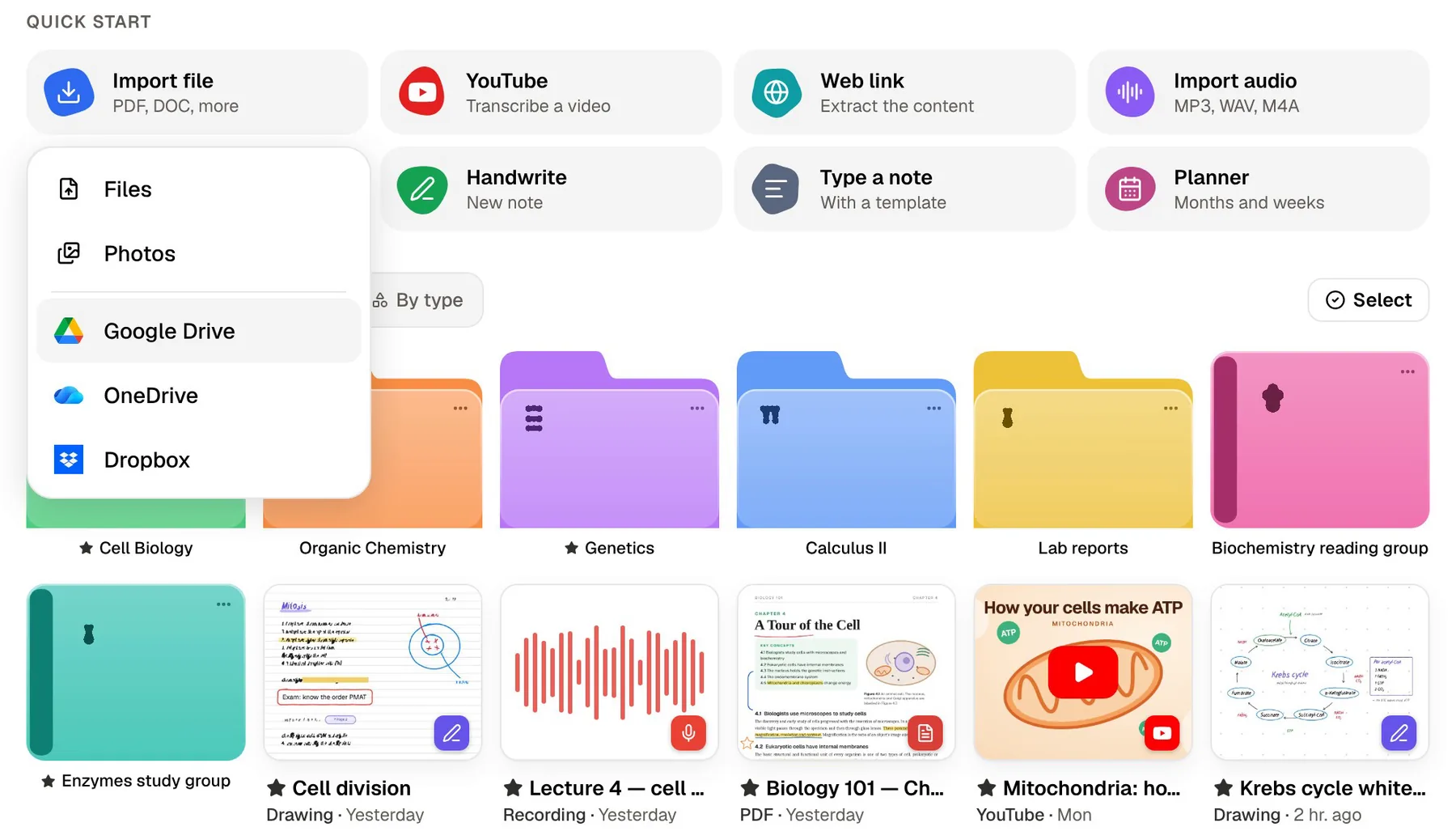
Because both connect to Google Drive, Dropbox and OneDrive, the same course folder can feed both apps. Listen to the week's chapter in Speechify on the way in. Later, import the same PDF into PocketNote and generate flashcards, a quiz and a short audio review.
Add the lecture recording and slides to the same folder, and PocketNote's tools draw on all of it, so a question about a concept pulls from the reading and the lecture together. The study plan then decides what to review each day until the exam.
That split plays to each app's strength. Speechify gets the words in front of you, or into your ears. PocketNote is where you practise recalling them before the exam.
The verdict
Which one should you pick?
Pick PocketNote if…
- Pick PocketNote if you have done the reading and need to remember it: flashcards with spaced repetition, explained quizzes and an oral exam.
- You want a podcast-style audio review of a topic, with captions, for revision on the move.
- You want an AI that answers across your readings, lectures and notes with citations.
- You want a study plan that works back from your exam date.
Pick Speechify if…
- Pick Speechify if you need your text read aloud word for word, with highlighting, at a speed you choose.
- Reading itself is the hard part, for accessibility reasons or volume, and listening helps you get through it.
- You read across many devices and sources, including printed pages, Android, Windows and browser extensions.
Try it yourself
See it with your own notes
PocketNote runs on the web, iPhone and iPad and is built around studying from your own sources. Upload PDFs and Word files, record a lecture, or paste a YouTube or web link, and Poki answers from that material with citations. The same sources become flashcards with spaced repetition, quizzes with explanations, oral exams, mind maps and podcast-style audio reviews with captions.
It costs nothing to start, and files you upload are not used to train public AI models. It works well after a read-aloud tool: listen in Speechify, then study in PocketNote.
Frequently asked questions
Sources
Keep reading