
Free tools
Study tools that work without an account
Make flashcards, quizzes and study guides from your notes, chat with a PDF or summarize a lecture. Draft an essay, reword a paragraph, check your grammar, cite a source or solve a math problem from a photo. Plan reviews, work out grades, merge, split and compress PDFs. The AI tools give you 5 free runs a day; the rest run on your device.
AI study tools
Turn notes, PDFs and videos into things you can study. 5 free runs a day, no account.
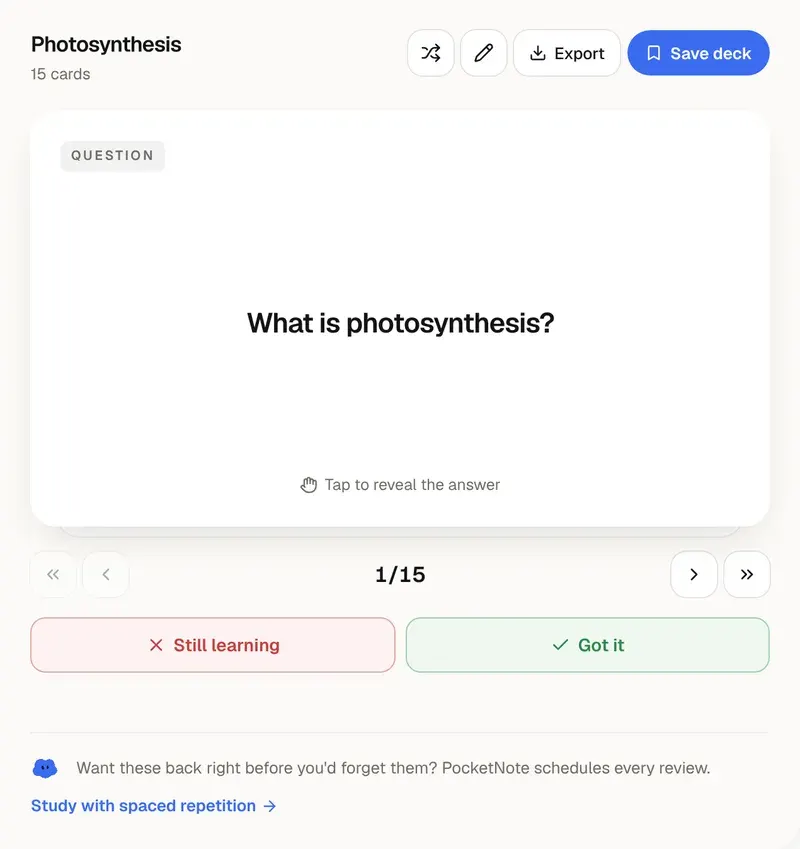
AI Flashcard Maker
Notes or PDF in, a deck of flashcards out.
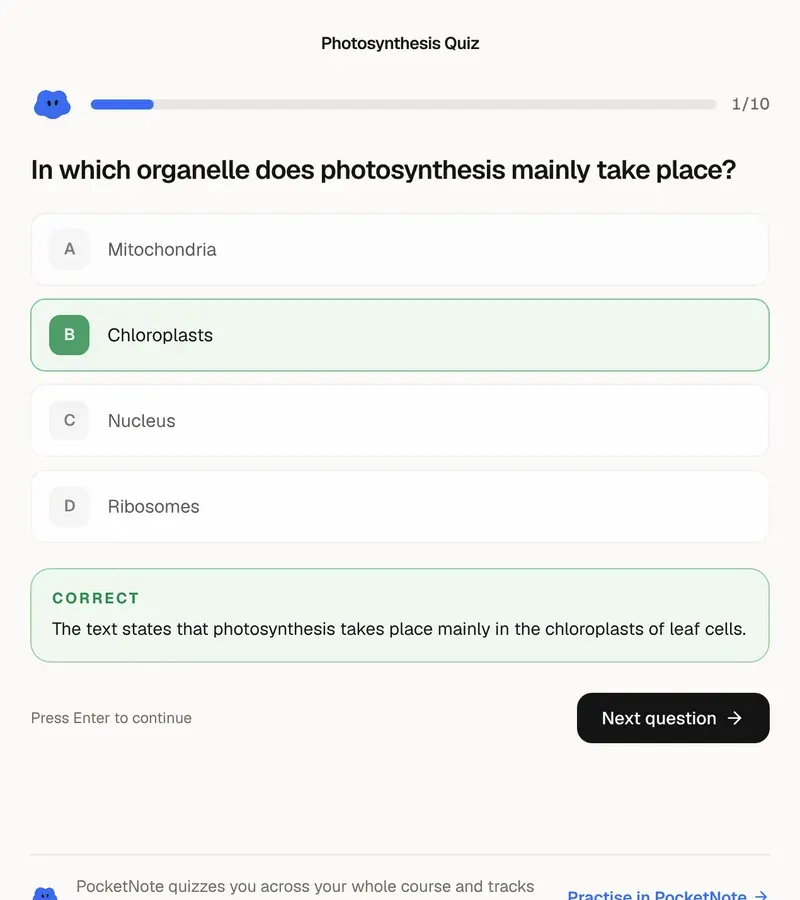
AI Quiz Generator
Practice questions from your own material, with answers explained.
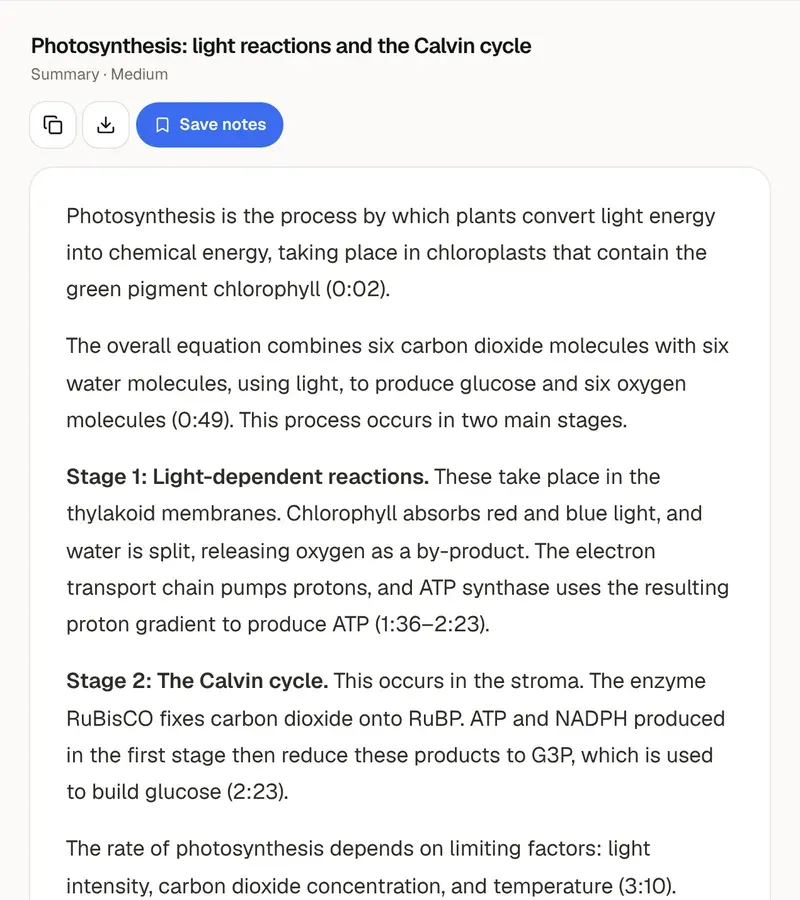
YouTube Video Summarizer
A lecture's key points in a minute, with timestamps.
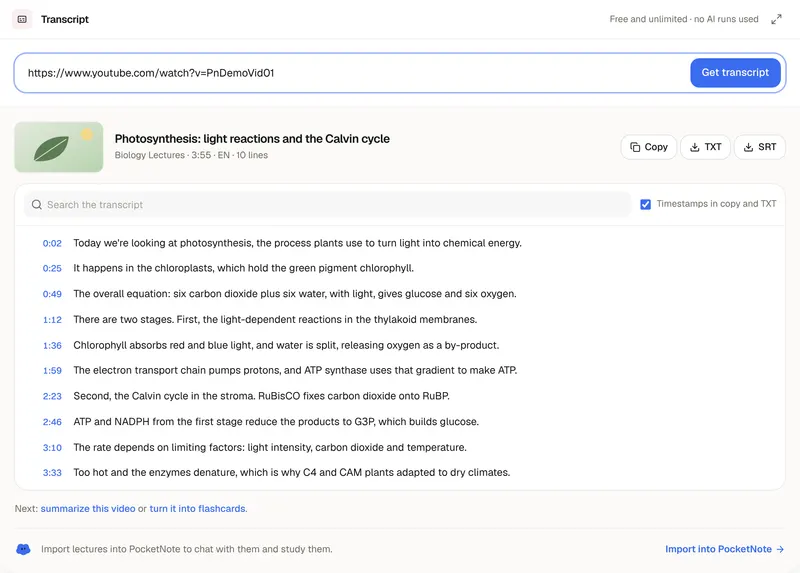
YouTube Transcript Generator
The full transcript of a video, ready to copy or download.
PDF Summarizer
Upload a PDF, get a summary or study notes.
AI Text Summarizer
Text, a file or an article link in, a summary out.
Chat With PDF
Ask a PDF questions and get answers with page numbers.
AI Mind Map Generator
See how the ideas in your notes connect.
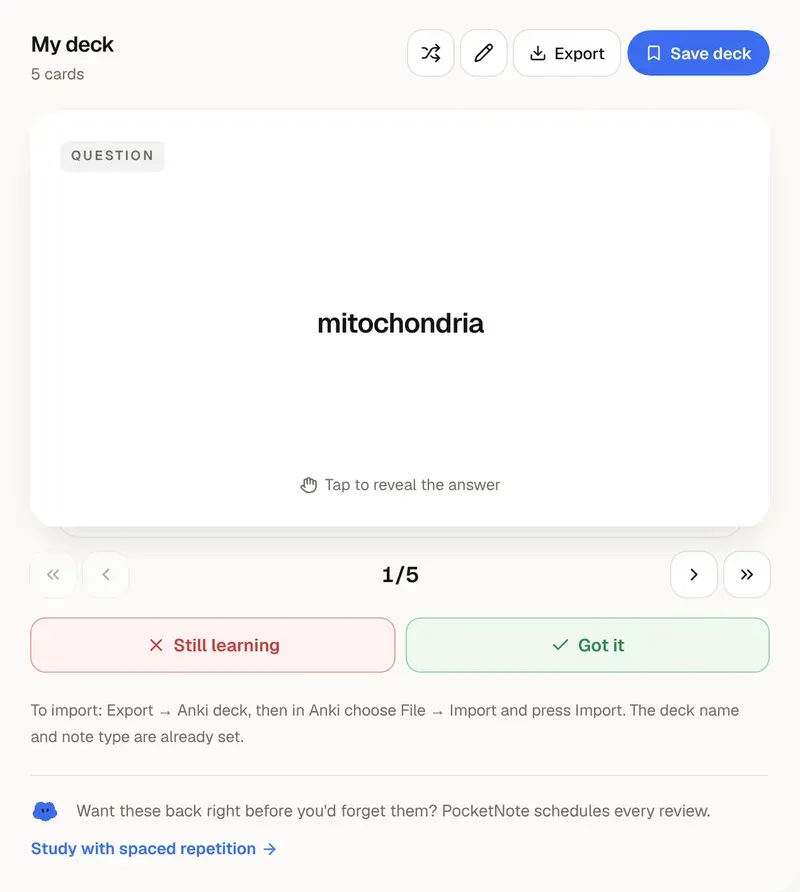
Anki Deck Generator
AI or your own lists, exported as an Anki import file.
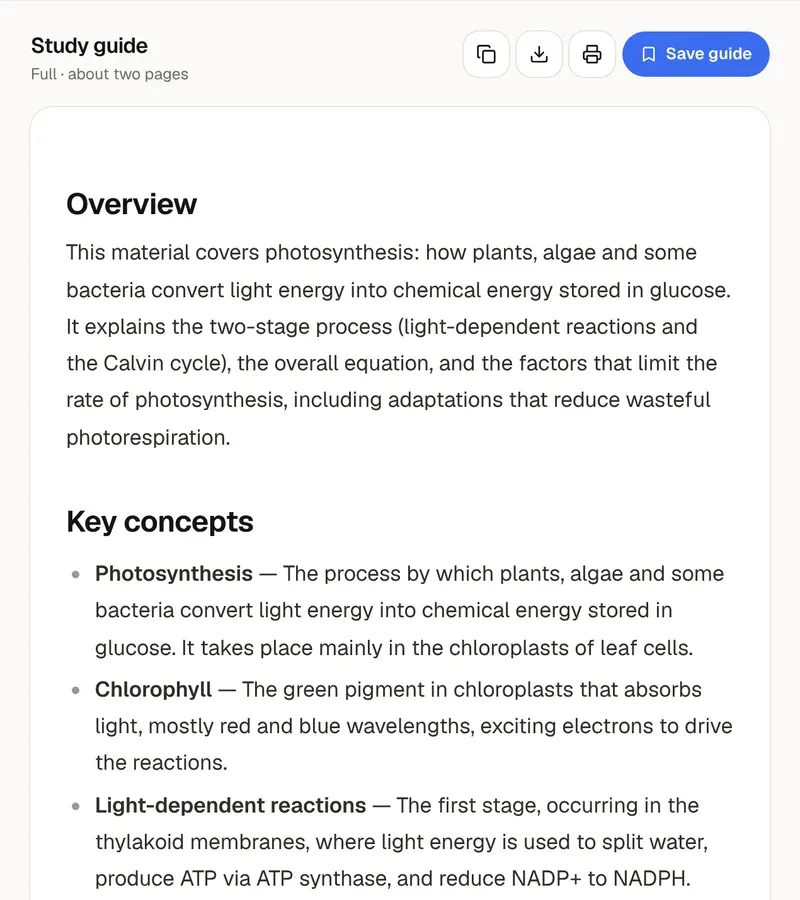
AI Study Guide Maker
Notes in, an exam study guide with practice questions out.
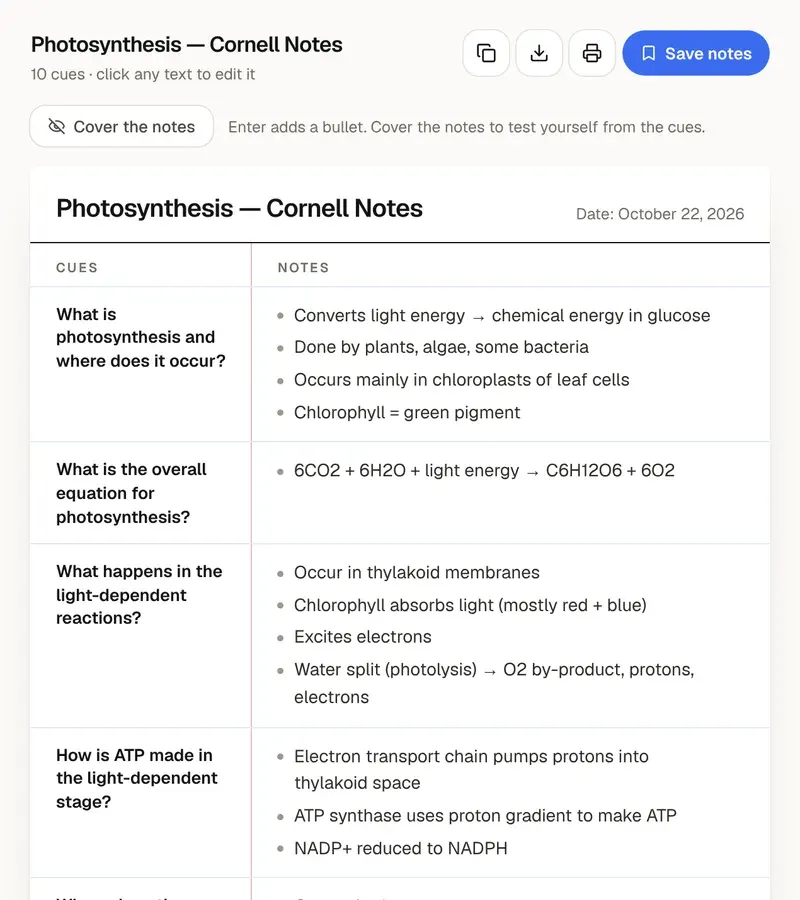
Cornell Notes Generator
Cues, notes and a summary on one printable page.
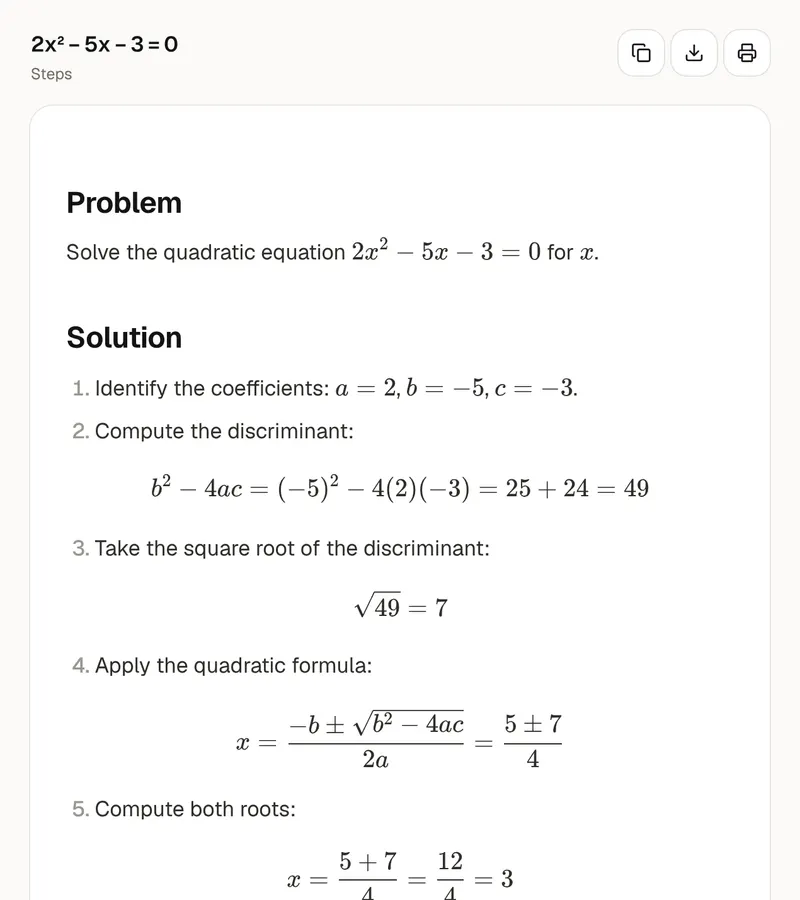
AI Math Solver
Type or photograph a problem, get the steps and the answer.
AI writing tools
Draft, reword, check and cite your writing. 5 free runs a day, no account; the citation generator has no limits.
AI Essay Writer
A topic in, a structured first draft out.
Essay Outline Generator
A topic in, a paragraph-by-paragraph plan out.
Thesis Statement Generator
Four thesis statements for your topic, each with its points.
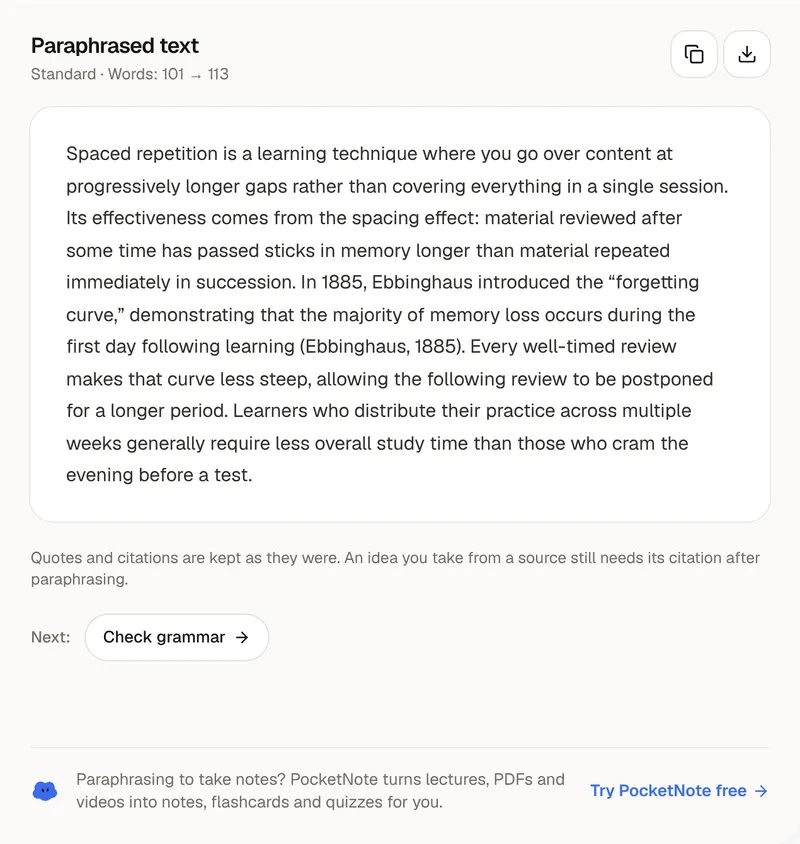
Paraphrasing Tool
The same meaning in different words, in seven modes.
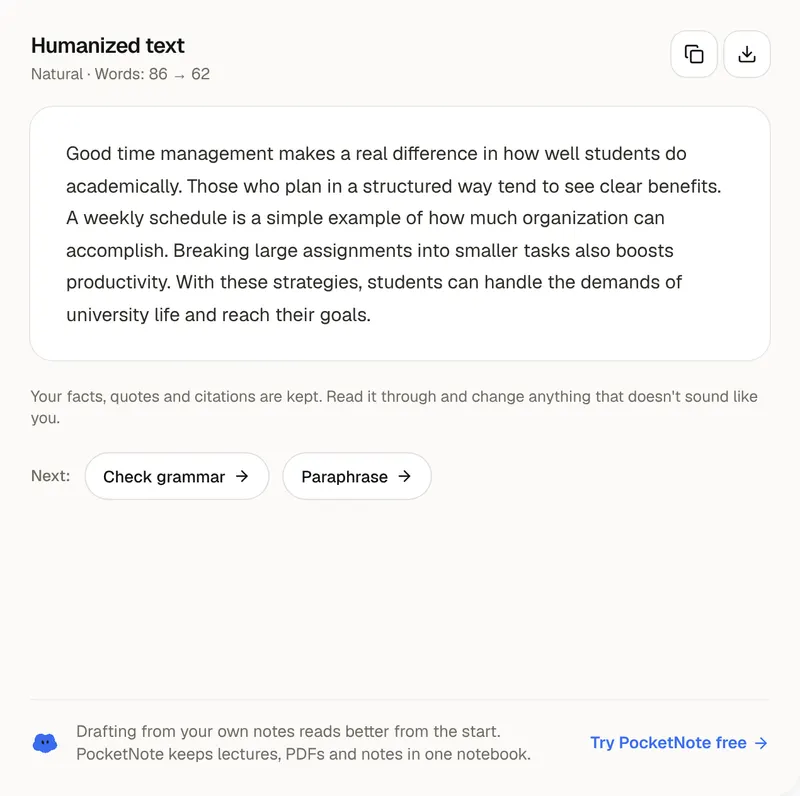
AI Humanizer
Stiff, machine-sounding text in, natural writing out.
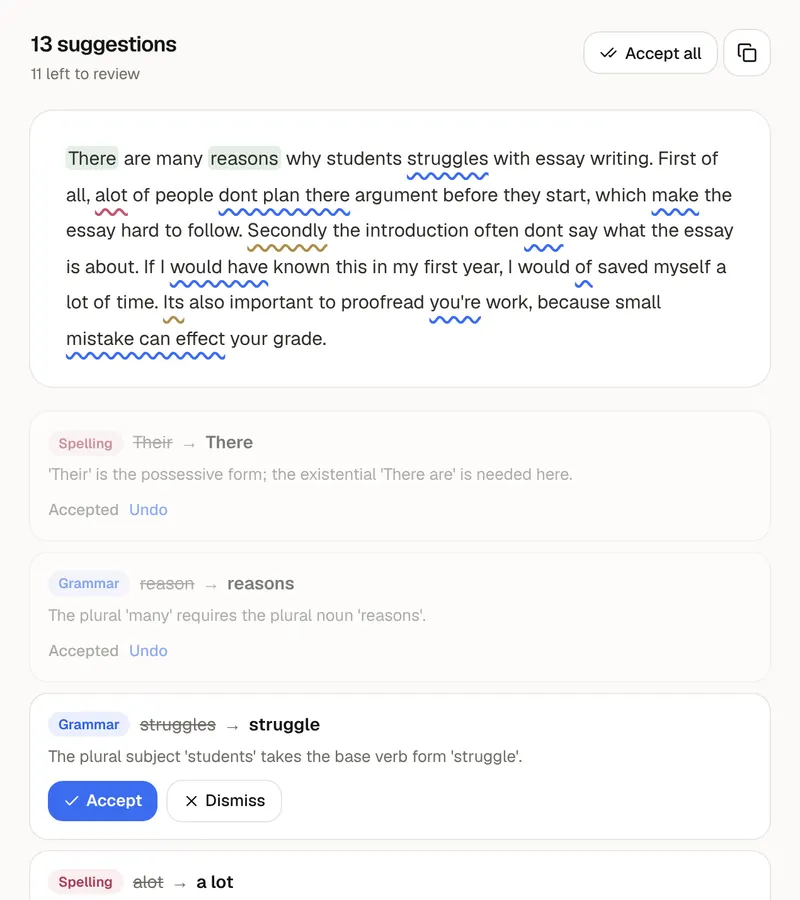
Grammar Checker
Every mistake underlined, with the fix and the reason.
Notes & writing
Write, sketch and count words in the browser. Saved on your device, nothing to install.
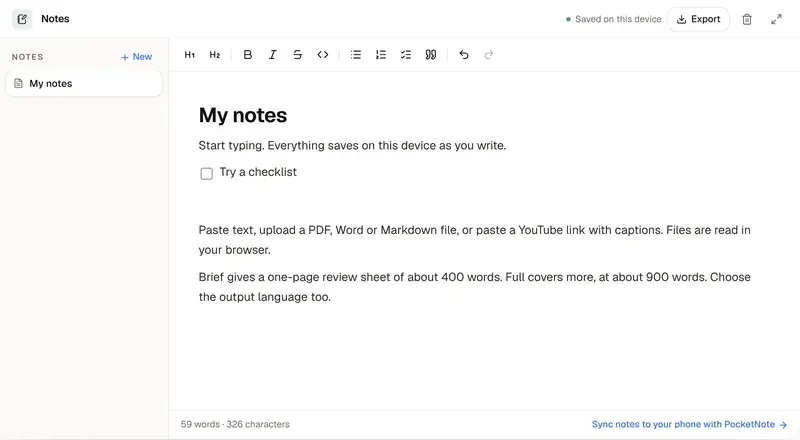
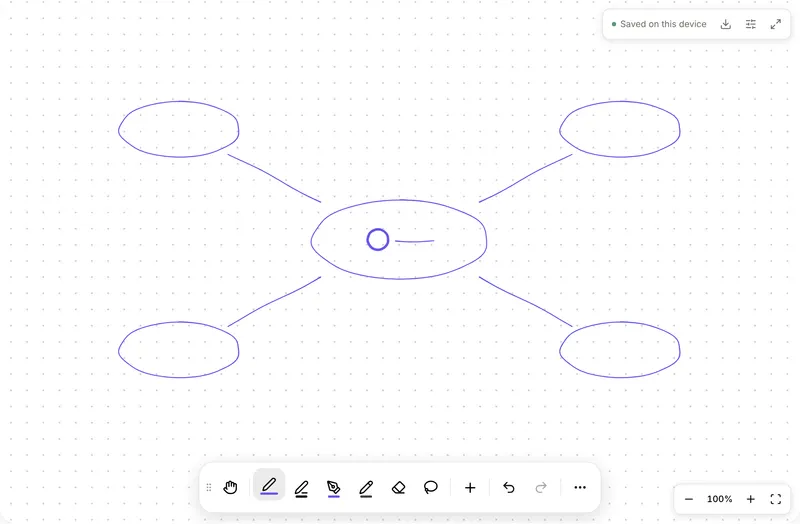
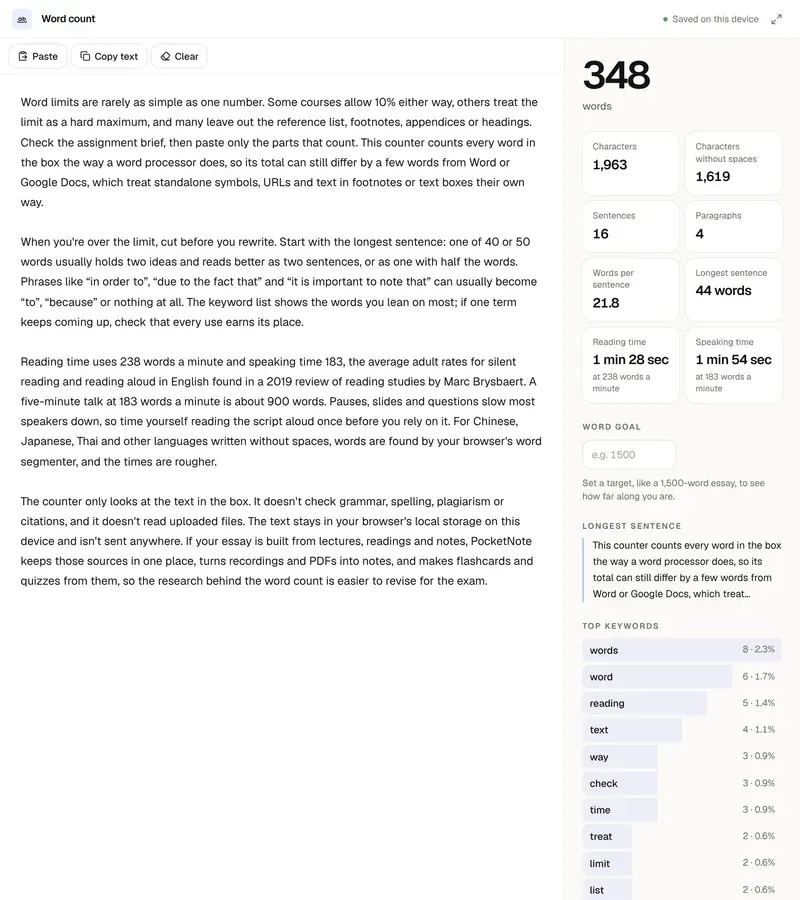
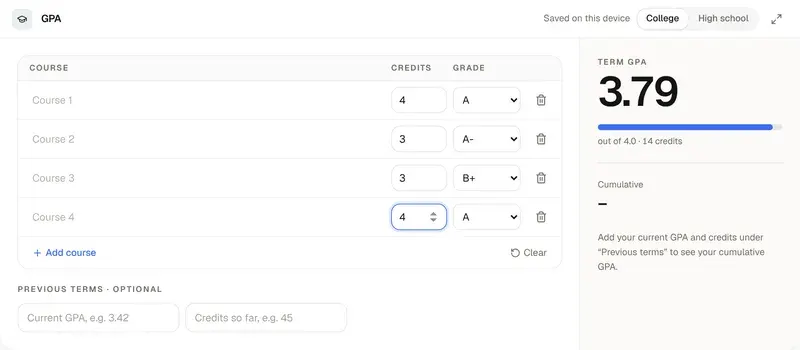
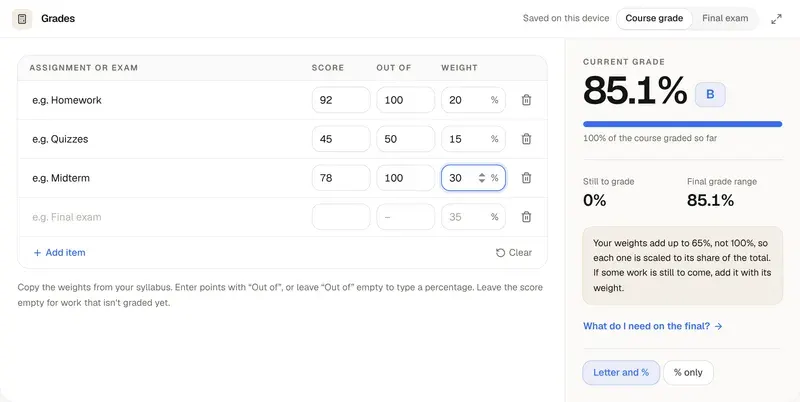
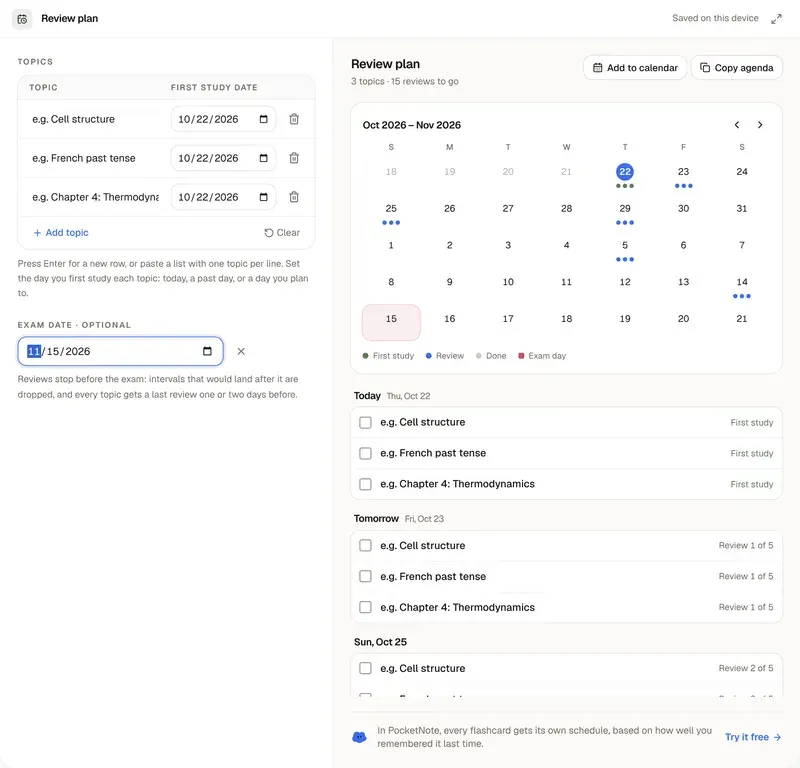
Planning & grades
Timers and calculators for the parts of studying that aren't reading.
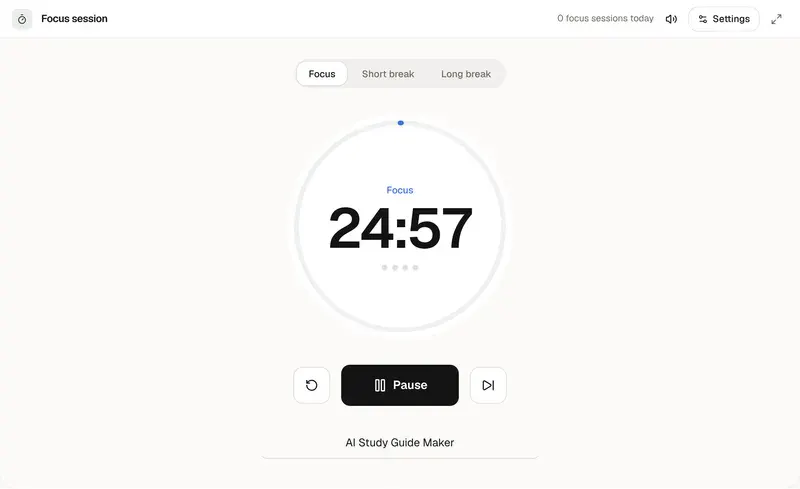
More free tools
No account needed · Free, no limits · Nothing is uploaded
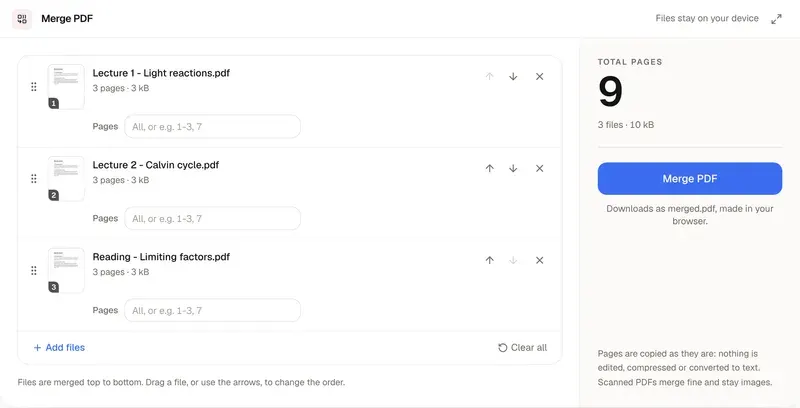
Merge PDF
Combine PDFs and images into one file, right in your browser.
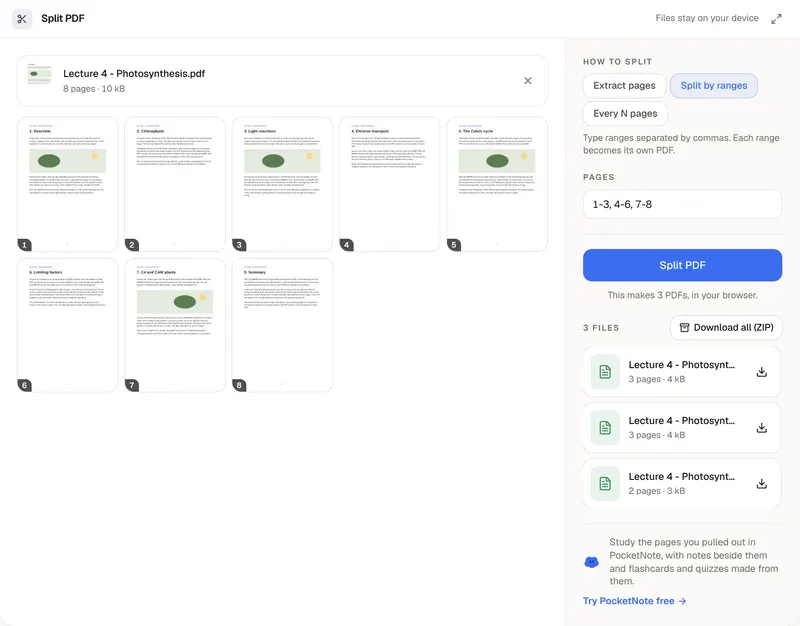
Split PDF
Pull out the pages you need, or cut one PDF into several.
Compress PDF
Make a PDF small enough to upload, without uploading it.
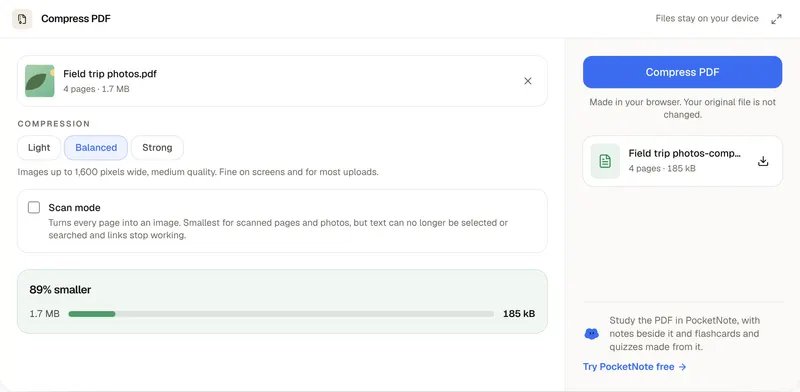
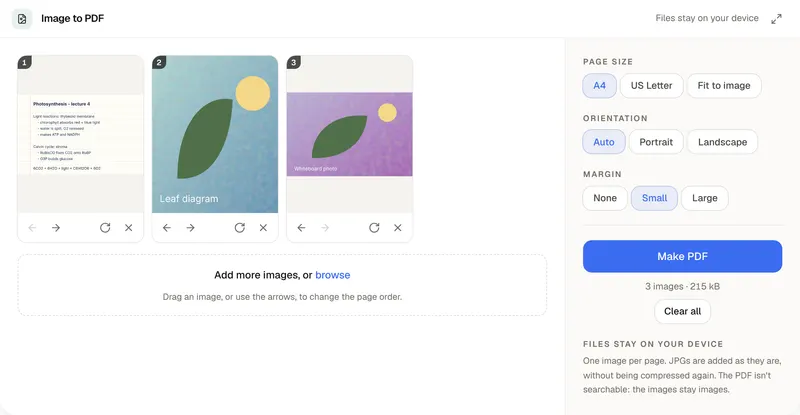
Image to PDF Converter
Photos and scans in, one tidy PDF out.
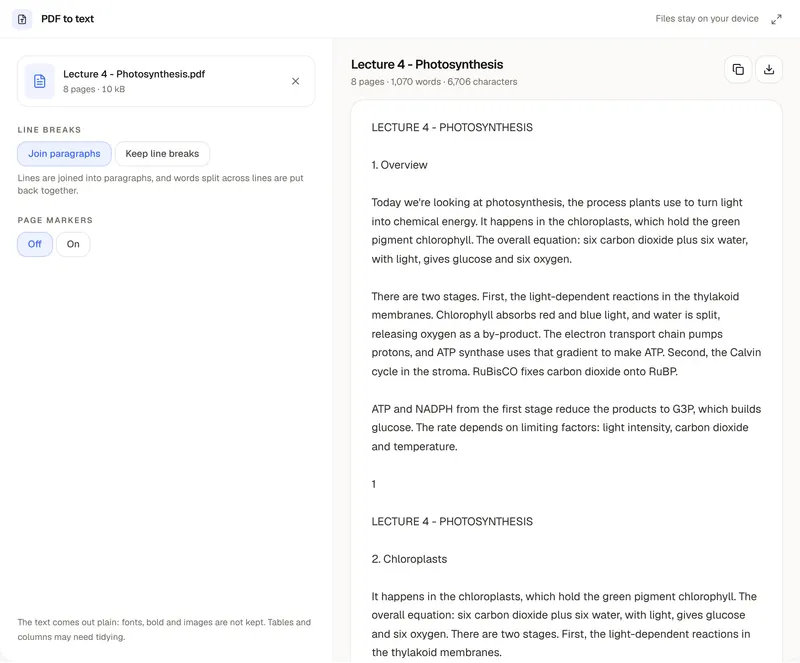
PDF to Text Converter
The words out of a PDF, ready to copy or download.
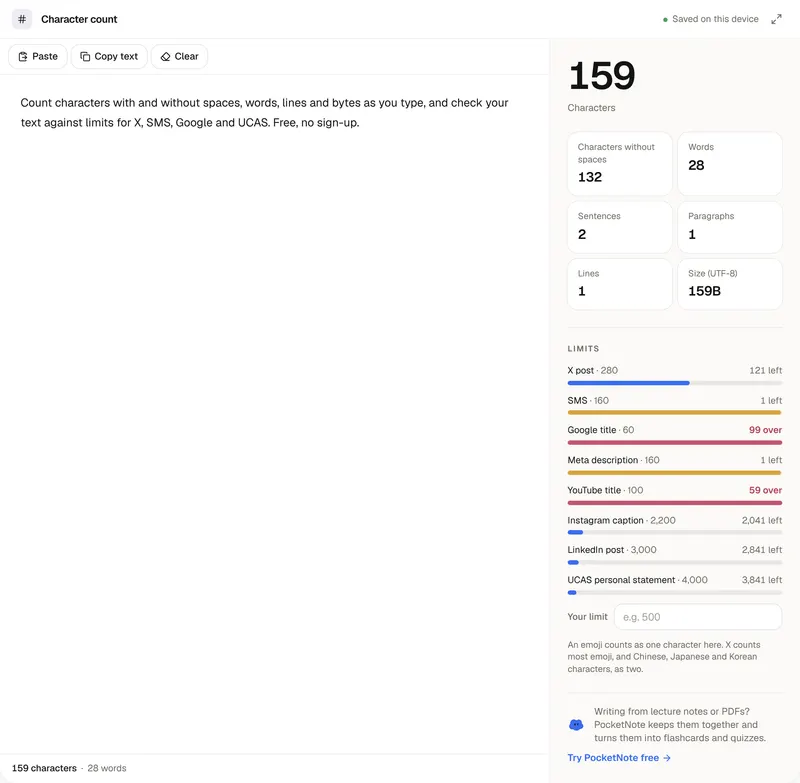
Character Counter
Characters, with and without spaces, against any limit.
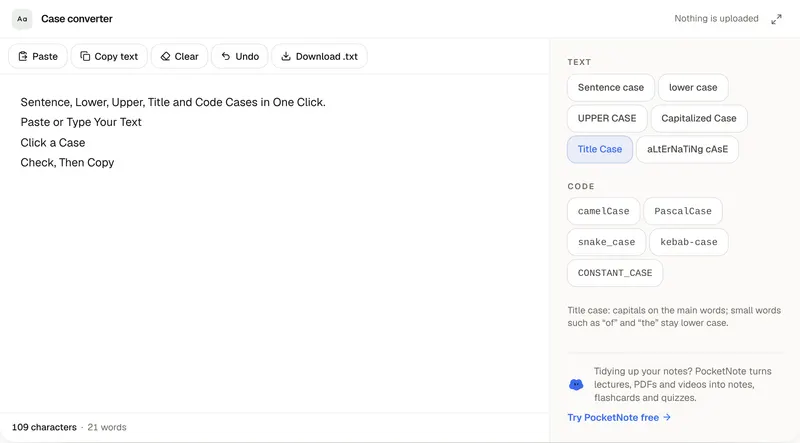
Case Converter
Sentence, lower, UPPER, Title and code cases in one click.
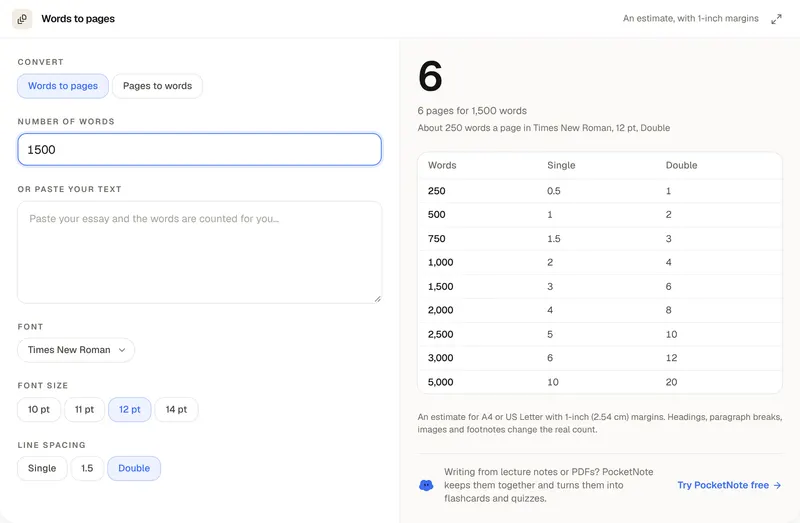
Words to Pages Converter
How many pages your word count comes to, and back.
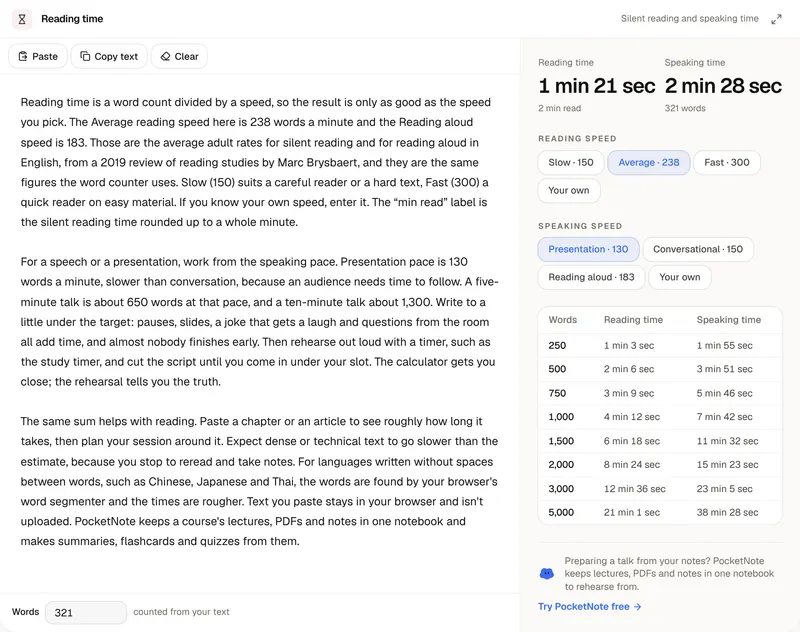
Reading Time Calculator
How long your words take to read or to say out loud.
Why they're free
Small versions of what PocketNote does
Each AI tool is one step of PocketNote on its own: one file in, one deck, quiz, summary or map out, or one piece of writing drafted, reworded or checked. Files are read in your browser and only their text is sent to the AI; a photo you add to the math solver or the image reader is sent to be read and isn't stored. Your text isn't saved to an account or a database.
PocketNote puts those steps together. Your whole course lives in one notebook, flashcards come back on a spaced-repetition schedule, and you can chat across every source at once or practise an oral exam out loud.
When one file isn't enough
Bring the whole course into one notebook. Free to start, no credit card.