
YouTube Video Summarizer
Paste a YouTube link and get a summary, key points or study notes, with timestamps so you can jump to the part that matters. Works with any video that has captions.
- No account needed
- 5 free AI runs a day
- Files stay in your browser
How it works
- 01
Paste the link
Copy the video's URL from YouTube and press Get transcript. Lectures, tutorials and talks all work if they have captions.
- 02
Choose the format
A summary, key points, or study notes with headings. Set the length and the language you want it in.
- 03
Read, then jump in
Points come with timestamps like (12:40), so you can rewatch only the parts you need.
Studying from video
An hour of lecture, five minutes to review
Video is a slow way to review. You can't skim it, and finding one explanation means scrubbing back and forth. A summary with timestamps fixes both: read the outline first, then watch only the sections you didn't follow.
The summary comes from the video's captions. Videos with captions written by the creator give the best results; auto-generated captions work too but can mangle names and technical terms, so check those against the video. Videos without any captions can't be summarized.
Choose study notes for a course lecture you'll be tested on, then make flashcards or a quiz from the same video with the other free tools. Choose key points for talks and tutorials you only need the gist of.
Want more than the free tool? See how this works inside PocketNote
FAQ
Questions, answered
More free tools
AI study tools
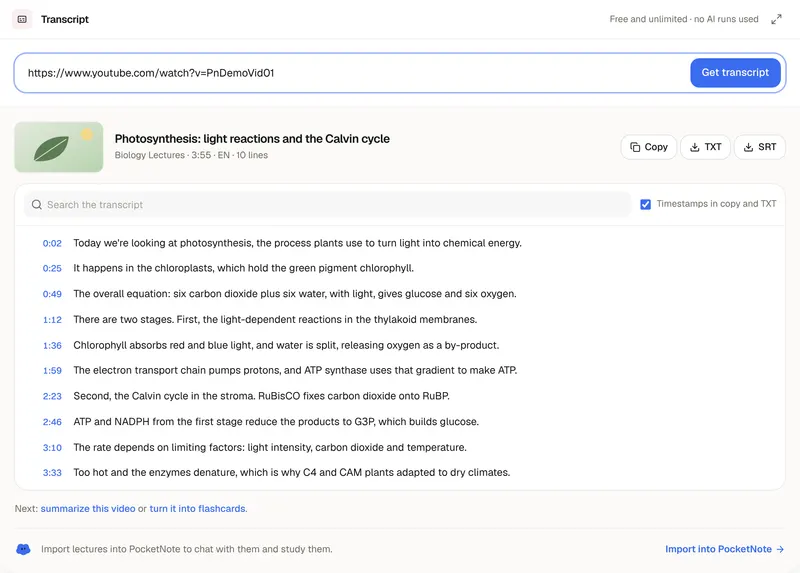
YouTube Transcript Generator
The full transcript of a video, ready to copy or download.
AI study tools
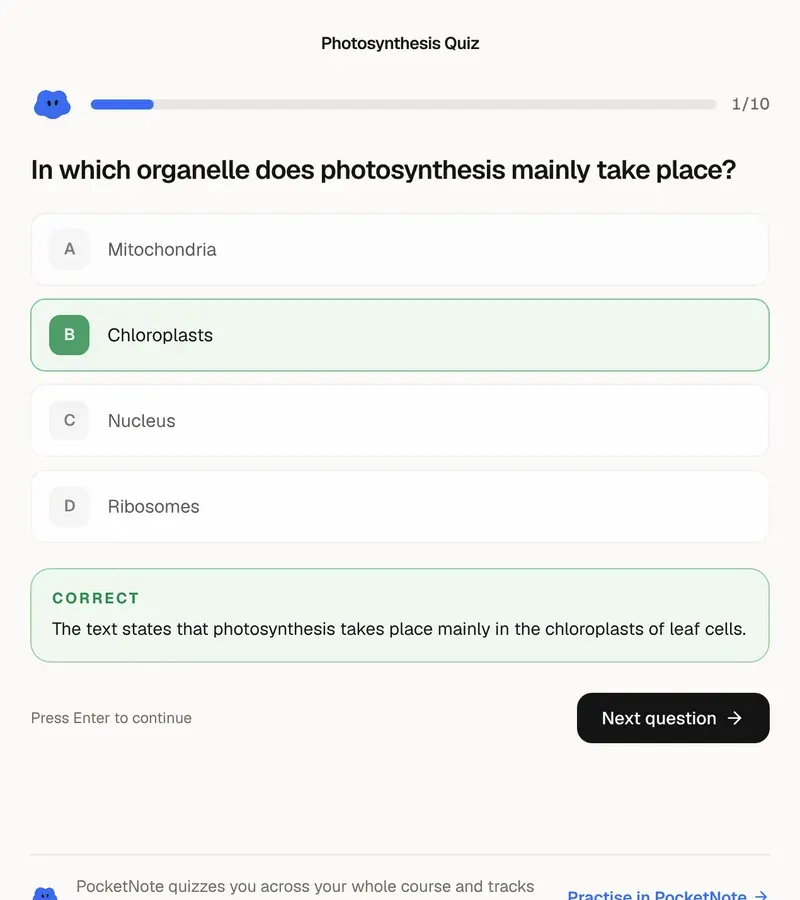
AI Quiz Generator
Practice questions from your own material, with answers explained.
AI study tools
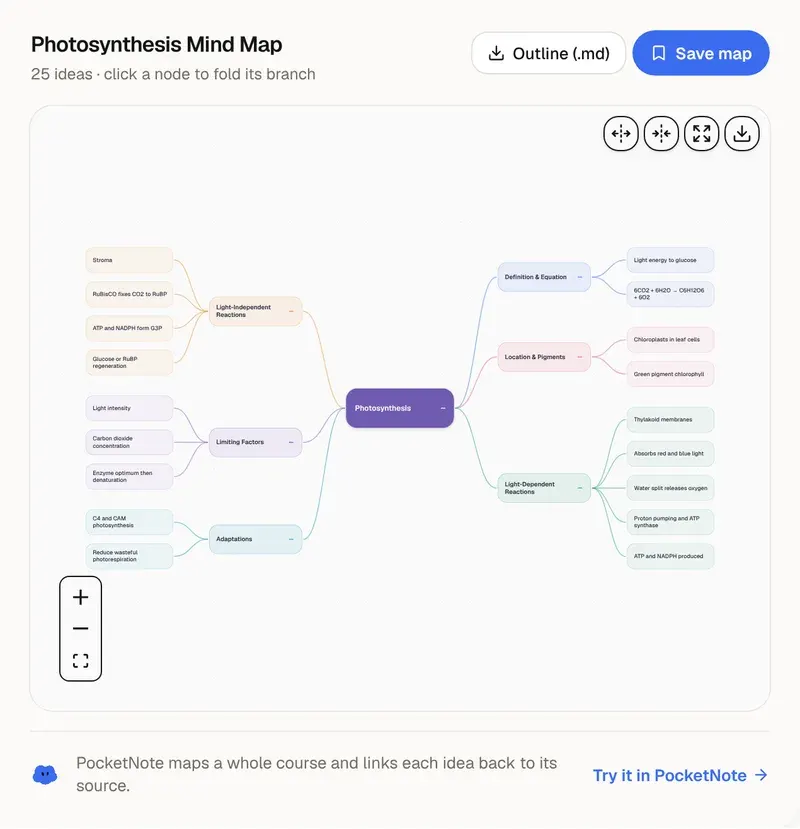
AI Mind Map Generator
See how the ideas in your notes connect.
Lectures in, study material out
Import YouTube lectures into PocketNote and chat with them, quiz yourself, and review with flashcards.