
YouTube Transcript Generator
Paste a YouTube link to get the video's full transcript. Search it, click a timestamp to jump to that moment, and copy it or download it as TXT or SRT. Free and unlimited.
- No account needed
- Free, no limits
- Saved on your device
How it works
- 01
Paste the link
Any youtube.com, youtu.be or Shorts link works, as long as the video has captions.
- 02
Read and search
The transcript appears line by line with timestamps. Search for a term to find every place it's mentioned.
- 03
Copy or download
Copy it with or without timestamps, or download a TXT file or an SRT subtitle file.
Using transcripts
Search a lecture like a document
A transcript turns a video into text you can search, quote and annotate. For lectures, that means you can find the one explanation you need without scrubbing through an hour of video, and paste the exact wording into your notes.
The transcript comes from the video's captions. When the creator uploaded their own, the tool uses those in the spoken language; otherwise it uses YouTube's auto-generated captions, which are usually good but can get names, numbers and technical terms wrong. Auto-generated captions also have no punctuation in some languages.
SRT is the standard subtitle format, with a start and end time for each line. Use it to add subtitles in a video editor or to translate them. TXT is for reading and notes.
Want more than the free tool? See how this works inside PocketNote
FAQ
Questions, answered
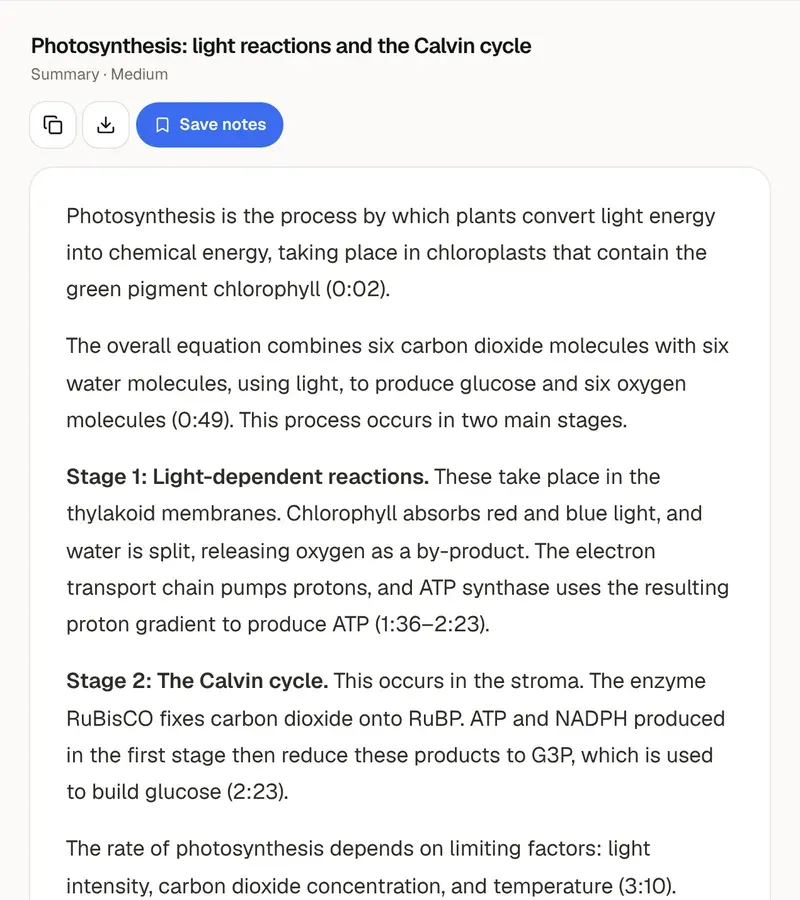
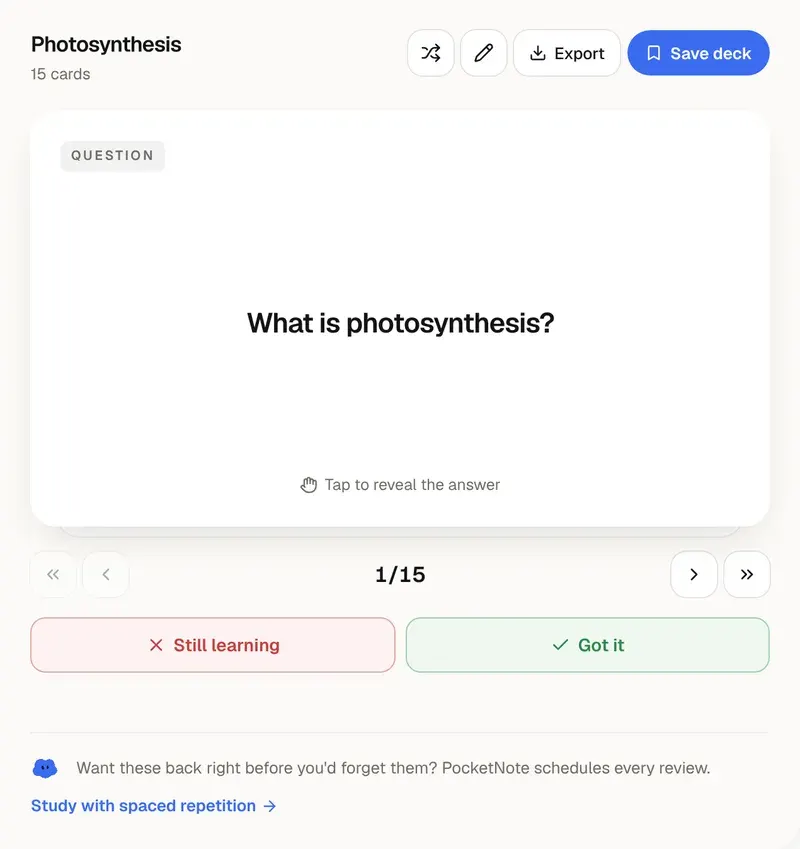
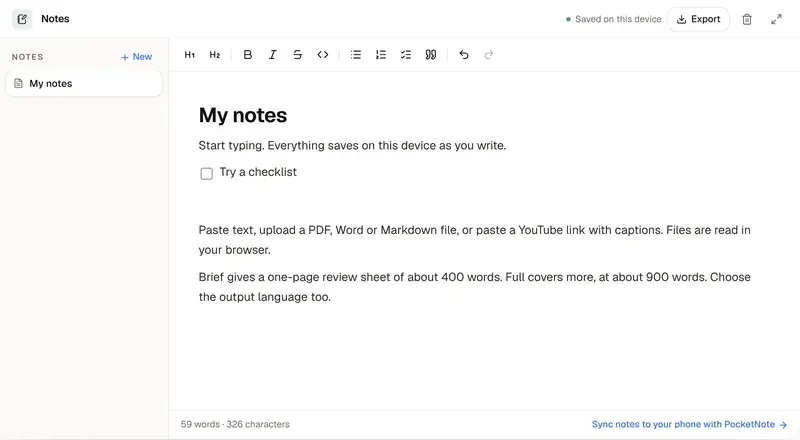
Keep reading
Go deeper into the science
Every lecture, searchable
PocketNote imports YouTube lectures with their transcripts, then lets you chat with them and study them.