
AI Flashcard Maker
Paste your notes, upload a PDF or Word file, or drop in a YouTube lecture. The AI picks out what's worth remembering and writes the cards. Flip through them here, edit them, and export to Anki, CSV or Quizlet.
- No account needed
- 5 free AI runs a day
- Files stay in your browser
How it works
- 01
Add your material
Paste text, upload a PDF, Word or Markdown file, or paste a YouTube link. Files are read in your browser.
- 02
Choose the cards
Pick how many cards, the style (question and answer, term and definition, or fill in the blank) and the language.
- 03
Study or export
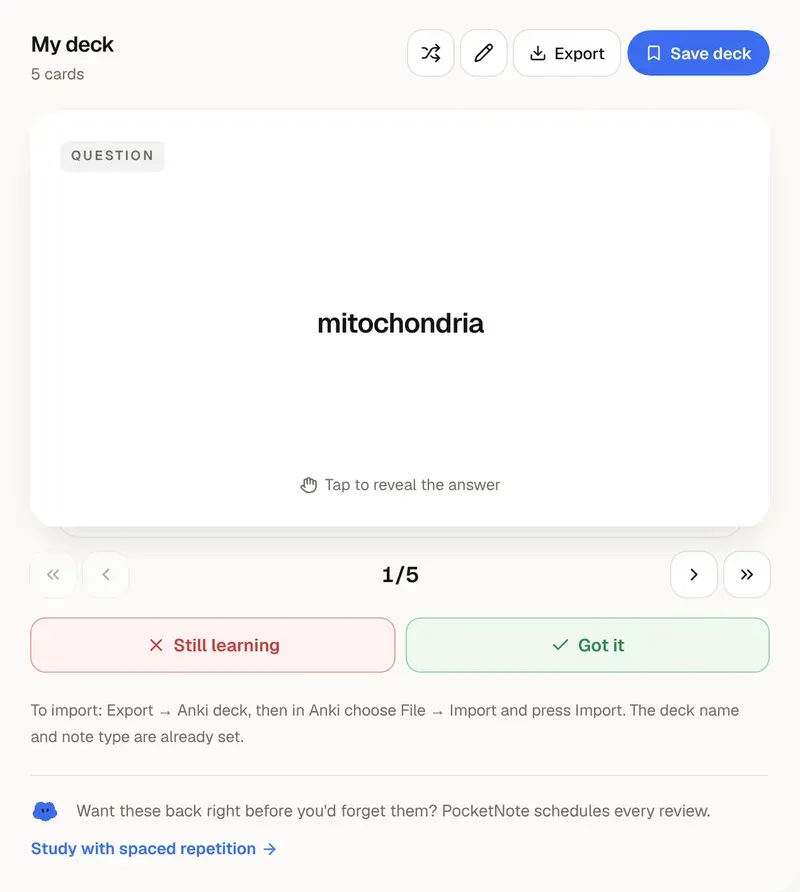
Flip through the deck, fix any card in the list view, then download it for Anki, as CSV, or copy it into Quizlet.
Making good cards
Flashcards work when you have to recall
A flashcard is a small test. Seeing the question and pulling the answer out of memory, before you flip, is what makes it stick. Researchers call this retrieval practice, and it beats rereading for long-term memory in study after study. Writing the cards by hand is useful too, but it takes most of an evening. This tool does the first draft in seconds so your time goes into the recall.
The AI writes one idea per card and spreads the cards across the whole text, not just the first page. Use question-and-answer cards for concepts and processes, term-and-definition cards for vocabulary and anatomy, and fill-in-the-blank cards for key facts and formulas.
Read the deck once before you study it. Delete cards you already know, and rewrite any card whose answer you could guess from the question. A smaller deck you trust is better than a big one you skim.
The free tool makes decks of up to 15 cards from up to about 40,000 characters (around 15 pages). Inside PocketNote, decks come from everything in a course notebook, and each card is scheduled with spaced repetition: it comes back just before you would forget it.
Want more than the free tool? See how this works inside PocketNote
FAQ
Questions, answered
Turn a whole course into decks
Upload every lecture, and PocketNote writes and schedules the cards for you.