
Anki Deck Generator
Make Anki cards with AI from your notes, a PDF or a lecture video, or convert a list you already have. Download one file and import it into Anki with the deck and note type already set.
- No account needed
- 5 free AI runs a day
- Files stay in your browser
How it works
- 01
Pick a method
Generate cards with AI from your material, or convert your own “term - definition” list. Converting needs no AI and has no limit.
- 02
Check the deck
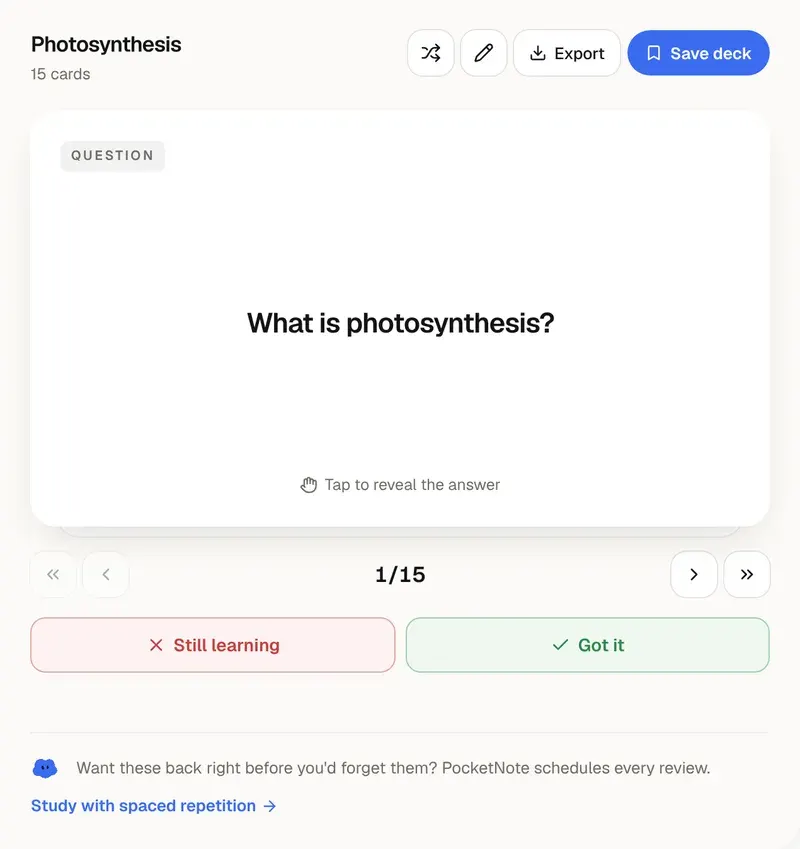
Flip through the cards, edit or delete any of them, and add your own in the list view.
- 03
Import into Anki
Download the .txt file, then in Anki use File → Import and press Import. Then sync to get the deck on your phone.
About the file
One file, no setup in Anki
The download is a plain-text file in Anki's own import format. Header lines at the top tell Anki to use tabs as separators, to put the cards in a deck named after your topic, and to use the Basic note type with Front and Back fields. Anki 2.1.55 and later read those headers, so importing is a single click.
Line breaks inside a card are kept as HTML, so a multi-line answer stays multi-line in Anki. Import on desktop, then sync, and the deck appears in AnkiWeb and on your phone.
Anki is excellent at scheduling. Its weak point is getting good cards into it. AI drafts are a fast start, but they are drafts: delete what you already know, and split any card that asks for more than one thing. Cards that test a single fact are easier to grade honestly.
Prefer not to manage Anki at all? PocketNote builds decks from your uploads and runs the spaced-repetition schedule for you on the web and on iPhone.
Want more than the free tool? See how this works inside PocketNote
FAQ
Questions, answered
Spaced repetition, without the setup
PocketNote writes the cards from your course and schedules every review.