
PDF Summarizer
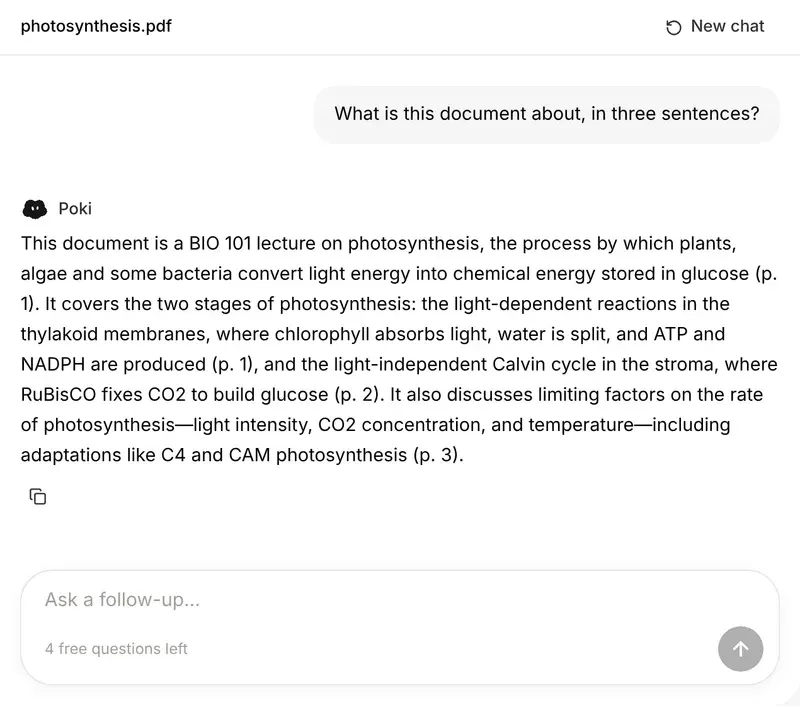
Upload a PDF (or a Word file) and get a short summary, the key points, or structured study notes. The file is read in your browser; only its text goes to the AI.
- No account needed
- 5 free AI runs a day
- Files stay in your browser
How it works
- 01
Upload the PDF
Drop in a PDF, Word or Markdown file, or paste text. The free tool reads up to about 60 pages.
- 02
Pick a format
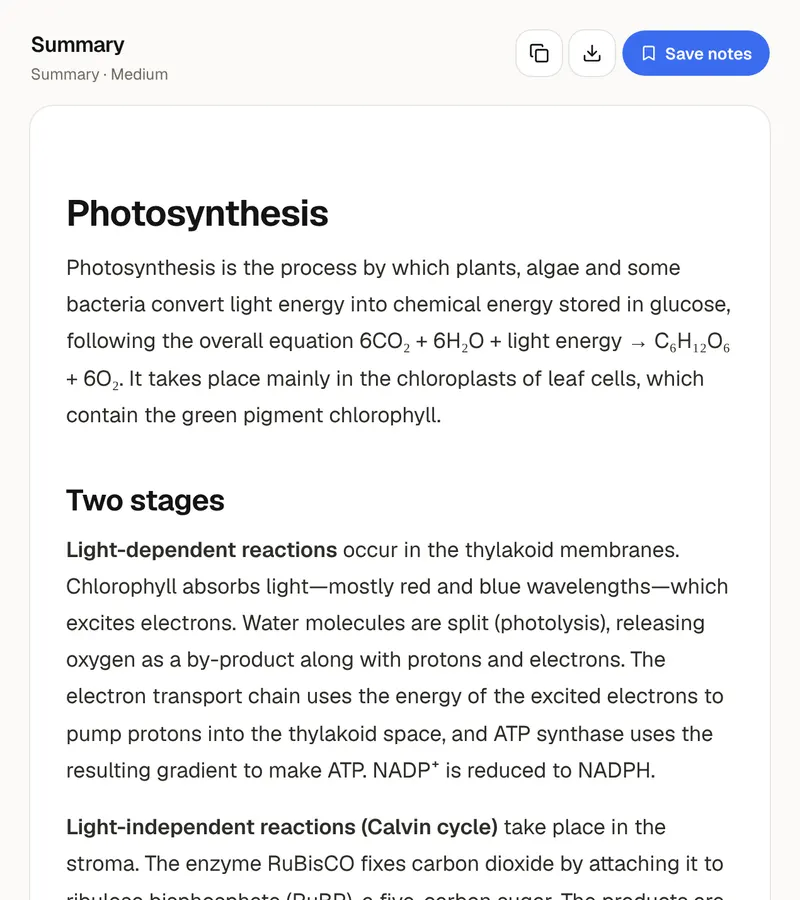
A summary with takeaways, a list of key points, or study notes with headings and key terms. Short, medium or detailed.
- 03
Copy or save it
The summary appears as it's written. Copy it, or download it as Markdown for Notion, Obsidian or Word.
Reading with a summary
Use a summary as a map, not a replacement
A good summary tells you what a document is about and where the important parts are, before you spend an hour on it. Read it first, then read the document with a question in mind for each section. You'll read faster and remember more than if you start on page one cold.
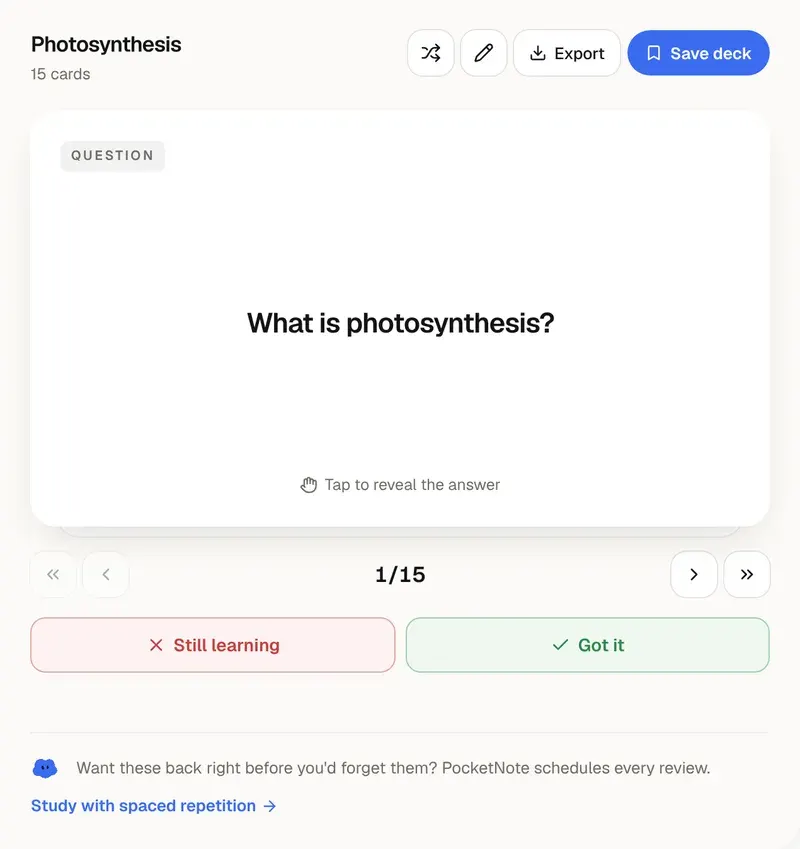
Choose the format by what you'll do next. The summary is for deciding whether a paper or chapter matters. Key points are for revision the night before. Study notes, with headings and a key-terms list, are for a chapter you need to know well; turn them into flashcards next.
The tool reads the text layer of the PDF. Scanned pages without selectable text can't be read here, and tables and figures are read as plain text, so check numbers against the original. For long files the free tool reads the first 120,000 characters, about 60 pages, and tells you where it stopped.
Want more than the free tool? See how this works inside PocketNote
FAQ
Questions, answered
Every reading, one notebook
PocketNote reads full books and papers, and answers questions across all of them with page citations.