
AI Text Summarizer
Paste an article, a chapter or your notes, upload a file, or paste a link to an article. The AI writes a summary, a list of key points or study notes from it, short or detailed, in the language you choose.
- No account needed
- 5 free AI runs a day
- Files stay in your browser
How it works
- 01
Add your text
Paste up to about 120,000 characters, upload a PDF, Word, TXT or Markdown file, or paste a link to an article. Files are read in your browser and only their text goes to the AI.
- 02
Pick a format and a length
Choose Summary, Key points or Study notes, then Short (about 120 words), Medium (about 300) or Detailed (about 600). Choose the output language too.
- 03
Copy or download
Read the result, then copy it into your notes app or download it as Markdown.
Summarizing
A summary is a map, not the reading
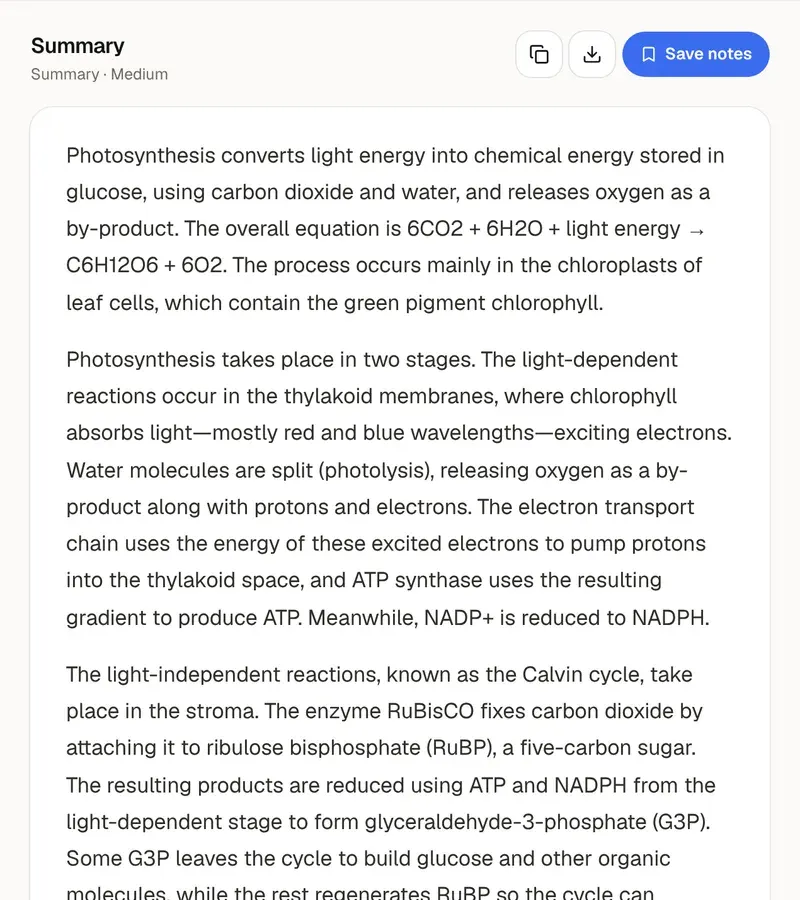
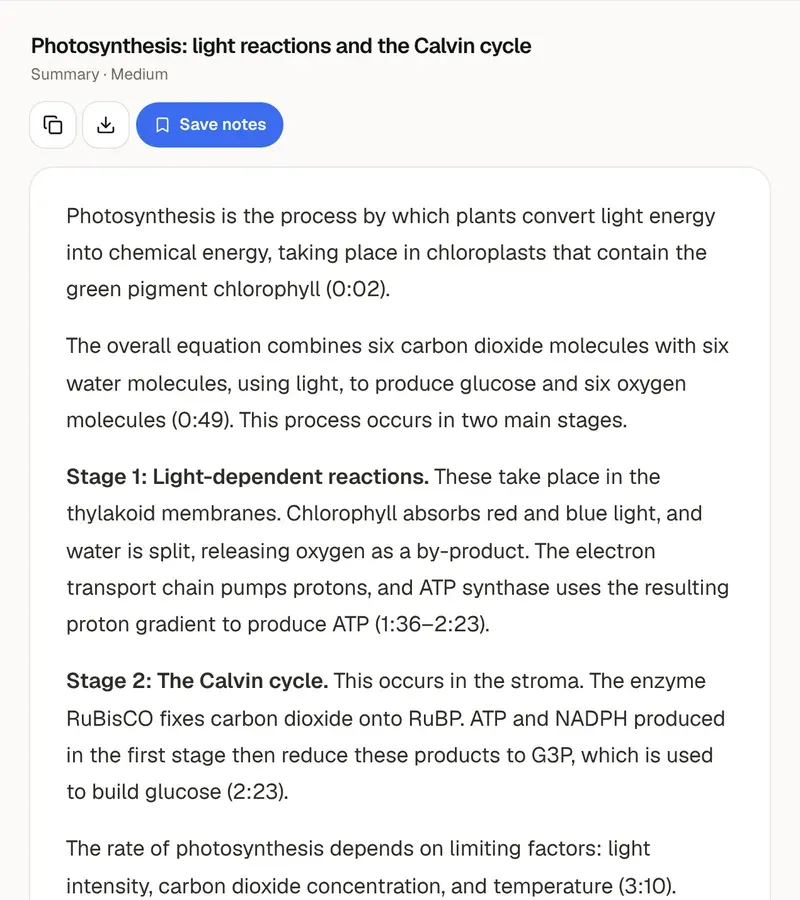
The three formats suit different jobs. Summary gives a one-sentence overview, short paragraphs and a few takeaways, which is enough to decide whether an article is worth reading in full. Key points is a bullet list with the most important point first, quick to scan before a seminar. Study notes adds headings, bold key terms and a list of terms at the end, for material you need to learn. Length works the same way: Short, about 120 words, tells you what a text is about. Medium, about 300, covers the argument. Detailed, about 600, suits a chapter or a long report.
A summary helps most when it changes how you read the original. Read it first, turn its points into two or three questions, then read the text looking for the answers. Or do it the other way round: read the text, write your own three-sentence summary from memory, and compare it with the tool's. What you left out is what to reread. One caution for essays: don't quote or cite a summary. Go back to the original for the exact wording, the numbers and the page, because a summary compresses and a compressed claim is easy to get slightly wrong.
The summary is written only from the text you give it, and the AI is told not to add facts. It can still drop a qualification or blur a figure, so check anything you plan to rely on against the source. The free tool reads up to about 120,000 characters per run, roughly 60 pages. From a link it reads the article's text from the page. Pages behind a login or a paywall, and pages that only load in the browser, can't be read that way, so paste the text instead. Scanned PDFs without selectable text can't be read here, and YouTube links belong in the YouTube summarizer.
Reading a summary feels like knowing the material, but recognizing a point is not the same as recalling it in an exam. Take one more step with the same text: make cards from it with the flashcard maker, or test yourself with the quiz generator. If the source is a PDF, the PDF summarizer does the same job starting from the file. In PocketNote, every lecture, PDF and video for a course sits in one notebook, you can chat across all of them at once, and flashcards, quizzes and study guides come from the same material. The app also reads scanned PDFs and whole books.
Want more than the free tool? See how this works inside PocketNote
FAQ
Questions, answered
From one article to every reading
PocketNote keeps a course's lectures, PDFs and videos in one notebook and answers questions across all of them.