
Paraphrasing Tool
Paste a paragraph or a page and choose how it should be rewritten. The AI changes the wording and the sentence structure and keeps the meaning, the facts, the numbers and the names. Text inside quotation marks stays word for word, and citations stay where they are.
- No account needed
- 5 free AI runs a day
- Your text isn't saved
How it works
- 01
Paste your text
Paste up to 6,000 characters, about 1,000 words, per run. For a longer text, work through it a section at a time.
- 02
Pick a mode
Choose Standard, Fluent, Formal, Academic, Simple, Shorter or Longer. Leave the language to match your text, or pick another one to translate while it paraphrases.
- 03
Check it and copy
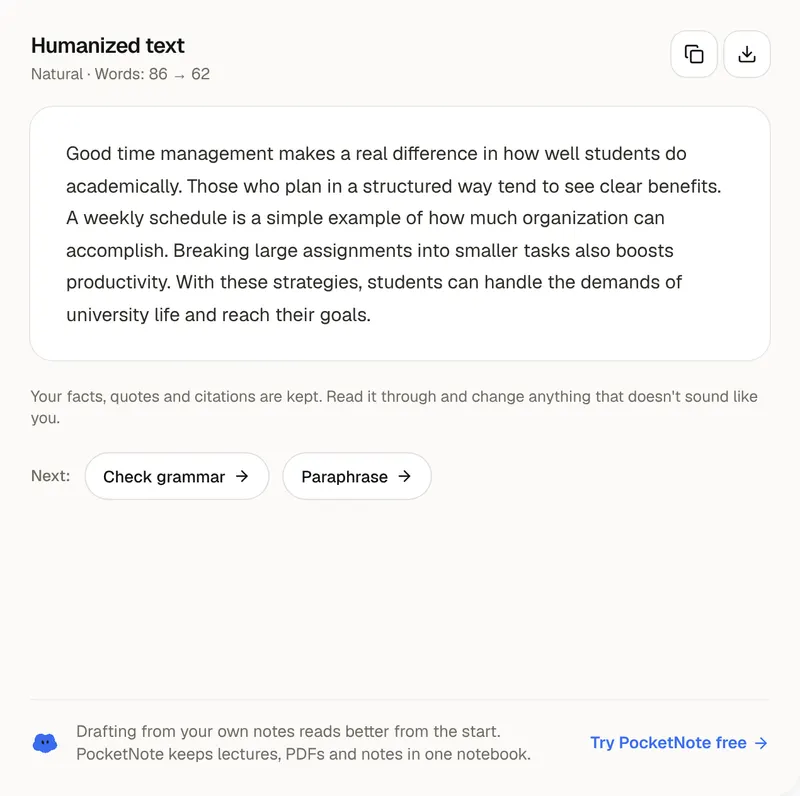
Compare the result with the original and see the word count before and after. Copy it, download it as a .txt file, or send it to the grammar checker.
Paraphrasing well
Paraphrasing changes the words, not the source
Paraphrasing means saying an idea in your own words. It doesn't make the idea yours. If the point comes from a book, an article or a lecture, the paraphrase still needs a citation, exactly as a quotation would. That's why this tool leaves citations such as (Smith, 2020) or [3] where they are and keeps anything inside quotation marks word for word. Use a paraphrase when the idea matters more than the original wording, and a quotation when the exact words matter. If you're paraphrasing a source for an essay, write the reference down first; the free citation generator formats it for you.
The seven modes do different jobs. Standard changes the vocabulary and the sentence structure at about the same length. Fluent fixes awkward or unnatural phrasing and changes as little else as it can, which helps if you're writing in a second language. Formal removes contractions and chatty phrasing. Academic uses precise terms and measured claims. Simple uses common words and short sentences and replaces or explains jargon, which is useful for checking that you understand a dense passage. Shorter cuts repetition and filler to about half to two thirds of the length, and Longer spells out steps and connections that are already there without adding new facts.
Always read the result next to the original. The tool is told to keep every fact, number, name and technical term, but an AI can still shift the emphasis or drop a qualifier. Look for small words that carry meaning: “may”, “most”, “in some cases”, “at least”. If the original says a treatment may help and the paraphrase says it helps, change it back. The word count before and after shows how much the length moved, which matters when you're working to a limit; Shorter is the quickest way to bring a paragraph under one. For your own drafts, read the paraphrase aloud and keep only the sentences that sound like you.
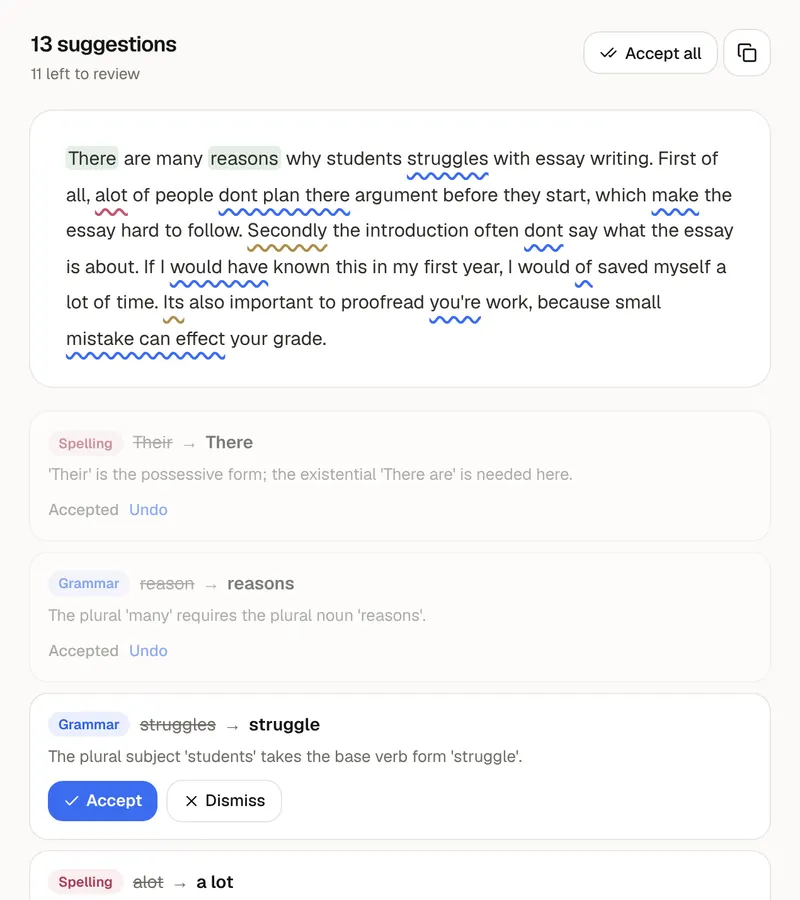
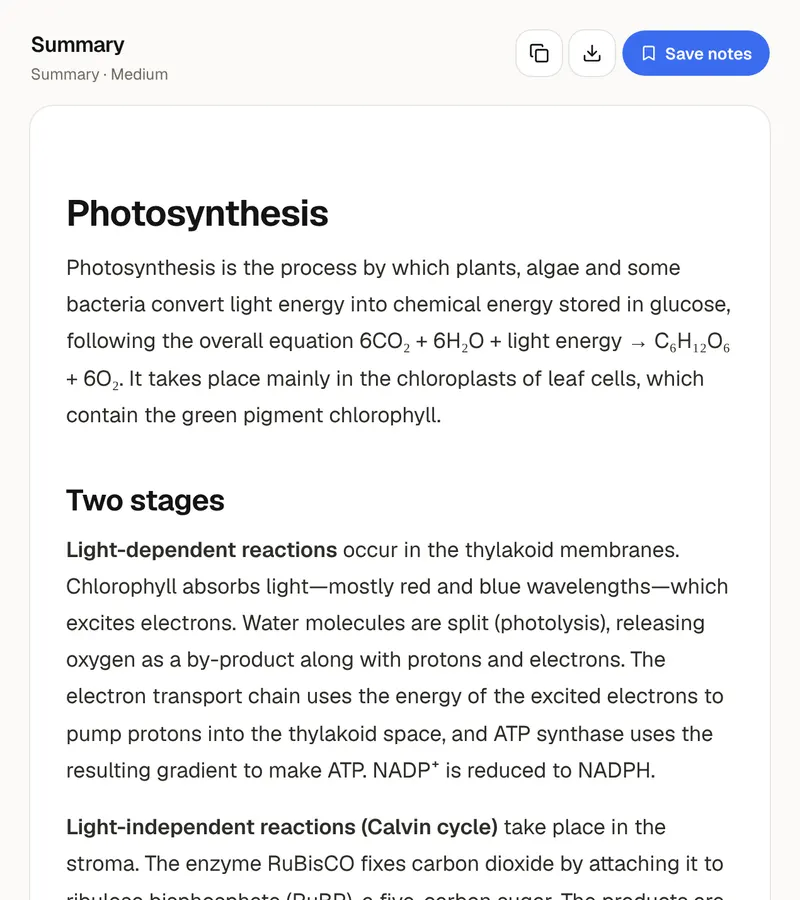
Each run takes up to 6,000 characters, about 1,000 words, so a long document goes through in sections. If you choose an output language other than the text's own, the tool translates while it paraphrases. When you're happy with the wording, one click sends it to the grammar checker for a last pass. Your text is sent to the AI to be rewritten and isn't saved to an account or a database. A paraphrase is easier to write when you understand the material. PocketNote keeps a course's lectures, PDFs and notes in one notebook and turns them into flashcards, quizzes and study guides, so you can explain the ideas without the original in front of you.
FAQ
Questions, answered
Paraphrase less, understand more
PocketNote turns your lectures and readings into notes, flashcards and quizzes, so the ideas are easier to put in your own words.