
AI Humanizer
Paste a draft that reads stiff, generic or machine-made, whether an AI wrote it, you did, or it came out of a translator. The AI rewrites it with varied sentences, plain wording and no filler, and keeps your meaning and every fact, number, name, quotation and citation.
- No account needed
- 5 free AI runs a day
- Your text isn't saved
How it works
- 01
Paste your text
Paste up to 6,000 characters, about 1,000 words, per run. A longer draft goes through a section at a time.
- 02
Choose a tone
Pick Natural, Academic, Professional or Casual, and leave the language to match your text or choose another one.
- 03
Read it and make it yours
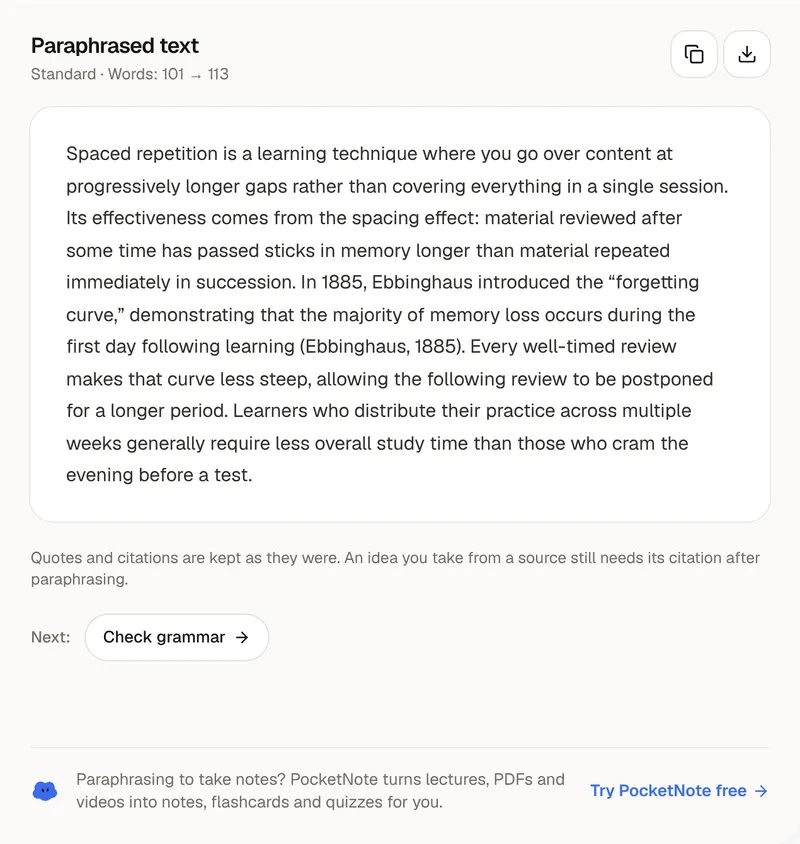
Compare the rewrite with your draft and see the word count before and after. Copy it, download it as a .txt file, or send it to the grammar checker.
Natural writing
What makes text read like a person wrote it
Machine-sounding text is easy to spot, and not only when a machine wrote it. The sentences are all about the same length. Paragraphs open with “Moreover” and “Furthermore” and close by repeating what was just said. Stock phrases do the work that a specific word should: “it is important to note”, “delve into”, “plays a crucial role”. Ideas arrive in tidy groups of three. Nothing is wrong, and nothing sounds like anyone in particular. Tired students write this way too, and so do translation tools. The humanizer rewrites with a mixed rhythm of short and long sentences, cuts the filler, and replaces vague phrasing with concrete words and active verbs.
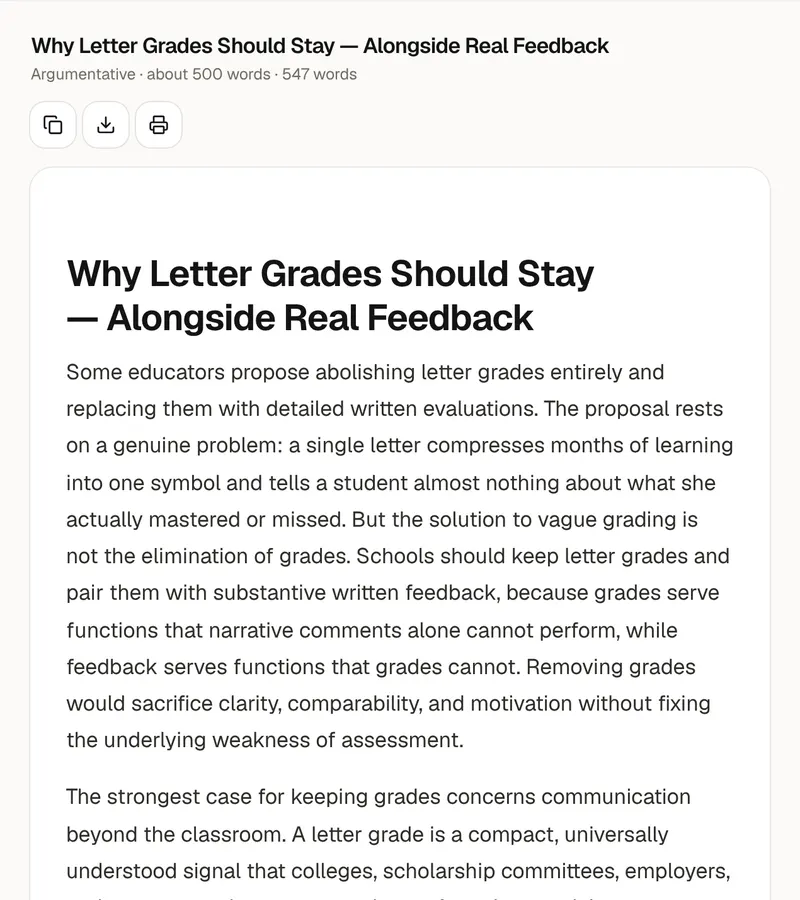
The four tones set the register. Natural is clear and direct, the way a good writer explains something to a reader they respect, and it suits most essays and articles. Academic keeps precise terms, measured claims and no contractions, without the stiffness and padding. Professional is courteous and to the point, for emails, reports and cover letters. Casual allows contractions and the occasional short sentence, for posts and messages. In every tone the rewrite stays about the same length as your draft and keeps your point of view, so text written as “I” stays “I”. The word count before and after shows how much it moved.
The tool keeps your meaning and every fact, number, name, quotation and citation, and it adds no new claims, examples or opinions. That has a consequence: it can make a draft read better, but it can't put in what only you know. The quickest way to make text sound like you is to add something specific after the rewrite: an example from your course, a detail from the reading, the reason you hold the view. Then read it aloud and change any sentence you wouldn't say. Compare it with the original too, since a rewrite can shift the emphasis of a sentence even when the facts stay the same.
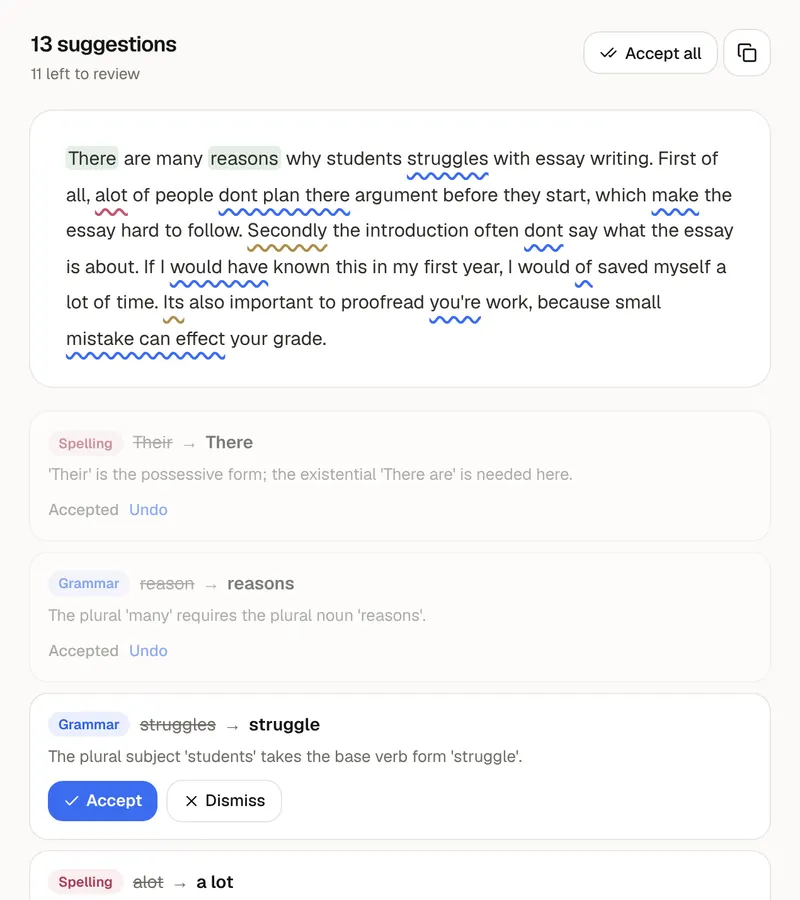
The humanizer improves how text reads. It doesn't hide where the text came from, and it makes no promise about what an AI detector will say. If your school, employer or publisher asks you to disclose AI use, a rewrite doesn't change that. Each run takes up to 6,000 characters, and your text is sent to the AI to be rewritten and isn't saved to an account or a database. For a last pass, send the result to the grammar checker. Writing sounds most like you when you know the material: PocketNote keeps a course's lectures, PDFs and notes in one notebook and turns them into flashcards, quizzes and study guides.
FAQ
Questions, answered
Write from what you actually know
PocketNote turns your lectures, PDFs and notes into flashcards, quizzes and study guides, so the words you write are your own.