
Grammar Checker
Paste an essay, an email or an assignment and the AI marks the spelling, grammar and punctuation mistakes in your text. Each one comes with a correction and a one-line reason, and you accept or dismiss them one at a time.
- No account needed
- 5 free AI runs a day
- Your text isn't saved
How it works
- 01
Paste your text
Paste up to 6,000 characters, about 1,000 words. The checker works in whatever language the text is written in, and you can choose the language of the explanations.
- 02
Review each mistake
Mistakes are underlined in your text. The list under it shows the correction for each one and a short reason, so you can see what was wrong before you change anything.
- 03
Accept, dismiss, copy
Accept the changes you agree with and dismiss the rest, or accept them all at once. Then copy the corrected text back into your document.
Proofreading
Read the reason, not only the fix
Accepting every correction in one click gives you a clean page and teaches you nothing. The one-line reason next to each fix is the useful part. Read it, then look for repeats: most writers make the same three or four mistakes again and again, such as joining two sentences with a comma, mixing up “its” and “it's”, or losing track of whether the subject is singular or plural. Write your repeat mistakes on a short list and look for them yourself the next time, before you run the check. After a few essays the list gets shorter.
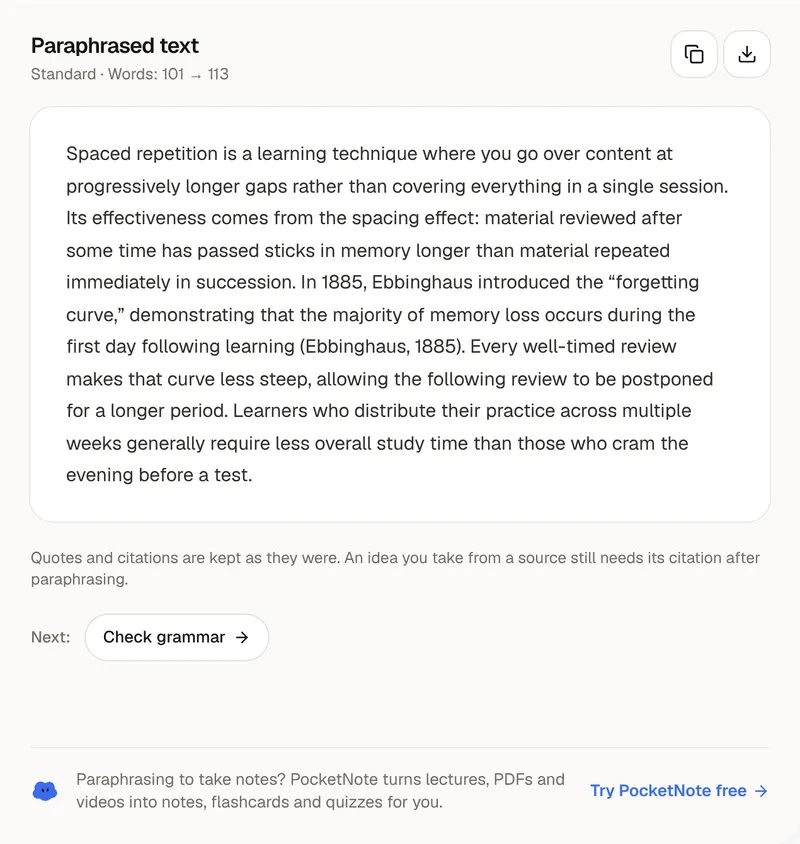
The checker looks for spelling mistakes, grammar mistakes (agreement, tense, articles, prepositions and word order), punctuation mistakes, and clear style problems such as a wrong, missing or repeated word. It is built to leave the rest of your writing alone. Sentences that are already correct aren't rewritten. British spelling stays British and American stays American. Names, quotations and technical terms are not touched. If a sentence is correct but clumsy and you want it reworded rather than corrected, that is a different job: use the paraphrasing tool for it.
No checker is right every time. This one can miss a mistake, and it can flag something that is fine, which is why every change waits for you to accept or dismiss it. Dismiss a correction that changes what you meant. Some things it doesn't look at: it does not check facts, citations or plagiarism, and a sentence can be perfectly grammatical and still say the wrong thing. After the check, read the text once more yourself, out loud if you can. Your ear catches missing words and sentences that run too long.
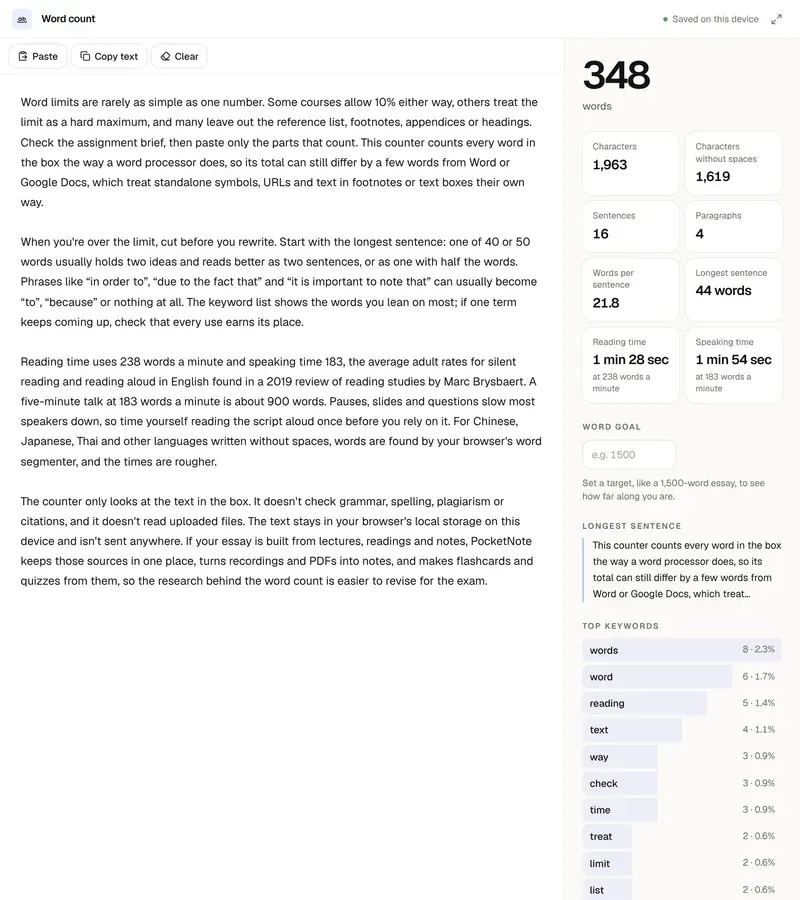
Proofread last. Fixing commas in a paragraph you later cut is wasted effort, so settle the argument and the structure first, then check the grammar, then count the words with the word counter. A longer essay can be checked in parts of about 1,000 words. If English isn't your first language, set the explanations to your own language and keep the text in English. Your text is sent to the AI to be checked and is not saved. PocketNote keeps the lectures, PDFs and notes behind an essay in one notebook and makes flashcards, quizzes and study guides from them.
FAQ
Questions, answered
Essays are easier from one notebook
PocketNote keeps a course's lectures, PDFs and notes together and turns them into flashcards, quizzes and study guides.