
AI Mind Map Generator
Paste notes, upload a PDF or add a YouTube lecture, and get a mind map of the main ideas and how they connect. Fold branches, then download it as an image or an outline.
- No account needed
- 5 free AI runs a day
- Files stay in your browser
How it works
- 01
Add the material
Paste text, upload a PDF, Word or Markdown file, or paste a YouTube link with captions.
- 02
Pick the detail
An overview with two levels, a standard three-level map, or a detailed four-level one.
- 03
Explore and export
Zoom and fold branches. Download a PNG from the toolbar, or the outline as Markdown for Notion, Obsidian or XMind.
Why map it
See the structure before the details
Notes run in a line, but ideas don't. A mind map puts the main topic in the middle and the ideas around it, so you can see which ones belong together and how big each part is. It's the quickest way to check whether you understand the shape of a topic, not only its facts.
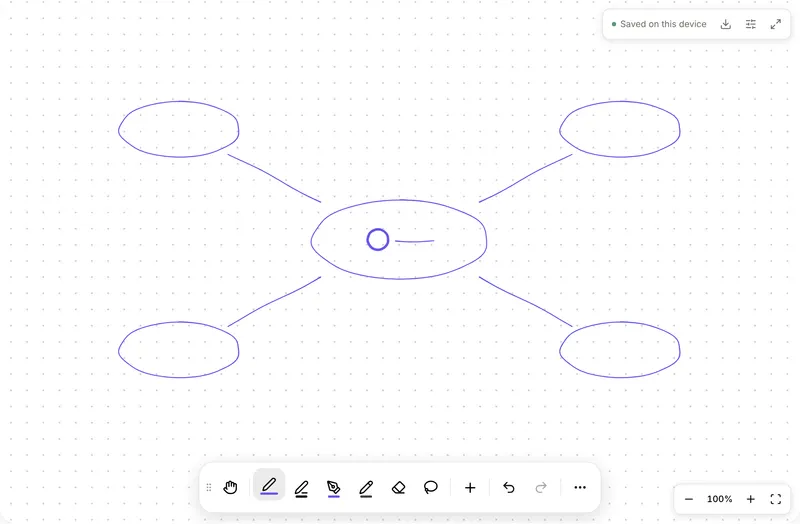
Use the overview for a first pass through a new chapter. Use the detailed map when you're revising, then try to redraw it from memory on paper or on the free whiteboard: the branches you can't rebuild are the ones to study.
The map is generated from your text only. If a branch looks wrong, the source is often ambiguous at that point, which is worth a second read anyway.
Want more than the free tool? See how this works inside PocketNote
FAQ
Questions, answered
Every topic, mapped
PocketNote builds mind maps, flashcards and quizzes from the same notebook.