
Online Whiteboard
An infinite canvas for working through problems, sketching diagrams and writing by hand. Pens, a highlighter, an eraser, the lasso and stickers, on dotted, grid or lined paper. It's the board PocketNote's whiteboard notes use, saved on your device.
- No account needed
- Free, no limits
- Saved on your device
How it works
- 01
Write and draw
Pick a pen, fineliner, marker, pencil or highlighter from the toolbar, and its colour and thickness. Pinch or scroll to zoom, and the board keeps going in every direction.
- 02
Tidy up
Erase strokes or parts of them, circle work with the lasso to move or delete it, and drop in stickers. Undo and redo with the toolbar or Ctrl/⌘ + Z.
- 03
Keep it
The board saves in your browser as you draw. Download it as a PNG of everything on the board, on the paper you picked.
Thinking on a canvas
Draw it to understand it
Drawing a process, a timeline or a system forces you to decide how its parts connect, which is exactly what exam questions test. Pairing words with pictures is called dual coding, and it gives you two routes back to the same memory.
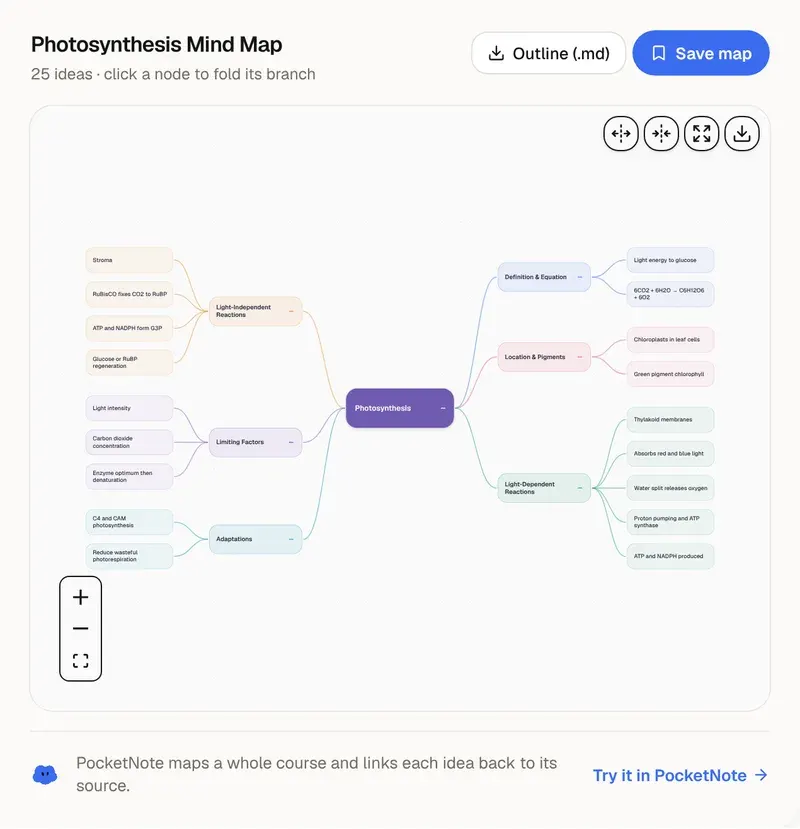
Use the whiteboard to work a maths problem step by step, sketch a cycle from biology, draw a free-body diagram in physics, or map the structure of a chapter before you write notes on it. Then clear the board and redraw it from memory: what you can't redraw is what to study next.
Writing by hand works best with a stylus or Apple Pencil, and the board takes touch, pen and mouse. On a tablet you can turn off finger drawing in the toolbar's settings so your hand pans the board while the pen writes. Graph and isometric paper help with charts and 3D sketches.
This free board is one canvas, saved in this browser. Clearing your browser data removes it, so download anything you want to keep. In PocketNote the same board is a whiteboard note: it syncs between your phone, tablet and computer, sits next to your course material, and Poki can read what you wrote.
Want more than the free tool? See how this works inside PocketNote
FAQ
Questions, answered
Sketches and notes, together
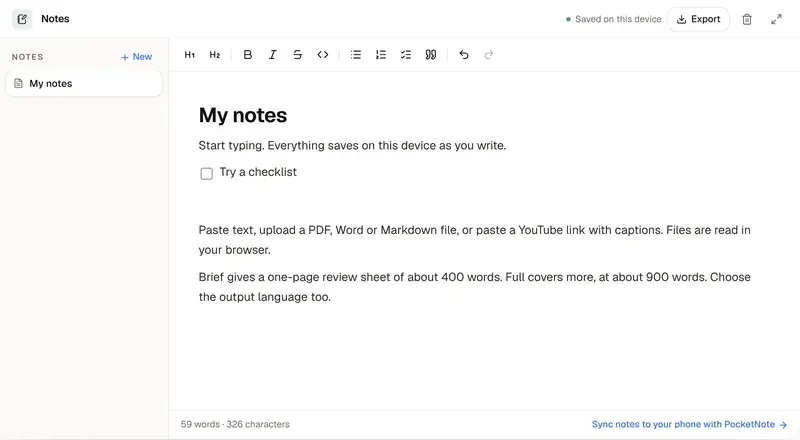
PocketNote keeps drawings, handwriting and notes in the same notebook as your course material.