
Character Counter
Type or paste your text to see characters with and without spaces, words, sentences, paragraphs, lines and bytes as you write. A limit checker shows how much room you have left for an X post, an SMS, a Google title, a UCAS personal statement or a limit of your own.
- No account needed
- Free, no limits
- Saved on your device
How it works
- 01
Paste or type your text
Write in the box or paste from anywhere. The counts update as you type, and the text is saved on this device so it's still there when you come back.
- 02
Check it against a limit
The bars cover common limits such as an X post (280), an SMS (160), a meta description (160) and a UCAS personal statement (4,000), and you can type a limit of your own. Each bar shows how many characters are left or how far over you are.
- 03
Trim, then copy
Check characters with and without spaces, words, lines and bytes, cut until the text fits, then copy it. You can clear the box and undo a clear if you change your mind.
Character limits
Check what the limit counts
A character limit is only useful once you know what it counts. Most limits count every character, spaces and punctuation included: a UCAS personal statement allows 4,000 characters including spaces, and a 280-character post on X counts the spaces too. A few application forms and translation briefs ask for characters without spaces. Read the rule first, then look at the right number. The counter shows both, next to words, sentences, paragraphs and lines. Some forms also count each line break, so if you are within a handful of characters of the limit, leave a little room and check the final text in the form itself.
Here an emoji or an accented letter counts as one character, the way you see it on the screen. Not every platform agrees. X counts most emoji as two characters, and Chinese, Japanese and Korean characters as two each, so a post can be over its limit there while it looks fine here. The byte count is a different measure: it is the size of the text when it is stored as UTF-8. A plain English letter takes one byte, an accented letter usually two and most emoji four. You need bytes only when a system states its limit in bytes, which some database fields and older forms do.
The limit checker has presets for the limits people run into most: an X post (280), an SMS (160), a Google title (60), a meta description (160), a YouTube title (100), an Instagram caption (2,200), a LinkedIn post (3,000) and a UCAS personal statement (4,000). You can also type any limit of your own. The bar fills as you write and shows how many characters are left or how far over you are. For search titles and descriptions the limit is roughly where the text gets cut off, so put the important words first. Platforms change their limits from time to time; if a number matters, confirm it where you post.
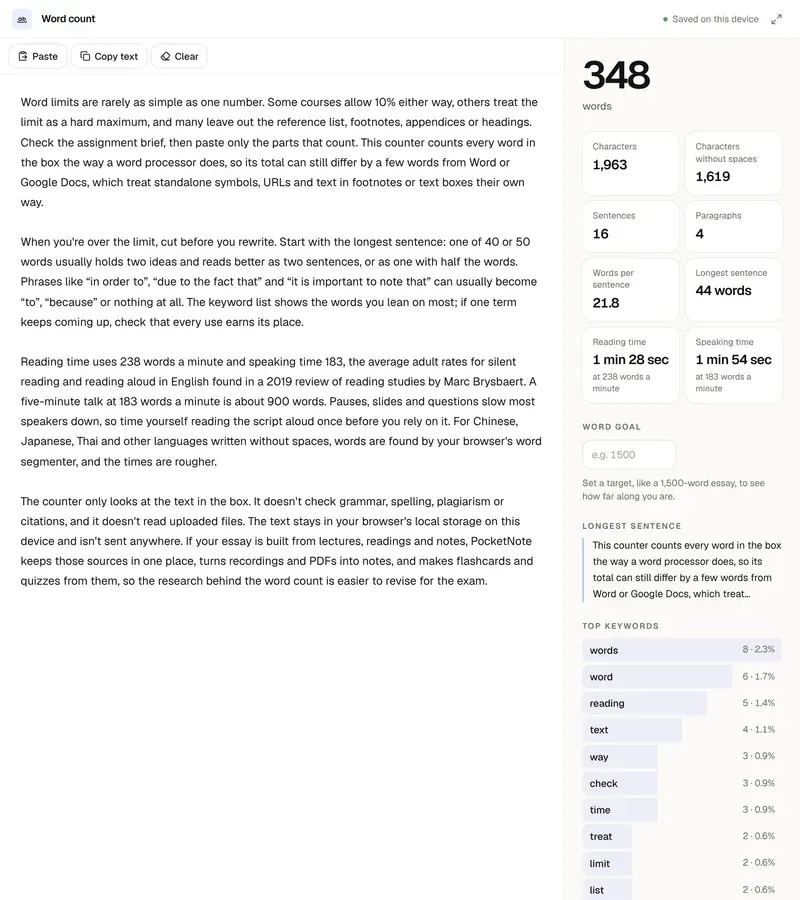
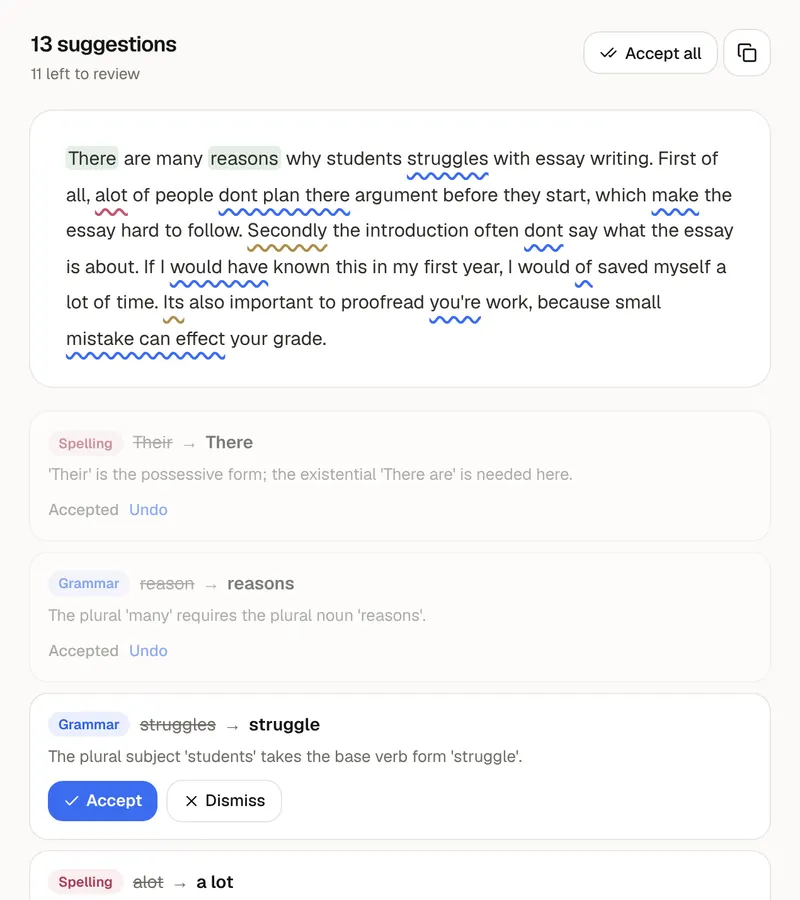
When you are over, cut before you rewrite. Remove filler phrases, then repeated ideas, then adjectives that add nothing. If that isn't enough, the Shorter mode of the paraphrasing tool rewrites a passage at about half to two thirds of its length. The counter only counts: it doesn't check spelling or grammar, so run the final text through the grammar checker, and use the word counter when your limit is in words. Your text is saved in your browser on this device and isn't uploaded. PocketNote keeps a course's lectures, PDFs and notes in one notebook and makes summaries, flashcards and quizzes from them.
FAQ
Questions, answered
The whole course in one notebook
PocketNote keeps a course's lectures, PDFs and notes in one notebook and makes summaries, flashcards and quizzes from them.