
Words to Pages Converter
Enter a word count or paste your text, choose the font, size and line spacing, and see how many pages it comes to. It works the other way too: enter the pages you need and get the word count to aim for.
- No account needed
- Free, no limits
- Nothing is uploaded
How it works
- 01
Enter words or paste text
Type a word count, or paste your essay and the words are counted for you.
- 02
Set font, size and spacing
Choose Times New Roman, Arial, Calibri, Georgia, Verdana or Courier New, at 10, 11, 12 or 14 pt, with single, 1.5 or double spacing. Margins are assumed to be 1 inch.
- 03
Read the pages, or reverse it
See the page count to one decimal, with a table of common word counts for your settings. To plan an assignment, enter a number of pages and get the words needed.
Page counts
A page is a setting, not a length
How many words fit on a page depends on the font, the size, the line spacing and the margins, which is why most assignments set a word count and not a page count. The usual baseline is 12 pt Times New Roman with 1-inch margins: about 500 words a page single-spaced and about 250 double-spaced. Wider fonts such as Arial, Verdana and Courier New fit fewer words on the same page. So “five pages, double-spaced” means roughly 1,250 words in Times New Roman, and “a 2,000-word essay” comes to about four pages single-spaced or eight double-spaced. Enter your own settings to see the figure for your document.
| Words | Single-spaced | Double-spaced |
|---|---|---|
| 250 | 0.5 pages | 1 page |
| 500 | 1 page | 2 pages |
| 750 | 1.5 pages | 3 pages |
| 1,000 | 2 pages | 4 pages |
| 1,500 | 3 pages | 6 pages |
| 2,000 | 4 pages | 8 pages |
| 2,500 | 5 pages | 10 pages |
| 3,000 | 6 pages | 12 pages |
| 5,000 | 10 pages | 20 pages |
The result is an estimate. The converter assumes plain paragraphs of running text with 1-inch (2.54 cm) margins on A4 or US Letter paper. Headings, paragraph breaks, block quotes, images, footnotes and a title page all change the real count, often by a tenth or more. If your assignment has a page limit, treat the number here as a guide while you draft and check the final length in your word processor, set up the way the brief asks. Use the font, size and spacing the assignment names. Switching to a wider font to fill pages changes the look of the page more than you'd expect, and markers read a lot of essays.
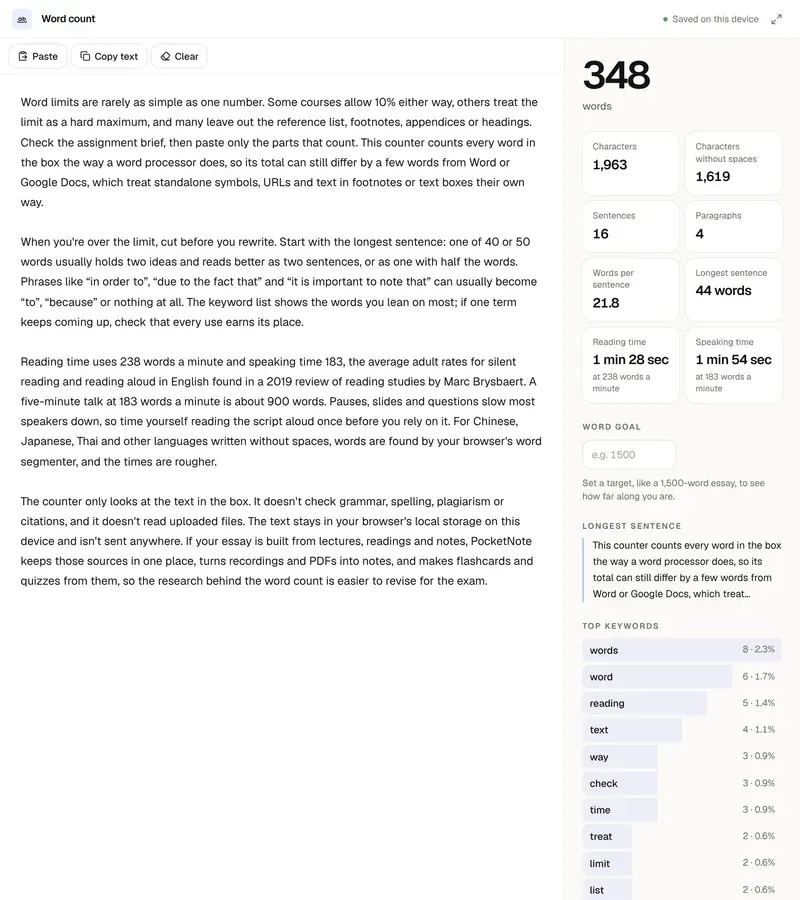
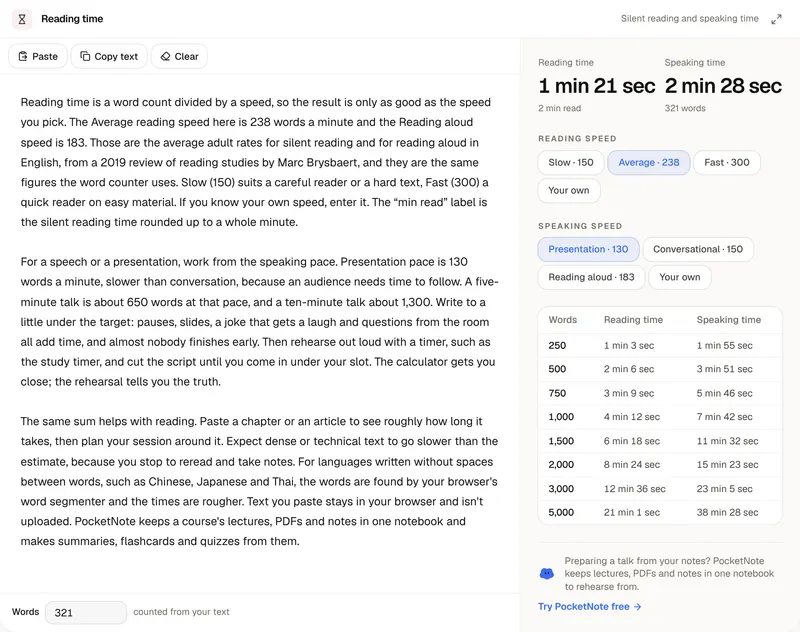
The reverse direction is the useful one for planning. Enter the number of pages you have to write and you get the word count to aim for, which you can then divide between the introduction, each main point and the conclusion. While you draft, the word counter tracks your words against that goal as you type. If the pages are a script for a talk, the reading time calculator shows how long they take to say out loud. PocketNote keeps a course's lectures, PDFs and notes in one notebook and makes summaries, flashcards and quizzes from them.
FAQ
Questions, answered
Keep reading
Go deeper into the science
Fill the pages from your own notes
PocketNote keeps a course's lectures, PDFs and notes in one notebook and makes summaries, flashcards and quizzes from them.