
AI Study Guide Maker
Paste your notes, upload a PDF or Word file, or add a YouTube lecture. The AI writes a study guide from it: an overview, the key concepts, how they fit together, common mistakes, and five questions to test yourself with, with the answers hidden until you want them.
- No account needed
- 5 free AI runs a day
- Files stay in your browser
How it works
- 01
Add your material
Paste text, upload a PDF, Word or Markdown file, or paste a YouTube link with captions. Files are read in your browser.
- 02
Pick the depth
Brief gives a one-page review sheet of about 400 words. Full covers more, at about 900 words. Choose the output language too.
- 03
Test yourself, then keep it
Answer the questions before you open the answers. Copy the guide, download it as Markdown, or print it with the answers on their own page.
Using a study guide
A study guide is for testing, not rereading
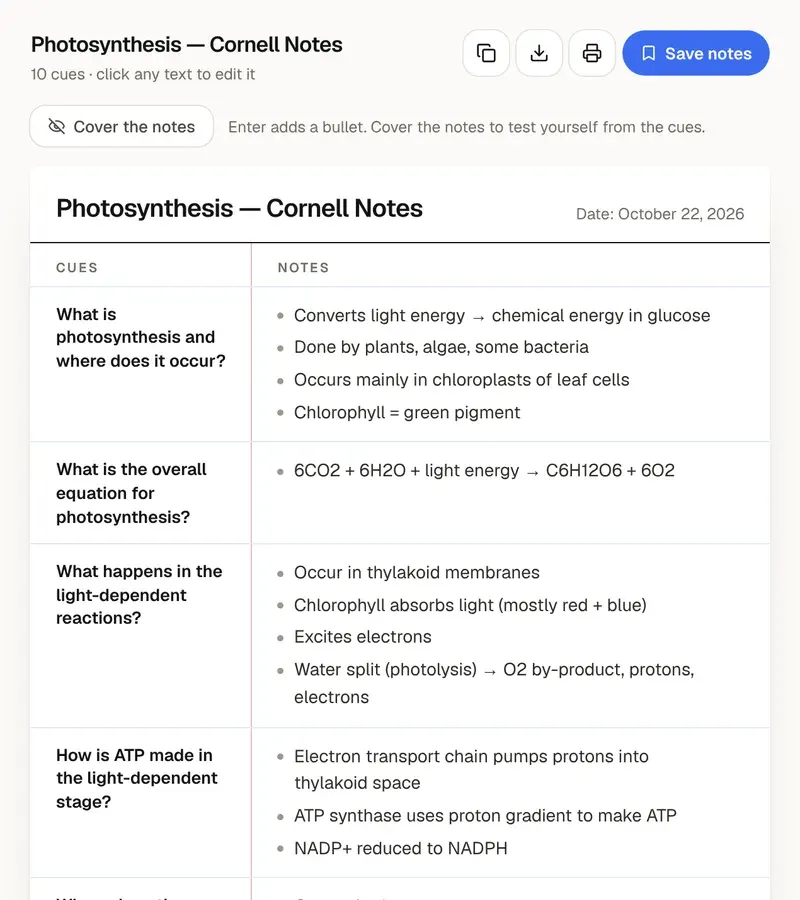
A good study guide boils a chapter down to what you need to know and shows how the parts connect. Reading it through feels productive, but most of the benefit comes from using it to check yourself. Cover a section, explain each key concept out loud or on paper, then compare. The questions at the end are there for the same reason: answer all five before you press “Show answers”, and the ones you get wrong tell you what to reread.
Choose Brief for a one-page sheet to review the night before or at the start of a revision session. Choose Full for a chapter you need to know well. Two sections are worth extra time. “How it fits together” shows the causes, steps or comparisons that link the concepts; try to rebuild it from memory on a blank page. “Common mistakes” lists confusions the material makes likely, each with the correction, which is often where exam marks are lost.
The guide is written only from the text you give it, so it is as complete as your material. If your notes skip a topic, so will the guide. Check formulas, dates and numbers against the source, and add anything your teacher stressed that isn't in the text. The free tool reads up to about 120,000 characters per run, around 60 pages, plus YouTube videos that have captions. Scanned PDFs without selectable text can't be read here.
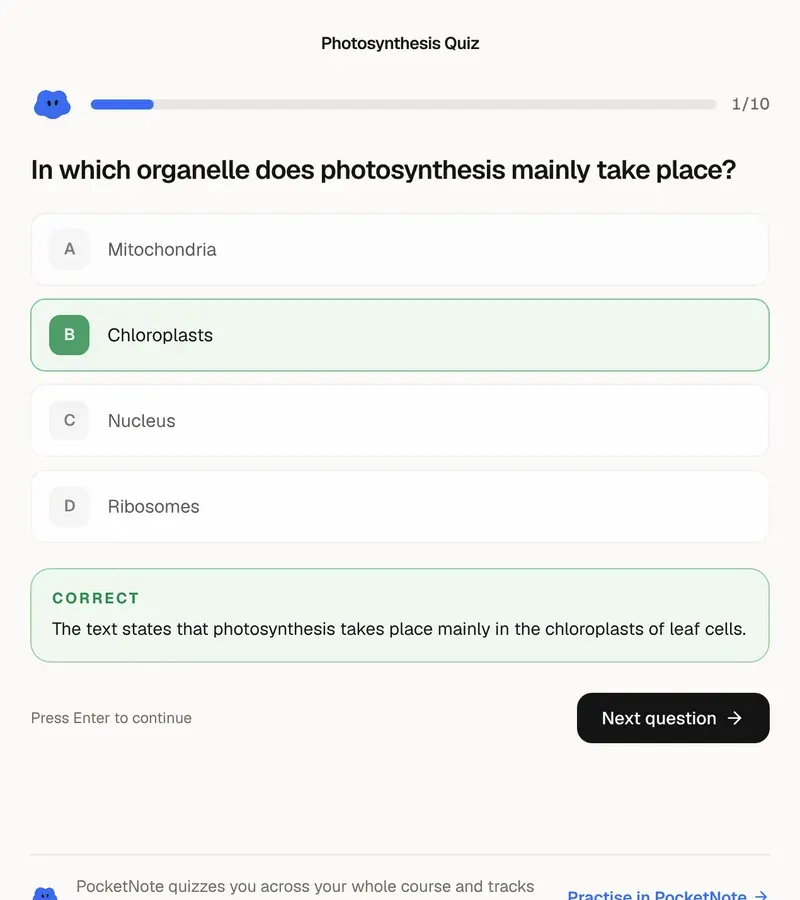
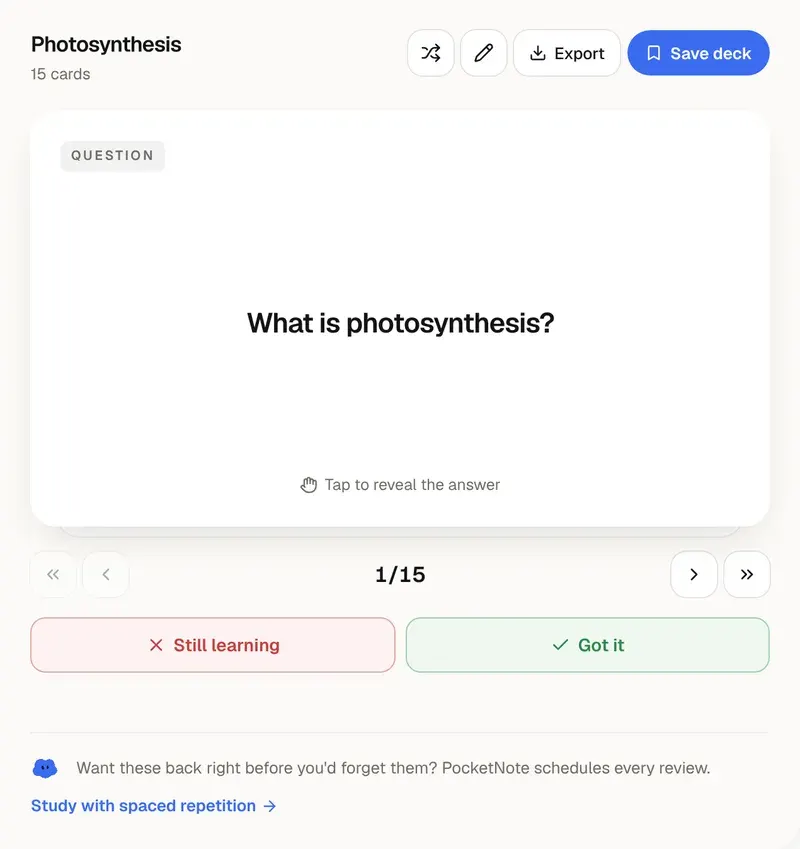
Five questions are a quick check, not a full practice exam. For more practice from the same text, make flashcards from the key concepts with the free flashcard maker, or a longer quiz with the quiz generator. In PocketNote, a study guide can draw on every lecture, PDF and video in a course notebook, and the same material gives you flashcards scheduled with spaced repetition and quizzes that show which topics need more work.
Want more than the free tool? See how this works inside PocketNote
FAQ
Questions, answered
A study guide for the whole course
PocketNote writes guides, flashcards and quizzes from every lecture and reading in a notebook.