
Cornell Notes Generator
Paste your notes, upload a PDF or add a YouTube lecture, and get a Cornell page: questions in the cue column, short notes beside them, and a summary at the bottom. Edit any line, cover the notes to test yourself, then print or download it.
- No account needed
- 5 free AI runs a day
- Files stay in your browser
How it works
- 01
Add your material
Paste text, upload a PDF, Word or Markdown file, or paste a YouTube link with captions. Files are read in your browser.
- 02
Get the page
The AI works through the material in order and writes 6 to 10 cues, a few short notes for each, and a summary of three or four sentences.
- 03
Edit, recite, print
Click any line to change it. Turn on “Cover the notes”, answer each cue from memory, then click the row to check. Print it or download it as Markdown.
The Cornell method
Notes you can quiz yourself on
The Cornell method comes from Walter Pauk, who ran the reading and study center at Cornell University in the 1950s. Each page has three parts. The wide right column holds the notes you take during a lecture or reading. The narrow left column holds cues: questions or keywords you write afterwards that point at the notes beside them. The strip at the bottom holds a summary of the whole page in a few sentences. The layout matters because of what it lets you do next.
Pauk's routine is often remembered as five steps: record, reduce, recite, reflect and review. Reciting is the one that does the work. Cover the notes column, read a cue, answer it out loud or on paper, then uncover and check. That is retrieval practice, which does more for long-term memory than rereading. Here, “Cover the notes” blurs the right column and you click a row to check it. Come back to the rows you missed a few days later.
The method works best for lectures and readings with a clear sequence of ideas: definitions, processes, causes and effects, arguments. Think biology, history, psychology, law or economics. It suits problem-heavy subjects like maths and physics less, where working problems is the better practice; there, keep cues for the concepts and the steps of each method. Writing your own cues is part of the learning, so treat a generated page as a first draft or a model, and rewrite cues in your own words.
The free tool writes 6 to 10 rows from up to about 40,000 characters, around 15 pages, so paste a long lecture in parts. Edits stay on this page until you leave or make a new page, so print or download anything you want to keep. In PocketNote, your notes sit next to the lectures and readings they came from, and the same material becomes flashcards scheduled with spaced repetition and quizzes.
FAQ
Questions, answered
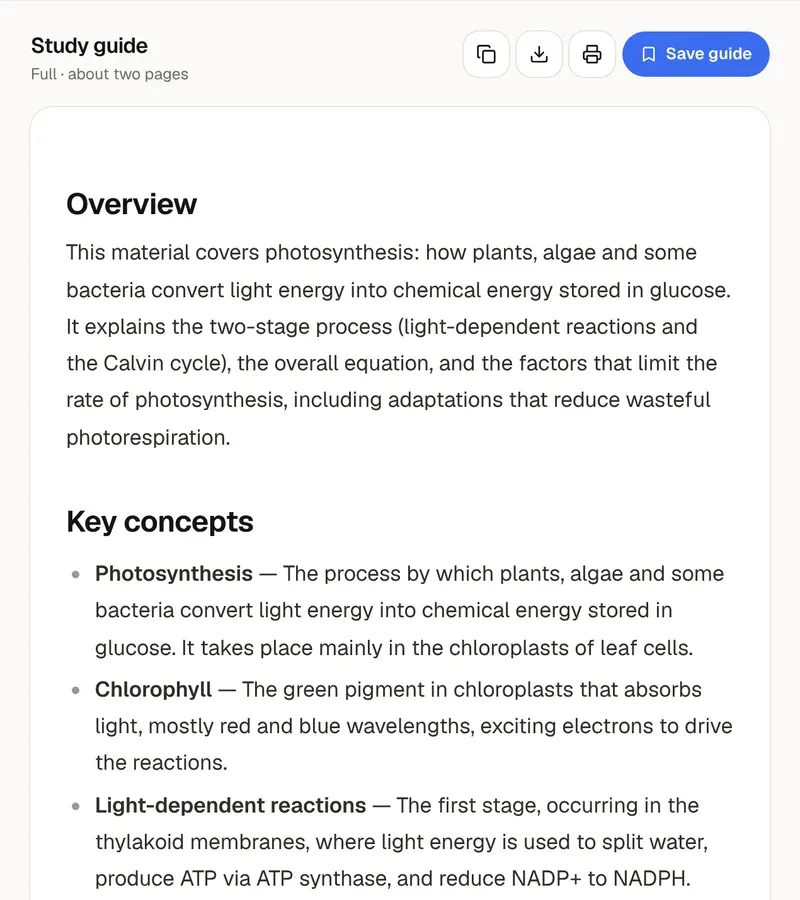
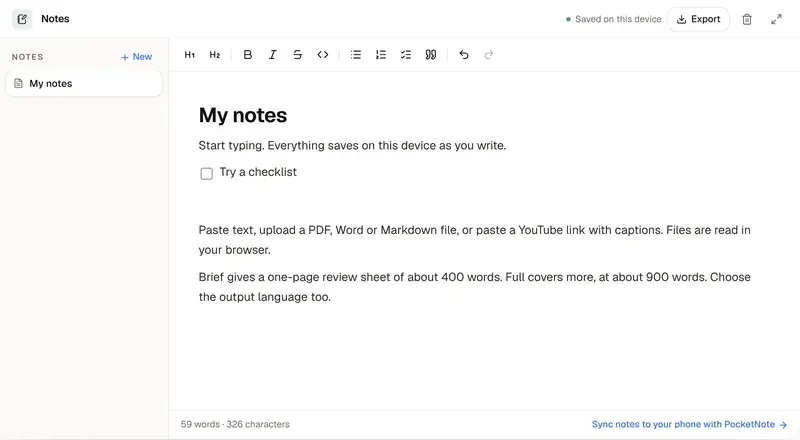
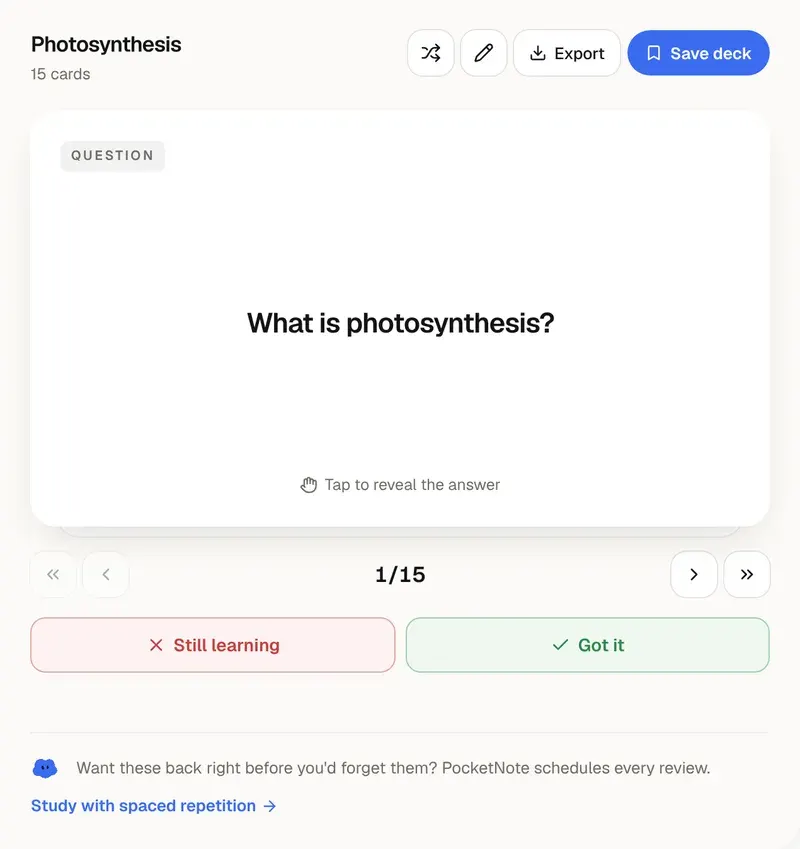
Every lecture, ready to review
PocketNote keeps notes next to the lectures and readings they came from, and turns them into flashcards and quizzes.