
AI Math Solver
Type a problem or add a photo of it, printed or handwritten. The AI restates the problem, solves it in numbered steps, gives the final answer and shows a quick way to check it, with the formulas in proper math notation.
- No account needed
- 5 free AI runs a day
- Photos aren't stored
How it works
- 01
Type the problem or add a photo
Type the problem, or add a JPG, PNG or WebP photo of it. On a phone you can take the photo directly. The photo is scaled down in your browser before it is sent.
- 02
Choose how much explanation
Steps gives concise working. Explain more explains each step for someone new to the topic. Choose the output language too.
- 03
Follow the steps, then check
Read the numbered solution and the final answer, then use the check at the end. Copy the solution or download it as Markdown.
Learning from solutions
The steps matter more than the answer
A worked solution helps most after you have tried the problem yourself. Attempt it first, even if you only get halfway. Then read the solution only as far as the step where your own work went wrong, cover the rest, and finish it on your own. Afterwards, do a similar problem from your textbook without help. Reading a full solution from top to bottom feels like understanding, but an exam asks you to produce the steps, and that only comes from producing them. Follow your teacher's rules on homework help, and use the solver to understand a method, not to hand in its answer.
The two modes are for different moments. Steps keeps each step to a short line and the working, which is what you want when you are checking your own solution. Explain more names the rule or idea behind each step and says why it applies, which helps when the topic is new. Every solution has the same four parts: the problem restated, the numbered steps, the final answer, and a check. Read the restated problem first, especially with a photo. If the solver misread a sign or an exponent, everything after it answers a different question.
The solver handles one problem per run. If a photo holds several, it solves the first unless your note says which one, so crop the photo to a single problem. Take it in good light, straight on, with the whole problem in the frame. The AI can make mistakes, most often in long arithmetic and with messy handwriting. Use the check at the end: substitute the answer back or estimate what it should be, and compare with the answer in your textbook when there is one. It covers arithmetic, algebra, geometry, trigonometry, calculus and statistics, plus physics and chemistry calculations. It does not draw graphs.
Math is learned by repetition spread over days, so the solved problem is the start, not the end. Put the formulas and rules you had to look up on cards with the flashcard maker, and use the quiz generator on your class notes to test the definitions and concepts. Come back to the same type of problem a few days later and solve it cold. In PocketNote, a course's lectures, PDFs and notes live in one notebook, flashcards and quizzes are made from them, and you can ask questions across every source at once.
FAQ
Questions, answered
More free tools
AI study tools
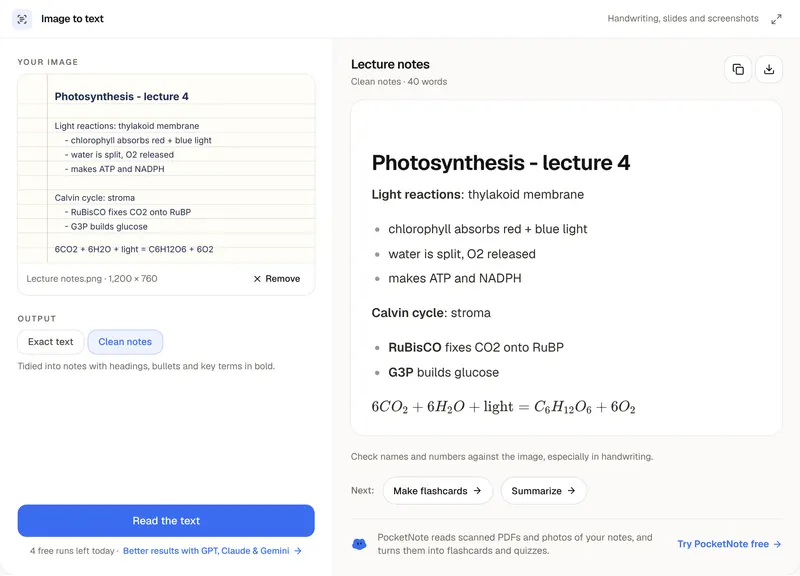
Image to Text Converter
Photos, screenshots and handwriting into text you can edit.
AI study tools
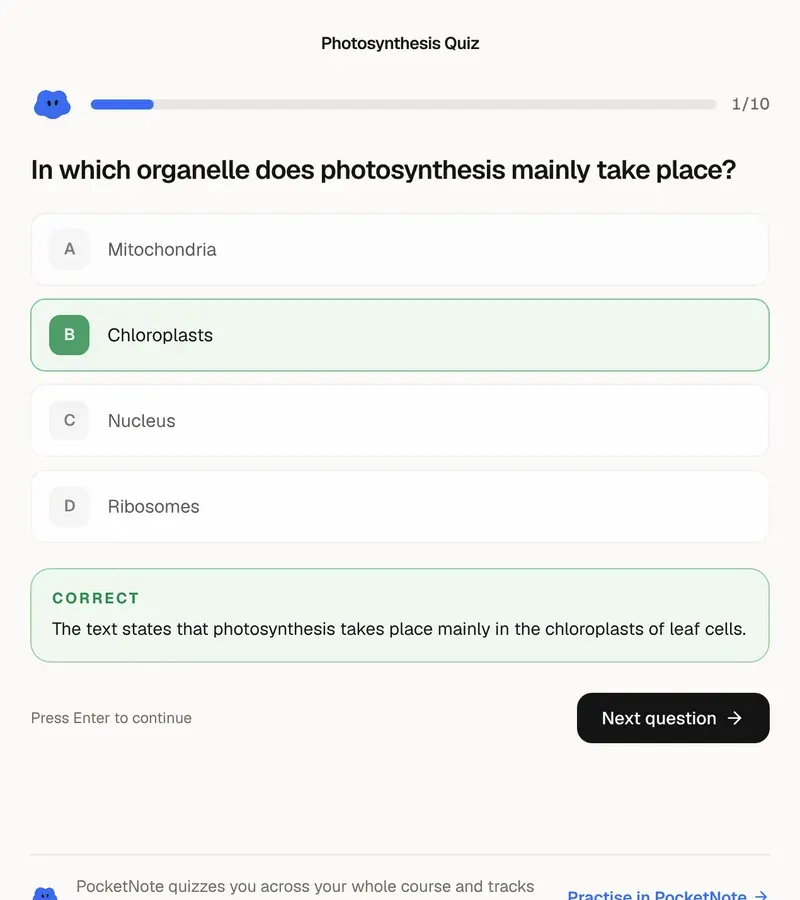
AI Quiz Generator
Practice questions from your own material, with answers explained.
Planning & grades
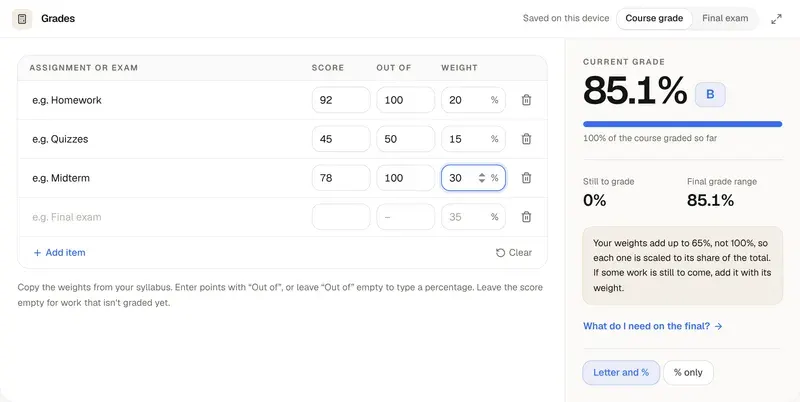
Grade Calculator
Your weighted grade, and what you need on the final.
Practice until the method sticks
PocketNote turns your lectures, PDFs and notes into flashcards and quizzes, all in one notebook per course.