
PDF to Text Converter
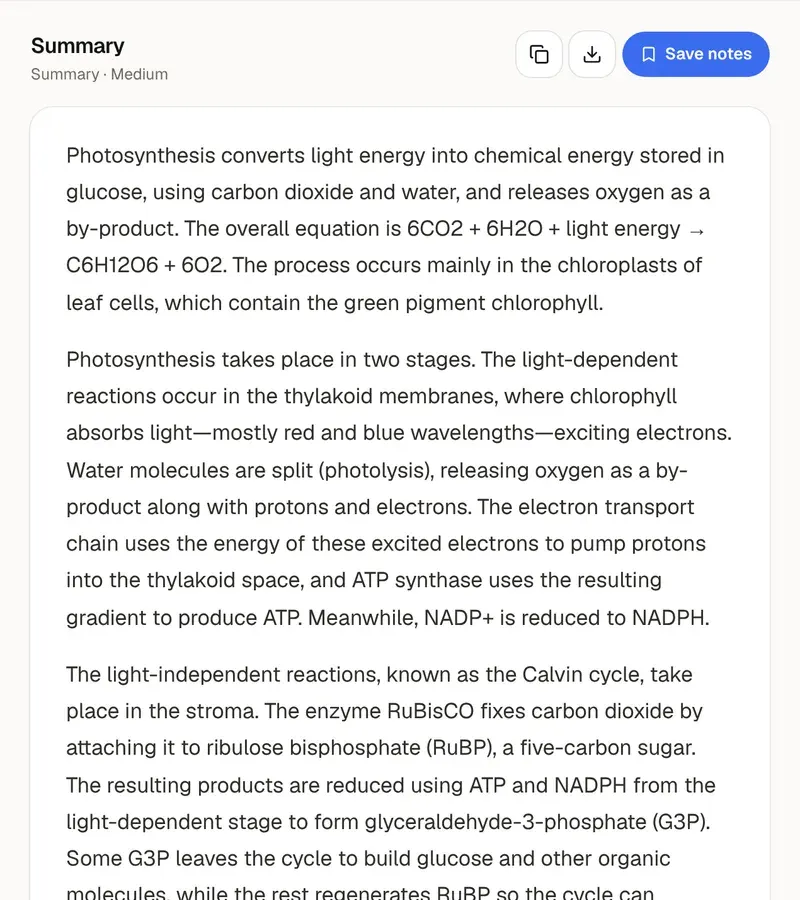
Add a PDF and get the text of every page, extracted in your browser. Keep the lines as they are or join them into paragraphs, then copy the text, download it as a .txt file, or send it on to the text summarizer or the flashcard maker.
- No account needed
- Free, no limits
- Nothing is uploaded
How it works
- 01
Add your PDF
Drop in one PDF, up to 200 MB. The text of every page is extracted on your device, and nothing is uploaded.
- 02
Choose the layout
Keep line breaks leaves the lines as they are in the PDF. Join paragraphs joins them and puts hyphenated words back together. Turn page markers on to see where each page starts.
- 03
Copy, download or pass it on
Copy the text, download it as a .txt file, or send it to the text summarizer or the flashcard maker with one click.
Text you can work with
Quote the reading without retyping it
Copying a passage out of a PDF viewer usually gives you short broken lines and words cut in half by hyphens. This tool takes the text of the whole file at once and lets you choose its shape. Join paragraphs is the one for prose you want to quote or paste into your notes: lines are joined into paragraphs, and words hyphenated across lines are put back together. Keep line breaks leaves every line as it is in the PDF, which is right for poems, code, lists and anything else where the line ends matter. The tool also shows how many pages, words and characters the file has.
Turn page markers on when you plan to cite what you take. A line like “— Page 3 —” appears between pages, so you can see which page a quotation came from and put that page number in your in-text citation. Turn them off when you only want clean running text, for example to paste into the text summarizer. Whichever you choose, check a quotation against the PDF before you use it. Extraction copies the characters the file contains, and an unusual font or a formula can come out differently from how it looks on the page.
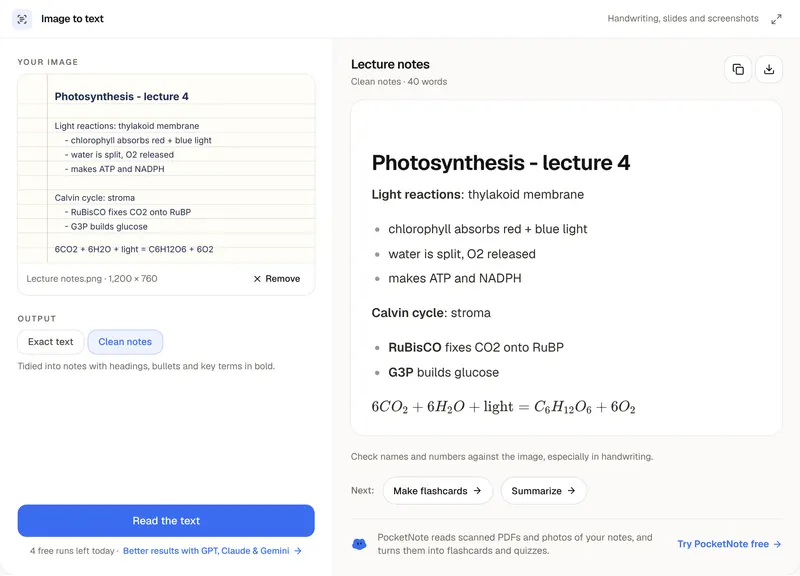
Some PDFs have no text to extract. A scanned PDF is a set of page images with no text layer, the kind of file where you can't select a sentence in your PDF viewer. The tool tells you which pages had no text, so a file that is part typed and part scanned is easy to sort out. For a photo of a single page, use image to text, which reads printed text and handwriting. Layout is the other thing to watch: tables and multi-column pages can come out in an order that needs tidying, so read through the result before you rely on it.
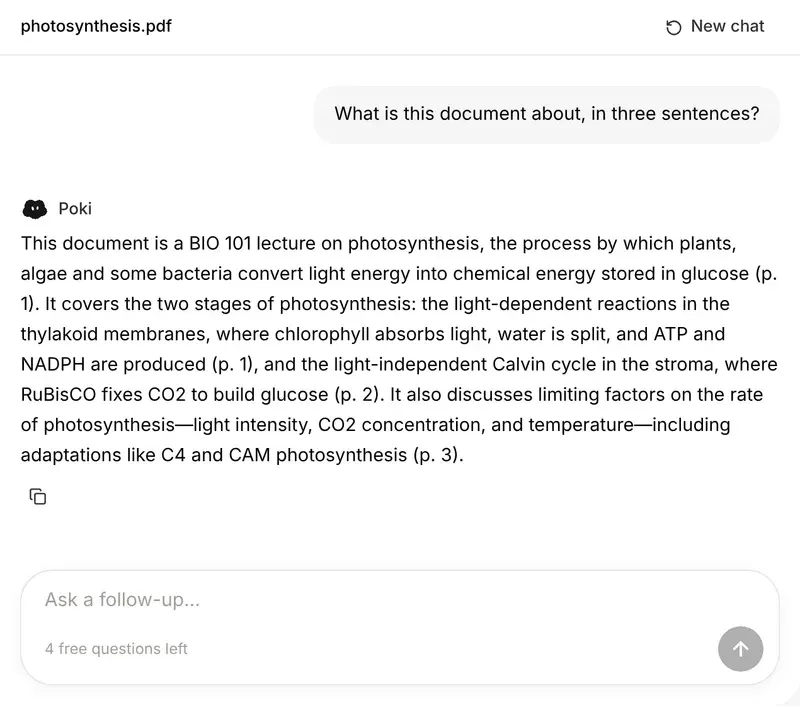
What you get is plain text. Bold, fonts and images are not kept. A password-protected PDF can't be opened until the password is removed, and files can be up to 200 MB. Everything runs in your browser, so the file is never uploaded. From here, one click sends the text to the text summarizer or the flashcard maker; if you would rather start from the file itself, the PDF summarizer and chat with PDF take a PDF directly. PocketNote keeps a course's lectures, PDFs and notes in one notebook, reads whole books and scanned PDFs, and lets you chat across all of them.
Want more than the free tool? See how this works inside PocketNote
FAQ
Questions, answered
From the text to knowing it
PocketNote reads whole books and scanned PDFs, and makes summaries, flashcards and quizzes from them.