
Spaced Repetition Planner
Add the topics you're studying and the day you first learn each one. The planner spaces the reviews further apart each time, fits them before your exam, and gives you a day-by-day agenda to tick off or add to your calendar.
- No account needed
- Free, no limits
- Saved on your device
How it works
- 01
List your topics
Type one topic per row, or paste a list with one topic per line. Each starts on today; change the date if you studied it earlier or plan to start later.
- 02
Add your exam date
Optional. Reviews that would land after the exam are dropped, and every topic gets a last review one or two days before it.
- 03
Review and tick off
Follow the agenda each day and mark reviews done. Download the plan as an .ics file for Google Calendar, Apple Calendar or Outlook, or copy it as text.
The spacing effect
Review just before you forget
In the 1880s Hermann Ebbinghaus tested how fast he forgot lists he had learned, and found the drop was steepest in the first hours and days, then levelled off. That shape is the forgetting curve. Each time you pull something back out of memory, the curve flattens, so the next gap can be longer. Spreading reviews out like this beats the same time spent in one sitting, an effect researchers have found again and again for over a century.
The planner uses a common expanding ladder: reviews 1, 3, 7, 14, 30 and 60 days after first study. The exact numbers matter less than two things: the gaps grow, and each review is active. Close your notes and try to explain the topic, answer questions or redo a problem before you check. Rereading feels productive because the page looks familiar, but recognising something isn't the same as being able to recall it in an exam.
With an exam date, reviews stop before the exam and each topic gets a last one a day or two before, so it's fresh without an all-nighter. Start early: a topic first studied four days out only has room for two or three reviews. Keep each review short, mix topics in one session, and if you miss a day, do the overdue review as soon as you can. The plan is fixed per topic: it doesn't move later reviews or adapt to how well you remembered.
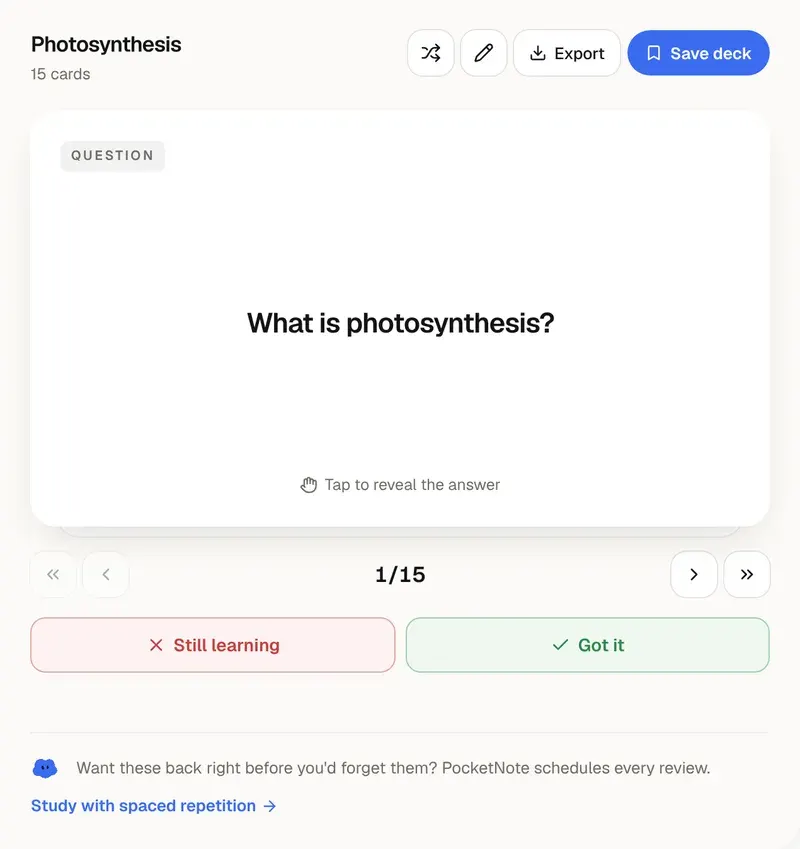
Adapting is where flashcard software helps. PocketNote makes flashcards from your notes, slides or readings and schedules each card on its own, based on how you answered it last time: cards you know well come back less often, and the ones you get wrong come back sooner. That handles the details inside a topic, like definitions, formulas and dates, without you planning anything. Use this planner for whole topics and chapters, and let the cards take care of what's inside them.
Want more than the free tool? See how this works inside PocketNote
FAQ
Questions, answered
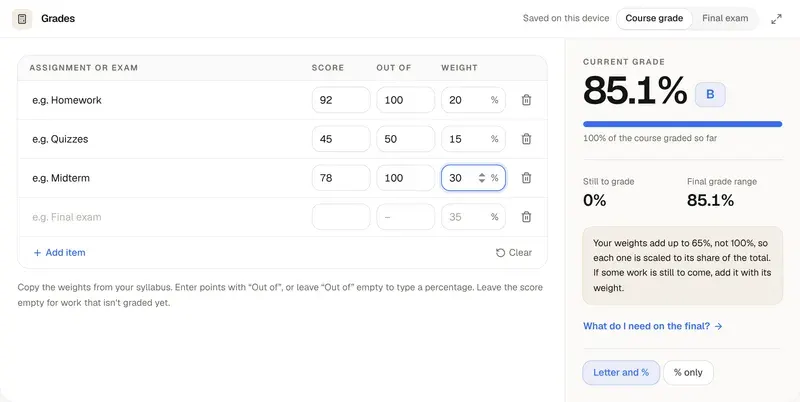
Let every card find its own interval
PocketNote makes flashcards from your notes and schedules each one by how well you remember it.