
Essay Outline Generator
Type your topic or assignment, add your thesis and notes if you have them, and choose the essay type and size. The AI plans the essay: a working title, the thesis, an introduction, body sections with their topic sentences, evidence and analysis, and a conclusion.
- No account needed
- 5 free AI runs a day
- Your text isn't saved
How it works
- 01
Enter your topic
Type the topic or paste the assignment question. If you already have a thesis, add it and the outline is built on it. Without one, the tool writes a thesis for you.
- 02
Pick the type and size
Choose one of six essay types. “5 paragraphs” plans three body sections and “Extended” plans five. Add your notes so the outline uses your own points and sources.
- 03
Write from the plan
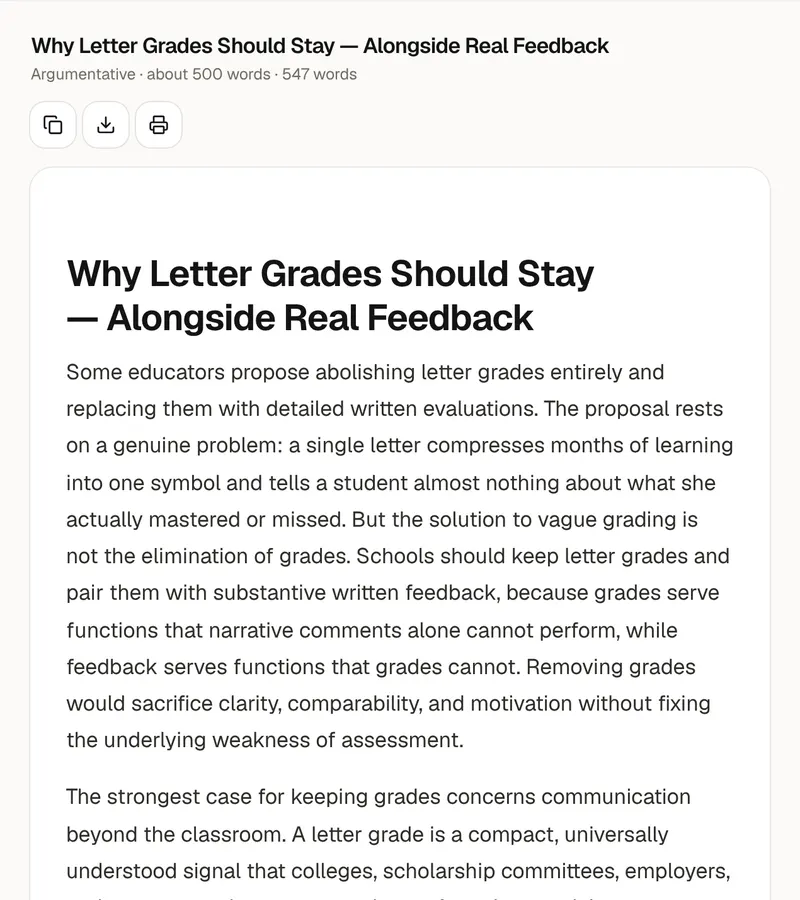
Copy the outline, download it as Markdown or print it. To turn it into a first draft, send it to the essay writer with one click.
Planning an essay
An outline is the essay's argument in short
A good outline lets you test an essay before you write it. Read only the thesis and the topic sentences, in order. They should read like a short summary of the whole essay, each one a reason the thesis is true. If a topic sentence doesn't support the thesis, or two of them say the same thing, fix it now, while it costs one line instead of one paragraph. That's why each body section here is named after the point it makes and has its topic sentence written out in full. The rest is in short phrases, because an outline is a plan to write from, not text to copy.
Under each section you'll find the evidence or example to use. If you pasted notes, the outline draws on them. If you didn't, it says what kind of evidence to look for, in brackets, and doesn't invent statistics or quotations. Treat the brackets as a research list and find a real source for each one before you start writing. The analysis line says how the evidence supports the thesis. That step is where most of the marks are, and it's the one students skip. The last line links to the next section, so your paragraphs follow from each other instead of sitting in a list.
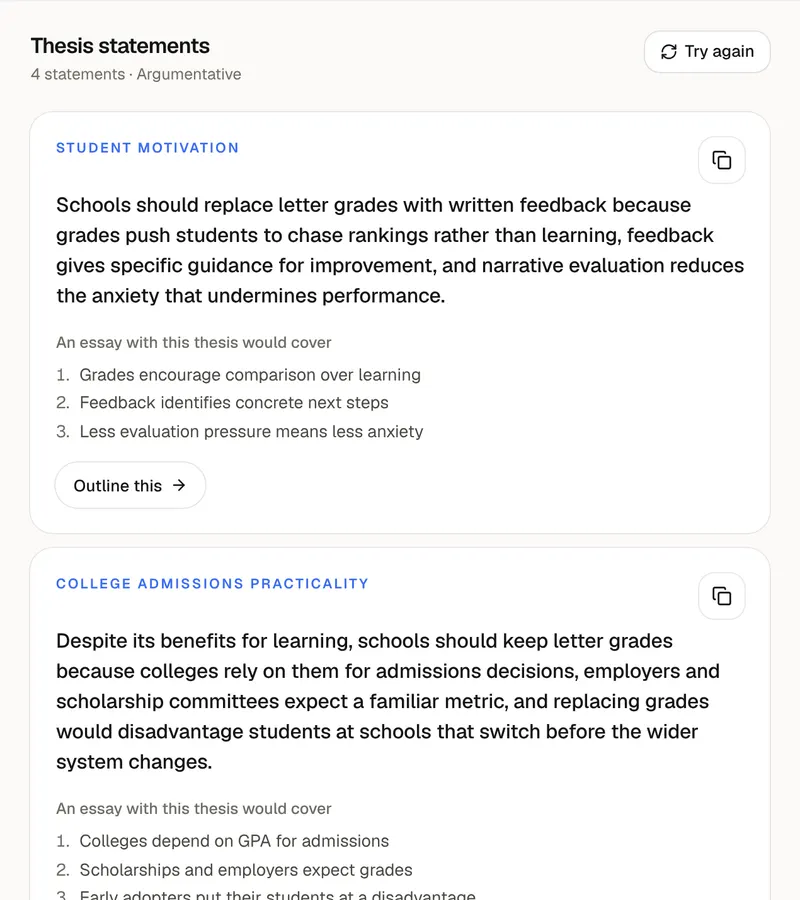
“5 paragraphs” gives an introduction, three body sections and a conclusion, which suits a short essay or a timed exam answer. “Extended” plans five body sections for longer coursework. Argumentative and persuasive outlines include a section that answers the strongest counterargument. The outline is yours to change: reorder the sections so the strongest point comes last, merge two thin ones, or replace an example with one from your course. If you don't have a thesis yet, the thesis statement generator gives you four to choose from, and its “Outline this” button sends the one you pick here.
The outline is built from your topic, your thesis and the notes you paste, so it hasn't read your course readings unless you include them. Check that the plan answers the question that was asked, especially its instruction word: “compare”, “evaluate” and “explain” ask for different essays. What you type is sent to the AI to make the outline and isn't saved to an account or a database. If you send the outline to the essay writer, treat the result as a first draft to revise. In PocketNote, a course's lectures, PDFs and notes live in one notebook, and you can chat across all of them to find the evidence each section needs.
FAQ
Questions, answered
Plan from the whole course
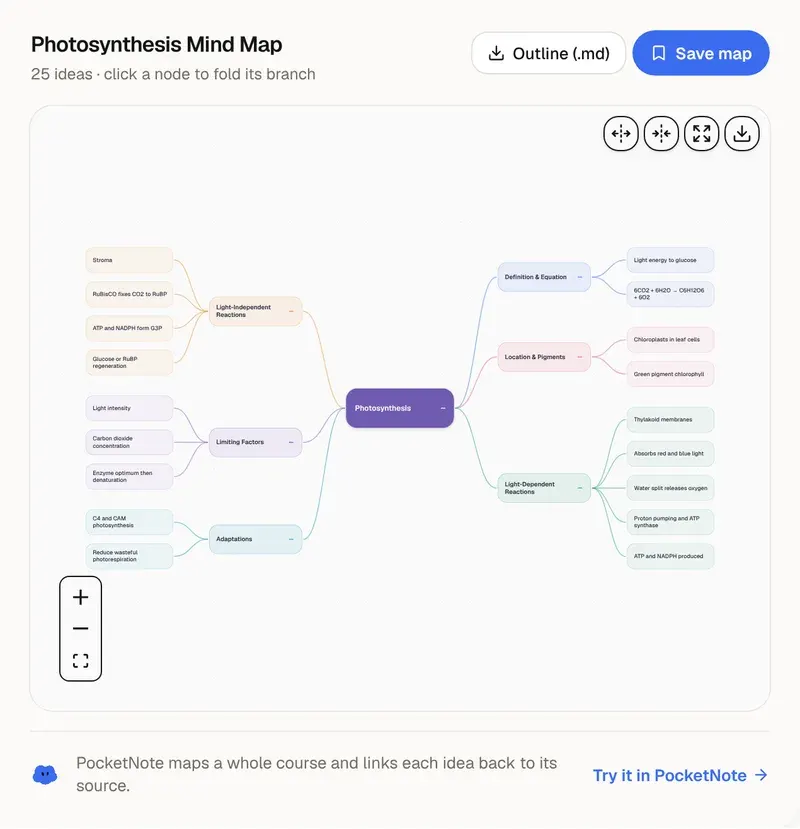
PocketNote keeps your lectures, readings and notes in one notebook, so the evidence for each section is a question away.