
AI Exam Predictor
Add past papers for one course as PDFs, Word files, photos or pasted text, and the syllabus if you have it. See which topics the papers ask about most, in which papers and for how many marks, the topics they never asked about, and how the paper is laid out, then get practice questions in the same style. It finds patterns in your papers; it doesn't know your exam. One analysis uses 1 of your 5 free AI runs a day.
- No account needed
- 5 free AI runs a day
- Files stay in your browser
How it works
- 01
Add your past papers
Upload PDFs, Word files or photos of the papers, or paste them, and label each with its year or session. Add the syllabus or your notes if you have them.
- 02
See the patterns
One AI run sorts every question into topics and ranks the likely ones, each with its evidence: how many papers asked about it, for how many marks, and when.
- 03
Practise
Ask for new questions in the papers' style with a marking guide, then practise them out loud or turn the likely topics into a quiz.
Using past papers well
What past papers can and can't tell you
Past papers are the best evidence you have of what an exam values: which topics come up, how they are asked and what they are worth. The more papers you add, the clearer the pattern. One paper shows a single exam; three to five show habits. Use papers from the same course and level (the same module code, exam board and tier), the most recent ones first, and label each with its year or session so the result can say when a topic last came up. If you have the mark schemes, paste each one under its paper: they show what earns the marks. Leave out cover pages and instructions, which only take up space.
The AI reads every question and sorts it into the course's topics, using your syllabus's headings when you add one. For each topic it notes which papers asked about it, how many questions and marks it got, and the command words used, such as define, explain, calculate, compare and evaluate. It then ranks the likely topics by that evidence: how often a topic appears, how many marks it carries, whether it is in the recent papers or follows a regular rotation, and how much of the syllabus and your notes it fills. Every likely topic shows the evidence counted from your papers, and its confidence can only be as high as that count allows: high needs the topic in most of your papers, and with a single paper everything is low. Topics in your syllabus that no paper asked about are listed as not seen in these papers, with no guess either way.
A pattern in old papers is not a promise about the next one. A new lecturer or examiner writes different questions; a changed syllabus adds topics no old paper covers and drops others; and papers from another course, level or exam board describe a different exam altogether, which the tool points out when your papers don't look like they match. Examiners also know students look for patterns, and sometimes break them on purpose. The analysis is done by AI and can misread a question or file it under the wrong topic, so check the topic table against your papers. Nothing here is official: the tool knows nothing about your exam beyond the papers you give it.
Use the ranking to decide what to revise first, not what to skip. Start with the high-confidence topics and the kinds of question they come in, practise them under timed conditions, then work through the rest of the syllabus, gaps included. The practice questions are new, written in the style of your papers with a marking guide; a question that repeats a past paper is removed, and none is presented as a forecast of your paper. Send them to oral exam practice to answer out loud, or turn the likely topics into a quiz. PDFs and Word files are read in your browser; photos of pages are read by the AI and use one free run each.
FAQ
Questions, answered
More free tools
AI study tools
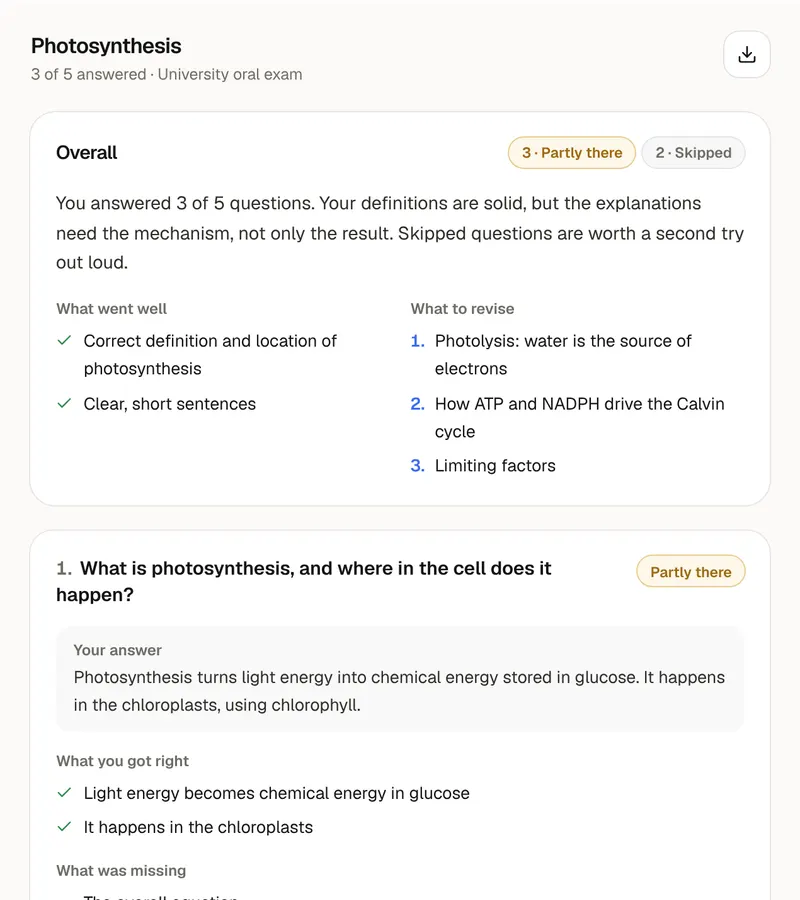
Oral Exam Practice
A mock oral exam from your own material, with honest feedback.
AI study tools
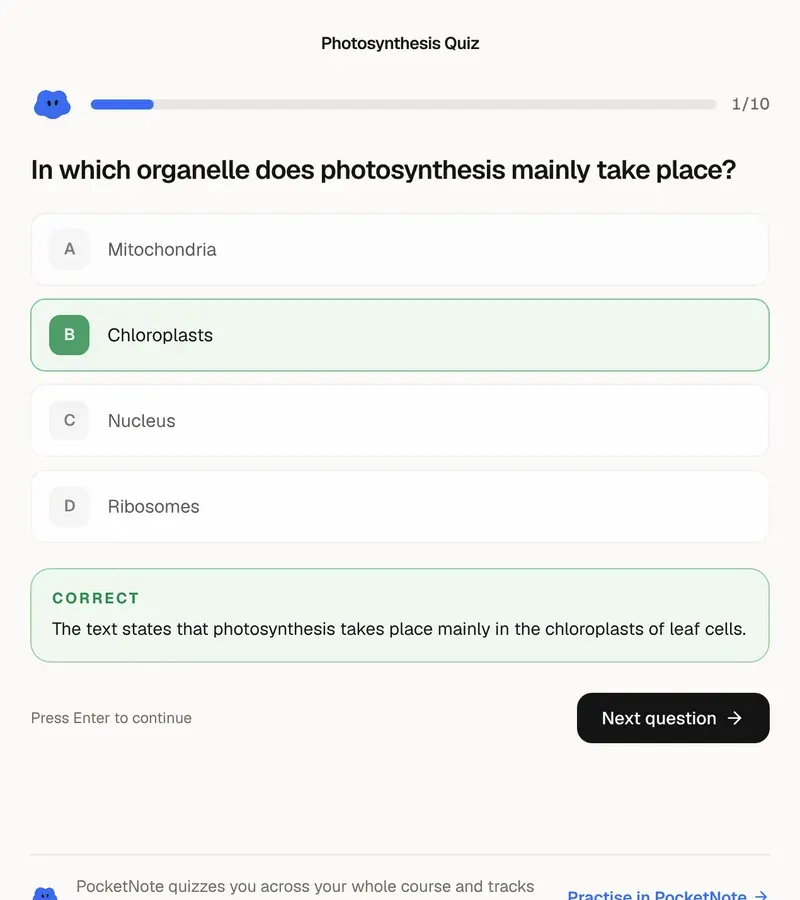
AI Quiz Generator
Practice questions from your own material, with answers explained.
AI study tools
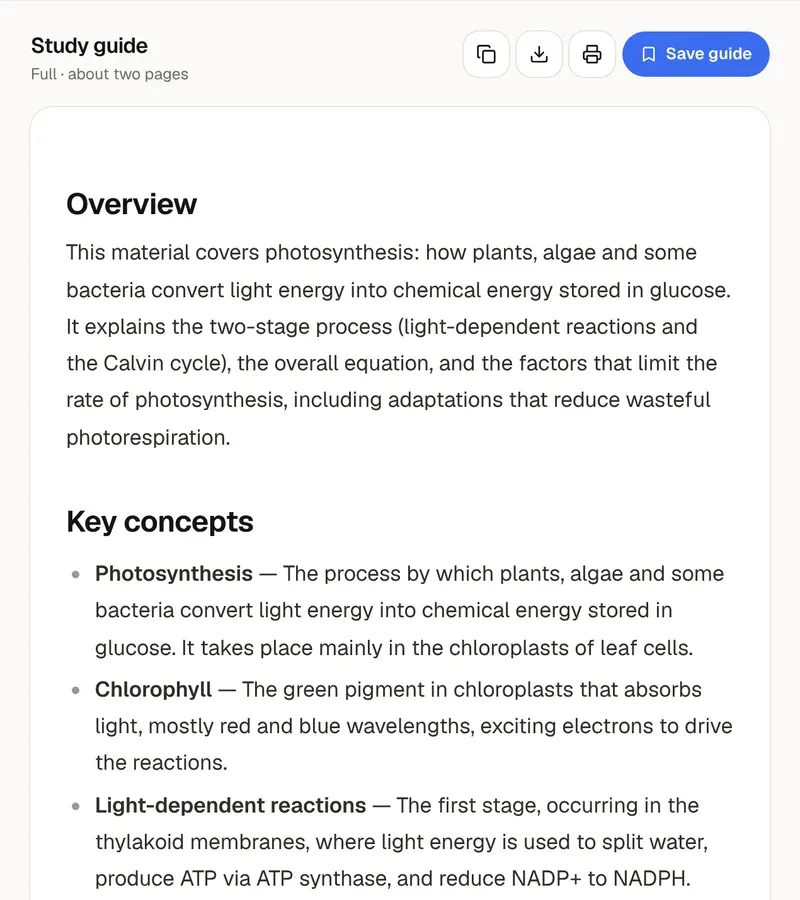
AI Study Guide Maker
Notes in, an exam study guide with practice questions out.
Revise what your papers point to
PocketNote keeps your whole course in one place and turns it into quizzes, flashcards and answers that cite your own lectures.