
GPA / GPAX Calculator (คำนวณเกรดเฉลี่ย)
Enter each subject with its credits (หน่วยกิต) and grade to get your GPA for the term, add your earlier GPAX for the new one, and see what you need next term to reach a target. Use the school scale (4, 3.5 … 0) or the university letters A to F.
- No account needed
- Free, no limits
- Nothing is uploaded
How it works
- 01
Pick school or university
Choose **School (มัธยม) 4–0** for the eight levels used in secondary school, **University A–F** for the letters most universities use, or **Thaksin University** to see its honours rule.
- 02
Enter credits and grades
Add each subject with its หน่วยกิต and grade. A 1.5-credit subject counts three times as much as a 0.5-credit one. The working under the result shows every step.
- 03
Add earlier terms and a target
Enter your GPAX so far and the credits behind it to get your new GPAX. Enter a target GPAX and the credits still to come to see the term GPA you need.
How GPA and GPAX work
Grade × หน่วยกิต, divided by total credits
Multiply each subject's grade by its credits (หน่วยกิต), add the results and divide by the total credits. Over one term that is your GPA (เกรดเฉลี่ย); over every term so far it is your GPAX (เกรดเฉลี่ยสะสม). A 4 in a 1.5-credit subject (6) and a 3 in a 1-credit subject (3) give 9 over 2.5 credits: 3.60. A plain average of the grades would give 3.50, which is the most common mistake. GPAX is also one of the scores used in TCAS admission.
In secondary school, subjects are graded on the eight levels of the Basic Education Core Curriculum B.E. 2551: 4, 3.5, 3, 2.5, 2, 1.5, 1 and 0. Schools commonly give a 4 for 80–100, 3.5 for 75–79 and so on in steps of five, down to 0 below 50, but each school's assessment rules (ระเบียบการวัดผล) set the exact cut-offs, and the calculator takes the grade you received rather than your marks. Activities graded ผ or มผ, and subjects still marked ร or มส, have no grade yet and stay out of the average.
| Grade | Meaning | Common mark range |
|---|---|---|
| 4 | ดีเยี่ยม | 80–100 |
| 3.5 | ดีมาก | 75–79 |
| 3 | ดี | 70–74 |
| 2.5 | ค่อนข้างดี | 65–69 |
| 2 | ปานกลาง | 60–64 |
| 1.5 | พอใช้ | 55–59 |
| 1 | ผ่านเกณฑ์ขั้นต่ำ | 50–54 |
| 0 | ต่ำกว่าเกณฑ์ | 0–49 |
Universities use letters: A 4.0, B+ 3.5, B 3.0, C+ 2.5, C 2.0, D+ 1.5, D 1.0 and F 0, with the mark cut-offs set course by course. Honours (เกียรตินิยม) are set by each university. Thaksin University's 2566 regulation, for example, gives first-class honours from a GPAX of 3.60 and second-class from 3.25, but only to students with no grade below C, no W, and no extra terms; other universities use other limits and conditions, so the calculator shows honours only for the regulation it was checked against.
Limits of the tool: it does not know which subjects your school or university counts, how a repeated subject is treated, or how your registrar rounds the figure (it shows two decimals and says so). Your transcript (ปพ.1 at school, the university's transcript later) is the official figure, and for TCAS the GPAX in the system is the one used.
FAQ
Questions, answered
More free tools
Planning & grades
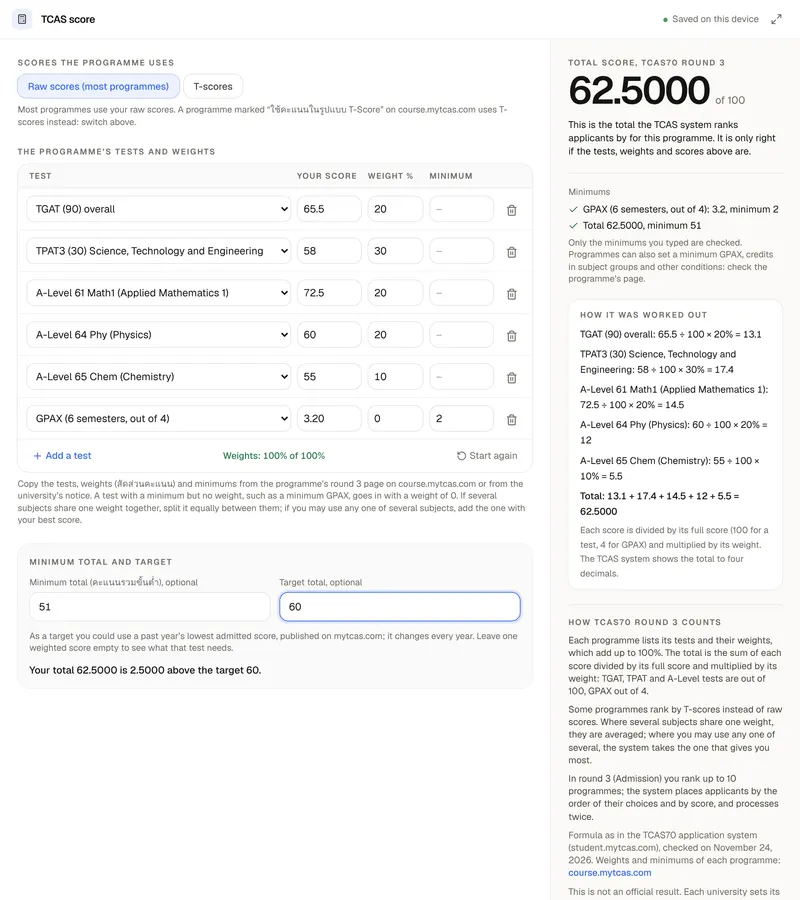
TCAS Score Calculator
Your round 3 total for a programme, added up the way the TCAS system does it.
Planning & grades
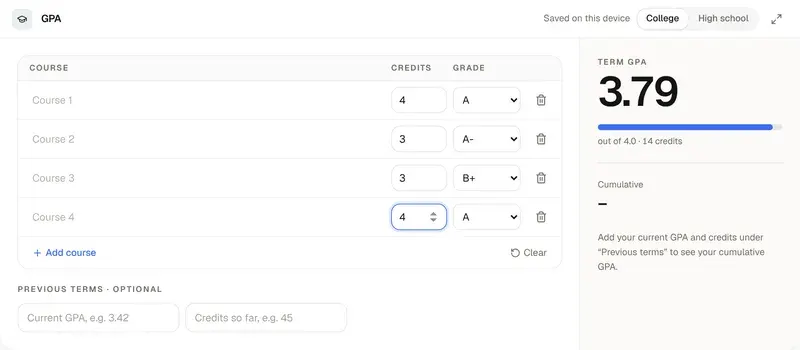
GPA Calculator
College or high school GPA, weighted or unweighted.
Planning & grades
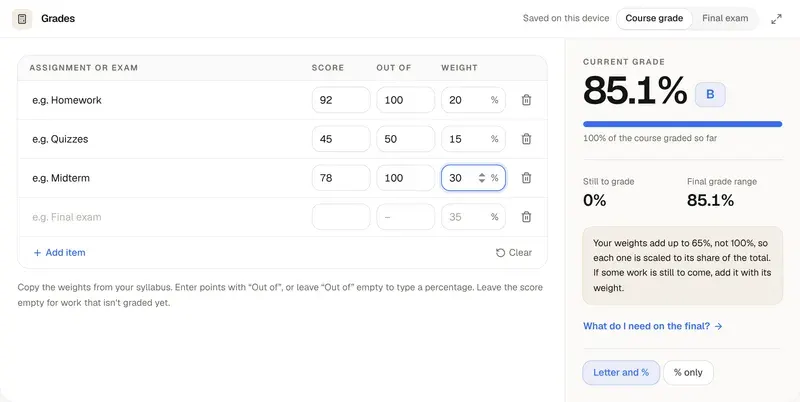
Grade Calculator
Your weighted grade, and what you need on the final.
Planning & grades
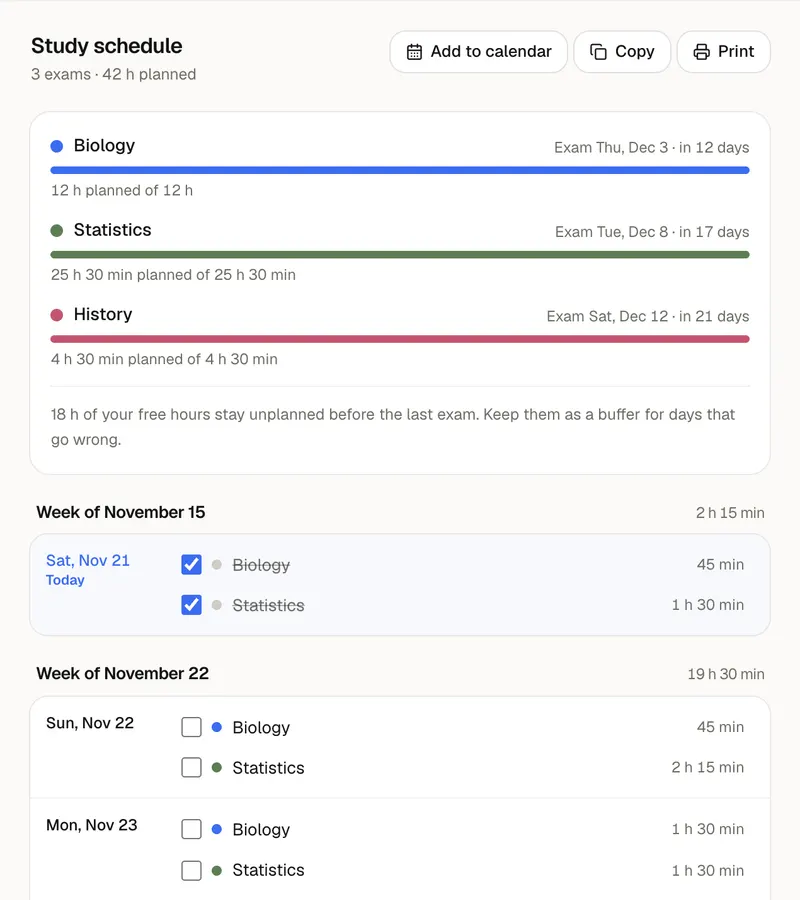
Study Schedule Maker
Your exams and free hours in, a day-by-day study plan out.
Keep reading
Go deeper into the science
A higher GPAX starts with better review
PocketNote turns your class notes into flashcards and quizzes and plans your study until exam week.