
Study Schedule Maker
Add each exam with its date and the hours of study it needs, then the hours you have free on each day of the week. The planner shares your time between the subjects day by day, gives nearer exams more of it, and tells you plainly when the hours don't add up.
- No account needed
- Free, no limits
- Saved on your device
How it works
- 01
Add your exams
Give each exam a subject, a date and the hours it needs: choose light, medium or heavy, or type your own number. Say how well you know it already and the hours adjust.
- 02
Set your free hours
Enter the hours you can study on each day of the week, pick a session length from 25 to 90 minutes, and add any days you want off.
- 03
Follow the plan
Tick sessions off as you do them. Add the schedule to Google Calendar, Apple Calendar or Outlook as an .ics file, copy it as text, or print it.
Planning for several exams
Share out your hours before the last week
The hard part of an exam period is not one exam, it is several at once. Most students study whatever feels most urgent, which means the first exam gets everything and the third gets two rushed days. A schedule fixes that by deciding in advance. This planner takes the hours each subject needs and spreads them evenly over the days left before its exam. A subject with a nearer exam or more work gets a bigger share of each day, and once an exam has passed, its time goes to the subjects that remain.
Two things from memory research are built into the plan. The first is spacing: the same hours spread over two weeks are remembered better than those hours packed into two days, so each subject appears little and often rather than in one block. The second is interleaving: when your hours allow, a day mixes two or three subjects instead of giving a whole day to one. Switching feels harder, but it makes you pull each subject back from memory again, and that is what strengthens it. The day before an exam is different: it starts with a short review of that subject and is planned at half your usual hours, so you arrive rested.
A plan is only useful if it is honest. If your exams need 60 hours and your week only has room for 45, the planner does not squeeze the sessions in. It shows how many hours are short and for which subject, so you can decide now: add hours to some days, start earlier, or accept that one subject gets less. It also rounds your time to whole sessions, so 2 free hours hold two 45-minute sessions, not two and a half. If hours are left over, they stay unplanned as a buffer. What you do inside a session matters more than its length: start by recalling the last session without notes, and finish with practice questions or a past paper.
The planner knows your dates and hours, but not your material. It cannot tell which chapters are long, which topics you keep getting wrong, or how much is left to read. The hours needed are your estimate, and the plan does not change by itself when you miss a day: use Replan from today to share out what is left. PocketNote works from the material itself. You add your lecture slides, notes and readings to a course notebook, and it builds a study plan from what is actually in them, with flashcards and quizzes ready for each session and reviews scheduled by how well you answered.
FAQ
Questions, answered
More free tools
Planning & grades
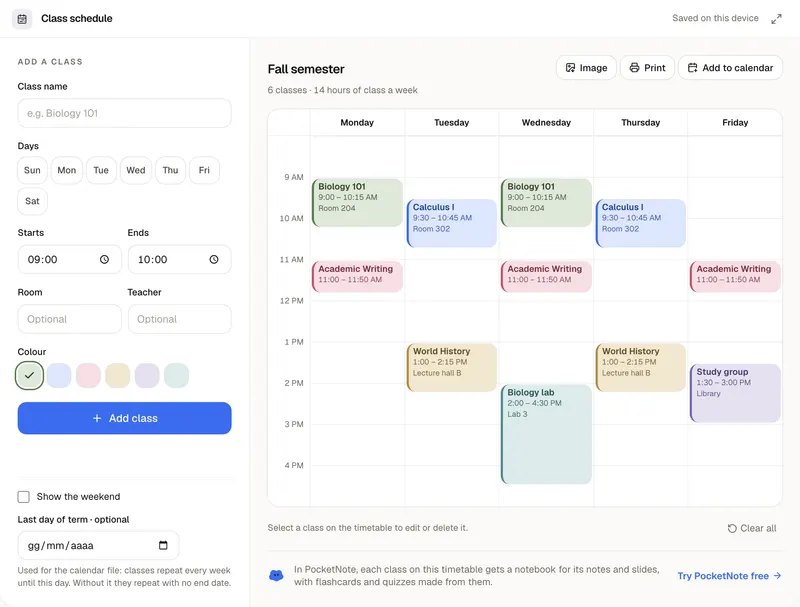
Class Schedule Maker
Your week of classes on one timetable, ready to print or save.
Planning & grades
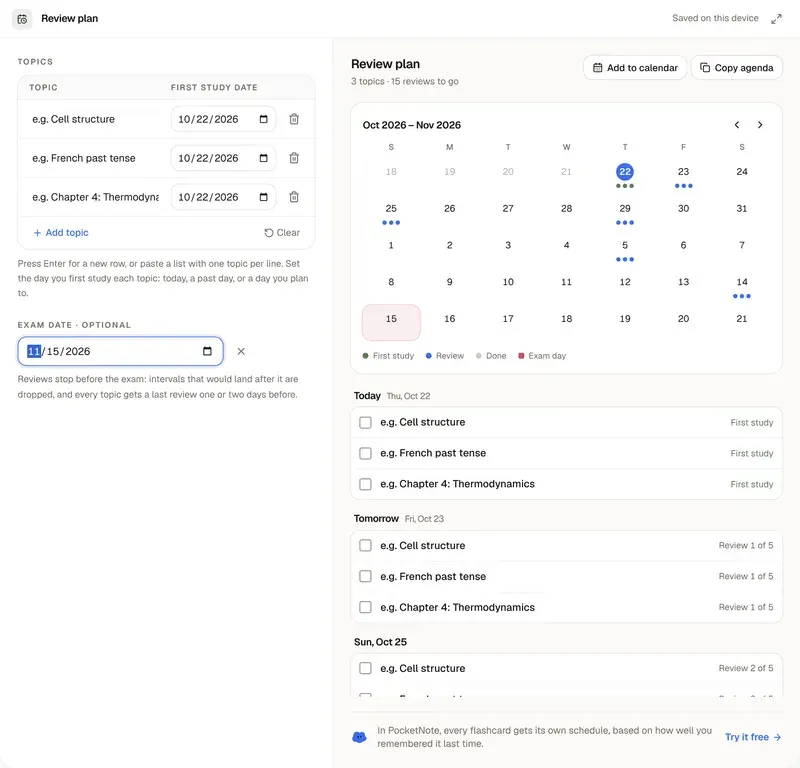
Spaced Repetition Planner
Spaced reviews for every topic, fitted before your exam.
Planning & grades
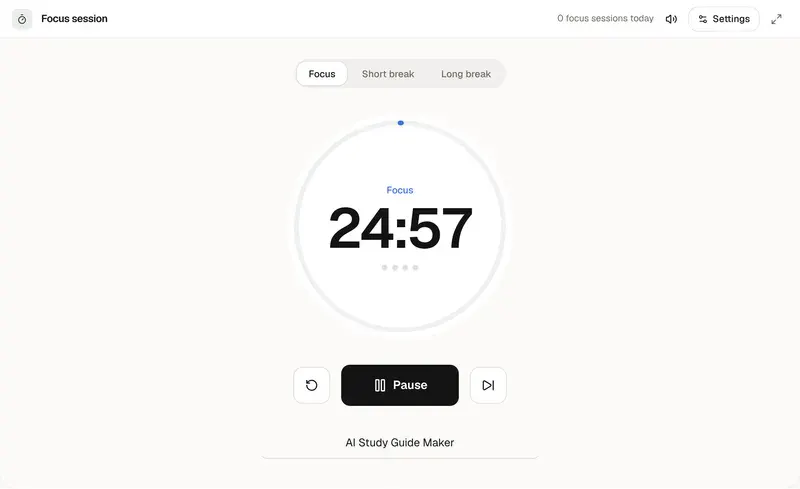
Pomodoro Study Timer
Focus blocks and breaks, with a session count.
A plan built from your course
PocketNote reads your slides and notes, plans your study until the exam and has flashcards and quizzes ready for every session.