
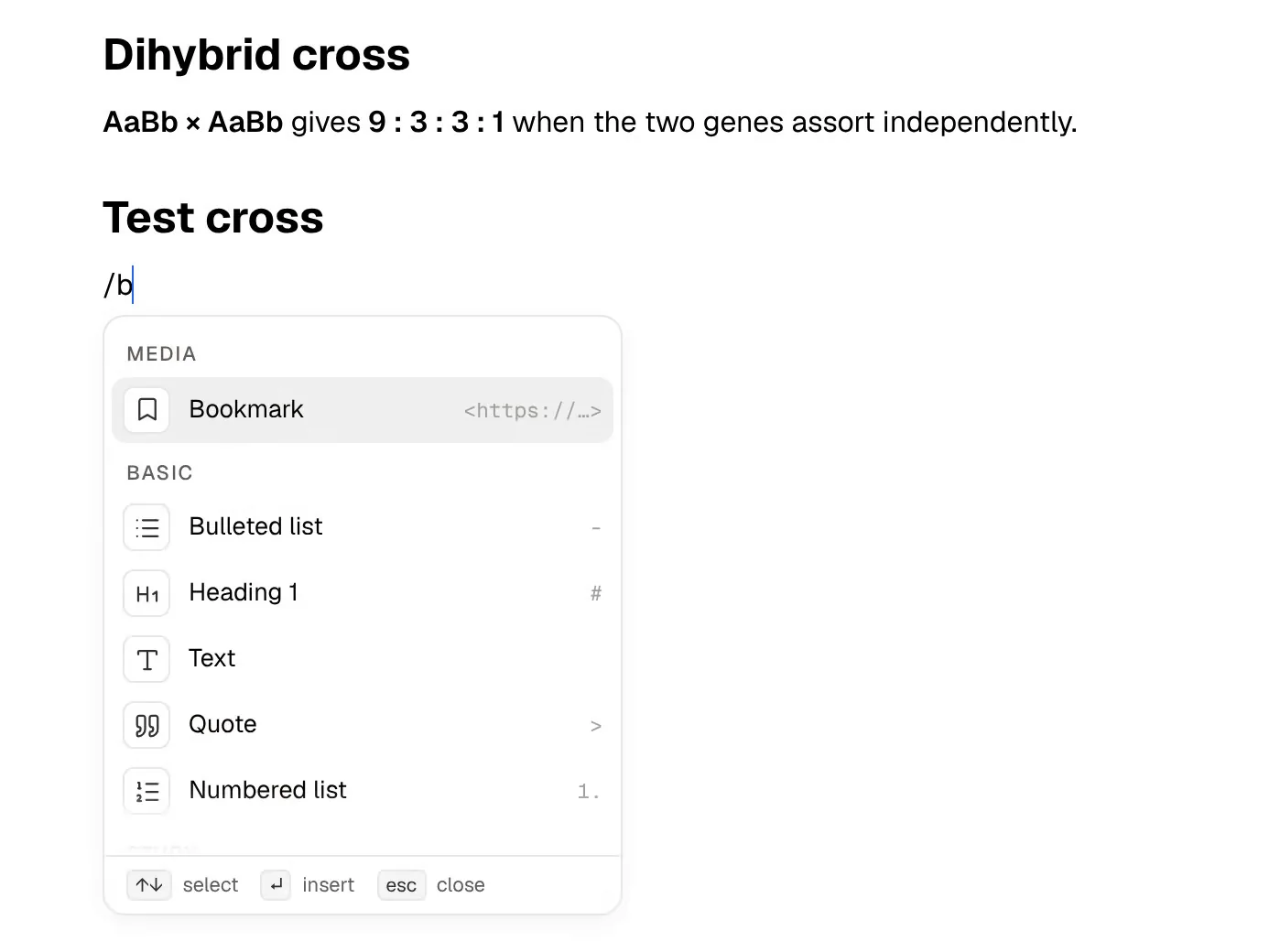
Capacities calls itself "a studio for your mind". Instead of folders, everything you save is an object with a type, such as a Book, a Person, a Project or a Course you define yourself, each with its own properties and linked to the others so your notes form a network. Students, researchers and writers are among the people it names, and its free plan is generous.
PocketNote is narrower. It is an AI study app: lecture recordings, slides, PDFs, YouTube lectures and your own notes go in, and flashcards with spaced repetition, quizzes that explain every answer, an oral exam and a study plan come out. Poki, the built-in assistant, answers questions from those same files and cites them.
Put simply, Capacities is about organising what you know, and PocketNote is about checking that you know it. This guide covers what each does well, what Capacities' AI assistant can and can't do for coursework, what each costs a student, and how to move objects across when an exam is coming.
At a glance
PocketNote vs Capacities
| Feature | PocketNote | Capacities |
|---|---|---|
| Organising idea | Course folders, with study tools per item | Objects with types, linked together |
| Free plan | Yes, free to start | Yes (Basic), without AI |
| Paid plans | Basic and Plus (see pocketnote.app) | Pro $9.99/month billed yearly; Believer from $12.49 |
| AI assistant | Poki, built in, cites your material | Pro and Believer, with a monthly AI budget |
| Flashcards with spaced repetition | Built in | Not advertised |
| Quizzes and oral exam | Generated from your material | Not advertised |
| Lecture recording | Transcript, summary and notes | Not advertised; audio files saved as objects |
| PDFs | Annotate by hand; Poki can mark pages | Upload, read and tag |
| Visual maps | Generated mind maps; infinite whiteboard | Whiteboards on Pro |
| Platforms | Web, iPhone and iPad | Mac, Windows, Linux, iOS, Android, web |
Checked against each product's own website, November 2026. Plans and features change; confirm current details there.
Why Capacities appeals to students
Capacities' homepage sums up the idea as thinking in things, not files. You create object types as you need them and give each one properties: a Course type might have a lecturer and a term; a Lecture type might link to its Course and to the Concepts it covered. Backlinks show every connection to an object, and a Related Content panel surfaces notes that mention a topic without linking to it.
Daily notes act as a low-pressure inbox, and Pro adds a task dashboard, calendar integration and whiteboards (you edit those on a computer and view them on a phone or tablet). Saved queries pull together everything that matches a rule, such as every Concept from one module that you marked as weak.
The free Basic plan includes unlimited spaces, objects and blocks, unlimited custom object types, sync across devices, full-text search, offline support, import and export, and saving from WhatsApp, Telegram or email. Media uploads are capped at 5 GB in total and then 100 MB a month. There are apps for Mac, Windows, Linux, iOS and Android, plus the web.
That reach is a practical upside for students who switch devices a lot: the same space is on a Windows laptop in the library, a phone on the bus and a browser on a borrowed computer, and the free plan keeps working offline.
- Best at: a structured, linked knowledge base that grows over years.
- Who it suits: students and researchers who enjoy designing how their notes fit together.
- Free plan: everything except AI and the Pro features, with offline support.
What the Pro AI assistant can do
On Pro and Believer, Capacities' AI assistant is capable. You open a chat with a keyboard shortcut, add objects or blocks as context by typing @, and the assistant can search your notes, read full notes and their backlinks, fetch query results and search the web, with a sources summary you can turn into weblink objects. Chats are saved as objects you can tag and search.
It also acts inside your space. It can create, update and append to objects, add blocks, create tasks and queries, and manage calendar events, with your approval by default. An AI panel summarises, translates or rewrites selected text, property auto-fill completes object properties, and image analysis extracts a description and text from an image, including handwriting.
Models come from several providers (OpenAI, Anthropic, Gemini, xAI, Mistral, DeepSeek and Moonshot), or you can leave the choice on Auto. Pro includes a monthly AI budget meant for light use; heavier use needs the Pro+ or Believer+ add-on.
For a student, the most useful of these is probably asking questions across a module's objects with @ context, or having the assistant fill in properties on a pile of reading notes. It is an assistant for a knowledge base, and it works best when the knowledge base is already well kept.
The missing piece for exams: practice
A well-linked space helps you understand a subject. It doesn't test you on it. Capacities doesn't advertise flashcards, quizzes or spaced repetition, and its AI documentation describes organising, answering and writing rather than review.
You could ask the assistant to write practice questions into a page. Testing yourself on them, noticing which ones you keep getting wrong and bringing those back at the right interval would still be a system you build and run yourself, inside a tool designed for something else.
Course formats are the other gap. Capacities lets you upload, read and tag PDFs, and Pro adds analysis of images, PDFs and web links. Audio files can be saved as objects, but Capacities doesn't advertise a lecture recorder that turns a talk into a transcript and notes. Handwriting is a third: image analysis can read text from a photo of handwritten notes, but writing by hand in the app isn't something Capacities advertises, whereas PocketNote has Apple Pencil handwriting on iPad with a lasso that converts it to text.
One module, set up in each app
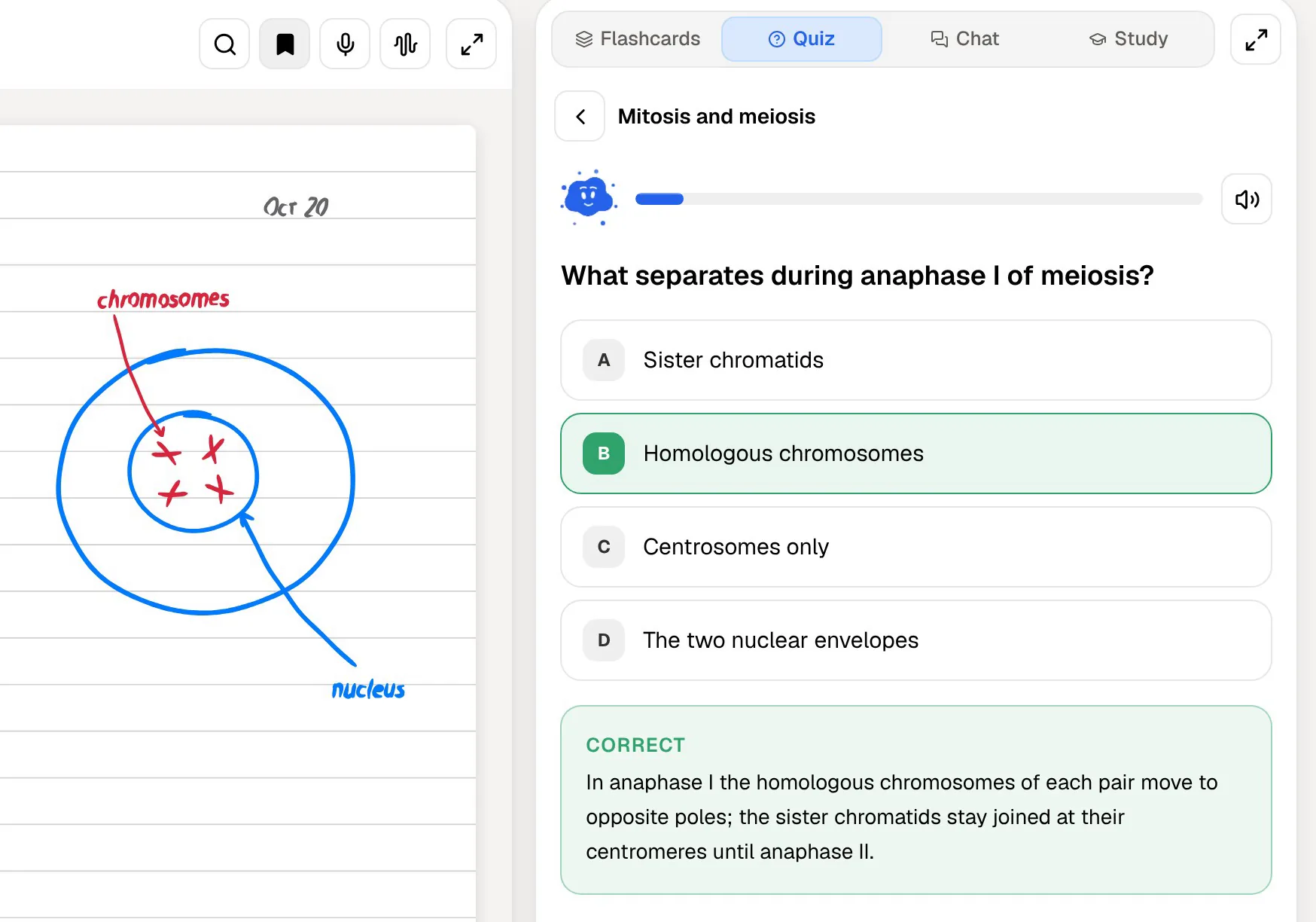
In Capacities, a well-run module might be a Course object, a Lecture object per week linked to it, and Concept objects linked from the lectures, with a query listing every Concept for revision. It is tidy, and building it is itself a way of thinking the material through. It also takes time, and the structure is only as good as your discipline in keeping it up.
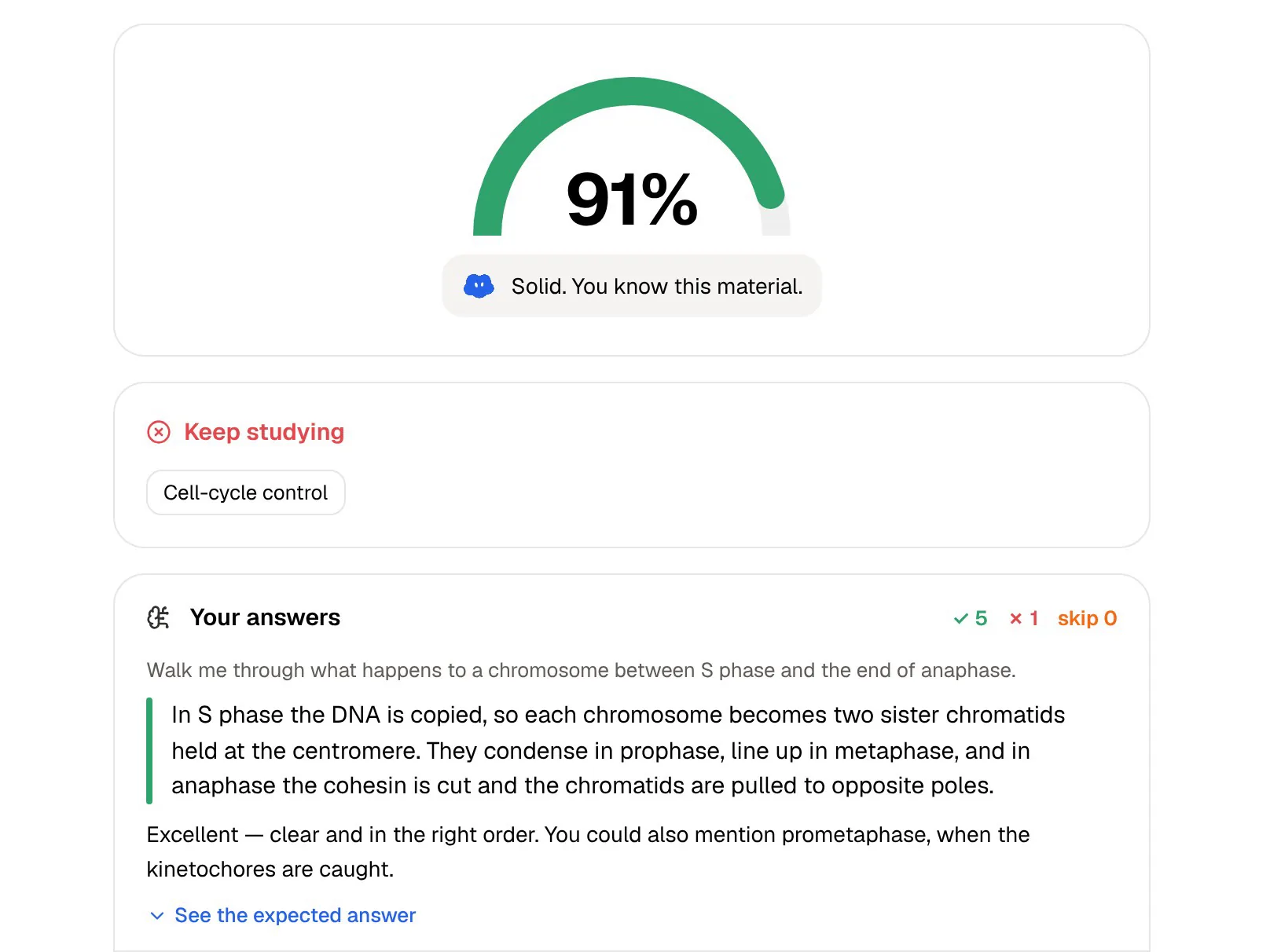
In PocketNote you make a colour-coded folder for the module and drop in what you have: lecture recordings, the slides as PDFs, the reading list as web links, a YouTube lecture or two. Open a notebook and you see the sources on the left, a chat with Poki in the middle and the Study panel on the right, with quizzes, flashcards, mind maps, audio reviews and more generated from those sources.
Neither approach is wrong. Capacities asks you to design the structure; PocketNote asks you to bring the material and gives you tools that test you on it.
Testing yourself in PocketNote
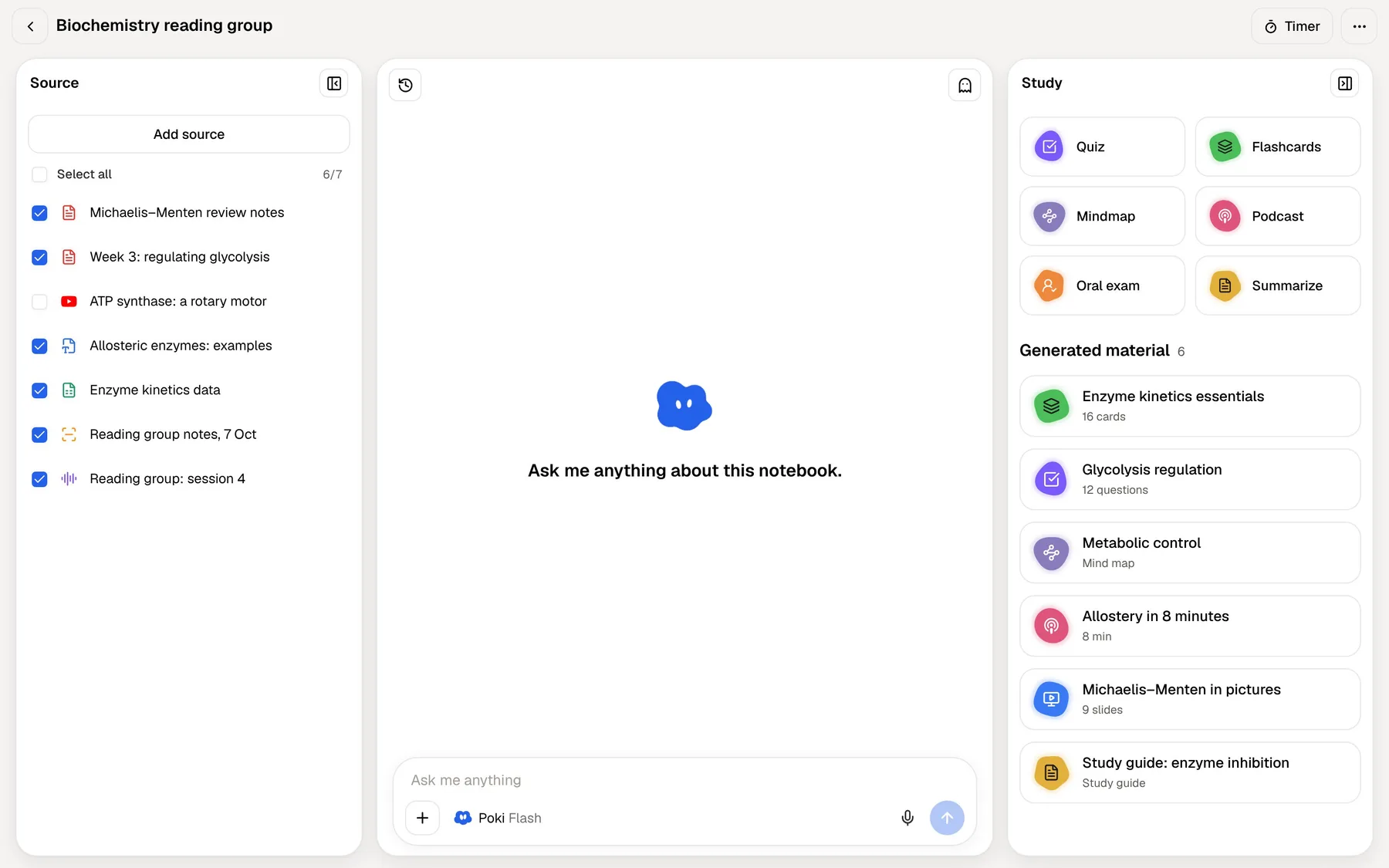
Flashcards come straight from the module's sources. You rate each card Again, Hard, Good or Easy, and it comes back when you are about to forget it. Quizzes explain why each option is right or wrong, so a wrong answer still teaches you something.
The oral exam is closest to a tutorial. Prof. Poki asks a question out loud or in text, you answer in your own words, and it follows up on whatever you left vague until you can explain the idea properly. On paid plans you can also talk to Poki in live voice and be quizzed out loud.
Set the exam date and the study plan spreads the topics across the days left, reminds you, and tracks memory, applied and mastery scores. Mind maps, summaries, slide decks and audio reviews can come from the same material.
Prices for a student
At the time of writing (November 2026), Capacities Basic is free. Pro is listed at $9.99 a month billed yearly ($119.88 a year), with a higher month-to-month price, and Believer starts at $12.49 a month, adding beta access to major new features. The pricing page was also showing a back-to-school offer of 40% off annual Pro for students. The Pro+ and Believer+ AI add-on is listed at $8.33 a month, billed annually.
PocketNote starts free. Paying for Basic gets you live voice, premium models and connectors (Google Drive, Notion, Outlook and more); Plus goes further with unlimited notebooks and apps, the longest audio reviews and every model. Current pricing is on pocketnote.app.
For most students, the realistic comparison is Capacities Basic against PocketNote's free start. Both cost nothing, but Capacities Basic has no AI at all, so the AI features described above only apply once you pay for Pro.
Moving material from Capacities to PocketNote
Capacities exports cleanly. A full export from Settings writes your space as Markdown, CSV and media files with readable folder and file names, and a single object exports as Markdown, PDF, Word or LaTeX. PocketNote imports Markdown, PDF, Word and CSV, so either route works.
Media only come along if they are stored on your device, so set Capacities to load everything for offline use before a full export if you want PDFs and images included.
- Export the Lecture and Concept objects for one module as Markdown, or as PDF if you want the layout kept.
- Create a folder for the module in PocketNote and import the files.
- Add the original sources next to them: slides, readings, recordings and YouTube links.
- Generate flashcards and a quiz, then set the exam date for a study plan.
- Object types, properties and backlinks are Capacities' own structure. In PocketNote, folders, stars and search do the organising.
Where Capacities is the better choice
Capacities is the stronger tool for a knowledge base you want to keep building across a degree and beyond, especially if you enjoy shaping its structure. It also reaches more devices: PocketNote is on the web and on iPhone and iPad, with no Android or desktop app, so elsewhere you would use it in a browser.
- You want custom object types and properties to model your courses, reading and research.
- You need apps on Windows, Linux or Android, and offline use on a free plan.
- You want tasks, a calendar and whiteboards in the same place as your notes.
- You want an AI that acts on a structured workspace, creating and updating objects for you.
The verdict
Which one should you pick?
Pick PocketNote if…
- you want flashcards, quizzes and an oral exam made from your course material without designing a system first.
- you record lectures and want them turned into notes and study tools.
- you annotate PDFs by hand and want an AI that can see and mark the same page.
- you want a revision plan built around your exam date.
Pick Capacities if…
- you want a structured knowledge base with your own object types and properties.
- you need apps on Windows, Linux or Android, with offline use on the free plan.
- you want tasks, a calendar and whiteboards alongside your notes.
Try it yourself
See it with your own notes
The easiest test is one module. PocketNote is free to start in a browser or on iPhone and iPad: export that module's objects from Capacities as Markdown, import them with its slides and recordings, and run a quiz. If you like the long-term structure Capacities gives you, keep it, and use PocketNote for the weeks before each exam.
Frequently asked questions
Sources
Keep reading