
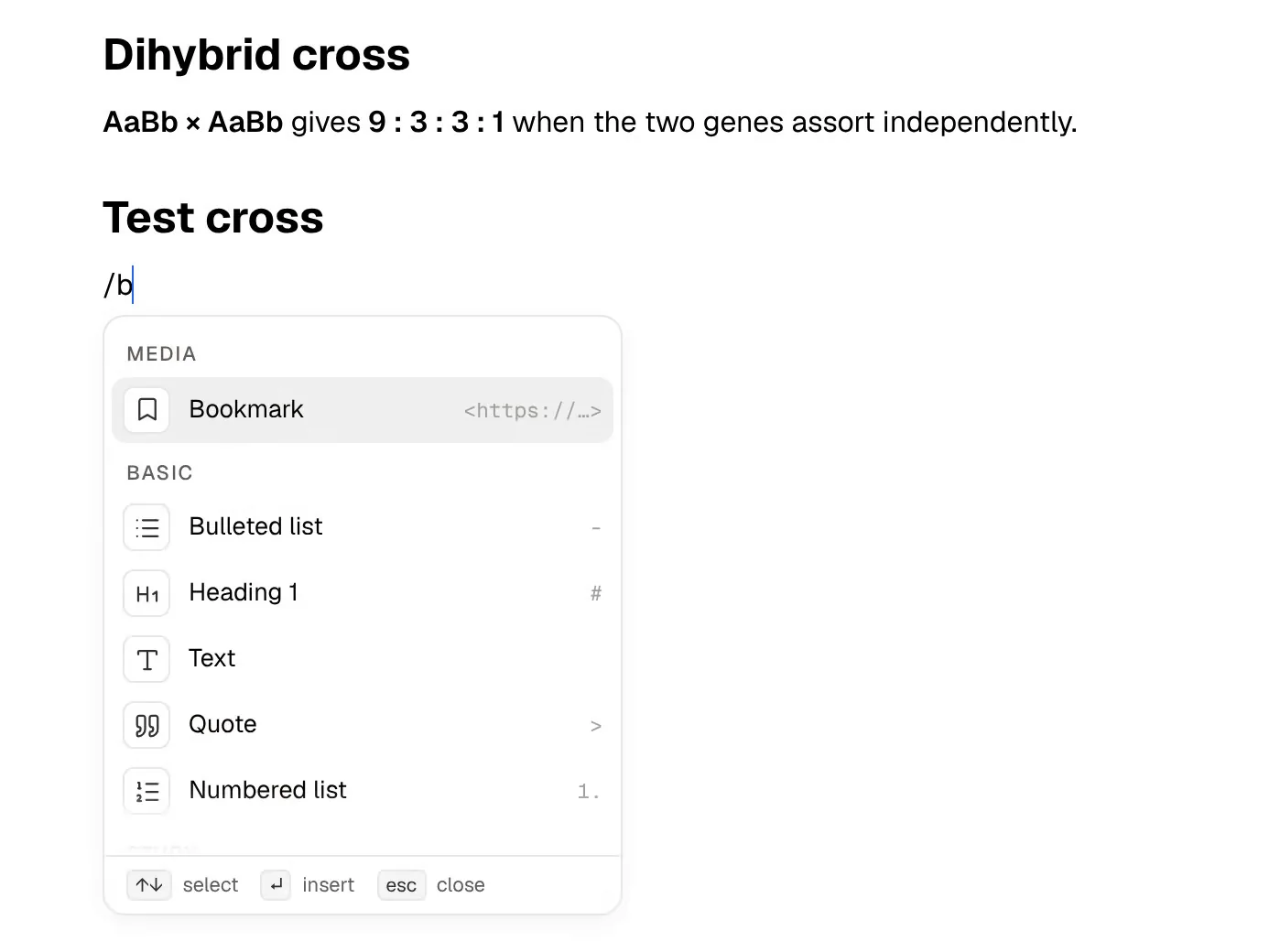
Notion is a workspace of pages and databases. Students use it to build semester dashboards, track assignments in a table, keep lecture notes in nested pages and run a group-project wiki with classmates. Its Plus plan is free for students who sign up with a school email, which makes it an easy default for course dashboards.
PocketNote is an AI study app. You give it the material a course runs on (lecture PDFs, recordings, YouTube lectures, your own typed or handwritten notes) and it turns that material into flashcards with spaced repetition, quizzes that explain every answer and a study plan that counts down to the exam. When you have a question, Poki, its assistant, answers from those same sources and cites the one it used.
The two overlap less than the search results suggest. Notion is very good at organising a semester; PocketNote is built for the part where you have to remember it. This page compares them on the jobs a student actually has, spells out how much Notion AI the free student plan includes, and is clear about where Notion is the better choice.
At a glance
PocketNote vs Notion
| Feature | PocketNote | Notion |
|---|---|---|
| Built for | Studying your course material | Docs, wikis, databases and projects |
| Planning tools | Study plan built from your exam date | Databases, boards, calendars, templates |
| Real-time co-editing | Not offered (share a link to a note) | Yes |
| Lecture material in | PDF, Word, Excel, audio, YouTube, web links | File uploads (5 MB each on Free) and embeds |
| Record a lecture | Yes: transcript, summary and notes | AI Meeting Notes on the Business plan |
| AI assistant | Poki, answers cited to your sources | Notion AI: trial on Free and Plus, included on Business |
| Flashcards with spaced repetition | Yes: Again / Hard / Good / Easy | Not advertised |
| Quizzes with explanations | Yes | Not advertised |
| Handwriting with Apple Pencil | Yes, on iPad | Not advertised |
| Offline | Notes save offline and sync later | Desktop and mobile apps, page by page |
| Apps | Web, iPhone, iPad | Web, desktop and mobile, including Android |
| Student pricing | Free to start; see pocketnote.app | Plus free with a school email (1 member) |
Checked against each product's own website, November 2026. Plans and features change; confirm current details there.
What students build in Notion, and why it works
Notion's strength is structure you design yourself. A page can hold text, to-dos, toggles, embeds and other pages, and a database turns a list of assignments into a table, a board or a calendar with properties such as due date, course and status. Templates mean you rarely start from a blank page: a semester planner or a reading tracker is a few clicks away.
It is also a shared space. A group project can live in one workspace where everyone edits the same pages at once, and a page can be published to the web as a basic site. Notion Calendar connects your calendars, and even the free plan includes databases with subtasks, dependencies and custom properties.
For students, the price settles it. Notion's pricing page says the Plus plan, limited to one member, is free for students and educators who sign up with a school email address, and that thousands of school domains qualify, not only .edu addresses. Compared with the free plan, that gets you 30 days of page history instead of 7, and file uploads up to 5 GB each instead of 5 MB.
Where a Notion study system runs out
Notion stores and organises what you write. Turning that into something you can be tested on is left to you. The usual workaround is a toggle list with the question on the toggle and the answer hidden inside. It works, but nothing schedules the next review and nothing notices which cards you keep getting wrong. Notion's pricing and AI pages don't mention flashcards, quizzes or spaced repetition.
The second gap is input. A lecture usually arrives as a PDF, a recording or a video link. You can attach the file to a Notion page or embed the video, but the content sits there as an attachment until you write notes about it yourself. On the free plan each upload is capped at 5 MB, which a scanned chapter can easily pass.
The third is handwriting. Notion is a typed workspace and doesn't advertise Apple Pencil handwriting, so students who think on paper tend to keep a second app for that anyway.
How much Notion AI the free student plan includes
This is the detail most comparisons skip. At the time of writing (November 2026), Notion's pricing page describes Notion AI on the Free and Plus plans as a limited trial covering the Notion Agent, meeting notes and Enterprise Search. The full set, including the Notion Agent, AI Meeting Notes and Enterprise Search in beta, is listed under Business. The free student plan is Plus, so a student account gets the trial rather than ongoing AI.
The same page lists Plus at $10 and Business at $20 per member per month, and says paying yearly saves up to 20%. Custom Agents are free to try and then billed through Notion credits.
What Notion AI can do is broad. Its product page describes an agent that completes multi-step tasks using your workspace, connected apps and the web, a research mode that writes detailed reports, autofill for database properties, and search answers with citations. It is a capable assistant for running a workspace. It isn't presented as a study tool, and the page doesn't mention flashcards or quizzes.
One lecture PDF, start to finish, in PocketNote
Take an ordinary week: a long lecture PDF on cell division and a recording of the lecture. In PocketNote you import the PDF, or pull it from Google Drive, OneDrive or Dropbox, and add the audio file. If you were in the room, you can record the lecture in the app instead and get a transcript, a summary and notes.
From those two sources PocketNote generates the study material. Flashcards are rated Again, Hard, Good or Easy, and each card returns when you are about to forget it. Quizzes explain why each option is right or wrong. You also get a mind map, a summary and a podcast-style audio review. Ask Poki which phase the spindle checkpoint guards and it answers from your PDF and transcript, with citations, rather than from the open web.
Then set the exam date. The study plan decides what to cover each day, reminds you, and tracks memory, applied and mastery scores, so the countdown you might have built as a Notion database fills itself in.
Your own notes count as sources too. A typed note in PocketNote's block editor (headings, toggles, callouts, tables, LaTeX maths) or a handwritten page from your iPad can feed the same flashcards and quiz as the lecture PDF. If the course material is in another language, PocketNote can produce the study material in more than 50 languages.

Databases and templates versus generated study tools
The deepest difference is who does the building. In Notion you design the system: the properties, the views, the template for each lecture. That can be satisfying, and a well-built dashboard can carry a whole degree. It also takes time every week, and the review step stays manual.
Consider what a typical Notion study setup asks of you each week: create the lecture page from a template, fill in the properties, write a summary, write the questions into toggles, and then remember to open the review view. Every one of those steps is reasonable on its own. Together they make a study dashboard easy to start and hard to keep up through a busy term.
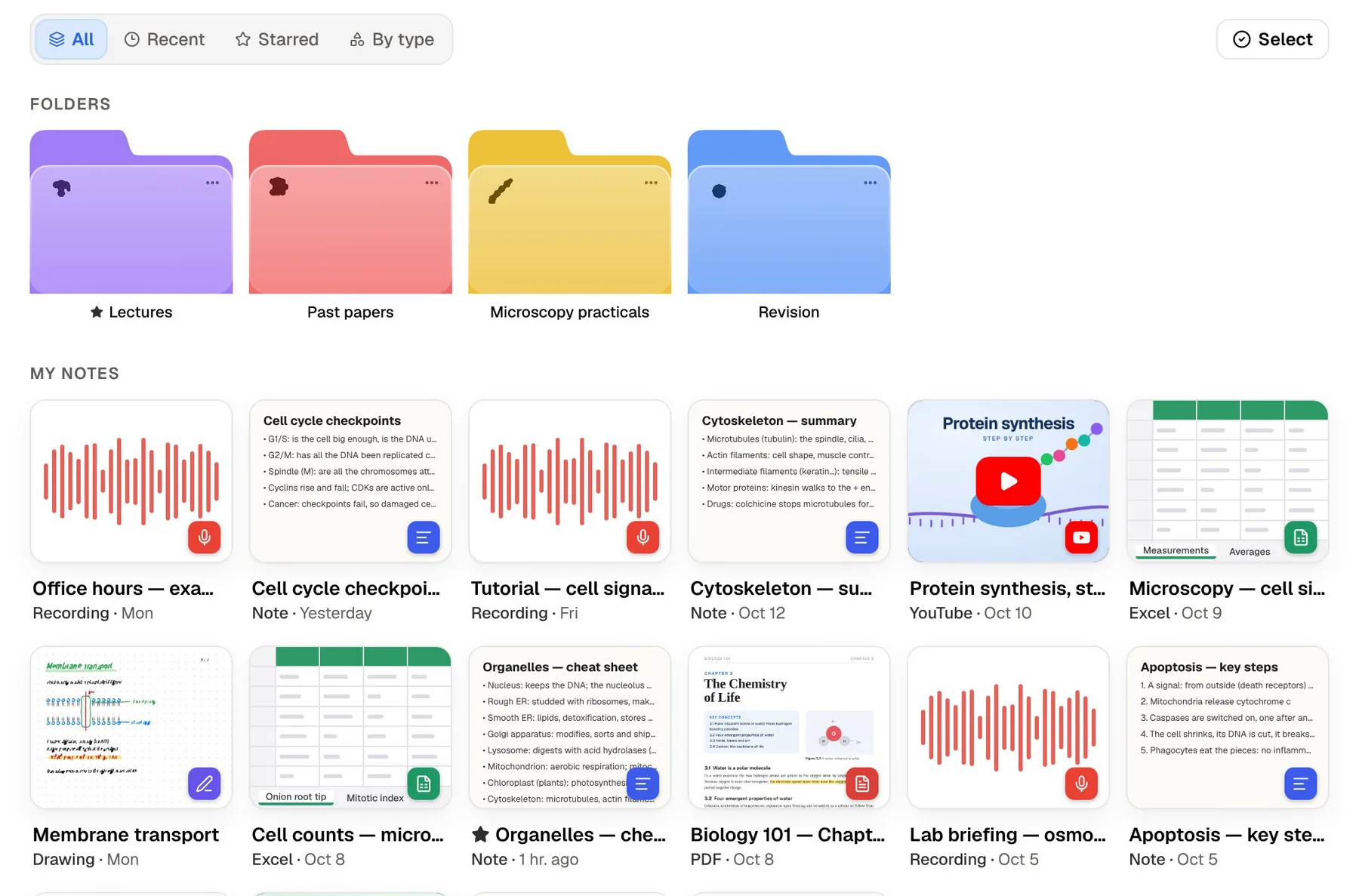
PocketNote has no databases, kanban boards or shared wikis, and doesn't try to. Its organisation is simpler: colour-coded folders, starred and recent items, and search. What it adds is the output side, all made from the same source:
- Flashcards with spaced repetition, rated Again, Hard, Good or Easy.
- Quizzes that explain why each option is right or wrong.
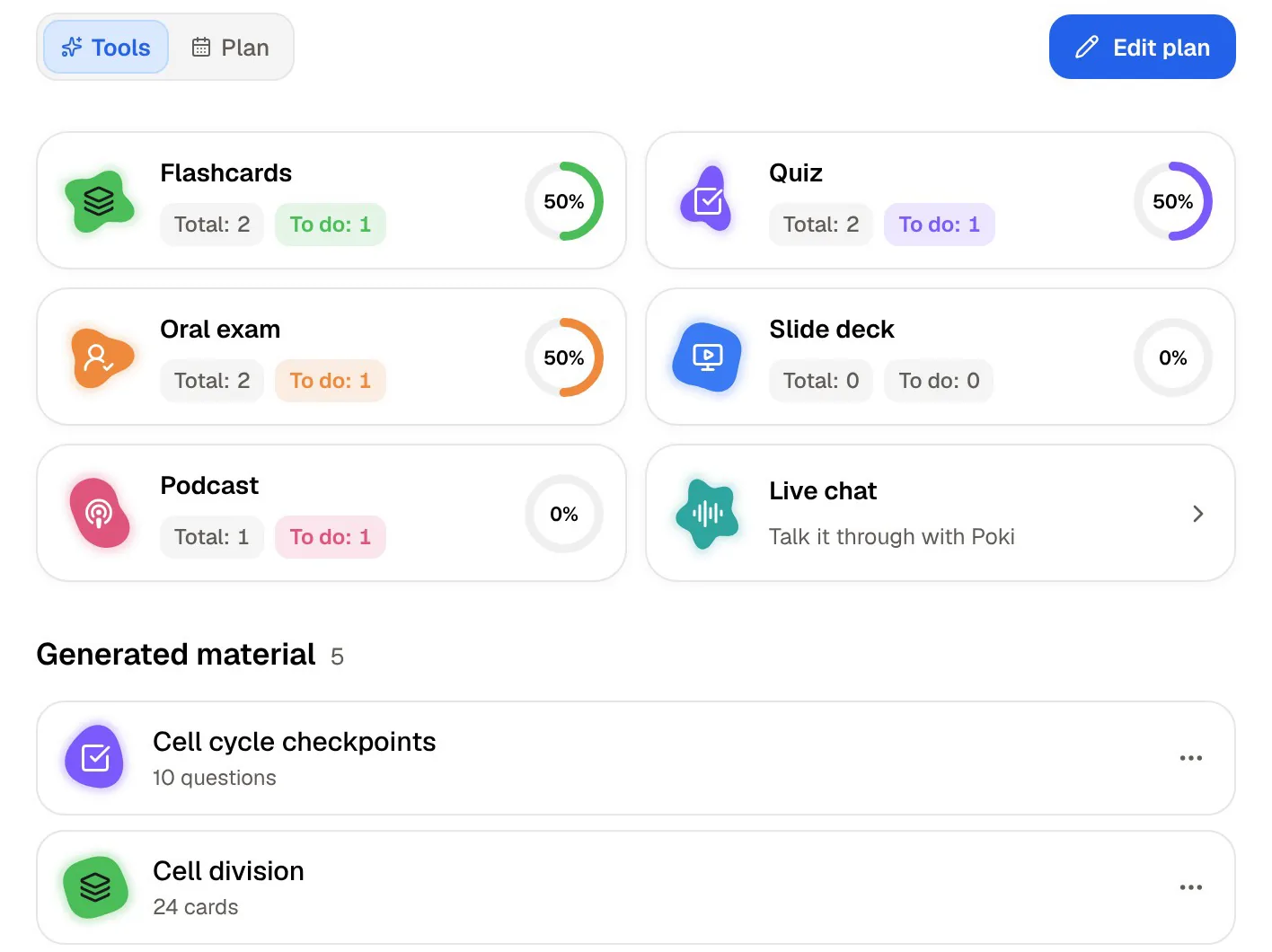
- Oral exam: Prof. Poki asks questions out loud or in text and keeps probing until you can explain the idea.
- Audio reviews: a podcast-style episode about your material, with captions that follow the voices.
- Mind maps, summaries, slide decks and data tables from the same lecture.
- A study plan that works backwards from your exam date.
Where Notion is the better choice
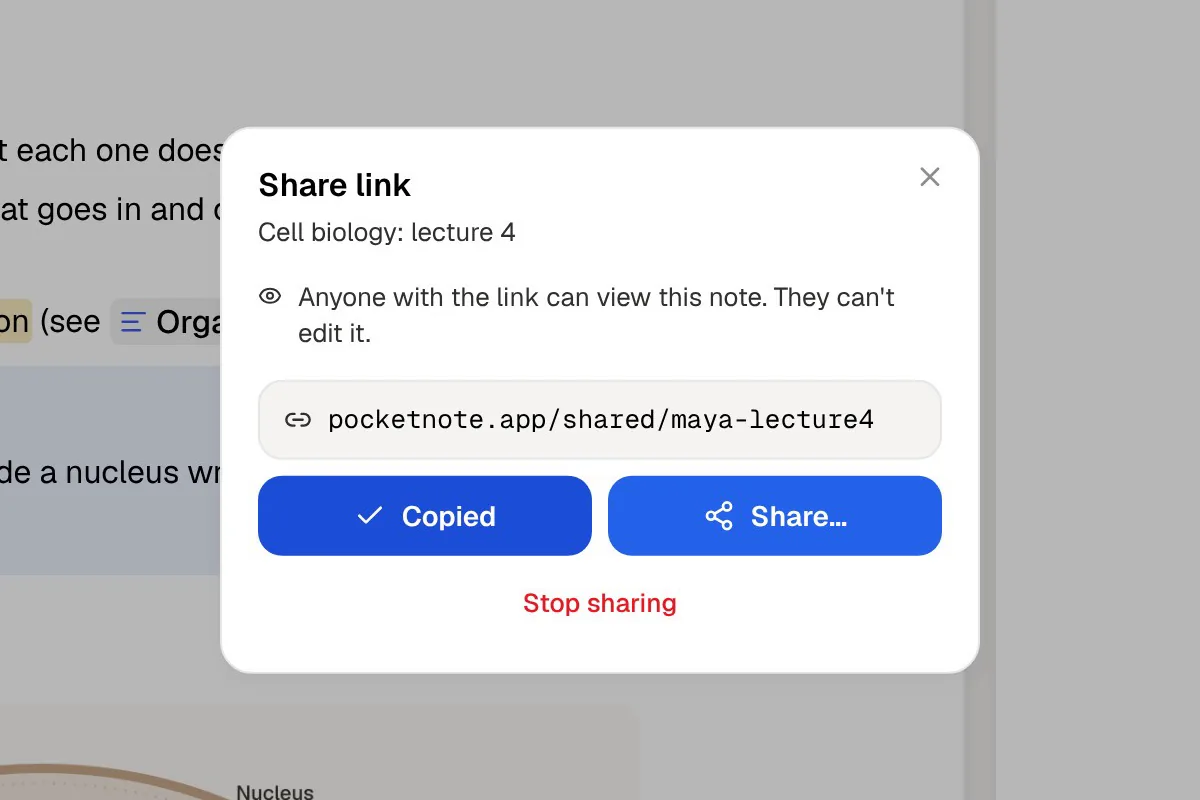
Notion wins whenever the job is organising rather than memorising. For a group project with five people editing the same pages at once, PocketNote is the wrong tool: it can share a link to a note, but it has no real-time co-editing or shared databases.
It also suits courses that are assessed through projects, portfolios or essays rather than exams. If nothing in your degree rewards recall under time pressure, a well-organised Notion workspace may be all you need, and a study app adds little.
- Planning a semester: assignment trackers, reading lists and course dashboards with table, board and calendar views.
- Group work: shared workspaces, comments and simultaneous editing.
- Publishing: turning a page into a simple website for a society, a portfolio or a class.
- Cost: the student Plus plan costs nothing with a school email, as long as you don't need ongoing AI.
- Platforms: Notion has desktop apps and an Android app; PocketNote runs on the web, iPhone and iPad, with no Android app yet.
Using Notion and PocketNote together
For a lot of courses the honest answer is both: plan in Notion, study in PocketNote. Keep the dashboard, the deadlines and the group pages where they are, and bring the material you need to learn into PocketNote before each exam block.
A rhythm that works: during the week, Notion holds the assignment tracker and your lecture pages; on Sunday, import that week's PDFs and notes into the course folder in PocketNote and run through the flashcards it makes. Close to the exam, set the date in PocketNote and let the study plan take over the daily schedule.
Getting pages across is simple. Notion's help centre says any page can be exported as PDF or HTML, non-database pages as Markdown, and databases as CSV. PocketNote imports PDF, Markdown and CSV directly, along with Word, Excel and plain text. Exporting a page together with all its subpages as one PDF is a Business and Enterprise option, so on the student plan, export pages one at a time or use the Markdown and CSV export.
It works the other way too. On paid PocketNote plans, Poki can connect to Notion and add content to a page you name, so a summary of this week's lecture can land on your Notion course page without copying and pasting.
The verdict
Which one should you pick?
Pick PocketNote if…
- You study from lecture PDFs, recordings and videos, and want flashcards, quizzes and a study plan made from them.
- You want an assistant that answers from your own material with citations, not from the web.
- You take handwritten notes on iPad and want them next to your study tools.
- You would rather spend the evening reviewing than building and maintaining a study template.
Pick Notion if…
- You want one place to plan a semester: deadlines, reading lists and dashboards.
- You work in groups and need pages that several people edit at the same time.
- You want a free plan through your school email and can do without ongoing AI.
- You use Android or want a desktop app.
Try it yourself
See it with your own notes
PocketNote is free to start on the web and on iPhone and iPad. Bring in one course's material (a PDF, a lecture recording, a YouTube link) and look at the flashcards, quiz and study plan it makes before you decide anything else. Paid plans, Basic and Plus, add live voice with Poki, premium models and connectors such as Notion; see pocketnote.app for current plans.
If Notion already runs your semester, you don't need to move it. Keep the dashboard and add PocketNote for the weeks when the job changes from organising to remembering.
Frequently asked questions
Sources
Keep reading