
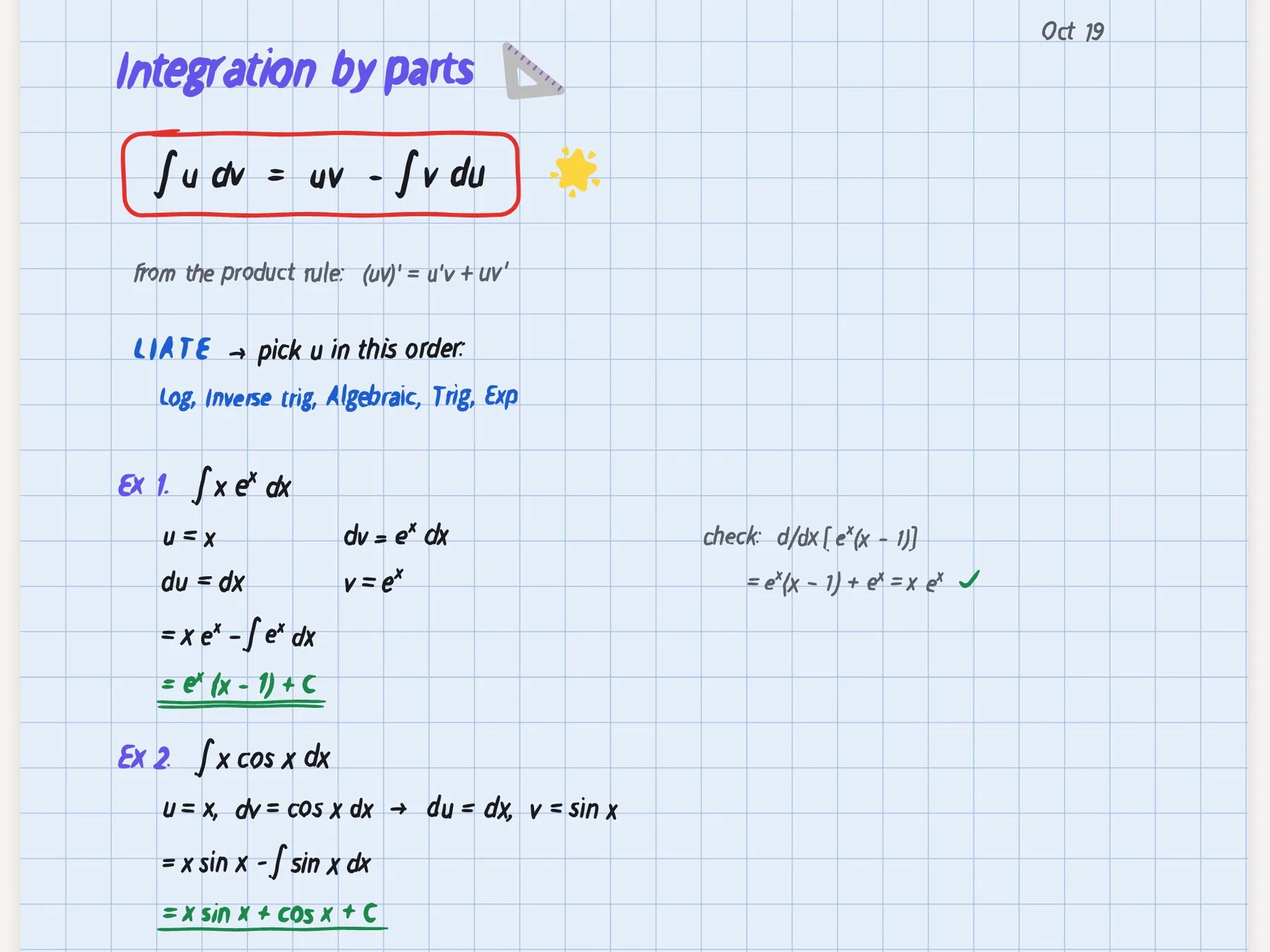
CollaNote is the free iPad notes app that seems to do a bit of everything. It has more than 50 pens and brushes, PDF and slide markup, audio that follows your handwriting, translation into more than 90 languages, a handwriting maths solver, planners, flashcard decks you can share with the world and, since its 5.0 update in September 2026, a community map where students post their notes. It costs nothing to download and doesn't even ask you to make an account.
PocketNote is narrower and deeper on one job: studying. You bring lecture slides, PDFs, recordings, YouTube links and your own handwritten notes, and it builds flashcards with spaced repetition, quizzes that explain every answer, an oral exam, a study plan to your exam date and podcast-style audio reviews. It is free to start, with paid plans for more.
So this is less a fight between two note apps than a question about where your time goes. If you spend it making pages, CollaNote is hard to beat for the price. If you spend it trying to remember what is on those pages, read on. Everything below was checked against CollaNote's site and App Store listing in November 2026.
At a glance
PocketNote vs CollaNote
| Feature | PocketNote | CollaNote |
|---|---|---|
| Price to start | Free to start | Free download, no account needed |
| Apps | Web, iPhone, iPad | iPad, iPhone, Mac (Apple devices only) |
| Pens | Pens, highlighters, fountain, watercolour, crayon | 50+ pens and brushes |
| Audio synced to writing | Note Replay shows the strokes as audio plays | Tap a word, playback jumps there |
| Flashcards | Generated from your material | Make your own or browse shared decks |
| Spaced repetition | Rate Again / Hard / Good / Easy | Not advertised |
| Quizzes with explanations | Yes, for every option | Not advertised |
| Oral exam | Prof. Poki asks and follows up | Not advertised |
| Study plan | Exam date, daily plan, reminders | Planners and habit trackers you fill in |
| AI chat | Poki answers from your material, cited | CollaNote AI, offline or online |
| Maths | LaTeX in typed notes | Step-by-step handwritten maths solutions |
| Collaboration | Share a link to a note | Real-time collaboration and Public Rooms |
Checked against each product's own website and App Store listing, November 2026. Plans and features change; confirm current details there.
Why students like CollaNote
CollaNote's pitch is generosity. The download is free, there is no account to create, and the feature list keeps going: Apple Pencil support with more than 50 pens and brushes, shape and diagram recognition, more than 180 papers and templates, stickers and stamps, and hyperlinked planners, habit trackers and to-do lists that sit in the same document as the lectures they refer to.
It handles course files well too. You can import PDFs, slides and Word documents (PPT and DOCX) and write straight onto them, and its site says the original file stays untouched underneath. When lecture slides arrive as PowerPoint files, that is a real convenience. Record a lecture while you write and, afterwards, tap a word to make playback jump to the moment you wrote it, karaoke-style; AI turns the recording into a transcript. The App Store listing adds playback from 0.25x to 3x.
Then there is the social side, which PocketNote doesn't try to offer. CollaNote 5.0 added a Community tab with an interactive map of notes shared by users around the world and Public Rooms for working with others, on top of real-time collaboration. The site's wall of student-made notes, from the life cycle of a dragonfly to quadratic equations, gives a good sense of who uses it.
CollaNote's study tools: decks, translation and maths
CollaNote does have study features, and they are worth describing precisely. Its flashcards combine a built-in library with decks of your own: you can discover decks for any subject, create your own, pin them anywhere and share them worldwide, and the App Store listing mentions cards with audio and images. Neither the site nor the listing mentions spaced repetition or generating a deck from your own notes.
Translation is a real strength for language learners and international students. Select any phrase to translate it into more than 90 languages in the margin, and listen to the pronunciation without leaving the page. For STEM students, handwritten equations turn into step-by-step solutions, and a built-in calculator emulator stands in for a physical one.
The AI assistant runs online or offline, can chat about a document (online it can also search the web), and turns sketches and prompts into illustrations and custom stickers. With an Apple Pencil Pro, an AI Pen mode converts handwriting to text and lets you chat about a selection.
Where CollaNote stops short for exam revision
The gap is the system around the study tools. A shared deck is useful when your course matches it, but most exams test your lecturer's slides, not a stranger's summary. Shared decks also vary, since anyone can publish one, so check a deck against your own notes before relying on it. Decks you make yourself take time, and CollaNote doesn't advertise a schedule that brings cards back as you are about to forget them.
It also doesn't advertise quizzes, an exam plan or a way to hear your material as audio. Its planners work well for writing a revision timetable by hand, but you still decide what goes in each box. That is fine if you enjoy planning; it is a lot of work in a week with three deadlines.
The AI is built for a different job as well. CollaNote AI chats about the document you have open and, online, can pull in the web. Poki is built to stay inside your course: it searches your notes, reads the relevant item, shows those steps as it works and cites the sources it used. It can also see a PDF page with your highlights and handwriting on it and circle or underline passages when you ask, with one tap to undo.
Your material in, study sessions out
PocketNote starts from the material your course actually uses. Import a PDF, Word or Excel file, paste a YouTube or web link, import audio, record the lecture in the app, or write by hand on iPad. Files can also come from Google Drive, OneDrive or Dropbox, and you can search arXiv and SSRN for papers and save one to your library. Everything lands in colour-coded folders, with starred items, recent items and search across the library.
From that material PocketNote generates the deck for you. Each card comes back on a spaced-repetition schedule: rate it Again, Hard, Good or Easy, and it returns when you are about to forget it. Quizzes explain why each option is right or wrong, and Poki answers questions from your own sources with citations instead of the open web.
This is the honest trade. CollaNote's decks are free and social, and making your own cards is studying in itself. PocketNote's decks come from your lecturer's material and arrive already scheduled.
The same source can also become written notes, a mind map, a slide deck or a data table. For international students there is a different kind of language help from CollaNote's margin translation: PocketNote produces study material in more than 50 languages, so you can revise an English lecture in your first language, or the other way round.

Planning revision before an exam
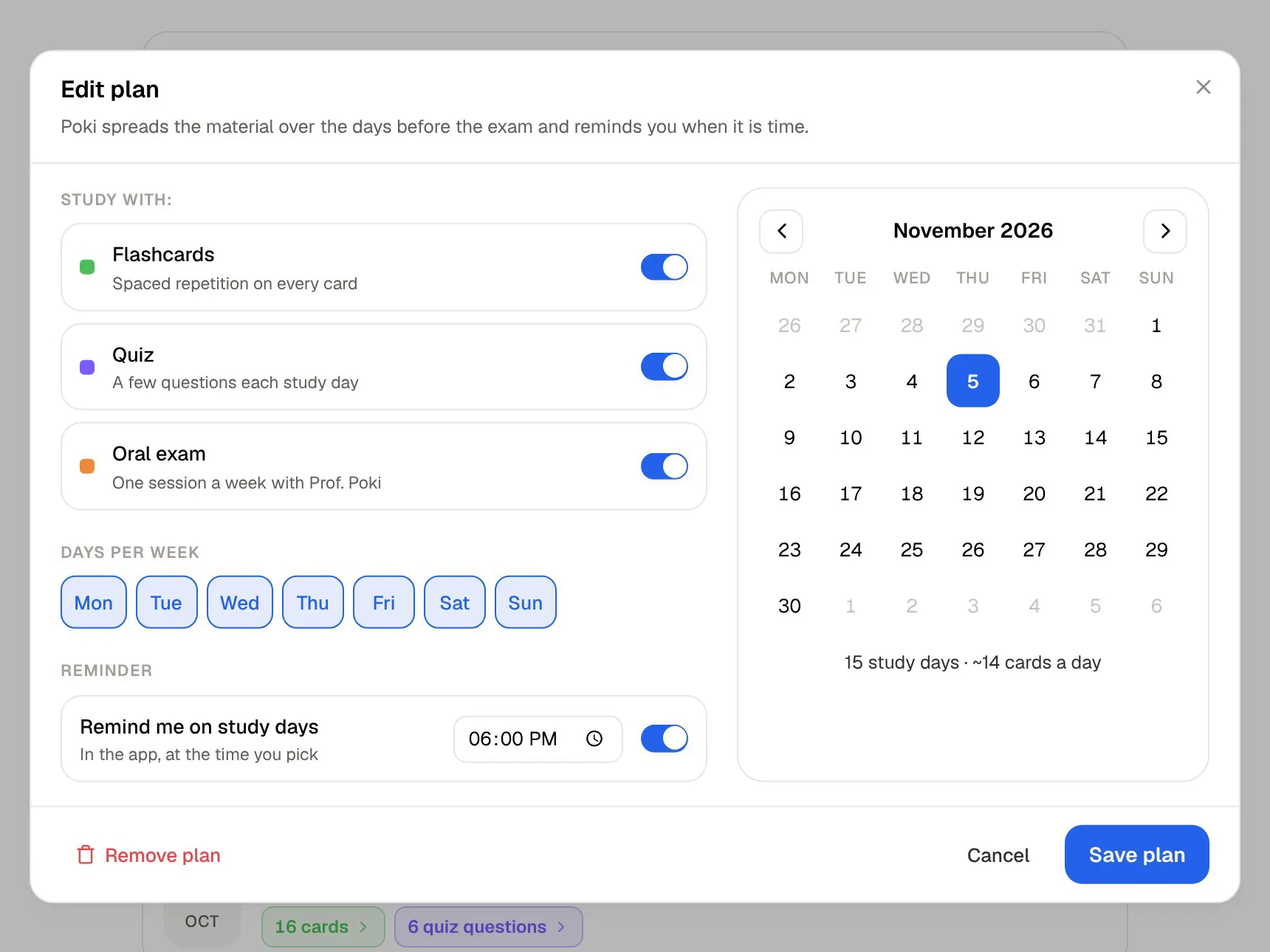
CollaNote gives you a good-looking planner to fill in yourself, while PocketNote's study plan does the filling in. Set the exam date and the study plan works out what to cover each day, reminds you, and tracks three scores (memory, applied and mastery) across flashcards, quizzes, the oral exam, slide decks, podcasts and live chat.
The plan covers what to study and when, so you don't have to work it out each evening; a study timer with ambient sounds handles the sessions themselves, and the mastery scores show where you stand.
Studying out loud
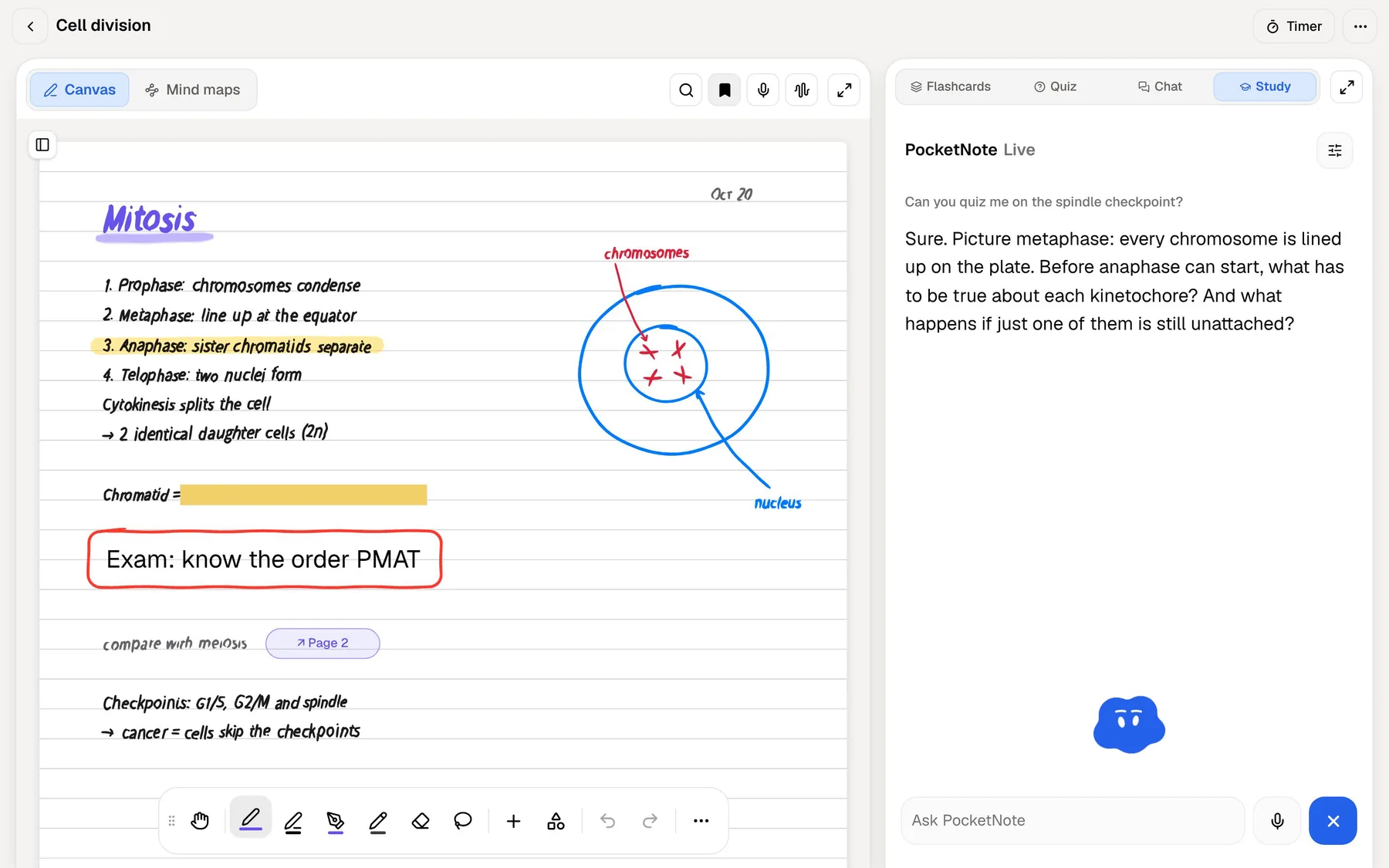
Two PocketNote features have no counterpart in CollaNote's feature list. The oral exam has Prof. Poki ask questions out loud or in text and keep probing until you can explain the idea in your own words. On paid plans, live voice lets you talk to Poki and hear the answer, so you can ask it to quiz you on the spindle checkpoint while you walk to class.
Audio reviews cover the times you can't talk back: a podcast-style episode about your material, with captions that follow the voices, which you can play on the bus or at the gym. CollaNote's pronunciation playback is built for languages; PocketNote's audio is aimed at revising a whole topic.
Where CollaNote is the better choice
CollaNote wins on price and breadth for a lot of students, and PocketNote's handwriting canvas, while capable, is newer and doesn't try to match CollaNote's range of pens and brushes.
- You want a capable notes app that costs nothing to start and doesn't need an account.
- You are learning a language and want translation and pronunciation right in the margin.
- You solve maths by hand and want step-by-step solutions on the same page.
- You like browsing and sharing decks and notes with other students, or working together in real time.
- You annotate PowerPoint files directly. PocketNote imports PDF, Word, Excel, CSV, TXT and Markdown, so slides need exporting to PDF first.
Running both on one iPad
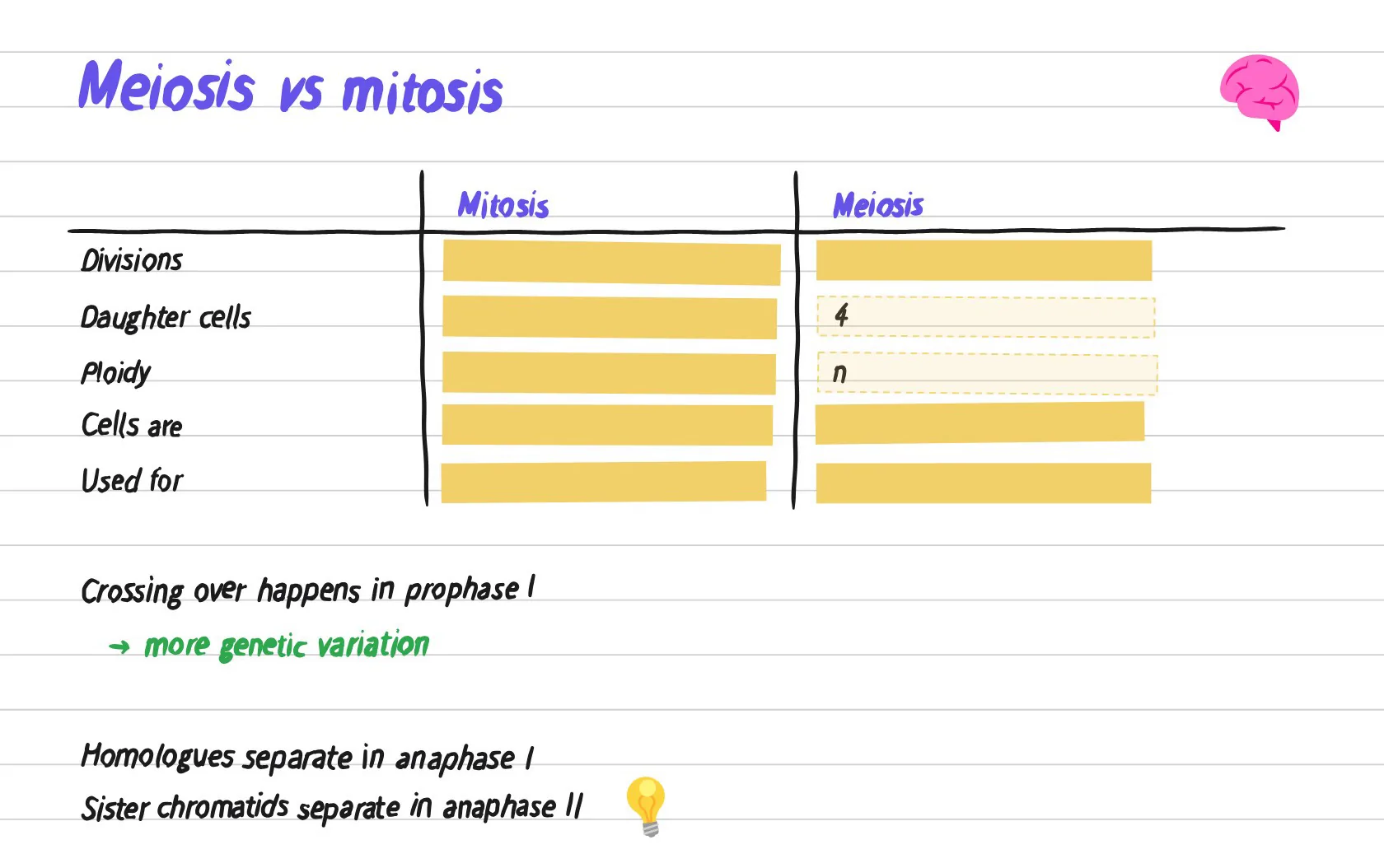
PocketNote's own handwriting canvas covers lecture notes well: pens, highlighters and several inks, shape snapping, a zoom window for small writing, Cornell and planner templates, hundreds of stickers, and a lasso that turns handwriting into text or sends it to Poki. Its tape tool hides answers on the page for self-testing, and Note Replay records audio while you write.
Because CollaNote is free, the cheapest setup for many students is both apps. Keep taking notes, planning and translating in CollaNote. When a topic is done, import the original slides and readings into PocketNote (slides as PDF) and let it build the cards, quizzes and audio review from the same material your notes were written on.
CollaNote's App Store listing shows lifetime Premium purchases as in-app options, with prices that vary. PocketNote is free to start, with Basic (live voice, premium models and connectors) and Plus (unlimited notebooks, the longest podcasts and all models) plans; see pocketnote.app for current prices. Try PocketNote's free plan on one course before deciding whether the study tools are worth paying for.
The verdict
Which one should you pick?
Pick PocketNote if…
- You want flashcards made from your own course material, with spaced repetition built in.
- You want quizzes that explain every option and an oral exam that checks you can explain ideas.
- You want a study plan that counts down to the exam and tells you what to do each day.
- You want to revise by ear with audio reviews or live voice.
Pick CollaNote if…
- You want a free, feature-packed notes app with no account required.
- Translation, pronunciation and handwritten maths solving are central to your subjects.
- You enjoy shared decks, community notes and real-time collaboration.
Try it yourself
See it with your own notes
PocketNote is an AI study app for iPhone, iPad and the web. It takes your slides, PDFs, YouTube lectures, recordings and handwritten notes and generates flashcards with spaced repetition, quizzes with explanations, an oral exam, mind maps, audio reviews and a study plan to your exam date. Poki answers your questions from that material with citations.
It pairs well with a free notes app like CollaNote: keep writing there, bring the material here when it is time to learn it. PocketNote is free to start.
Frequently asked questions
Sources
Keep reading