
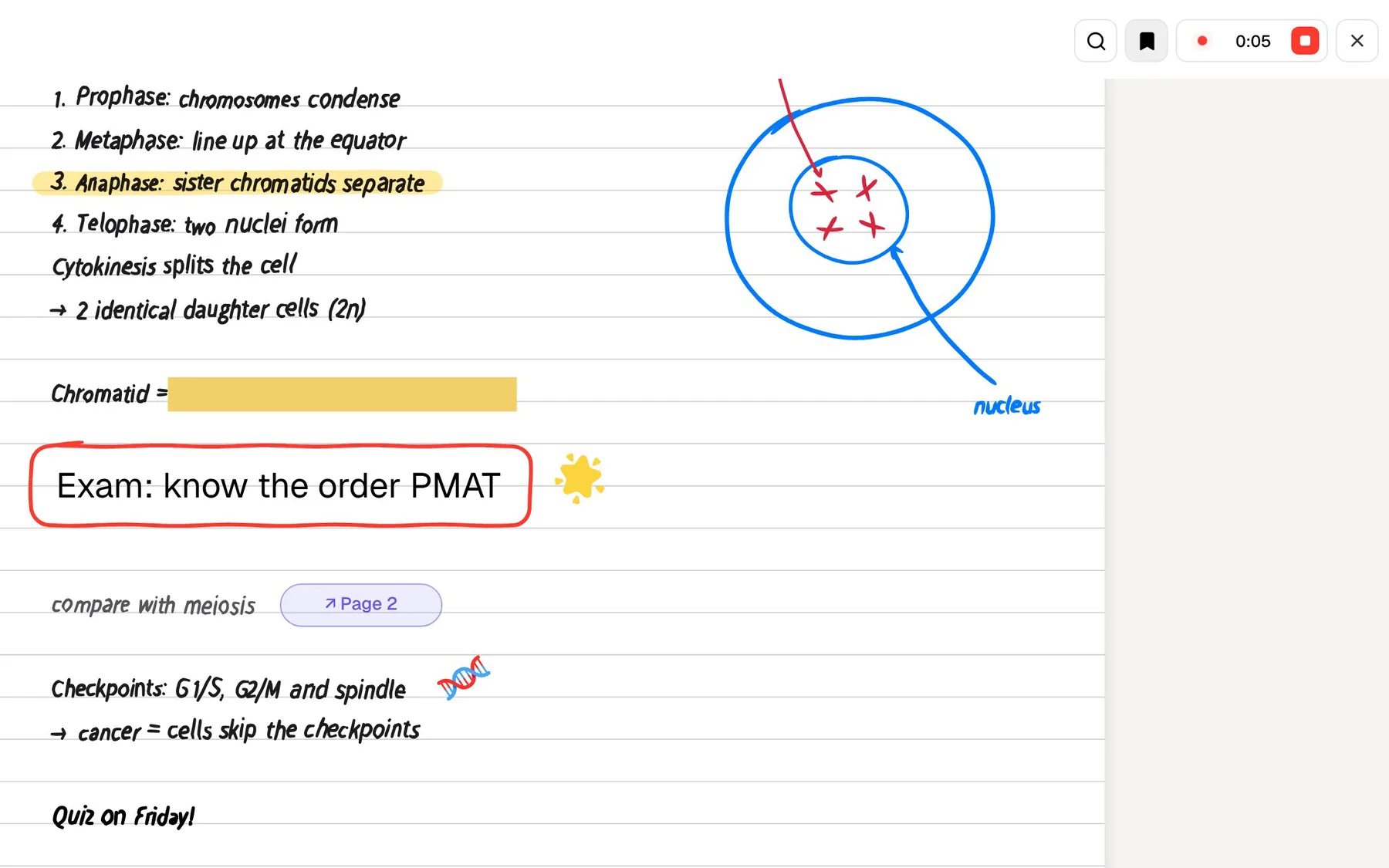
Otter.ai is an AI meeting assistant. It records a conversation, writes a live transcript with speaker recognition, produces a summary when it ends, and can join Zoom, Microsoft Teams and Google Meet calls from your calendar without you pressing anything. Plenty of students use it for the same reason office workers do: it lets you listen instead of typing.
PocketNote is an AI study app. You can record a lecture in it and get a transcript, a summary and notes, but the recording is where the work starts. From that same lecture it builds flashcards with spaced repetition, quizzes that explain every answer, and a podcast-style audio review you can play on the bus.
The useful question, then, is what you need once the lecture is over. This page compares the two on the jobs a student actually has, lists Otter's free-plan limits and student pricing as shown on its site in November 2026, and says plainly where Otter.ai is the better pick.
At a glance
PocketNote vs Otter.ai
| Feature | PocketNote | Otter.ai |
|---|---|---|
| Built for | Studying your course material | Meetings, classes and interviews |
| Record a lecture | In the app: transcript, summary, notes | Live transcript with speaker recognition |
| Joins online calls for you | Record in the app or import the audio | Yes: Zoom, Teams, Google Meet |
| Import audio you already have | MP3, WAV, M4A, OGG | Yes; free plan: 3 imports in total |
| Other course material | PDF, Word, Excel, YouTube, web links | Captures slides shown in online classes |
| AI chat | Poki answers from your material, cited | Otter AI Chat across your meetings |
| Flashcards with spaced repetition | Yes: Again / Hard / Good / Easy | Not advertised |
| Quizzes | Yes, every answer explained | Not advertised |
| Listen back | Recording plus a podcast-style review | Replay the recording and transcript |
| Apps | Web, iPhone, iPad | Web, Mac, Windows, iOS, Android, Chrome |
| Free plan | Free to start | 300 min a month, 30 min per conversation |
| Student pricing | See pocketnote.app | 20% off Pro with a .edu email |
Checked against each product's own website, November 2026. Plans and features change; confirm current details there.
What Otter.ai does well in a classroom
Otter's core skill is the live transcript. While the lecturer talks, the text appears on your laptop or phone, so you can glance back at a sentence you missed instead of asking the person next to you. Its homepage describes live transcription in several languages with speaker recognition, which helps in seminars and group discussions where who said what matters.
Its education page adds features aimed at classes. In online sessions Otter captures the lecturer's slides and adds them to the notes. You can highlight lines, comment, insert images, and see your highlights collected in a takeaways panel. After class it writes a summary so you can review the key moments without reading the whole transcript.
It also fits around how many people already work. Connect a Google or Microsoft calendar and it joins online classes and meetings on Zoom, Teams and Google Meet by itself. There are apps for iOS, Android, Mac and Windows plus a Chrome extension, and Otter AI Chat answers questions across everything you have recorded. Search works across every conversation too, which helps when you remember a term but not which week it came up in.
Otter's free plan meets a full-length lecture
Otter's pricing page lists what the free Basic plan includes at the time of writing (November 2026): 300 recording minutes a month, a maximum of 30 minutes per conversation, three file imports over the life of the account, and access to your 25 most recent conversations. AI Chat is capped at 20 queries a month.
For short meetings that is workable. For lectures, the 30-minute cap per conversation is the line students run into, because a lecture usually runs longer than that. Pro raises the cap to 90 minutes per conversation and 1,200 minutes a month, with 10 imports a month, and Business allows up to 4 hours per conversation.
None of this makes Otter a poor choice. It means the free plan works as a trial rather than a home for a semester of lectures, and you should check which tier covers your longest class, including double sessions and labs, before you rely on it.
The history limit matters over a semester too. The free plan shows your 25 most recent conversations, and a timetable with several lectures a week passes that number well before the end of term, so the early recordings drop out of view unless you upgrade or export them first.
Where a transcript stops being enough
A transcript tells you what was said. Revising is a different activity: pulling out what you need to know, testing yourself on it, and coming back to it before you forget. Otter's education page lists its study help as stored transcripts, search and keyword highlights, alongside the automated summary. It does not advertise flashcards, quizzes or spaced repetition.
In practice that leaves the conversion to you. You read the transcript, decide what matters, and copy it into a flashcard app or a document. Some students like that step, because writing your own cards is a form of studying. Others find the transcripts pile up unread until the week before the exam.
There is also the question of everything else you study from. Otter is built around audio and meetings. Your reading list, the lecturer's PDF slides and the YouTube video your tutor recommended live somewhere else, so the summary of one lecture does not connect to the rest of the course.
One lecture in PocketNote, from record to review
In PocketNote you tap Record on the home screen when the lecture starts. When you stop, the recording becomes an item with the audio, a transcript, a summary and written notes that you can edit like any other note. If you recorded on another device, you can import the audio instead as MP3, WAV, M4A or OGG.
Then you ask Poki, PocketNote's AI, about it. Poki answers from your material with citations to the source rather than from the open web, and shows its steps as it works, so you can see that it searched your notes and read that lecture before answering. If a definition sounds off, the citation shows you where it came from.
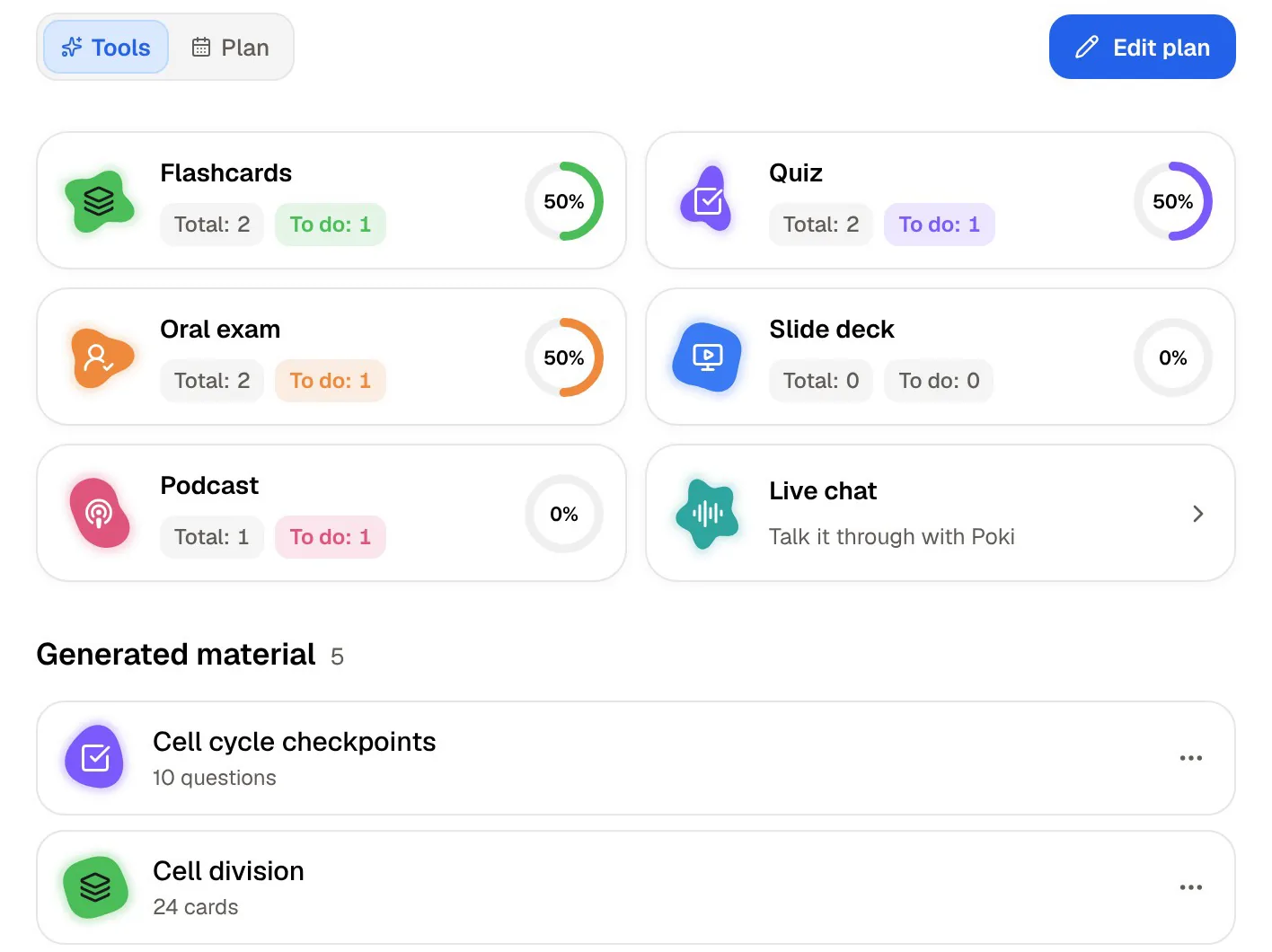
The same item generates the study tools: flashcards, a quiz, a mind map, a slide deck or a longer written summary. Add the lecturer's slides as a PDF and the readings for that week, and the flashcards and answers draw on all of them together.
Language is handled the same way. PocketNote can produce study material in more than 50 languages, including from a source in a different language, so a lecture given in English can become flashcards and a summary in the language you revise in.

The morning after class, side by side
Here is what each app hands you the day after a lecture, assuming you recorded the whole thing and stayed within your plan's limits. The difference is less about transcript quality and more about what happens next.
- Otter.ai: the recording, a transcript with speakers, an automated summary, any slides captured from an online session, your highlights and comments, and a chat that can answer questions about the conversation.
- PocketNote: the recording, a transcript, a summary and editable notes, plus flashcards you rate Again, Hard, Good or Easy, so each card comes back just before you are likely to forget it.
- PocketNote: a quiz where every option, right or wrong, comes with the reason, and an oral exam where Prof. Poki asks questions out loud or in text and keeps probing until you can explain the idea.
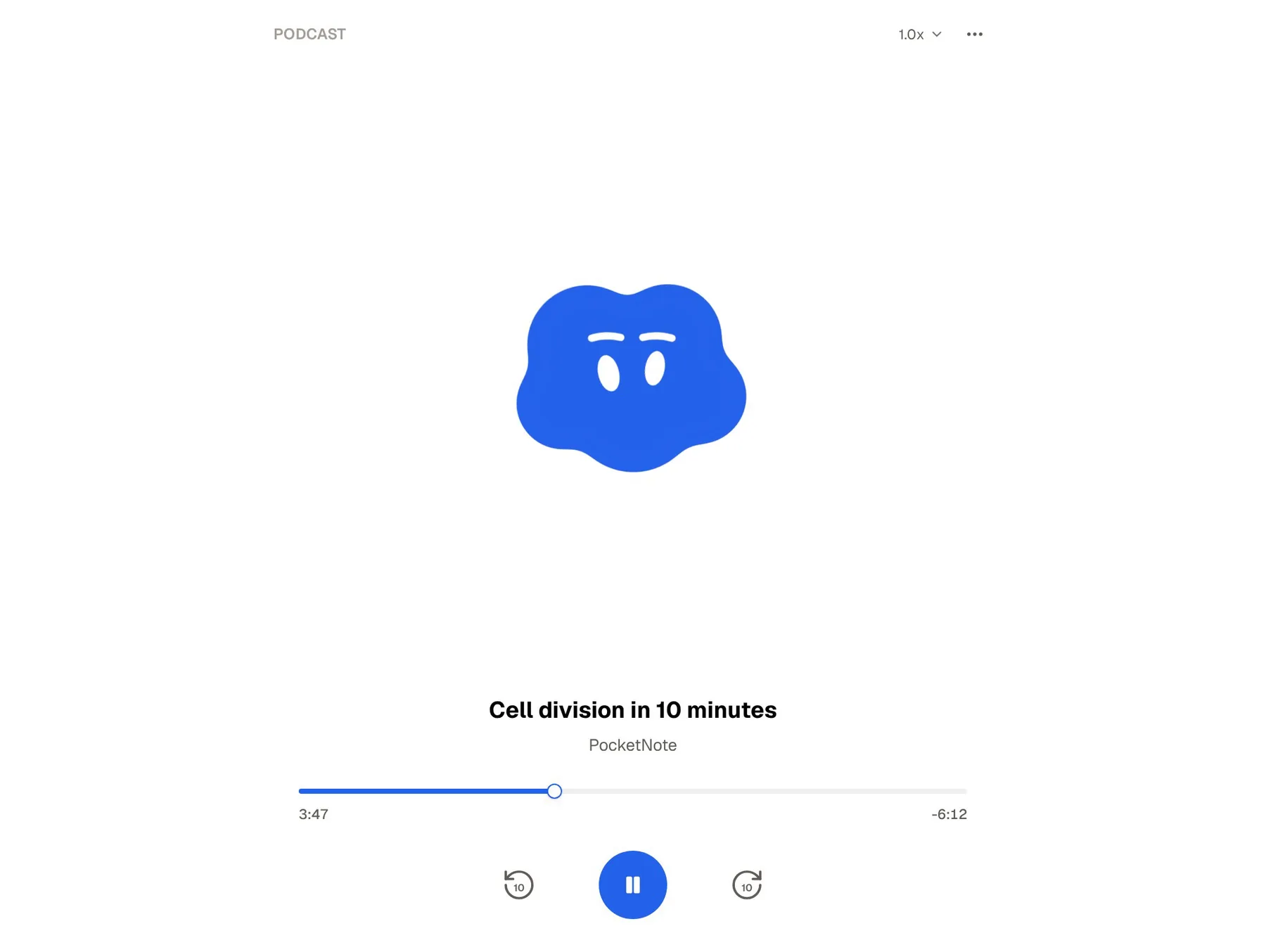
- PocketNote: a podcast-style audio review of the lecture with captions that follow the voices, for revising on a walk or a commute.
- PocketNote: a study plan. Enter the exam date and it spreads the material across the days you have left, reminds you, and tracks memory, applied and mastery scores.
Pricing at the time of writing
Otter's pricing page lists Pro at $16.99 a month, or $8.33 a month billed annually, at the time of writing (November 2026). Students and teachers with a .edu email can get 20% off Pro, and the page gives that price as $6.67 a month billed at $79.99 a year, or $13.59 a month on monthly billing. Business is listed at $19.99 a month billed annually.
PocketNote is free to start. Its paid plans are Basic, which adds live voice conversations with Poki, premium AI models and connectors, and Plus, which adds unlimited notebooks and apps, the longest podcasts and all models. See pocketnote.app for current plans and prices.
When you compare, count everything you would otherwise pay for. If you would use Otter plus a separate flashcard app, weigh that pair against a single study app, and check each free tier against how long your lectures actually run.
Where Otter.ai is the better choice
Pick Otter if you need to read the lecture as it happens. A live transcript on screen helps students who process text faster than speech, students working in a second language, and anyone who loses a sentence while writing. Otter also offers real-time captions for accessible classes, and if following along live is what you need, that is its strongest feature.
Pick Otter if most of your classes, tutorials and group-project calls happen on Zoom, Teams or Google Meet. Its notetaker joins from your calendar, captures the slides being shared, and keeps every session searchable in one archive. That is a different job from studying for an exam, and Otter does it well.
Pick Otter if you need speaker labels for seminars, interviews or research discussions, if you work in a team that shares meeting notes, or if you want an Android, Mac or Windows app. PocketNote runs on iPhone, iPad and in the browser, and there is no Android app yet.
Using both: Otter in the room, PocketNote for revision
For a lot of students this is the practical answer. Keep Otter for the live transcript and for online sessions, then move the lectures you need to learn into PocketNote. Otter lets you export a conversation's transcript as a text file, and PocketNote imports TXT, Word and PDF files as well as audio in MP3, WAV, M4A or OGG.
Once the transcript is in PocketNote, add the lecture slides and the week's readings beside it and generate flashcards, a quiz and an audio review from the whole set. Poki's answers then cite the transcript and the slides together, which is closer to how an exam question draws on a course than any single recording.
Speaker labels and Otter's highlights stay in Otter; what carries over is the text itself. For most revision that is the part that matters.
The verdict
Which one should you pick?
Pick PocketNote if…
- Pick PocketNote if the lecture is the start of your revision: you want flashcards, quizzes, an oral exam and an audio review built from it.
- Your course is more than recordings, and you want slides, PDFs, YouTube lectures and web articles in the same place as the audio.
- You want answers that cite your own lectures and notes, and a study plan that works back from the exam date.
- You study on iPhone, iPad or in a browser.
Pick Otter.ai if…
- Pick Otter.ai if a live transcript you can read during class, with speakers recognised, is the main thing you need.
- Many of your classes and group meetings run on Zoom, Teams or Google Meet and you want a notetaker that joins them for you.
- You need Android, Mac or Windows apps, or shared meeting notes for a team.
Try it yourself
See it with your own notes
PocketNote is a study app with an AI assistant, Poki, that runs in the browser and on iPhone and iPad. Record a lecture or import its audio, add your slides, readings and YouTube links, and Poki answers from that material with citations. From the same sources it builds flashcards with spaced repetition, quizzes with explanations, an oral exam, mind maps and a podcast-style audio review, and a study plan works back from your exam date.
It is free to start, and your files are not used to train public AI models. If Otter already handles your live transcripts, PocketNote can sit after it as the place those lectures turn into revision.
Frequently asked questions
Sources
Keep reading