
Coggle is a mind-mapping and flowchart tool that runs in your web browser. It is quick to start, free for most of what a student needs, and good at real-time collaboration: share a diagram and everyone's edits appear instantly, wherever they are. It also handles things many mind-map apps don't, such as loops between branches and several central topics on one canvas.
PocketNote is an AI study app. It can generate a mind map from your lecture, but drawing maps isn't its purpose. Its purpose is getting you ready for an exam, with flashcards on a spaced-repetition schedule, quizzes that explain their answers, an oral exam and a study plan, all built from your own material.
Put simply, Coggle is for drawing what you understand, and PocketNote is for checking that you remember it. Here is how they compare, what Coggle's free plan does and doesn't include, where Coggle is clearly the better tool, and how to use the two together.
At a glance
PocketNote vs Coggle
| Feature | PocketNote | Coggle |
|---|---|---|
| Built for | Studying your course material | Drawing mind maps and flowcharts |
| How maps are made | Generated from your sources | Drawn by you |
| Freeform editing | Not a freeform map editor | Yes, with loops and joined branches |
| Flowcharts | Not offered | Yes, extra shapes on Awesome |
| Real-time collaboration | Not offered | Yes, on the free plan |
| Flashcards with spaced repetition | Yes, rated Again/Hard/Good/Easy | Not listed on its site |
| Quizzes and oral exams | Yes, generated from your sources | Not listed on its site |
| Record a lecture | Yes, with transcript, summary and notes | Not listed on its site |
| Runs on | Web, iPhone, iPad | Web browser |
| Free plan | Free to start | 3 private diagrams, unlimited public |
| Paid plans | Basic and Plus; see pocketnote.app | Awesome $5/month; Organisation $8/member/month |
Checked against coggle.it, the Coggle help centre and PocketNote, November 2026. Prices and plans change; confirm on each site.
What Coggle does well
Coggle's free plan is generous. It includes real-time collaboration, sharing by link or QR code, more than 1,600 icons, unlimited image uploads, auto-arranged branches, full change history, PDF and image downloads, and import and export of plain text and .mm mind-map files. Coggle's homepage says everything you need to create great mind maps is free, forever, and its about page repeats the promise that it always will be. Shared folders, collaboration by email and embedding a map on another site are included too, as are dynamic calculations inside items.
The editor is simple enough to use live in a seminar. Items support Markdown formatting for bold text and links, you can add floating text and images to annotate part of a map, and full change history lets you look back through every edit and copy a diagram from any point. You can also drag a plain-text file onto a diagram and Coggle turns its indentation into branches.
It handles structures that strict tree layouts can't. You can join branches, create loops and put several central topics on one canvas, which suits process diagrams and topics that feed into each other, such as a cycle that returns to its starting point.
The free plan's catch: three private diagrams
The main limit is privacy. The free plan includes 3 private diagrams and unlimited public ones. If you map every lecture, you will reach the private limit quickly and need to decide which maps you are happy to make public, or whether to pay.
The Awesome plan, at $5 a month at the time of writing (November 2026), removes that limit and adds more item shapes, control over line style and line paths, text alignment, high-resolution image uploads, and editing by secret link with no login required. Coggle says that if you ever cancel, your private diagrams stay private and you keep access to them.
The Organisation plan, at $8 per member a month, adds single sign-on, a separate personal workspace, consolidated billing, bulk export and user and data management, which is aimed at teams and departments rather than individual students. Enterprise options such as on-premise installs are available by contacting Coggle.
On the free plan, one sensible approach is to keep the three private slots for coursework you will submit and work in progress, and to think before making anything else public. If that feels like too much juggling, the Awesome plan is the simple fix.
Drawing a map yourself or having one generated
There is a genuine argument for drawing your own map. Deciding what the main branches are, and where each detail belongs, makes you process the material instead of copying it. A map you built also shows how you understand the topic, gaps included, which is useful information in itself.
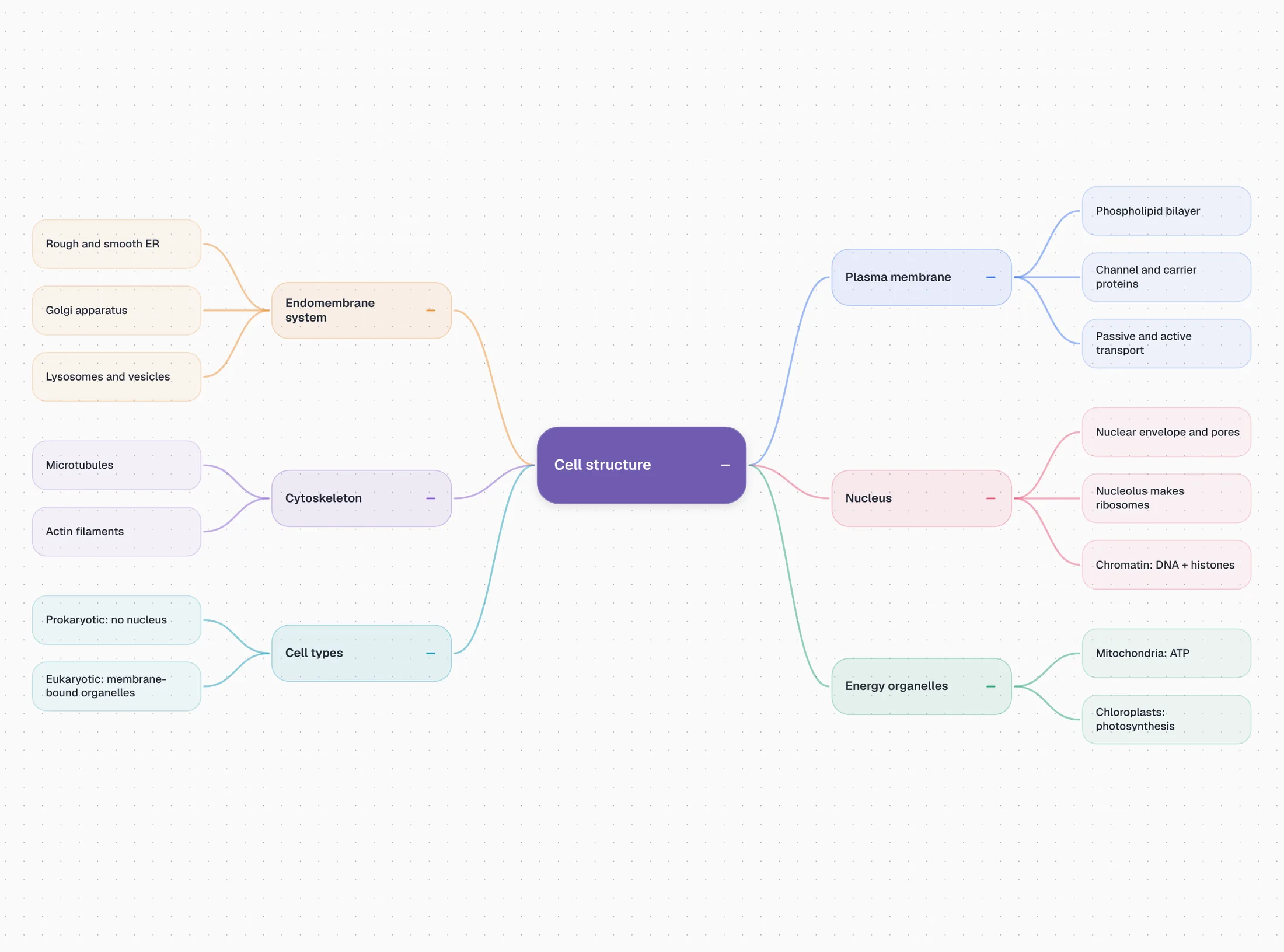
PocketNote's maps are generated. Import a lecture or a reading and PocketNote produces a colour-coded map of its structure in a moment. That is useful for a first look at a chapter, for checking that your own map hasn't missed a section, or for a topic you don't have time to map by hand the week before an exam.
It is not a replacement for a Coggle diagram you have thought through, and PocketNote isn't a freeform editor you can rearrange branch by branch. The two approaches answer different questions: what does this topic look like, and what do I think it looks like.
Past the map: what PocketNote adds
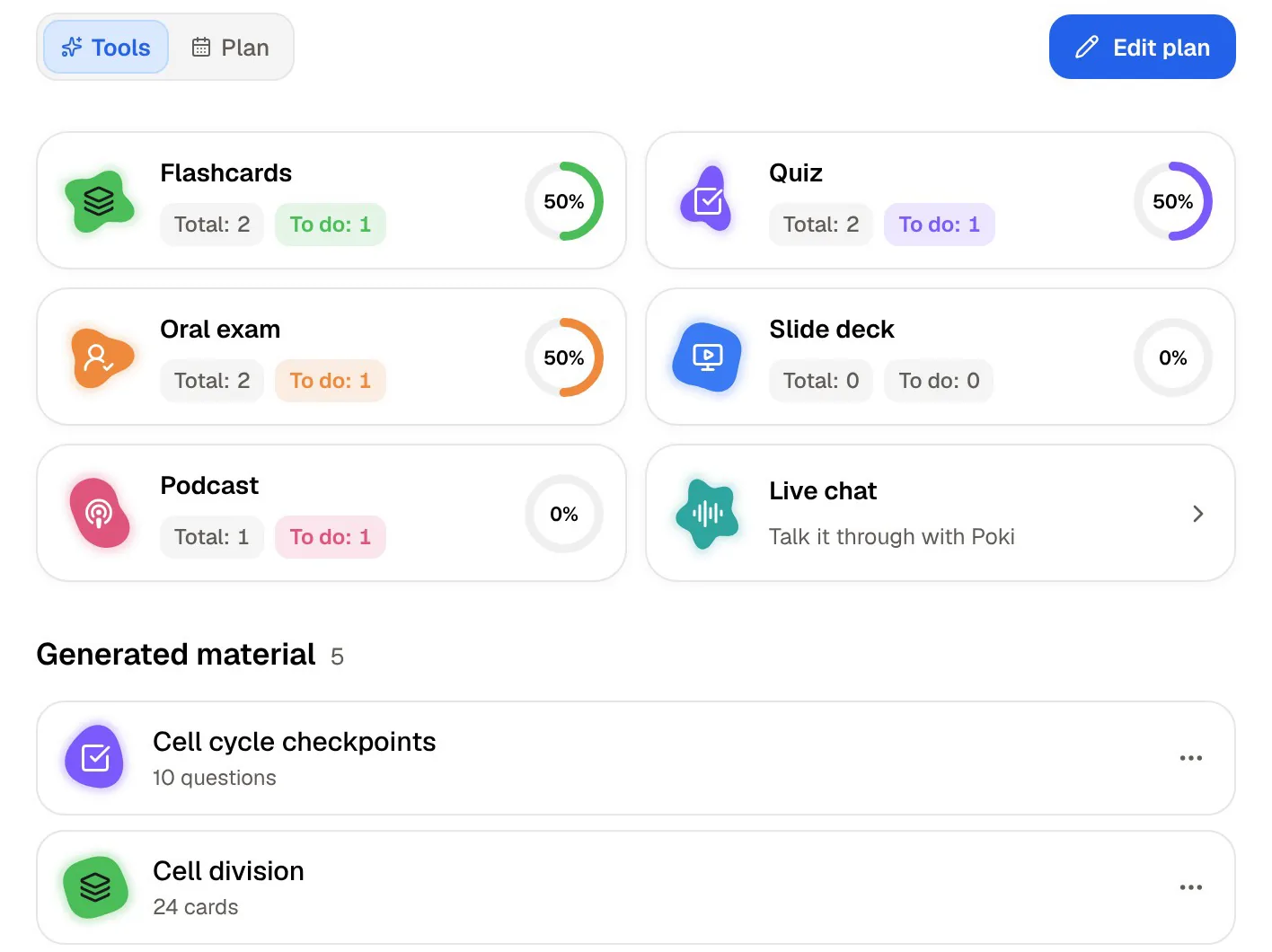
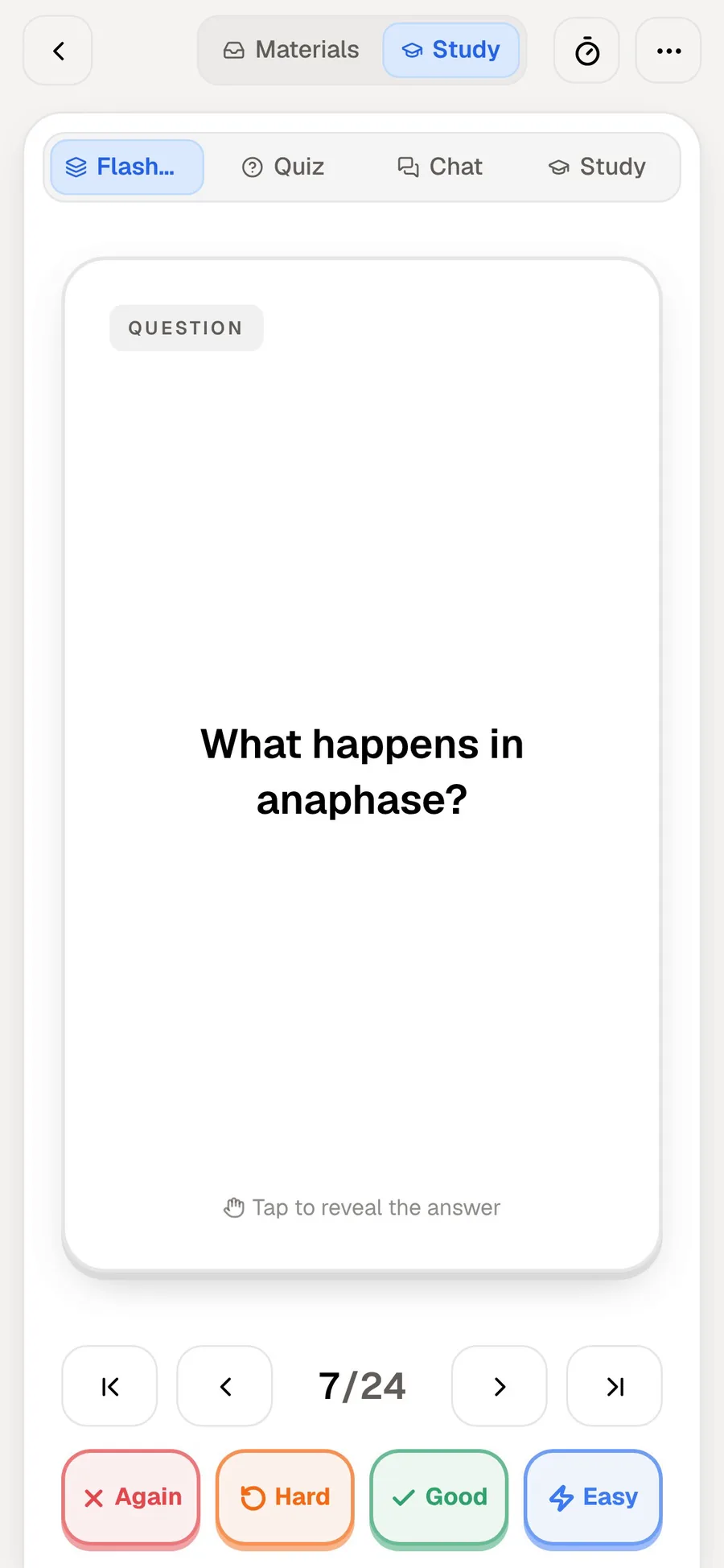
After the overview, PocketNote turns the same source into practice. You rate each flashcard Again, Hard, Good or Easy, and it returns just before you would forget it. Quizzes explain each option, right or wrong. Prof. Poki runs an oral exam, out loud or in text, and keeps probing until you can explain the idea in your own words. A podcast-style audio review covers the material with captions that follow the voices.
Video lessons work the same way. Paste a YouTube link and the transcript comes with it, timed to the video, so you can generate flashcards from a lesson and review them next to the transcript. Poki answers questions from your sources with citations, so when a branch on your map doesn't make sense, you can ask about it and get an answer grounded in the lecture rather than the open web.
Set an exam date and the study plan decides what to cover each day, sends reminders, and tracks memory, applied and mastery scores across the tools.
Flowcharts and process diagrams
Coggle's flowcharting deserves its own mention for science and engineering students. You pick from a range of shapes, join branches into loops and map how a process actually runs, such as a feedback loop or a pathway that returns to its start. The extra shapes and line controls are on the Awesome plan, and every plan can export a diagram for Microsoft Visio.
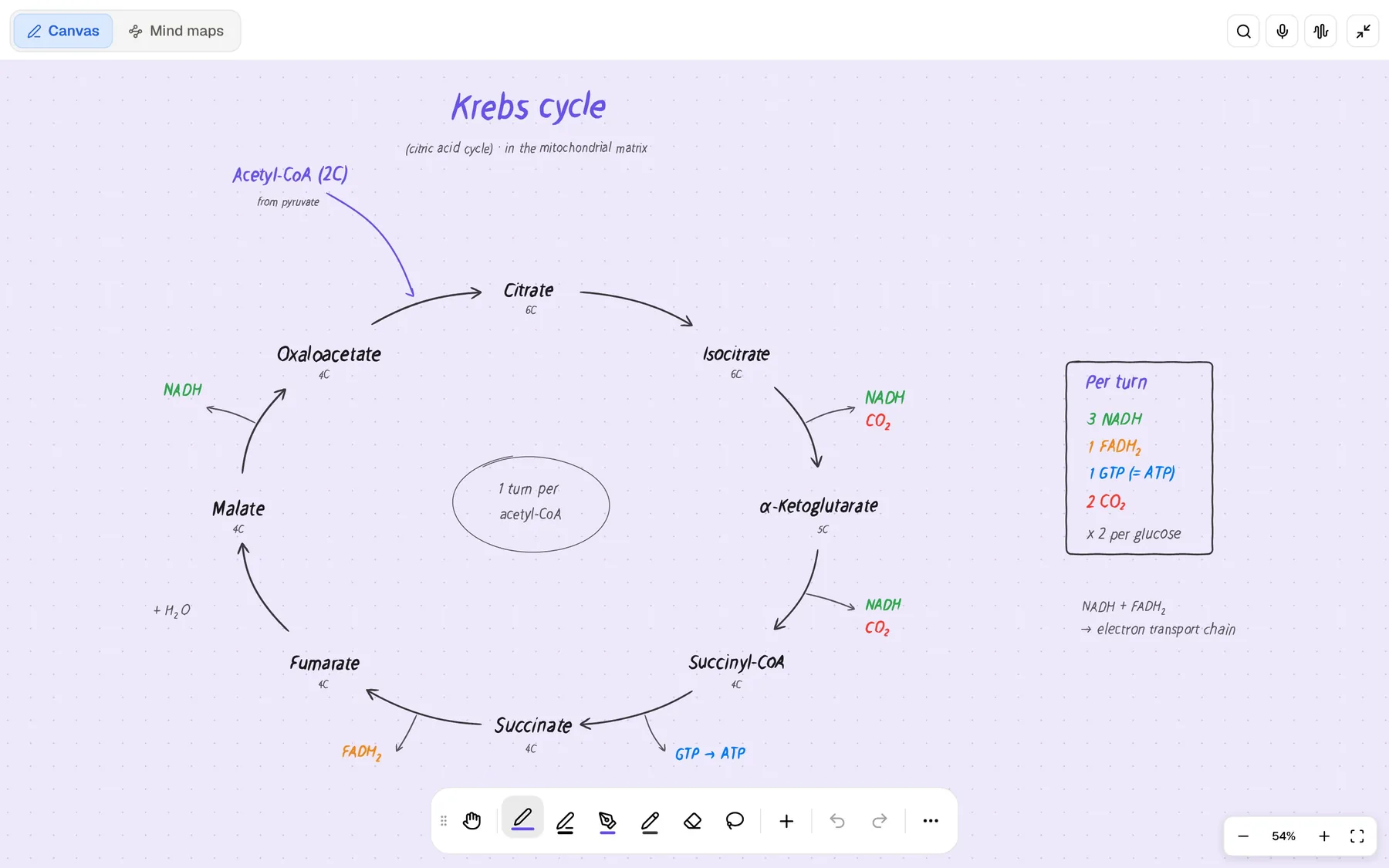
PocketNote doesn't draw flowcharts. Its handwriting canvas has shape snapping and an infinite whiteboard, so you can sketch a process by hand on iPad, but for a clean, shareable process diagram that a group edits together, Coggle is the better tool.
Coggle's help centre also lists imports beyond plain text: FreeMind .mm files, experimental MindManager .mmap support, and draw.io or diagrams.net files, which helps if a lab partner started a diagram somewhere else. The Coggle Gallery of example diagrams is a good place to see what a well-built flowchart or revision map looks like before you start your own.
Where Coggle is the better choice
Choose Coggle when you want to draw maps or flowcharts on any computer, with classmates editing at the same time. It needs only a browser, so it works on a school computer, a Chromebook or a Windows laptop with nothing to install, and the free plan covers most single-user and group mapping if you can live with three private diagrams.
It is also the right tool when the diagram is something you hand in or present, when you need loops and several central topics, when you want to embed a map in a course site or blog, or when you are on a tight budget and want a capable editor for nothing. Coggle's homepage also stresses longevity: your notes from yesterday, last year or a decade ago will be there when you need them, which matters for maps you build in first year and come back to before finals. PocketNote has no real-time co-editing; you can share a link to a note, but a group can't build a diagram in it together.
One topic, start to finish, with both apps
Here is how a single lecture topic, say cell signalling, might move through both apps in a week. The point is that each app does the step it is good at, and neither has to pretend to be the other.
- After the lecture. Record it in PocketNote, or import the slides, and generate a mind map to see the lecture's structure.
- Next day. Open Coggle and draw your own map of the topic without looking at anything, then compare it with PocketNote's map and add what you missed.
- Midweek. Generate flashcards from the lecture in PocketNote and do the first review, rating each card Again, Hard, Good or Easy.
- Before the seminar. Invite your study group to the Coggle map (by email on the free plan, or by secret link on Awesome) so everyone can add to it in real time.
- Exam week. Set the exam date in PocketNote, follow the study plan, and use the oral exam with Prof. Poki to explain the topic out loud.
Using Coggle and PocketNote together
Use Coggle to build your own maps of each topic, with your study group if you have one. Use PocketNote for the material behind them, the lectures, readings and recordings, turned into flashcards, quizzes and a study plan for the exam.
Moving between them takes a file. Coggle downloads diagrams as PDF or images and exports them as text, and PocketNote imports PDF and TXT, so a finished map can become a source that Poki answers from and that you generate questions from. In the other direction, Coggle imports an indented plain-text file as branches, so an outline of PocketNote's notes saved as a .txt file gives you a skeleton map to rearrange and make your own.
If you only have time for one habit, make it this: draw the map in Coggle, then close it and test yourself on the same topic in PocketNote. The map tells you what you think you know, and the flashcards tell you whether you do.
The verdict
Which one should you pick?
Pick PocketNote if…
- You want lectures and readings turned into flashcards, quizzes and an oral exam, not just a diagram.
- You want a quick generated map as an overview of a source before you study it.
- You want to ask about a confusing branch and get an answer cited from the lecture.
- You want a study plan that counts down to your exam and tracks mastery.
Pick Coggle if…
- You want to draw your own mind maps and flowcharts, with loops and several central topics.
- You need real-time collaboration on a diagram with classmates, for free.
- You work on any computer with a browser and want nothing to install.
- Three private diagrams are enough, or $5 a month for unlimited ones suits you.
Try it yourself
See it with your own notes
PocketNote is an AI study app. Give it a lecture as a PDF, Word file, audio file, YouTube or web link, or record it in the app, and it builds a mind map, flashcards with spaced repetition, a quiz, an oral exam, notes or an audio review from it. Ask Poki about anything in it and the answer comes with citations.
Open it in any browser at pocketnote.app or on iPhone and iPad; there is a free tier to start with. Draw your maps in Coggle, and use PocketNote to find out how much of them you remember.
Frequently asked questions
Sources
Keep reading