
Miro is an online whiteboard for teams. Everyone works on the same infinite canvas at once, with sticky notes, diagrams, mind maps, frames and comments, and Miro's AI can draft a mind map or diagram from a prompt. Students meet it in group projects, in design and business courses, and in classes where a teacher runs an activity on a shared board. Miro also offers a free Education plan for students and educators.
PocketNote is a different tool for a different moment. It is a personal AI study app: you bring your lectures, PDFs, YouTube links and handwritten notes, and Poki, its AI, turns them into flashcards with spaced repetition, quizzes with explanations, mind maps, audio reviews and an exam-date study plan. It is not a team whiteboard, and this post says plainly where that matters.
If you are wondering whether Miro can double as your study app, or whether PocketNote can replace Miro for group work, the short answer is no in both directions. The longer answer, covering what each does well, how they compare on mind maps and AI, pricing as of November 2026 and how to use them together, is below.
At a glance
PocketNote vs Miro
| Feature | PocketNote | Miro |
|---|---|---|
| Built for | One student's study material | Teams working on shared boards |
| Real-time co-editing | Not offered | Yes, with comments and access roles |
| Infinite canvas | Infinite whiteboard for your own notes | Yes, the core of the product |
| Mind maps | Generated from your sources | Built by hand or drafted from a prompt |
| What the AI works from | Your notes and files, with citations | Your prompts and board content |
| Flashcards with spaced repetition | Yes, built in | Not advertised |
| Quizzes | Yes, every answer explained | Not advertised |
| Audio | Lecture recording and audio reviews | Talktrack recorded walkthroughs |
| Apps | Web, iPhone and iPad | Web, Windows, Mac, iOS and Android |
| For students | Free to start | Free Student plan you apply for |
| Paid plans | Basic and Plus | Starter, Business, Enterprise |
Checked against each product's own website, November 2026. Plans and features change; confirm current details there.
What Miro is for
Miro's core is a shared canvas without edges. You can put sticky notes, shapes, text, images, PDFs and spreadsheets on the same board, arrange them in frames, and present the board section by section. Teammates edit in real time, tag each other in comments, and get view, comment or edit access set by the board owner. Talktrack lets you record a narrated walkthrough of a board for people who weren't there.
Its AI has become a large part of the product. Describe a central idea and Miro drafts a multi-branch mind map, or generate diagrams and flowcharts from a prompt. Sidekicks are AI agents that build frames, timelines, kanban boards and diagrams on the canvas, and Flows chain several AI steps together, pulling in data from tools such as Slack and Jira. Miro's AI pages talk about teams, workshops and product work, and the features reflect that.
In a classroom, Miro adds tools teachers use: locking content, timers and voting, a raised-hand feature, presenting slides on the board and embedding boards in a learning platform. Teachers can save part of a board as a template for an assignment and browse templates other educators have shared on Miroverse.
For a student, that might mean a shared research board for a group assignment, an affinity map of interview notes, a project timeline, a seminar activity a lecturer runs on a board, or a visual course where the board itself is what you hand in.
Where a team whiteboard stops for revision
Miro's AI works from what you type and what is on the board. It can draft a mind map of a topic from a prompt and summarise documents you put on a board, but it isn't built to turn a course into study material. Miro doesn't advertise flashcards, quizzes, spaced repetition or anything else that tests you on what the board contains, and it doesn't advertise recording or transcribing lectures.
That is fine for what Miro is. Group brainstorming and planning are about producing something together. Exam revision is about getting something into one person's memory and checking that it stayed there, which needs a different kind of tool.
There is also a practical problem with revising from a group board. It reflects the group's thinking, not necessarily the lecture's. The parts someone else wrote may be the parts you understand least, and a board can't tell you which ones those are.
PocketNote is not a team whiteboard, and that matters
To be clear about the other side: PocketNote has an infinite whiteboard, but it is for your own handwriting and diagrams on iPad, or drawing in the browser, not a board your group edits together. PocketNote doesn't offer real-time co-editing or shared boards with access roles; its sharing is a link to a note. Its apps are for iPhone and iPad; on other devices it runs as a web app in the browser.
So if your group needs a place to brainstorm, divide up the work and comment on each other's ideas, use Miro or another collaborative tool. PocketNote is for what each person does afterwards: learning the material well enough to be examined on it alone.
Mind maps: a blank canvas vs a map from your lecture
Both apps make mind maps, but they start from different places. In Miro you begin with a central node on a blank canvas, add branches with the plus buttons and let auto layout keep it tidy, or describe your topic and let Miro's AI build the branches. It is ideal when the ideas are still in people's heads, as in a group brainstorm, and the result can be exported as a PDF or image, shared by link or embedded elsewhere.
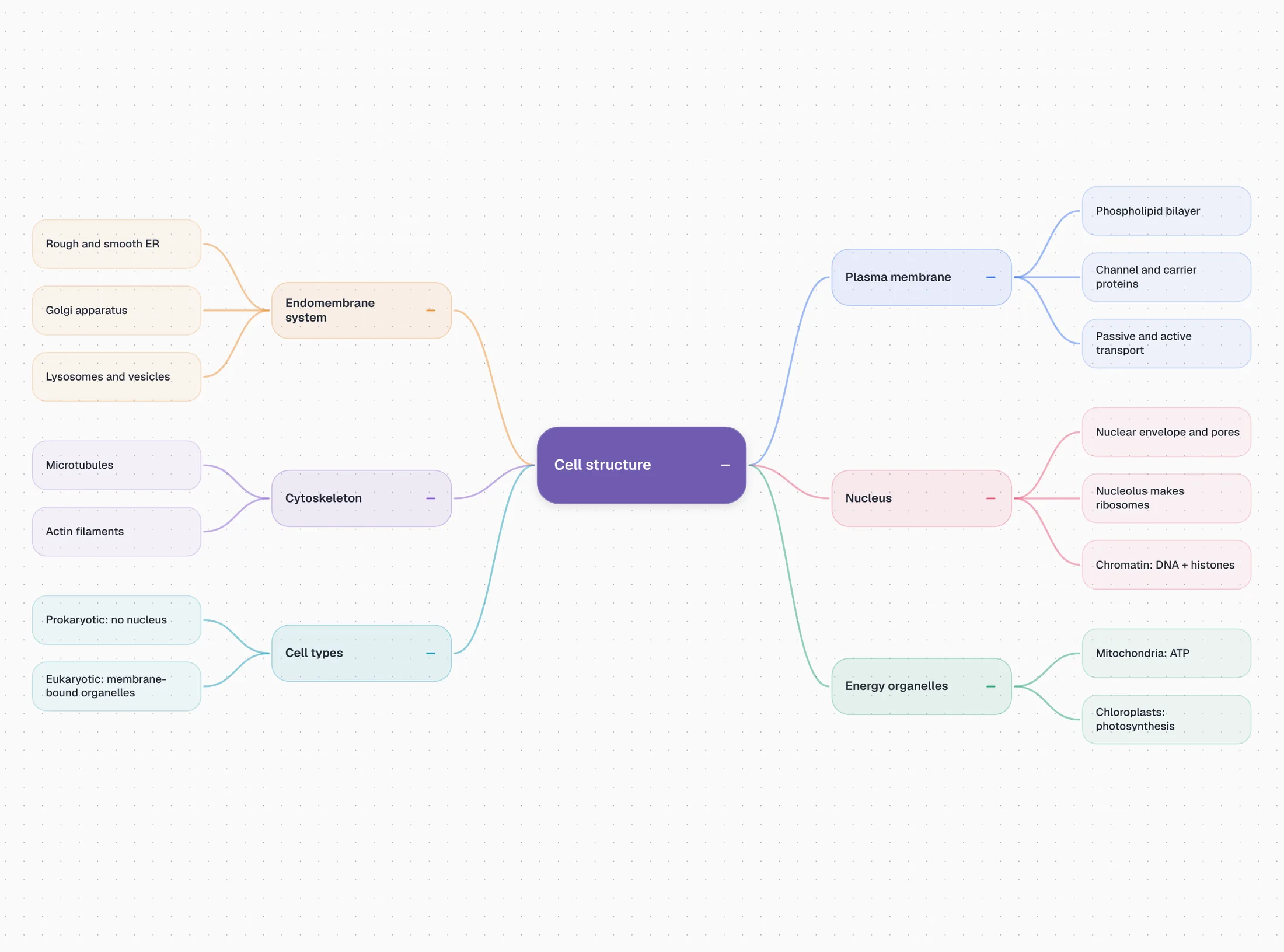
In PocketNote you start from material. Poki reads a lecture, a chapter or a slide PDF and lays the topic out as colour-coded branches, such as membrane, organelles, cytoskeleton and nucleus for a cell-biology lecture, with the detail underneath. Because the map comes from your course, it reflects what you were actually taught rather than what a general model thinks the topic contains.
A Miro map is something you build and share. A PocketNote map is an overview you study from, sitting next to flashcards, a quiz and notes made from the same source.
Neither replaces the other. You might plan an essay with your group in Miro and still want PocketNote's map of the lecture the essay is about, because one records what you decided and the other records what you were taught.
Studying alone: what PocketNote adds
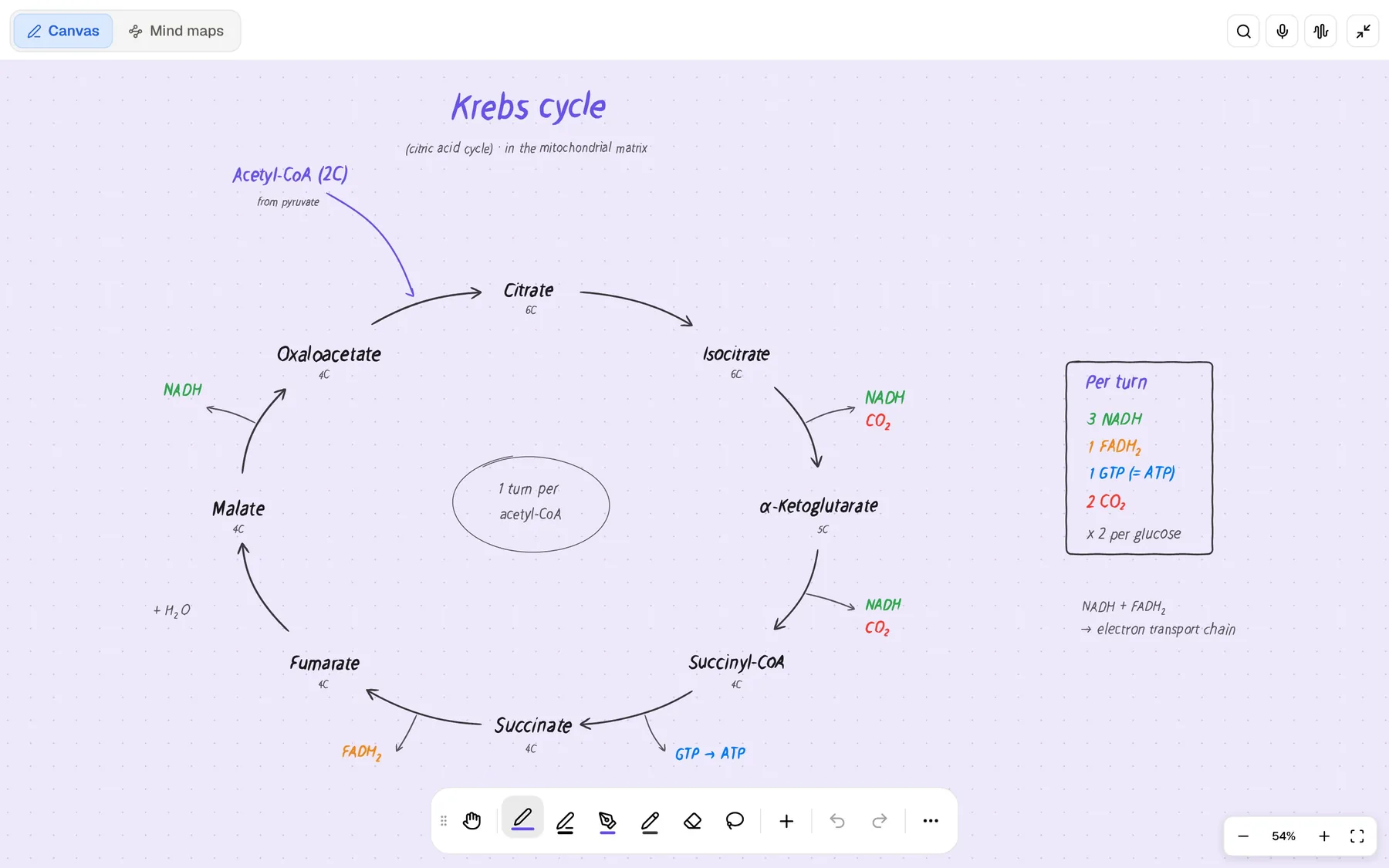
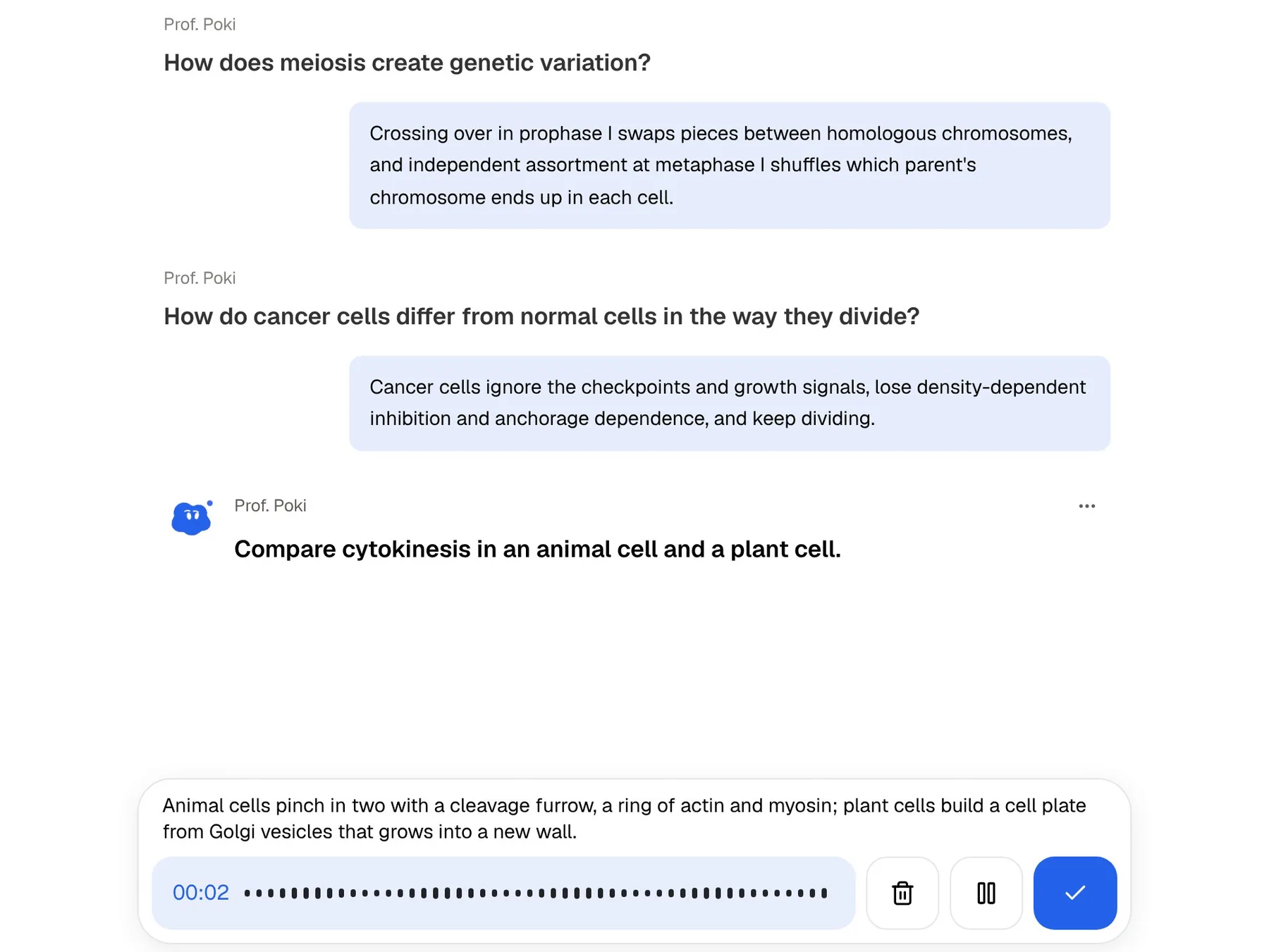
The tools that matter most in the weeks before an exam are the ones Miro doesn't try to offer. PocketNote flashcards use spaced repetition: rate each card Again, Hard, Good or Easy and it comes back when you are about to forget it. Quizzes explain why each answer is right or wrong. In the oral exam, Prof. Poki asks you questions out loud or in text and keeps probing until you can explain the topic. Audio reviews turn the material into a podcast-style episode, with captions, for revising on the move.
Poki answers from your own material with citations instead of the open web, shows its steps as it works, and can write into your notes from the chat. On paid plans you can talk to it out loud with live voice. Set an exam date and the study plan decides what to cover each day, reminds you, and tracks memory, applied and mastery scores.
Turning a group project into personal revision
Here is a practical way to combine them. Your group builds its research board in Miro. When that project feeds into an exam, export the board as a PDF and import it into PocketNote with the readings and slide PDFs that went with it.
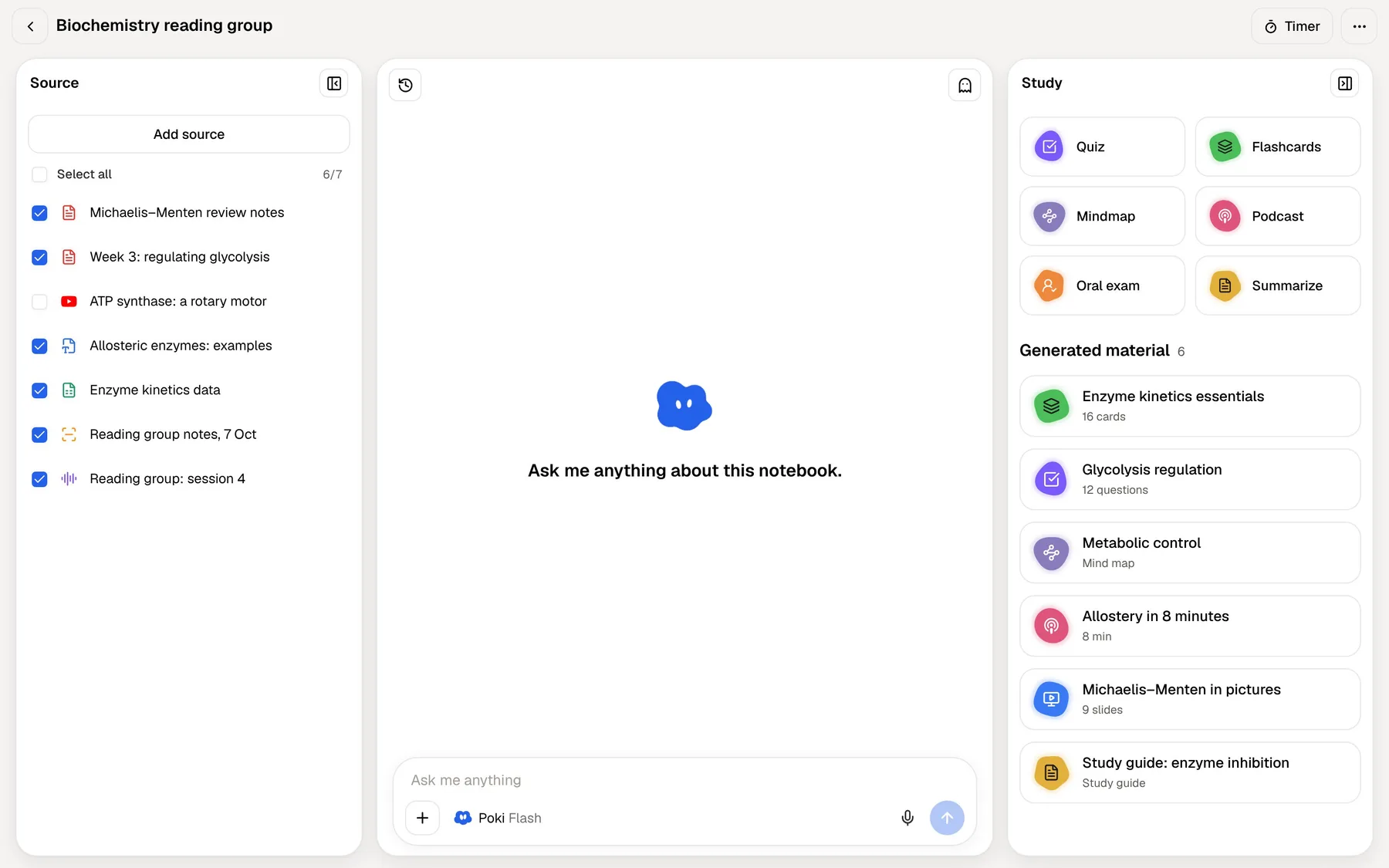
In PocketNote, add the lecture recording, or record the next lecture in the app, and paste in any YouTube videos the group used; their transcripts come with them. Now you can ask Poki questions across all of it, with citations to each source, and generate flashcards and a quiz. The board your group made becomes one source among several, and the revision is yours.
If the project lived in a shared drive, PocketNote can import files straight from Google Drive, OneDrive or Dropbox, and on paid plans connectors let Poki use context from Google Drive and Notion as well. Study material can be generated in more than 50 languages, which helps when a group's readings weren't all in one language.
Then set your exam date. The study plan spreads flashcards, quizzes and an oral exam across the days you have left, and your ratings on each card decide when it comes back.
Pricing and the Education plan
Miro's education page lists a free Student plan for assignments and group projects, with up to 10 team members, unlimited boards and two years of access, and a free Educator plan with up to 100 team members. Both include Miro AI credits, listed as 100 a month per team. You apply as a student or educator through that page, and institutions can buy an organisation-wide plan.
Without the education plan, Miro's free tier keeps three boards editable (you can create more, but only the three most recent stay editable) with a small AI allowance. At the time of writing (November 2026), its pricing page lists Starter at $8 and Business at $20 per member per month, billed yearly, with custom pricing for Enterprise. Miro says annual billing saves 20% compared with paying monthly.
PocketNote is free to start, with paid Basic and Plus plans; see pocketnote.app for current plans.
Where Miro is the better choice
Miro is the right tool, and PocketNote isn't, when:
- You are working as a group. Real-time editing, comments, access roles and voting are what Miro is built on.
- You are brainstorming from scratch. A blank canvas with sticky notes and AI-drafted maps suits ideas that don't exist in a document yet.
- Your course is about visual planning. Design, business and engineering projects often need frames, flowcharts, kanban boards and timelines.
- Your teacher runs class activities on a board. Timers, voting and locked content are classroom features.
- You need native apps everywhere. Miro has apps for Windows, Mac, iOS and Android.
The verdict
Which one should you pick?
Pick PocketNote if…
- You need to learn material for an exam, on your own, from lectures, PDFs and videos.
- You want flashcards with spaced repetition, quizzes with explanations and an oral exam.
- You want mind maps generated from your actual course material.
- You want answers to questions about your notes, with citations.
Pick Miro if…
- You are working with a group and need a shared board with real-time editing and comments.
- You are brainstorming, planning a project or building diagrams from scratch.
- You qualify for the free Education plan and need boards for a semester of group work.
Try it yourself
See it with your own notes
PocketNote is a personal AI study app for the web, iPhone and iPad. Import PDFs, Word files, audio, YouTube or web links, record lectures or write by hand, and Poki turns your material into flashcards with spaced repetition, quizzes, mind maps, notes, audio reviews and an exam-date study plan, citing your sources as it answers.
It doesn't replace Miro for group work. It is free to start, and it is where a group project's output can go once it is time to study it.
Frequently asked questions
Sources
Keep reading