
Notesnook is a notes app for people who want nobody else to be able to read their notes, including the company that runs it. Everything is end-to-end encrypted before it leaves your device, the apps and the sync server are open source, and there are clients for Windows, macOS, Linux, Android, iOS and the web.
PocketNote is an AI study app. You give it your lecture slides, readings, recordings and notes, and it turns them into flashcards, quizzes and a study plan, with an assistant, Poki, that answers questions from that material.
Those two descriptions contain the main trade-off. An AI that studies your notes with you has to be able to read them, and a notes app built so its servers can't read anything doesn't offer that. This post explains the trade-off plainly, then compares the two apps on features, price and how to use them side by side.
At a glance
PocketNote vs Notesnook
| Feature | PocketNote | Notesnook |
|---|---|---|
| Built for | Studying your course material with AI | Private, encrypted note-taking |
| End-to-end encryption | Not offered | Always on, open-source apps and server |
| AI assistant | Poki, answers from your material with citations | Not mentioned on its site |
| Flashcards with spaced repetition | Yes, rated Again/Hard/Good/Easy | Not mentioned on its site |
| Quizzes and oral exams | Yes, generated from your sources | Not mentioned on its site |
| Maths in notes | Yes, LaTeX | Yes, in the editor |
| Handwriting | Apple Pencil on iPad, drawing in browser | Not mentioned on its site |
| Publish a note | Share a link to a note | Monographs, optionally password-protected |
| Apps | Web, iPhone, iPad | Windows, macOS, Linux, Android, iOS, web |
| Price | Free to start; Basic and Plus | Free plan; paid from $1.99/month |
Checked against notesnook.com, its help pages and App Store listing, and PocketNote, November 2026. Prices and plans change; confirm on each site.
What Notesnook is built to protect
Notesnook's encryption is always on and can't be switched off. Its App Store listing says data is encrypted on the device, in transit and at rest, using XChaCha20-Poly1305 and Argon2, and its homepage says notes are encrypted before they leave your device. A second password, the Vault, protects your most sensitive notes even after someone has opened the app, and the app can be locked with a fingerprint, PIN or password.
Every Notesnook app and the server your notes pass through are open source under GPLv3, so anyone can inspect how the encryption works rather than taking it on trust. Reminders fire from your device rather than from Notesnook's servers. For a student keeping a diary, health notes or anything personal alongside coursework, that design is a serious advantage.
The editor is solid too. It handles headings, tables, task lists, code blocks, maths and Markdown, with nested notebooks, tags, colours, pinned and favourite notes, links between notes with backlinks, note version history and a web clipper that saves articles without ads or trackers.
The trade-off at the centre of this comparison
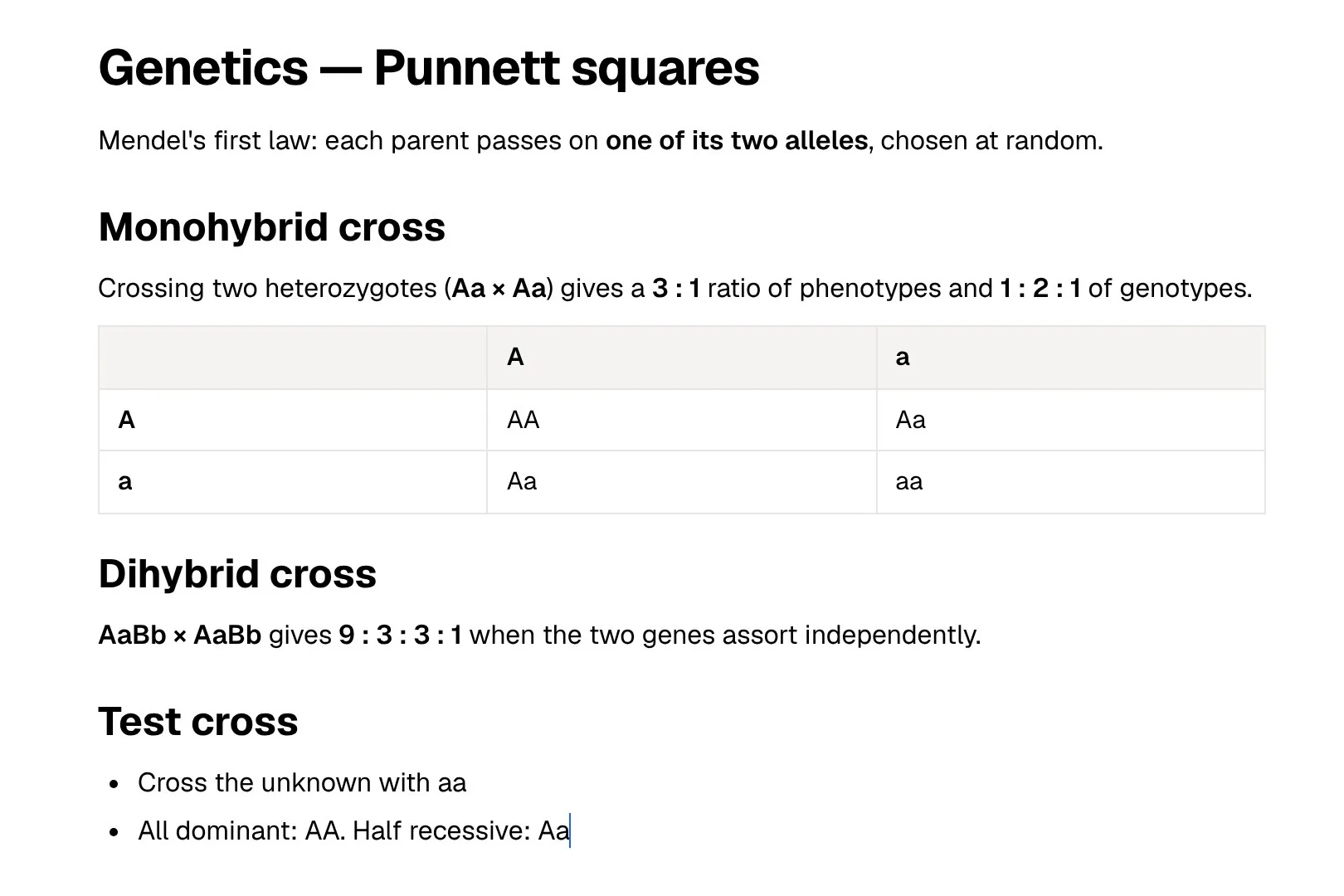
AI features have to process your content. When you ask Poki a question about your lecture, it reads the lecture to answer, and generating flashcards means the material is processed by the AI model you have chosen. PocketNote's commitment is that your files are not used to train public AI models. It doesn't offer end-to-end encryption like Notesnook's, and this page won't pretend otherwise.
Notesnook's homepage and App Store listing don't mention AI features, which is consistent with a design where the server never sees your notes. So the decision is less about which app is better and more about which notes you are happy for an AI to read.
It also explains what you get in exchange. Because Poki can read your material, it can look at a PDF page as you see it, including your own highlights and handwriting, and highlight, underline or circle passages on it when you ask. Those features exist only because the content is readable to the AI.
A reasonable split is lecture slides, readings and course notes in a study app, and personal writing somewhere encrypted. Course material is usually shared with a whole cohort anyway; your journal isn't.
What studying looks like in each app
In Notesnook, studying is something you do with your notes rather than something the app does for you. You reread, write questions at the end of a note, hide answers under a heading, and set reminders to come back to a topic. It is a good environment for that, and writing every question yourself has real value of its own.
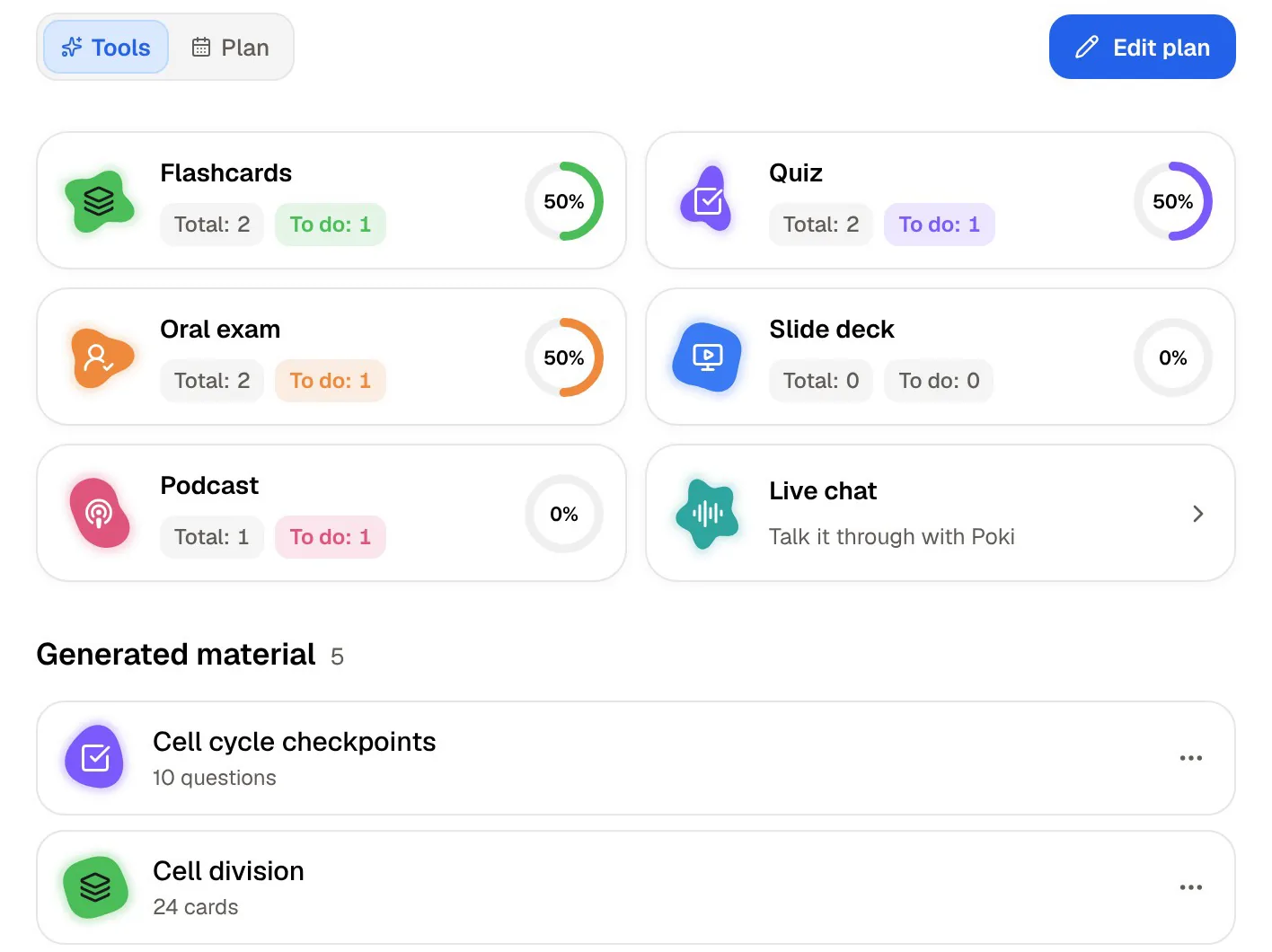
PocketNote turns the same kind of notes into practice. From a lecture or a set of notes it generates flashcards that you rate Again, Hard, Good or Easy, and each card comes back on a spaced-repetition schedule when you are about to forget it. It writes quizzes in which every option is explained, right or wrong. Prof. Poki can run an oral exam, out loud or in text, and keeps asking follow-ups until you can explain the topic.
Set an exam date and the study plan decides what to cover each day, reminds you, and tracks memory, applied and mastery scores. You can also ask Poki anything about the material, and it answers from your sources with citations instead of from the open web. For revising away from a desk, PocketNote makes podcast-style audio reviews of your material with captions that follow the voices.
Maths, structure and handwriting
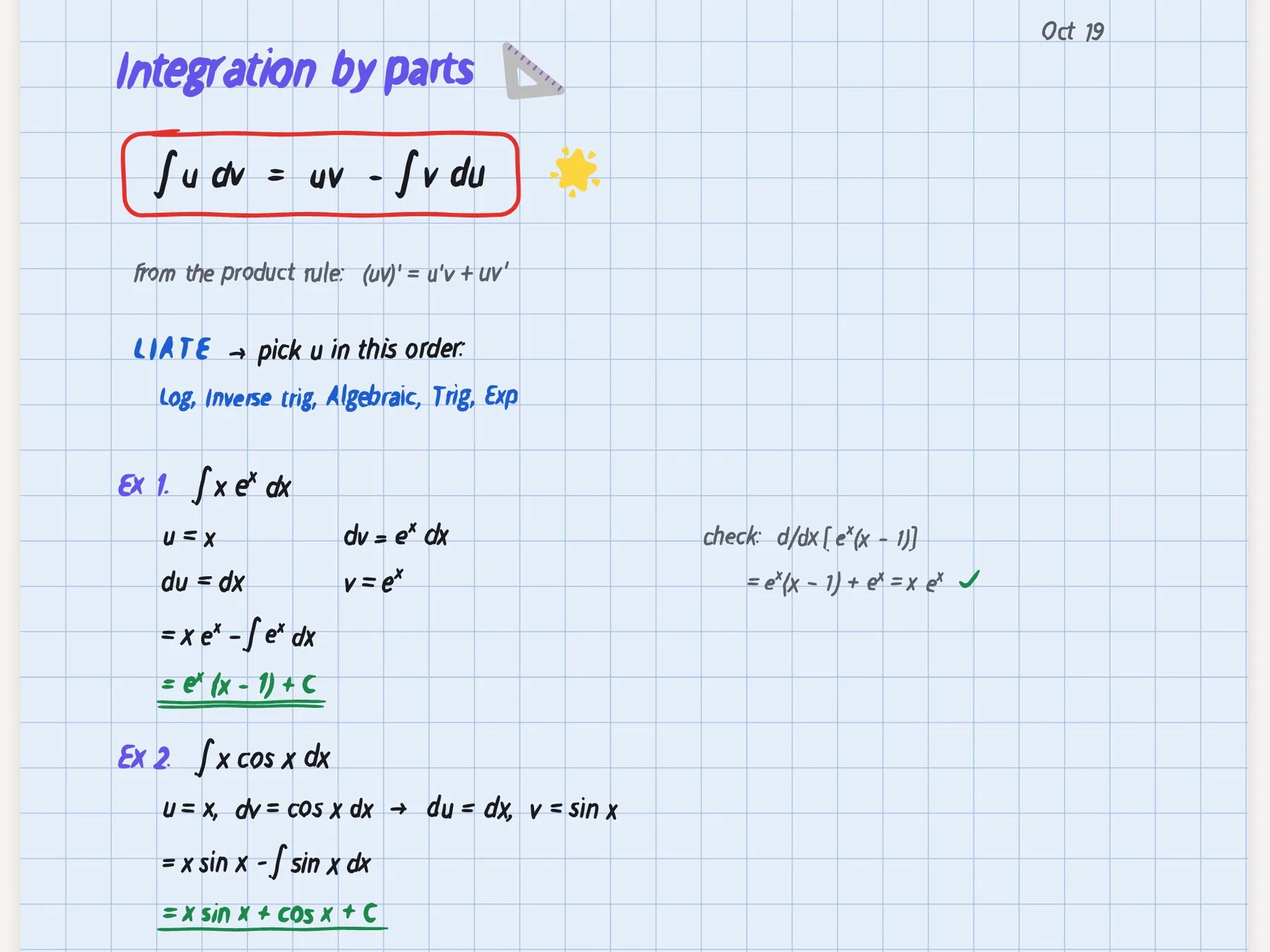
Both apps handle maths, which matters in STEM courses: Notesnook's editor supports maths, and PocketNote's block editor supports LaTeX alongside toggles, callouts, comments, page mentions, find and replace and an outline. For organising, Notesnook uses nested notebooks, tags and colours, and PocketNote uses colour-coded folders, starred items, recent items and search.
Handwriting is a clear difference. Notesnook's site and App Store listing don't mention handwriting or drawing. PocketNote does handwritten notes on iPad with Apple Pencil, and drawing in the browser, with page templates such as lined, grid and Cornell, a lasso that turns handwriting into text, a zoom window for small writing, tape to hide answers for self-testing, and search through your handwriting. Note Replay records audio while you write, and playing it back shows the strokes you were writing at that moment, which helps when a note from week three makes no sense in week ten.
If you write chemical structures or circuit diagrams by hand, that may decide it on its own. If you type everything, the two editors are closer than the feature lists suggest.
Where Notesnook is the better choice
Choose Notesnook if privacy is the requirement rather than a preference: journals, medical notes, legal or personal matters, or simply a principle that your notes should be readable only by you. Its open-source code, always-on encryption, Vault and app lock are built for exactly that.
It also wins on reach. It runs on Windows, Linux and Android as well as Apple devices and the web, and the free plan has unlimited notes on unlimited devices with no trial clock. Its Monographs feature lets you publish a single note as a web page, optionally behind a password, while everything else stays private. And Notesnook's Inbox API lets tools such as Zapier or your own scripts add encrypted notes to your account.
If you mostly write and rarely want help revising, Notesnook covers everything you need without asking you to trust anyone with your words. It also suits students who move between a university Linux machine, a Windows laptop and an Android phone, a combination where PocketNote means using the browser.
Pricing, including the student discount
At the time of writing (November 2026), Notesnook's pricing page lists a free plan with 50 MB of storage per month and a 10 MB file-size limit, and three paid plans, all prices including tax. Essential is $1.99 a month or $19.99 a year. Pro is $6.99 a month or $69.99 a year, or $299.99 prepaid for five years. Believer is $8.99 a month or $89.99 a year, or $399.99 for five years.
Paid plans add storage, larger files and higher limits on notebooks, tags, reminders and note versions, and monthly and yearly plans come with a 14-day trial. Exporting is available on every plan. The FAQ says students and educators can get Notesnook Pro at a significant discount by applying through its education form.
PocketNote also starts free. Paying gets you Basic (live voice, premium AI models, connectors) or Plus (unlimited notebooks and apps, the longest podcasts, all models), and pocketnote.app lists current prices.
Splitting your notes between the two
A practical setup is to keep personal notes in Notesnook and course material in PocketNote. When you want to revise from notes you wrote in Notesnook, export them: Notesnook exports PDF, HTML, Markdown, Markdown with frontmatter and plain text from all its apps, and exporting several notes produces a ZIP. PocketNote imports Markdown, PDF and TXT files.
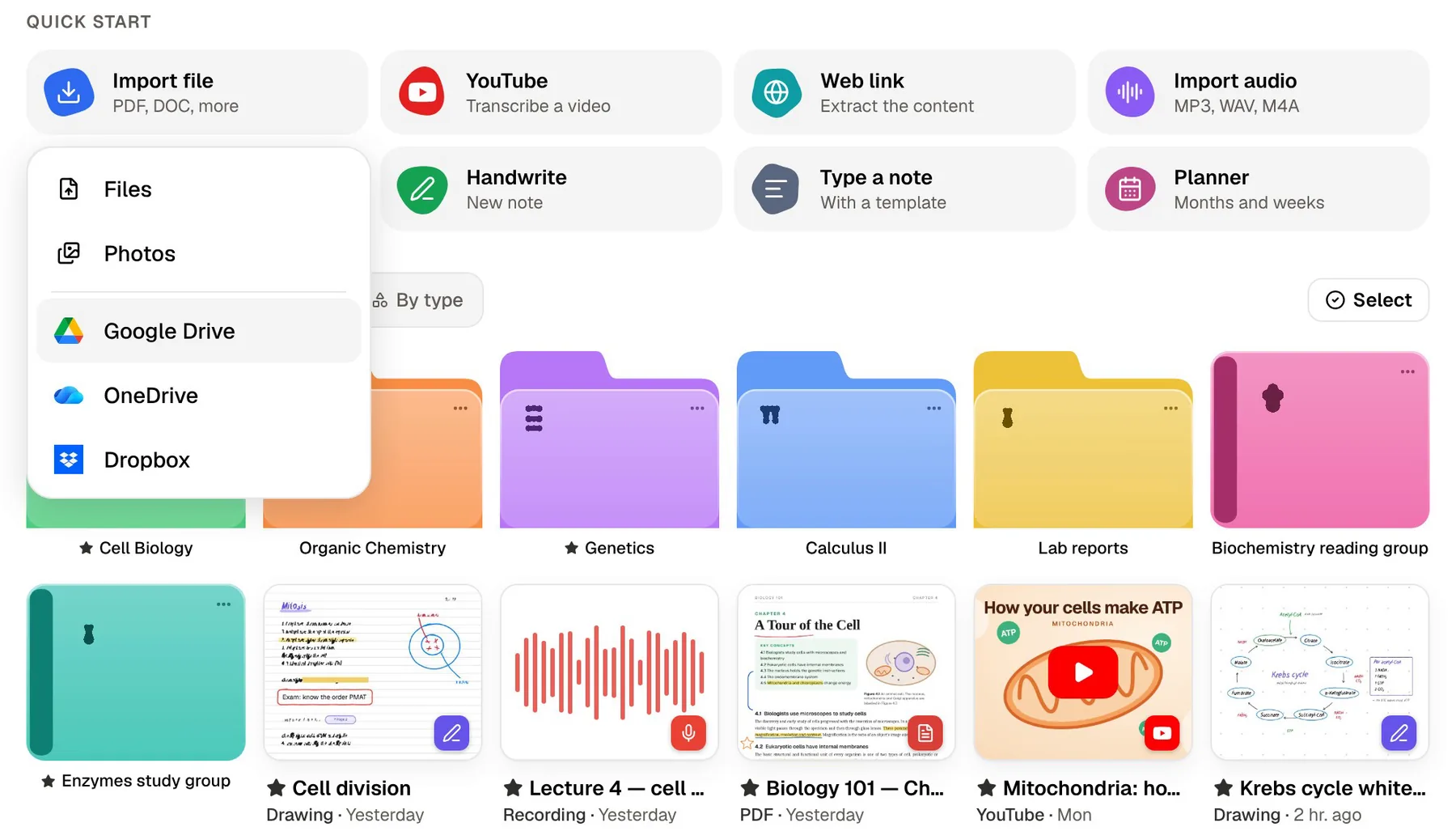
Once imported, those notes are stored in PocketNote like any other source and are no longer covered by Notesnook's encryption, so only move notes you are comfortable leaving it. Lecture slides and readings can go straight into PocketNote from your files or from Google Drive, OneDrive or Dropbox, without passing through Notesnook at all.
This keeps each app doing what it was designed for. Notesnook stays a private notebook that only you can read, and PocketNote becomes the place where coursework turns into practice.
Four checks before you upload course material anywhere
If privacy is what drew you to Notesnook, it is worth applying the same care to any study app, PocketNote included. These checks take five minutes and save awkward surprises later.
- Recording rules. Universities and individual lecturers often set rules on recording lectures. Check yours, and ask before you record a lecture in any app.
- What counts as personal. Health notes, a diary or anything about other people is better kept in an encrypted notebook such as Notesnook than in any AI tool.
- Training. Look for a clear statement on whether your files train AI models. PocketNote states that your files are not used to train public AI models.
- Ways out. Make sure you can get your work back out. Notesnook exports open formats from every app; in PocketNote, handwritten notes export to PDF and you can share a link to a note.
The verdict
Which one should you pick?
Pick PocketNote if…
- You want lectures and notes turned into flashcards, quizzes and oral exams without writing every question yourself.
- You want an assistant that reads your course material and cites it when it answers.
- You write by hand on iPad and want searchable handwriting that can feed your flashcards.
- You are comfortable with an AI reading your course material, on the understanding that your files are not used to train public models.
Pick Notesnook if…
- You need end-to-end encryption and open-source code for notes only you should read.
- You want apps on Windows, Linux and Android as well as Apple devices and the web.
- You want a free plan with unlimited notes and no trial clock.
- You prefer writing your own questions and don't want AI in your notes app.
Try it yourself
See it with your own notes
PocketNote is an AI study app for course material. Import PDFs, Word and Excel files, audio, YouTube and web links, record lectures, or write typed and handwritten notes, and Poki answers from those sources with citations. The same material becomes flashcards with spaced repetition, quizzes, oral exams, mind maps and audio reviews.
It is available on the web at pocketnote.app and on iPhone and iPad, and starting is free. Keep what is private in Notesnook, and bring what you need to learn into PocketNote.
Frequently asked questions
Sources
Keep reading