
UpNote is a notes app that stays out of your way. It opens quickly, works offline, syncs across Mac, Windows, Linux, iPhone and Android, and sells Premium as a small monthly fee or a one-time lifetime purchase. For a student who wants one tidy place for lecture notes on every device, that is a strong offer.
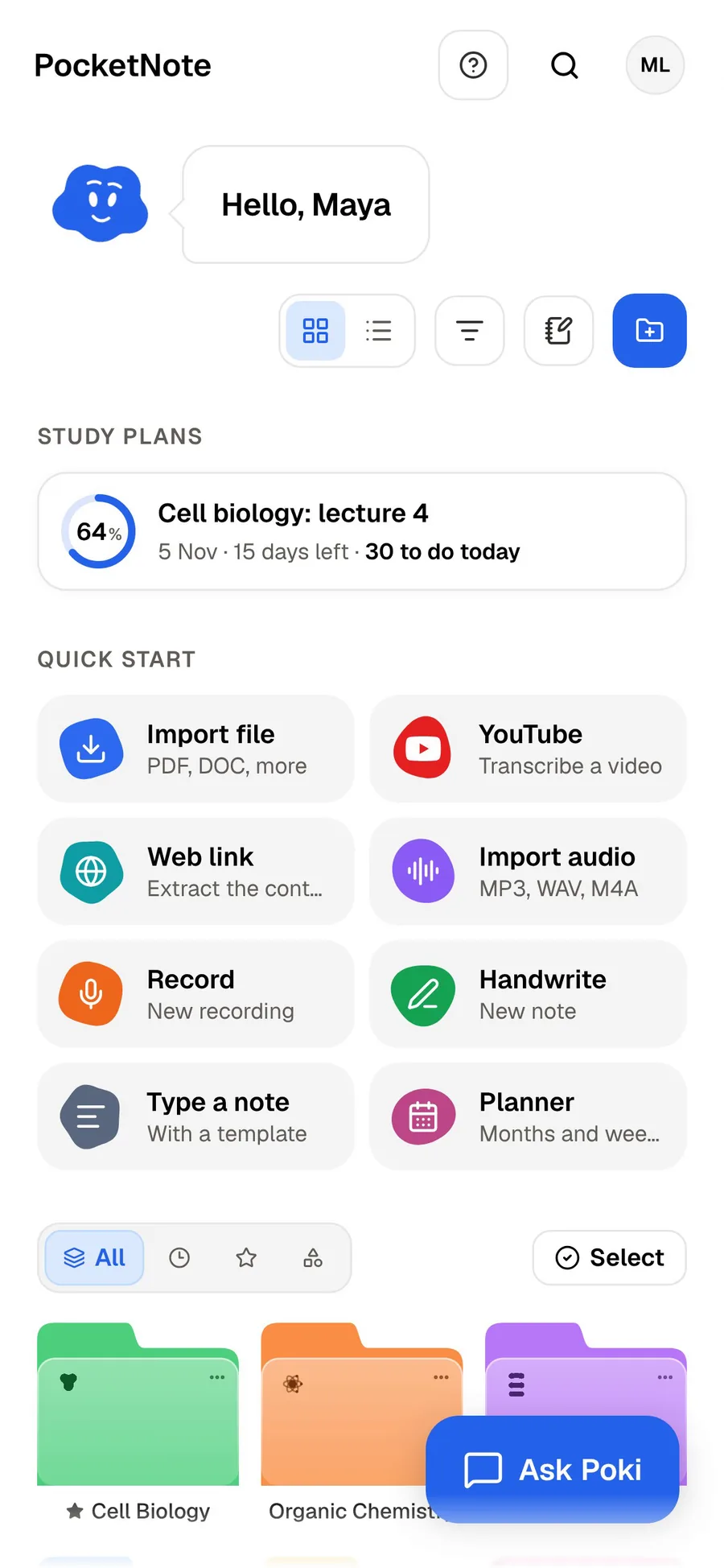
PocketNote starts where UpNote stops. It assumes you will need to learn what is in your notes, so it turns them, along with slides, readings and recorded lectures, into flashcards with spaced repetition, quizzes and a study plan, and its assistant, Poki, answers questions from your own material.
They are not two versions of the same app. Below is what UpNote does well, what it leaves out on purpose, how the two editors compare, what each costs, and how to move a notebook from UpNote into PocketNote when exams come round.
At a glance
PocketNote vs UpNote
| Feature | PocketNote | UpNote |
|---|---|---|
| Built for | Studying from your notes and lectures | Writing and organising notes |
| Free tier | Free to start | Up to 50 notes |
| Paid option | Basic and Plus subscriptions | Monthly or one-time lifetime Premium |
| AI assistant | Poki, answers from your material with citations | Not mentioned on its site |
| Flashcards with spaced repetition | Yes, rated Again/Hard/Good/Easy | Not mentioned on its site |
| Quizzes with explained answers | Yes | Not mentioned on its site |
| Typed notes | Block editor with LaTeX, tables, toggles | Rich text and Markdown editor |
| Handwriting | Yes, Apple Pencil on iPad | Not mentioned on its site |
| Offline | Notes save offline and sync later | Yes, read and write offline |
| Apps | Web, iPhone, iPad | Mac, Windows, Linux, iOS, Android |
| Export and import | Imports PDF, Word, Markdown, TXT and more | Exports PDF, TXT, HTML, Markdown |
Checked against getupnote.com, UpNote's help guide and PocketNote, November 2026. Prices and limits change; confirm on each site.
Why students like UpNote
UpNote's appeal is that there is very little to learn. You organise with nested notebooks, hashtags, pinned notes and Quick Access, and you write in a rich-text editor that also understands Markdown, with lists, code blocks, highlights, images, attachments and links between notes. Templates save you from rebuilding the same lecture-note layout every week.
Focus mode hides everything but the page, and a sticky window keeps a note on top of other apps, which is handy when you are writing alongside a recorded lecture or a paper. UpNote works offline and syncs when you reconnect, keeps automatic backups and version history, and has a web clipper for Chrome, Safari and Firefox. Notes can be shared through a secret web link, and on Premium you can lock notes or notebooks with a passcode.
UpNote's site lists apps for Mac, Windows, Linux, iOS and Android. That covers almost any mix of laptop and phone a student might own, including the Windows-laptop-and-Android-phone combination that many Apple-first apps ignore.
Moving in is easy too. UpNote's guide covers importing from Evernote, Apple Notes, Bear, Simplenote and Google Keep, as well as Markdown, HTML and plain-text files, with Word and RTF files supported on the Mac app. If you are leaving another notes app at the start of a term, that matters.
What UpNote leaves out
UpNote sticks to being a notebook. Its homepage doesn't mention AI features, flashcards, quizzes, handwriting or lecture recording. For many people that restraint is exactly the point: no assistant suggesting things, no generated content, just your notes.
It also means the studying happens somewhere else. You reread, you write your own questions at the bottom of a note, or you copy notes into a flashcard app and type out every card. None of that is a problem if you enjoy making your own cards, and some students learn a lot from writing them. It is a lot of hours in exam season, though.
Attachments are supported on Premium, so you can keep a lecture PDF or a slide deck inside the relevant note. The file sits there for you to open and read; UpNote doesn't summarise it, search inside it with an assistant or build questions from it.
The free version is also limited to 50 notes. One note per lecture across four or five modules fills that within a term, so a student who stays with UpNote will usually end up on Premium.
From UpNote notes to PocketNote flashcards
Say you have kept a term of chemistry notes in UpNote. UpNote can export notes as PDF, plain text, HTML or Markdown, and its help guide covers exporting a single notebook or the whole library, with images saved in a Files folder next to the exported notes. PocketNote imports PDF, TXT and Markdown files directly, so the Markdown export is the natural bridge.
Once the notes are in PocketNote, you generate flashcards from them. You review each card by rating it Again, Hard, Good or Easy, and spaced repetition brings it back when you are about to forget it. The same notes can become a quiz in which every answer is explained, a summary, a mind map or a podcast-style audio review you can play on the walk to campus.
Your notes are only part of what you will revise from. PocketNote can also record the next lecture in the app and give you a transcript, a summary and notes, or take the YouTube link your lecturer posts, so the deck covers what was said in the room as well as what you managed to write down.
You don't have to move everything. Pick the notebook for the exam in front of you, export it, import it with that module's lecture slides, and generate cards from both. Poki can then answer questions across your notes and the slides together, citing which one each answer came from.

Two editors, side by side
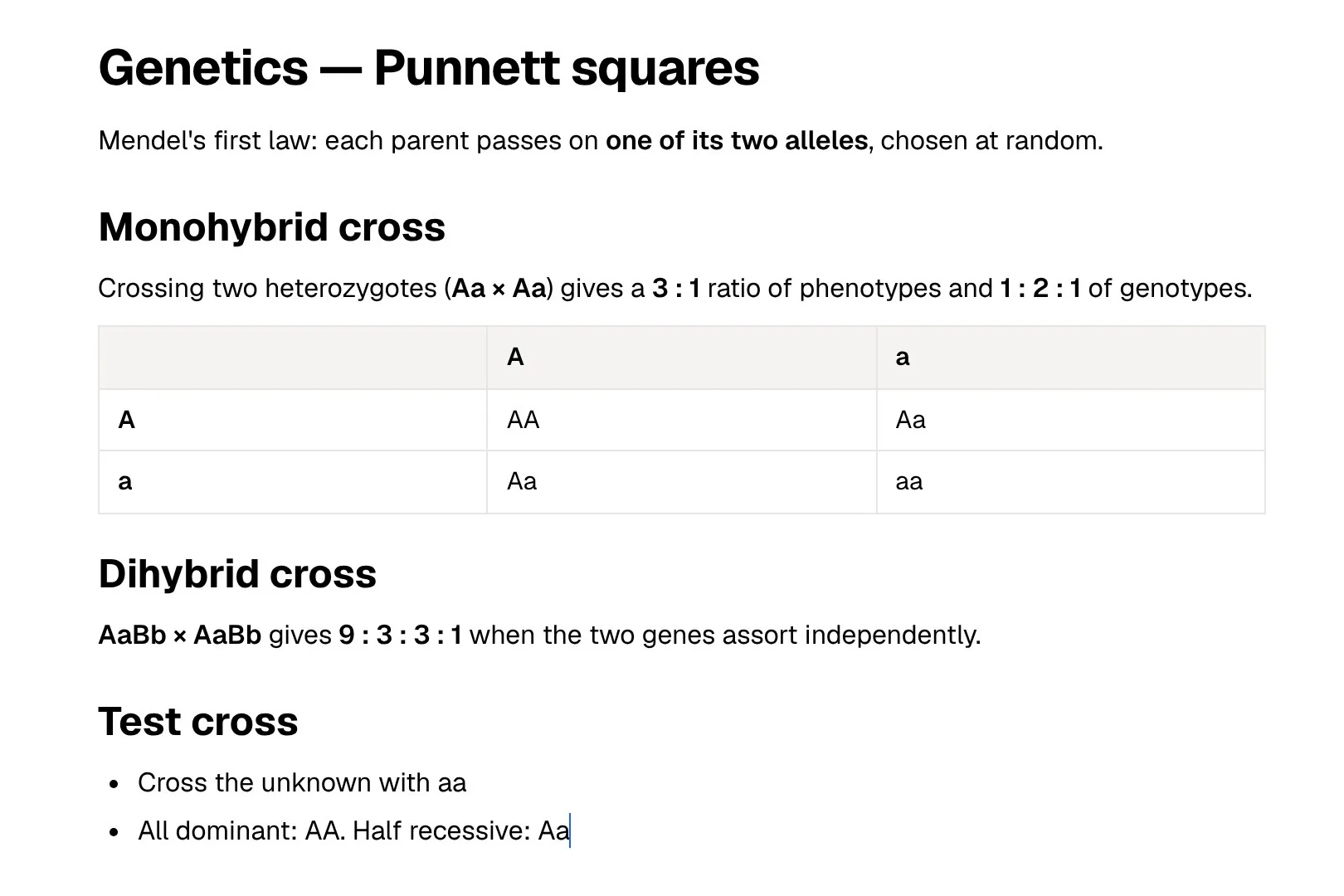
Both apps let you write well-structured notes. UpNote's editor covers rich text and Markdown, lists, code blocks, highlights, internal links between notes and collapsible sections. It is quick and predictable, and Markdown users will feel at home.
PocketNote's typed notes use a block editor with headings, lists, checklists, tables, toggles, callouts, code, LaTeX maths, images, colours, comments, page mentions, find and replace and an outline. You can ask Poki inside a note, and Poki can write into your notes from the chat, for example adding a summary of a lecture under your own notes. Notes can also start from a template.
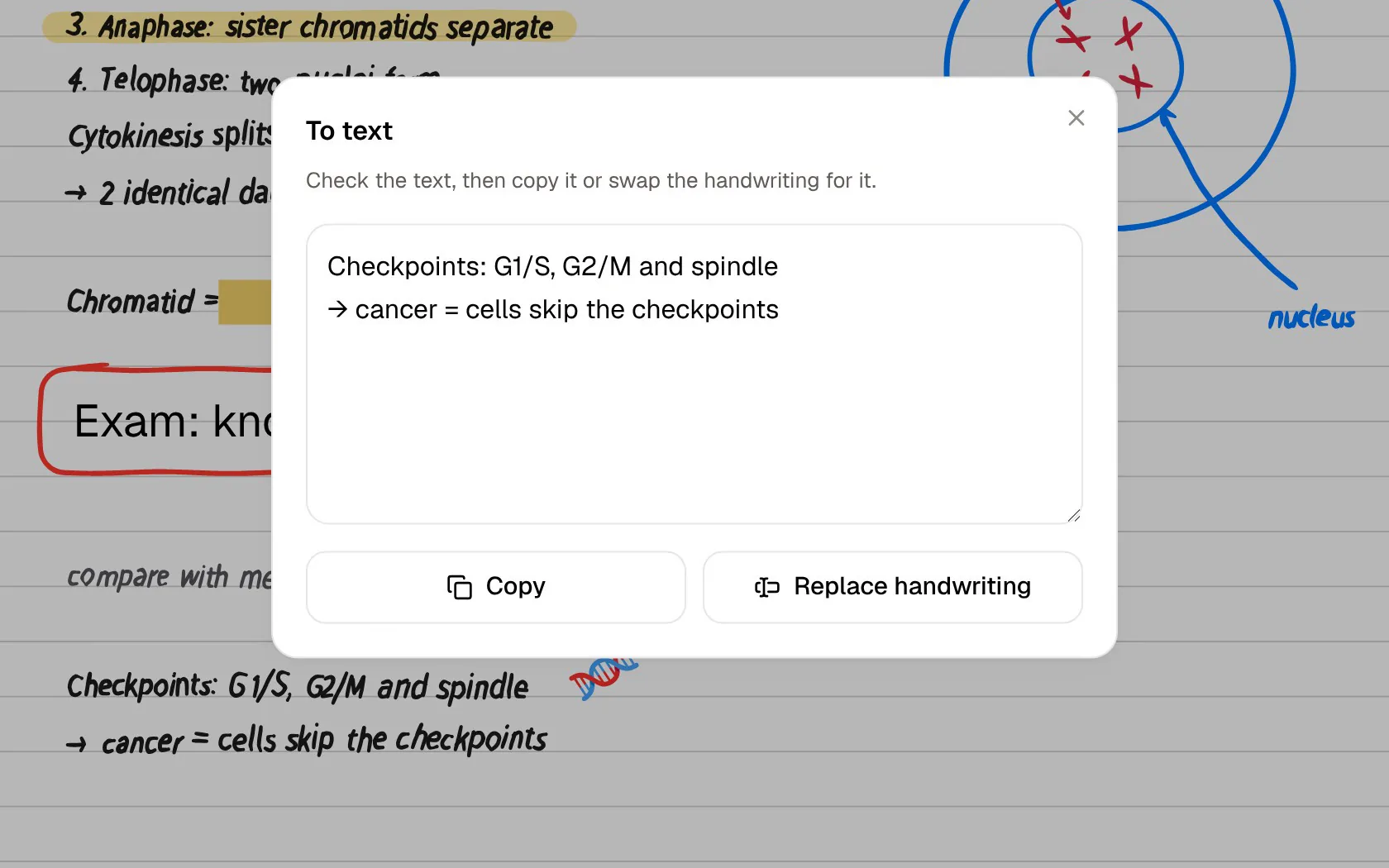
The bigger difference is handwriting. On iPad, PocketNote does handwritten notes with Apple Pencil, with pens, highlighters, shape snapping, page templates such as lined, grid and Cornell, a lasso that turns handwriting into text, and search through your handwriting. UpNote's site doesn't mention handwriting. If you write maths by hand or sketch diagrams in lectures, that matters more than any typing feature.
Devices, offline use and sync
UpNote has the edge on devices. It runs on Mac, Windows, Linux, iOS and Android, and you can read and write notes without a connection on all of them. If you take notes on a Linux laptop or an Android tablet, UpNote is the one with a native app. And if you often study without reliable Wi-Fi, on an underground commute or in a library with patchy signal, UpNote's offline mode means every note is there on every device.
PocketNote runs in any browser at pocketnote.app and as an app for iPhone and iPad, with your library synced by account. Notes keep saving offline and sync when you are back online. There is no Android app to recommend yet and no desktop app, so on a Windows or Linux laptop you use PocketNote in the browser, which works fine for studying but is a different feel from UpNote's native apps.
Where UpNote is the better choice
Choose UpNote if you want a plain, fast notebook and nothing that generates content for you. It is the better fit if your devices are a Windows or Linux laptop and an Android phone, if you want every note available offline on every device, or if you would rather pay once than subscribe.
It is also a good home for notes that aren't coursework: reading lists, recipes, a journal, project ideas, the address of the student union office. PocketNote can hold those too, but its tools are built around studying, and UpNote's simplicity suits everyday notes better. And if you like writing your own flashcards by hand because the writing helps you learn, UpNote plus a separate flashcard app is a perfectly good system.
Paying once or paying monthly
At the time of writing (November 2026), UpNote's homepage lists Premium at $1.99 a month or $39.99 for a lifetime licence, bought through the iOS, Android or Mac app, with Premium carried over to the Windows app when you sign in. Premium adds unlimited notes plus features such as attachments, locking, themes and export. UpNote notes that prices may vary by region and sales tax.
Over a three-year degree, paying monthly would come to about $72 at those prices, so the lifetime licence is the cheaper route if you are sure you will stay. That predictability is part of UpNote's appeal for students on a budget: no renewal date, no plan changes to keep track of.
PocketNote is free to start, with paid Basic and Plus plans; see pocketnote.app for current plans. The comparison isn't like for like. UpNote's lifetime price buys a notes app, while PocketNote's paid plans pay mainly for AI features: live voice with Poki, premium models and connectors on Basic, and on Plus unlimited notebooks and apps, the longest podcasts and all models.
Keeping both
You might keep UpNote as the place you write and bring course material into PocketNote when it is time to revise. UpNote handles everyday capture on every device; PocketNote handles practice, from your notes plus the slides, readings and recorded lectures that sit outside your notebook.
The routine is short. Export the relevant notebook from UpNote as Markdown or PDF, import it into PocketNote alongside the lecture slides, and generate flashcards and a quiz. Set the exam date so the study plan spreads the work over the days you have. When you add notes later in UpNote, export and import again; there is no live sync between the two apps, so do it once a week rather than after every lecture.
The verdict
Which one should you pick?
Pick PocketNote if…
- You want your notes turned into flashcards with spaced repetition and quizzes, not just stored.
- You study from slides, PDFs and recorded lectures as well as your own notes.
- You take handwritten notes on iPad and want them searchable and usable for revision.
- You want an assistant that answers from your notes with citations.
Pick UpNote if…
- You want a fast, plain notebook with no AI and nothing generated for you.
- You use Windows, Linux or Android and want a native app with full offline access.
- You prefer a one-time lifetime purchase to a subscription.
- You like writing your own flashcards and only need somewhere tidy to keep notes.
Try it yourself
See it with your own notes
PocketNote is an AI study app. Bring your own typed or handwritten notes, plus lecture PDFs, Word files, audio, YouTube and web links, and Poki answers from that material with citations. From the same sources it generates flashcards with spaced repetition, quizzes with explanations, oral exams, mind maps, summaries and audio reviews.
You can use it in a browser at pocketnote.app or as an iPhone and iPad app, free to start. If UpNote is where you write, PocketNote can be where those notes get turned into revision.
Frequently asked questions
Sources
Keep reading