
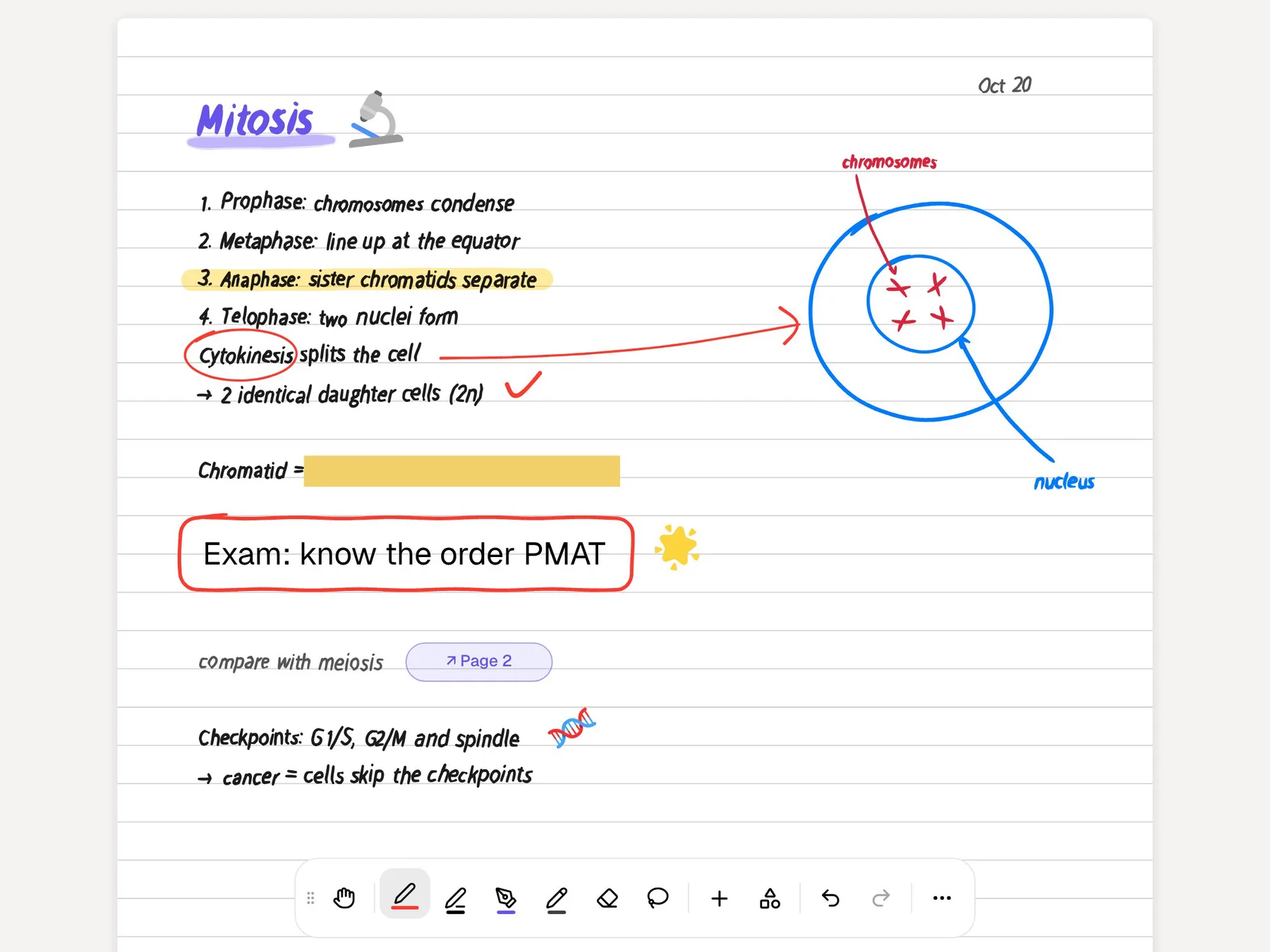
ZoomNotes is the power tool among iPad note apps. Its headline feature is a zoom range without arbitrary limits, so a page can hold a whole course and you can still write a footnote in the margin of a margin. Around that it builds sub-pages inside pages, links between pages and documents, layers, digital planners that show your calendar, animated bookmarks for presenting, and sound recording linked to your drawing. It is sold as a paid app on the App Store, with a free Lite version.
PocketNote is an AI study app. You bring your notes, slides, PDFs and recorded lectures, and it builds flashcards with spaced repetition, quizzes that explain every answer, an oral exam with Prof. Poki, mind maps, podcast-style audio reviews and a study plan to your exam date. It has an infinite whiteboard for handwriting too, but it is aimed at revising what you wrote rather than at building an elaborate notebook.
This page is for the student who loves the canvas and wonders what to do with it when exams come. It covers what ZoomNotes does well, where PocketNote picks up, and how to move notes from one to the other. ZoomNotes details come from its official site and App Store listing, checked in November 2026.
At a glance
PocketNote vs ZoomNotes
| Feature | PocketNote | ZoomNotes |
|---|---|---|
| Built for | Studying with AI from your material | Power-user handwriting, planning and presenting |
| Zoom and canvas | Infinite whiteboard and a zoom window | Huge zoom range, whiteboard mode, sub-pages |
| Pens | Pens, highlighters, fountain, watercolour, crayon | 8 pen types, including pencil and watercolour |
| Linking | Page outline and links | Links between pages and between documents |
| Planning | Study plan to an exam date, with reminders | Digital planners showing Calendar events |
| Presenting | Presentation mode; generated slide decks | Animated bookmarks; output to screen or video |
| Audio | Note Replay shows the strokes as audio plays | Sound recordings on the page, linked to drawing |
| Handwriting search | Yes | Yes |
| AI | Poki: cited answers from your material | No AI features advertised |
| Flashcards, quizzes, oral exam | Generated from your notes | Not advertised |
| Apps | Web, iPhone, iPad | iPad, iPhone, Mac (ZoomNotes Desktop) |
| How you pay | Free to start; Basic and Plus plans | Paid app, or free Lite with in-app purchases |
Checked against each product's own website and App Store listing, November 2026. Plans and features change; confirm current details there.
What ZoomNotes does that few apps try
ZoomNotes' own site calls it an advanced iPad note taker for business people, teachers, students and anyone serious about notes or sketching, and the feature list backs that up. You write with eight pen types, including gel, nib, pencil and watercolour, on paper of any size and style. Whiteboard mode and the huge zoom range mean a single page can be a desk covered in sheets, a flow chart that grows as the term goes on, or a mind map you keep zooming into. Its site makes the same point: unlimited zoom makes mind maps, tree diagrams and flow diagrams easier, with shapes, symbols, lines and arrows for visual thinking.
Sub-pages are the feature that sets it apart. A page can contain pages, which can contain more pages, so a course overview can open into each lecture and each lecture into its worked examples. You can insert a whole PDF as a sub-page or import pages from another ZoomNotes document. Layers control what is visible, including master layers that show on every page.
It also handles documents well. You can import and write over PDFs and, through Google Drive, Microsoft Word, Excel and PowerPoint files; edit two documents side by side, or two views of the same one; add PDF annotation comments; and write into a magnification window while still seeing the zoomed-out view. Handwriting recognition lets you search your handwritten notes.
Presenting is unusually well developed. Bookmarks save views of a document and play them back as an animation, which, combined with sub-pages, walks an audience through the structure of a topic. Output can go to the iPad screen, an AirPlay device, an external screen or projector, or a video file. Documents sync through iCloud, so work started on an iPad continues on the Mac.
Planning in ZoomNotes, planning in PocketNote
ZoomNotes takes digital planning seriously. You can import a PDF planner or build your own with its custom planner option, add links between pages and documents, and have month, week and day pages show events and reminders from the Calendar and Reminders apps. Events you add can link back to the exact document in ZoomNotes, with alarms if you want them.
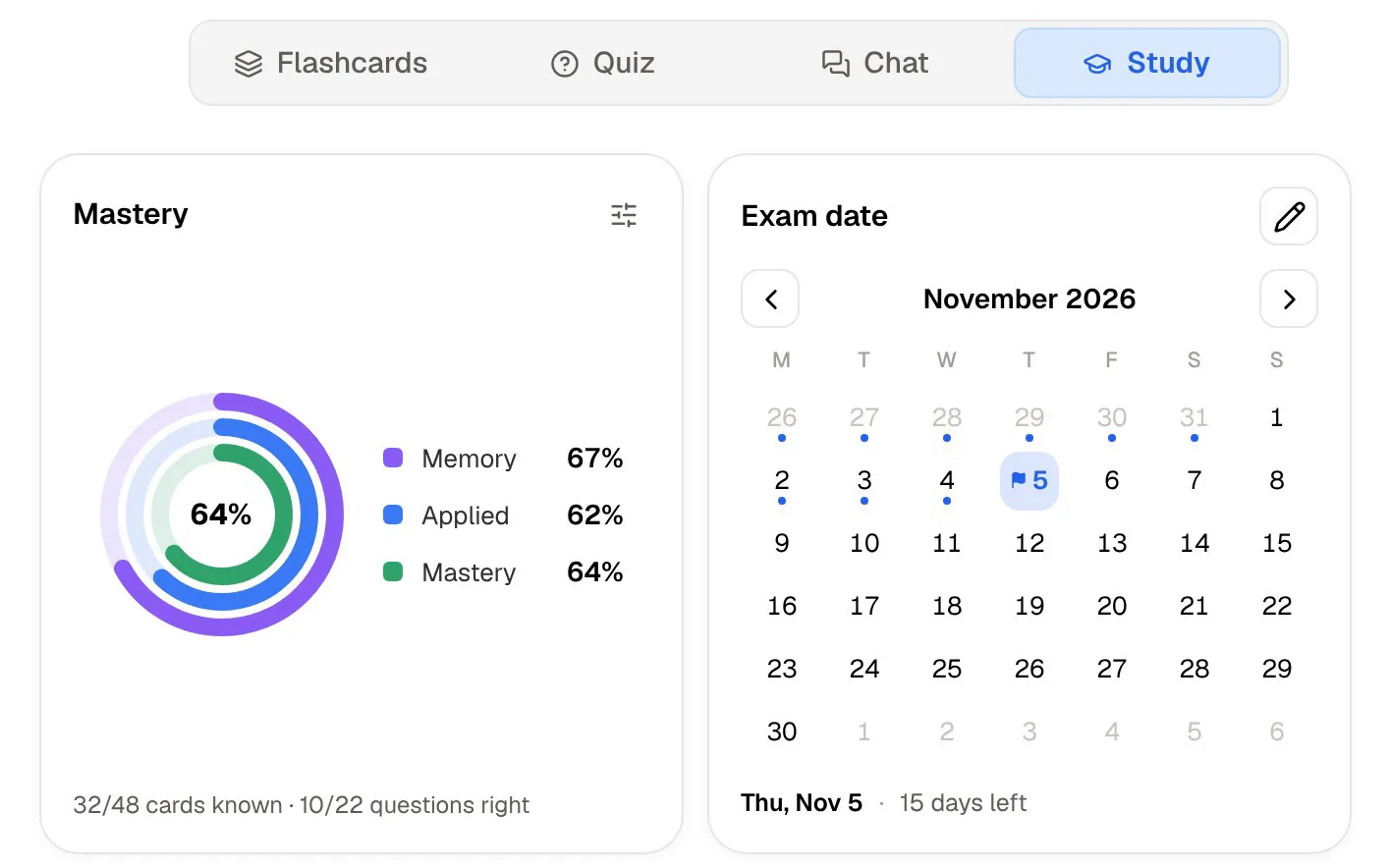
PocketNote's planning is narrower and does more of the work for you. The study plan starts from an exam date, decides what to cover each day, reminds you, and tracks three scores (memory, applied and mastery) as you work through flashcards, quizzes, the oral exam, slide decks, podcasts and live chat. PocketNote also has planner page templates for its handwritten notes, but the study plan is the part that knows what is on your syllabus. A study timer with ambient sounds covers the sessions themselves.
If you enjoy designing your own planner, ZoomNotes gives you far more control. If you would rather be told what to revise on Tuesday, PocketNote is built for that.
Structure: sub-pages and links, or a generated mind map
ZoomNotes lets you build structure by hand: sub-pages for hierarchy, links for cross-references, shapes and arrows that snap into clean geometry, and a reusable library of shapes and images. People who think visually can create something close to a personal wiki in handwriting, and the effort of building it is part of how they learn.
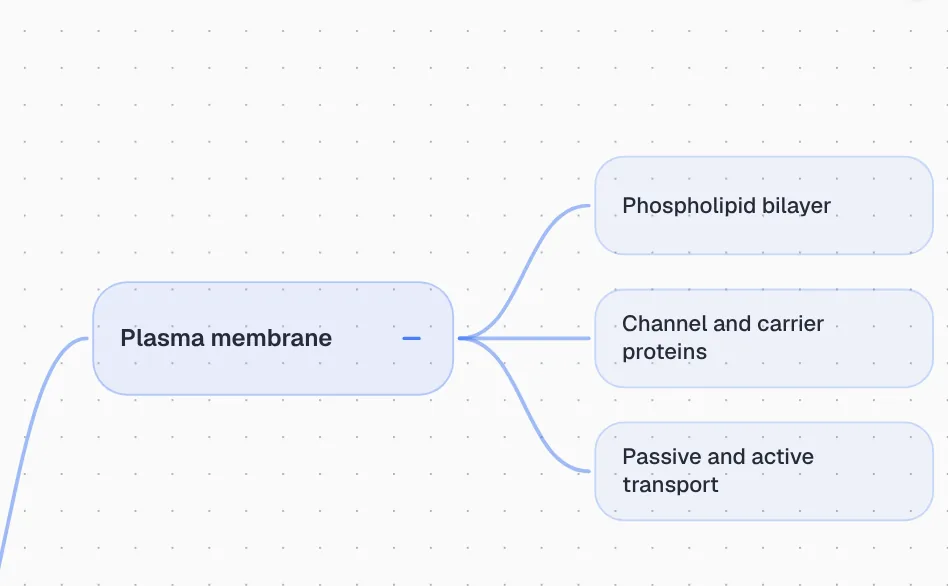
PocketNote generates the structure instead. From a chapter, a lecture recording or your own notes it builds a mind map with colour-coded branches, so you can follow a topic such as the plasma membrane down to the phospholipid bilayer, channel and carrier proteins, and passive and active transport. It is quicker when you need an overview of material you haven't organised yet, and it is a useful check against a map you built yourself.
From a canvas of notes to recall practice
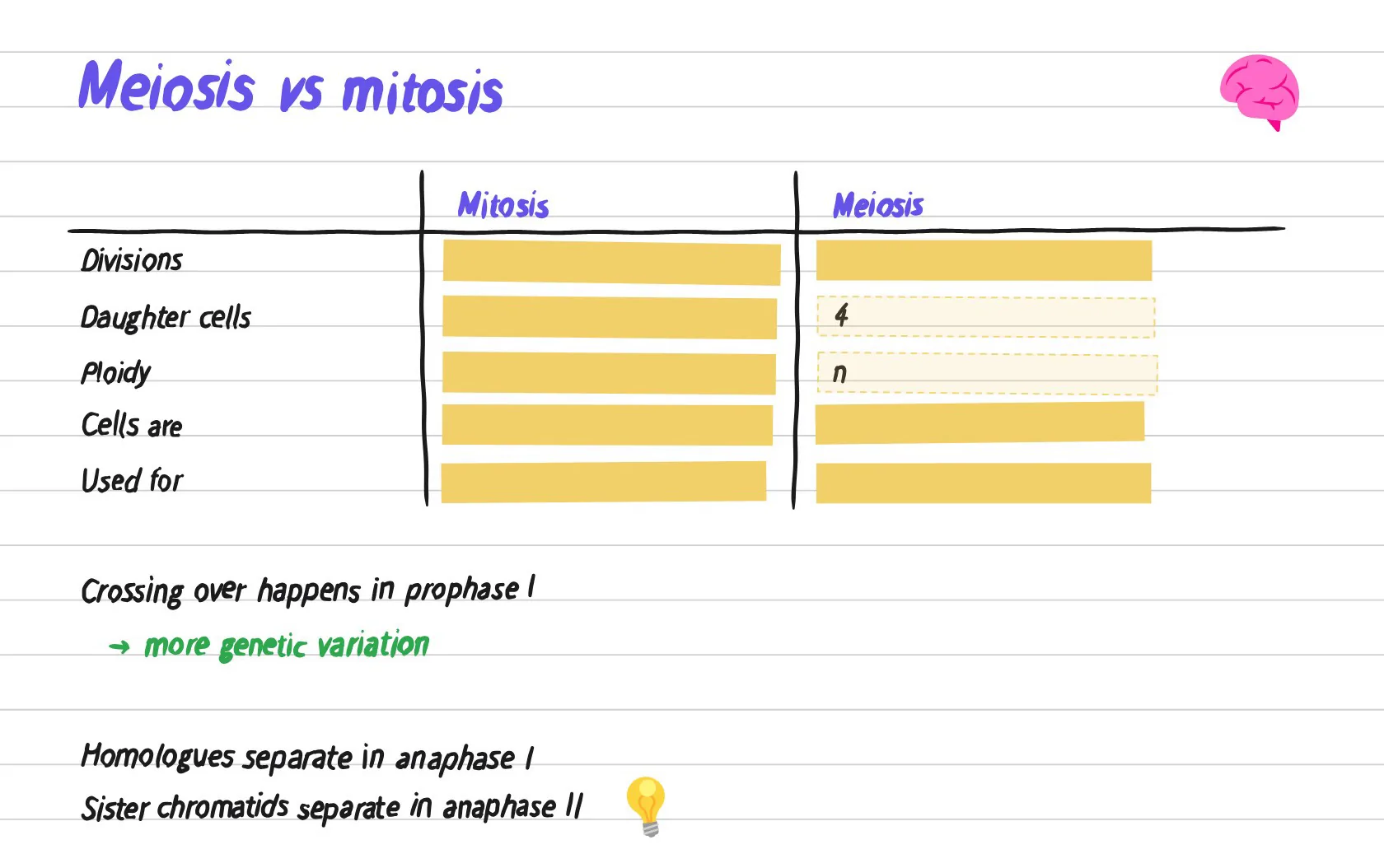
ZoomNotes doesn't advertise AI or study tools, and that is consistent with what it is: a canvas you control completely. The question for exam season is how you test yourself on everything you put on it. PocketNote's own canvas has a tape tool that hides answers on the page for exactly this.
PocketNote's answer is to generate the tests. From your notes it makes flashcards you rate Again, Hard, Good or Easy, which come back when you are about to forget them, and quizzes that explain why each option is right or wrong. The oral exam goes further: Prof. Poki asks questions out loud or in text and keeps probing until you can explain the idea in your own words, which is a good test of whether the structure you built has actually stuck.
Poki also answers questions from your material with citations, and it can look at a PDF page as you see it, including your handwriting and highlights, and highlight, underline or circle passages when you ask. One tap undoes its marks. Your files are not used to train public AI models.
Sound on the page, and audio you can revise from
ZoomNotes records and plays back sound, imports and exports MP3 files, and lets you place a recording on the page it relates to. Its App Store listing says recordings are now linked to drawing, and its site describes linked sound recording among the core features.
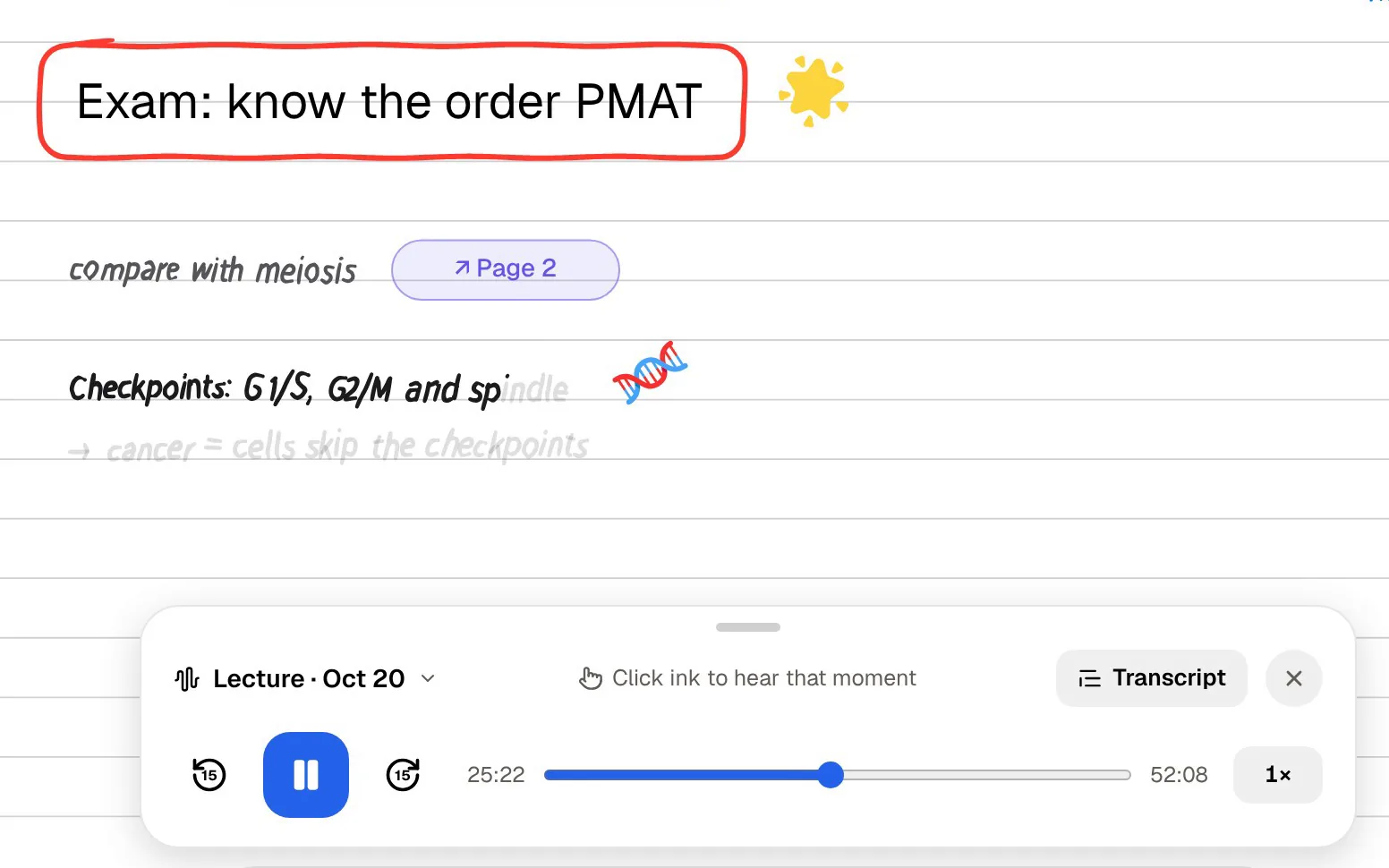
PocketNote's Note Replay records while you write on iPad and, when you play it back, shows the strokes you were writing at that moment. Its lecture recorder turns a class into audio, a transcript, a summary and notes. And it can give you audio back: an audio review is a podcast-style episode about your material, with captions that follow the voices, made for revising on a walk or a commute. Recordings you already have, including MP3 files exported from ZoomNotes, can be imported as audio.
Where ZoomNotes is the better choice
ZoomNotes does things PocketNote doesn't attempt, and for a certain kind of student it is the right home for notes. PocketNote's handwriting canvas is capable but much simpler.
- You want unlimited zoom, sub-pages within sub-pages and links between documents to build your own structure.
- You run your life from a digital planner that shows Calendar events and reminders.
- You present from your notes, with animated bookmarks, an external screen or exported video.
- You want image editing, layers with master layers and a reusable shape library inside your notes.
- You want a Mac app as well as iPad and iPhone, and prefer to pay up front rather than subscribe.
Paying once versus subscribing
ZoomNotes is sold as a paid app on the App Store, and ZoomNotes Lite is a free version with a fully working felt-tip pen whose other features, such as extra pens, sub-pages, sound recording and handwriting recognition, are in-app purchases. The developer notes that the full version is equivalent to Lite with all the in-app purchases. There is also ZoomNotes Desktop for Mac. The App Store shows current prices for your region.
PocketNote is free to start, with paid Basic (live voice, premium AI models and connectors) and Plus (unlimited notebooks, the longest podcasts and all models) plans; see pocketnote.app for current prices. Because ZoomNotes doesn't need a subscription, adding PocketNote's free plan for revision costs nothing extra until you decide the study tools are worth it.
Exporting from ZoomNotes into PocketNote
ZoomNotes shares documents as PDF files, images, videos or ZoomNotes documents, through email, AirDrop, iCloud Drive, Dropbox and other apps. PocketNote imports PDFs directly or from Google Drive, OneDrive or Dropbox, so the route is short: export the lectures you want to revise as PDF and add them to a course notebook alongside the slides and readings. PocketNote also takes Word and Excel files and YouTube and web links, so the rest of the course can sit in the same notebook.
Not everything carries over in a useful way. What arrives is a PDF of the pages you exported, so sub-page hierarchy and layers don't come across as such; export the levels you need to study from. Your handwriting comes across as part of each page, which Poki can read and turn into flashcards and quizzes. Keep ZoomNotes as the place where your notes live, and use PocketNote when the job changes from building to remembering.
The verdict
Which one should you pick?
Pick PocketNote if…
- You want your canvas of notes turned into flashcards with spaced repetition, explained quizzes and an oral exam.
- You want a study plan that decides what to revise each day before an exam.
- You want generated mind maps, audio reviews and an AI that answers from your own material.
Pick ZoomNotes if…
- You want unlimited zoom, sub-pages, links and layers to build your own structure.
- You plan your life in a linked digital planner with Calendar events.
- You present from your notes, use a Mac too, and prefer to pay once.
Try it yourself
See it with your own notes
PocketNote is an AI study app for iPhone, iPad and the web. Bring your handwritten notes, PDFs, slides, YouTube lectures and recordings, and Poki answers questions from them with citations. PocketNote also generates flashcards with spaced repetition, quizzes with explanations, an oral exam, mind maps, audio reviews and a study plan to your exam date.
If ZoomNotes holds your notes, export a few lectures as PDF and see what PocketNote builds from them. It is free to start.
Frequently asked questions
Sources
Keep reading